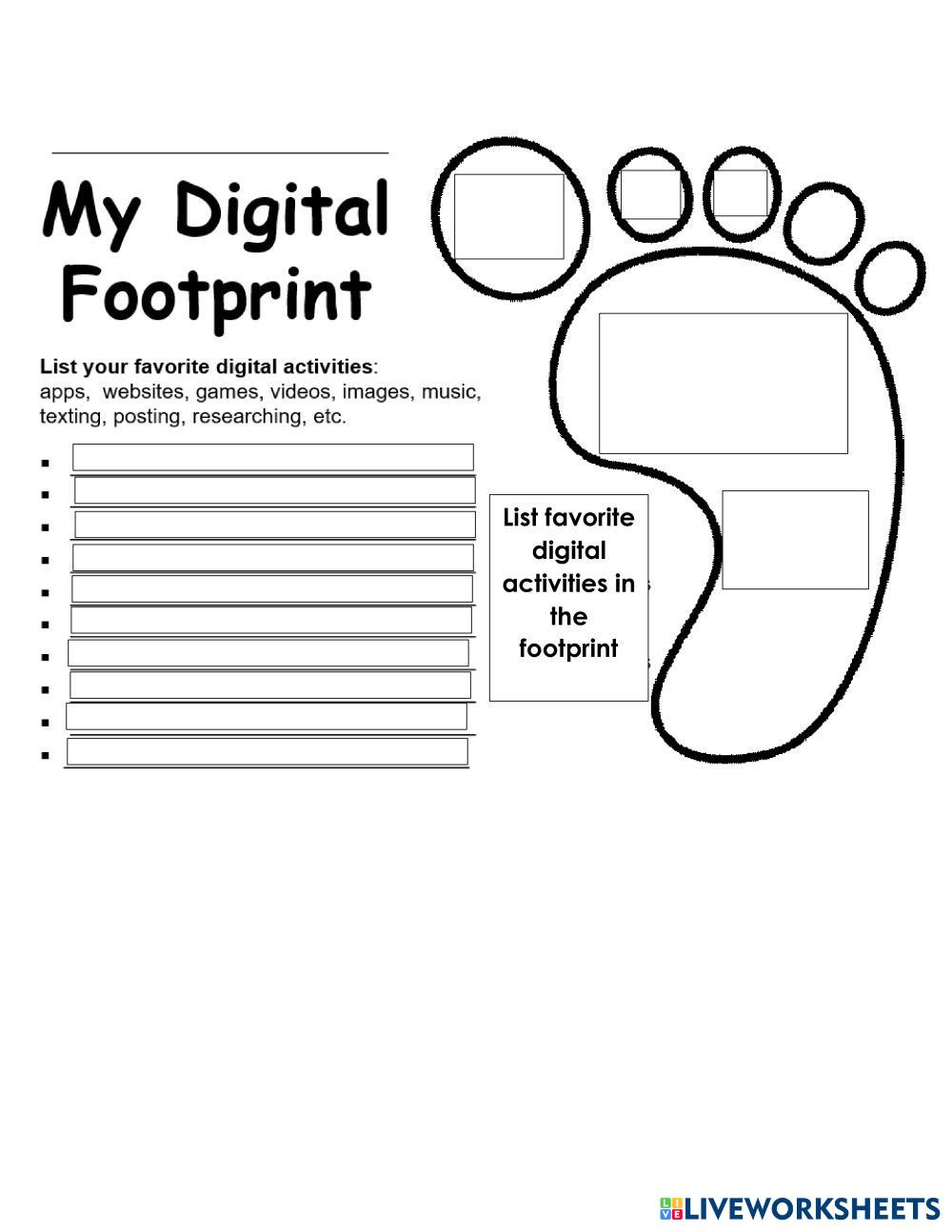
Why Teaching Online Reputations Early Through Creative Art Matters
Introducing foundational internet safety concepts to young children requires blending visual aids with hands-on learning. When educators and parents use a free digital footprint coloring page kids activities become approachable rather than intimidating. According to guidance from organizations like ConnectSafely and the Family Online Safety Institute (FOSI), young learners begin interacting with connected tablets and gaming platforms long before they fully grasp that their online actions leave permanent traces. By incorporating creative resources from our collection of Coloring Pages, adults can spark meaningful conversations about personal privacy, digital footprints, and what it means to leave a positive mark online before children encounter complex social media environments.
💡 Activity Key Takeaways:
- Core Focus: Printable Free Digital Footprint Coloring Page Kids designed for creative expression and fine-motor coordination.
- Target Scope: Ideal for toddlers, preschool, kindergarten, and classroom art activities.
- Best Recommendation: Use standard heavy printer paper (24–28 lb) or cardstock for vibrant results with crayons, colored pencils, or washable markers.
Risk Signals and Preventive Guardrails for Young Internet Users
Protecting children online requires a balanced approach that combines technical network safeguards with observant behavioral oversight. Adults must monitor both home networks and school-issued devices to catch accidental oversharing early. Reviewing the common vulnerabilities and practical guardrails outlined below helps parents and teachers establish a secure digital perimeter for students. Related guide: Two Factor Authentication Coloring Page Kids.
| Setting / Context | Common Vulnerability | Practical Safeguard |
|---|---|---|
| Home Tablets & Phones | Unrestricted app downloads and location sharing enabled by default on personal devices. | Lock down app store permissions with a master PIN and disable geolocation services for non-essential games. |
| School Chromebooks | Students typing full names, home towns, or school names into public gaming chat boxes. | Enforce strict classroom policies and utilize filtered browsing tools aligned with CISA educational frameworks. |
| Messaging & Multiplayer Chat | Peer pressure to share personal details or photos with strangers in gaming lobbies. | Turn off voice and text chat features entirely in multiplayer games designed for young children. |
Building Everyday Digital Habits at Home and in the Classroom
Sustainable online safety relies on predictable, daily routines rather than one-time warnings. Educators and parents can reinforce concepts introduced by a digital footprint coloring sheet by establishing transparent tech boundaries. Designate a central charging station in the family kitchen or classroom storage area where all devices must rest overnight to prevent late-night unsupervised browsing. Furthermore, integrate lessons from our Internet and Digital Safety hub to teach children how to evaluate what information is safe to share. Create a reporting protocol free of harsh discipline so that if a child accidentally shares personal data or encounters something unsettling online, they feel comfortable immediately coming forward to an adult.
Overly strict bans and punitive rules often backfire, driving children to find clever workarounds like using incognito windows or peer-to-peer hotspots. Instead of reacting with anger when a child tests boundaries, treat these moments as teachable opportunities. When discussing a free digital footprint coloring page kids can easily grasp the concept that once paint touches paper, it cannot be erased—just like words or photos posted to the internet. Pair technical filters with empathetic, open-ended questions like, “What would you do if a game asked for your real name?” This proactive dialogue builds critical thinking skills and ensures children view adults as helpful guides rather than adversaries.
Frequently Asked Questions About Early Digital Citizenship Education
At what age should I introduce concepts like digital footprints to children?
Children as young as kindergarten or first grade can begin learning basic digital citizenship concepts. Using creative drawing activities helps translate abstract online concepts into concrete, understandable lessons about privacy and kindness.
How do I explain a digital footprint using a coloring page?
You can compare coloring outside the lines or leaving paint smudges on a clean page to leaving permanent information online. Discuss how every click, photo, and message stays attached to their digital identity just like ink on paper.
Are printable coloring sheets enough to keep kids safe online?
Printable sheets are wonderful educational icebreakers, but they must be paired with technical safeguards like content filters, router controls, and ongoing adult supervision to ensure comprehensive protection.
Explore More Digital Citizenship Resources
Empowering the next generation of digital citizens requires continuous learning, updated tools, and age-appropriate lesson plans. Visit SafeWiredSchools.org to discover expert-backed guides, interactive activities, and comprehensive safety strategies tailored for modern families and educators.
Printable Coloring Page Previews