Why Creative Agreements Lay the Groundwork for Lifelong Digital Wellness
Introducing foundational internet safety rules to young children often feels like an uphill battle of dry lectures and misunderstood technical jargon. When adults shift the approach using an internet safety contract coloring activity, abstract concepts like private data, cyberbullying, and screen time limits transform into tangible, collaborative art projects. Organizations like ConnectSafely and the Family Online Safety Institute (FOSI) emphasize that early digital literacy is most effective when adults and children co-create boundaries rather than imposing rigid decrees. By sitting down with crayons, pencils, and a printable pledge, parents and educators bridge the gap between technical rules and child-friendly understanding. Related guide: Please Provide Free 8.5″X11″ Digital Safety Coloring Pages For K-2 Grade.
💡 Activity Key Takeaways:
- Core Focus: Printable Internet Safety Contract Coloring Activity designed for creative expression and fine-motor coordination.
- Target Scope: Ideal for toddlers, preschool, kindergarten, and classroom art activities.
- Best Recommendation: Use standard heavy printer paper (24–28 lb) or cardstock for vibrant results with crayons, colored pencils, or washable markers.
Technical Risk Signals and Age-Appropriate Preventive Guardrails
Protecting K-12 students requires pairing household communication with proper technical configurations. Understanding where risks typically emerge helps adults tailor their Internet and Digital Safety strategies before unsupervised browsing leads to trouble. Review the comparison breakdown below to align your home device rules with standard school district cyber policies.
| Setting / Context | Common Vulnerability | Practical Safeguard |
|---|---|---|
| Home Tablets & Smartphones | Unmonitored app downloads and accidental in-app purchases. | Require adult password authentication for all new app installations and configure strict content filters. |
| School Chromebooks | Bypassing web extensions or accessing unapproved communication tools. | Rely on district-issued filtering software and maintain open dialogue about classroom digital citizenship rules. |
| Multiplayer Chat & Gaming | Interacting with unverified strangers through in-game voice or text chat. | Disable public chat features entirely or restrict communication strictly to approved friends list contacts. |
Actionable Steps for Crafting and Signing Your Classroom or Family Pledge
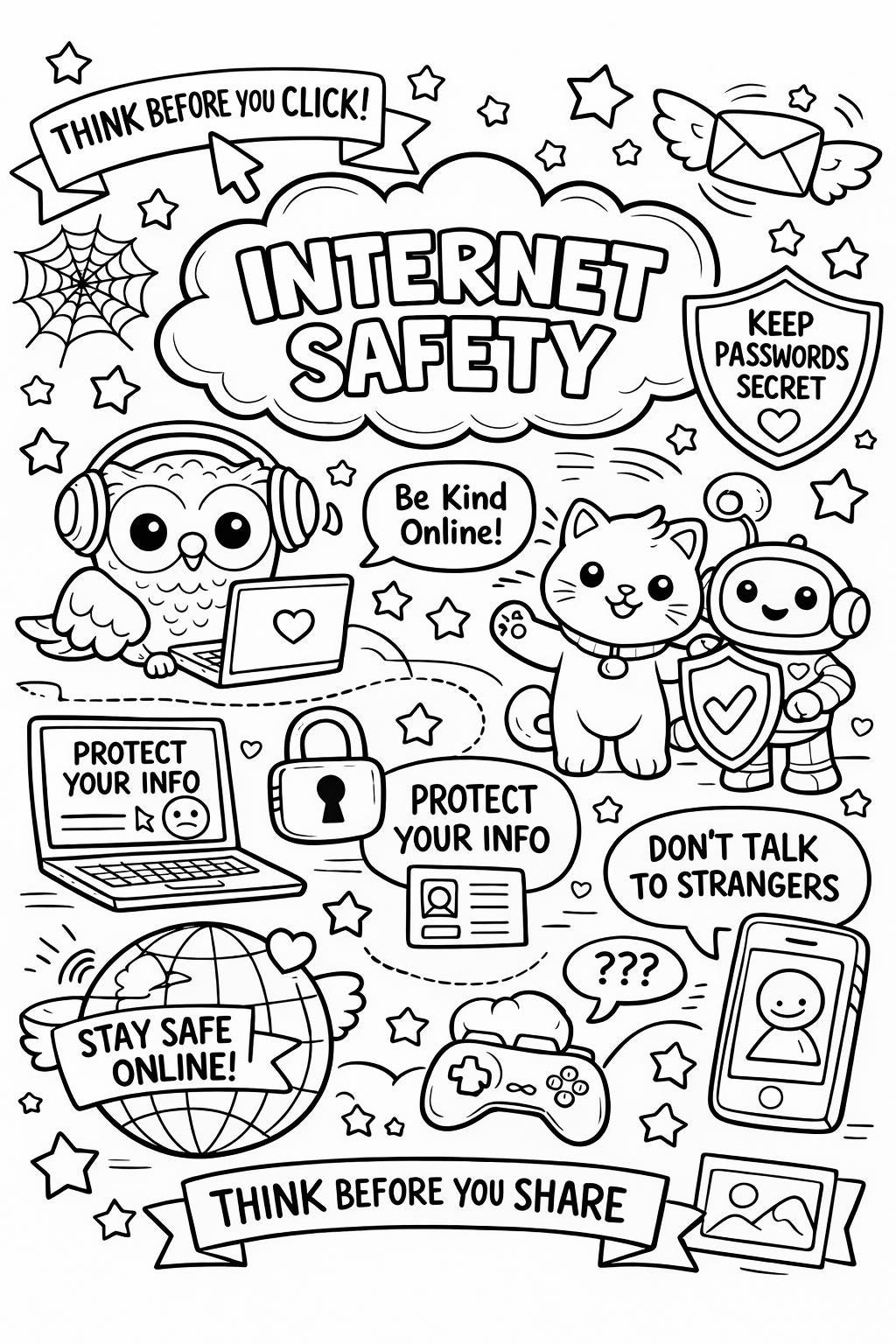
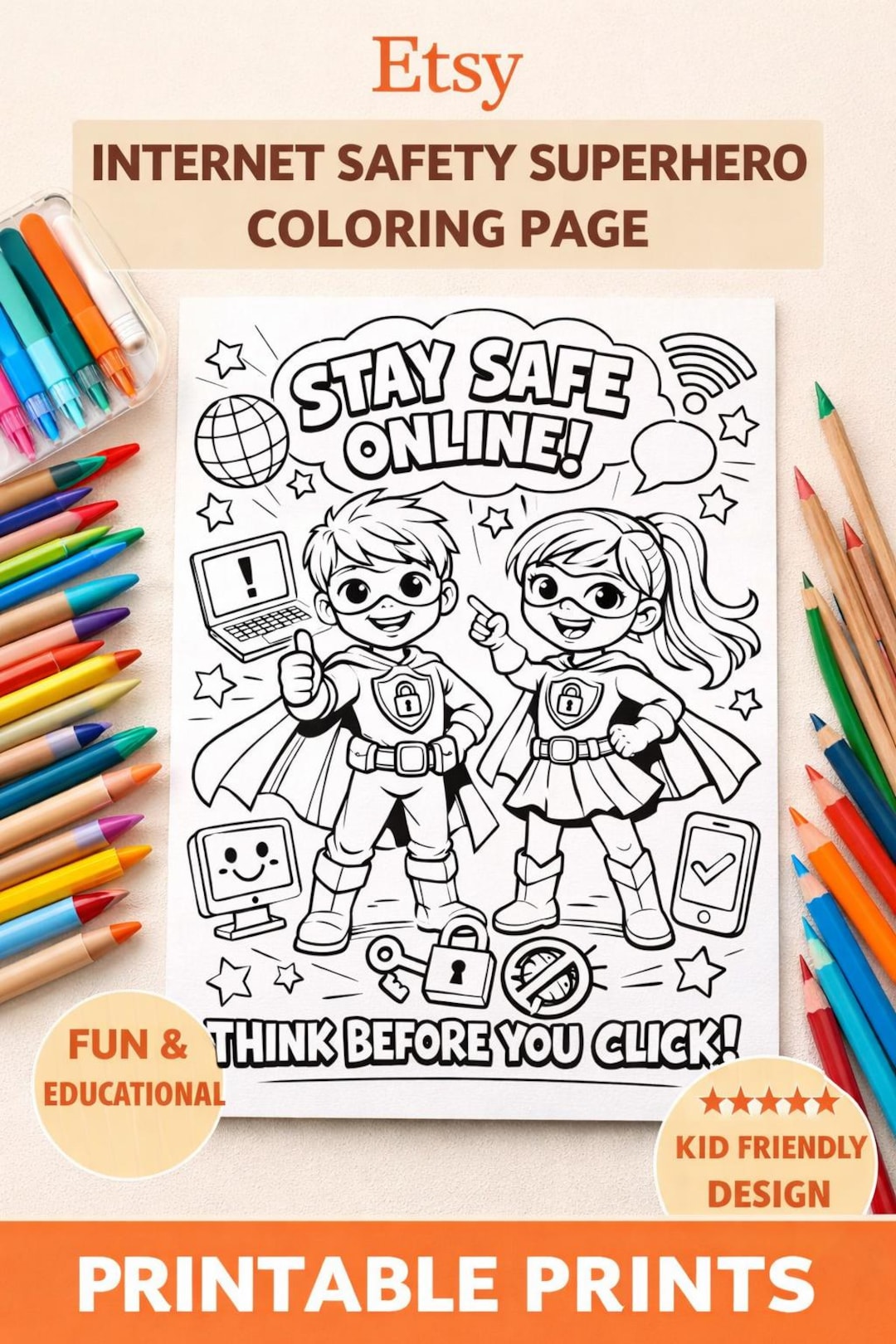
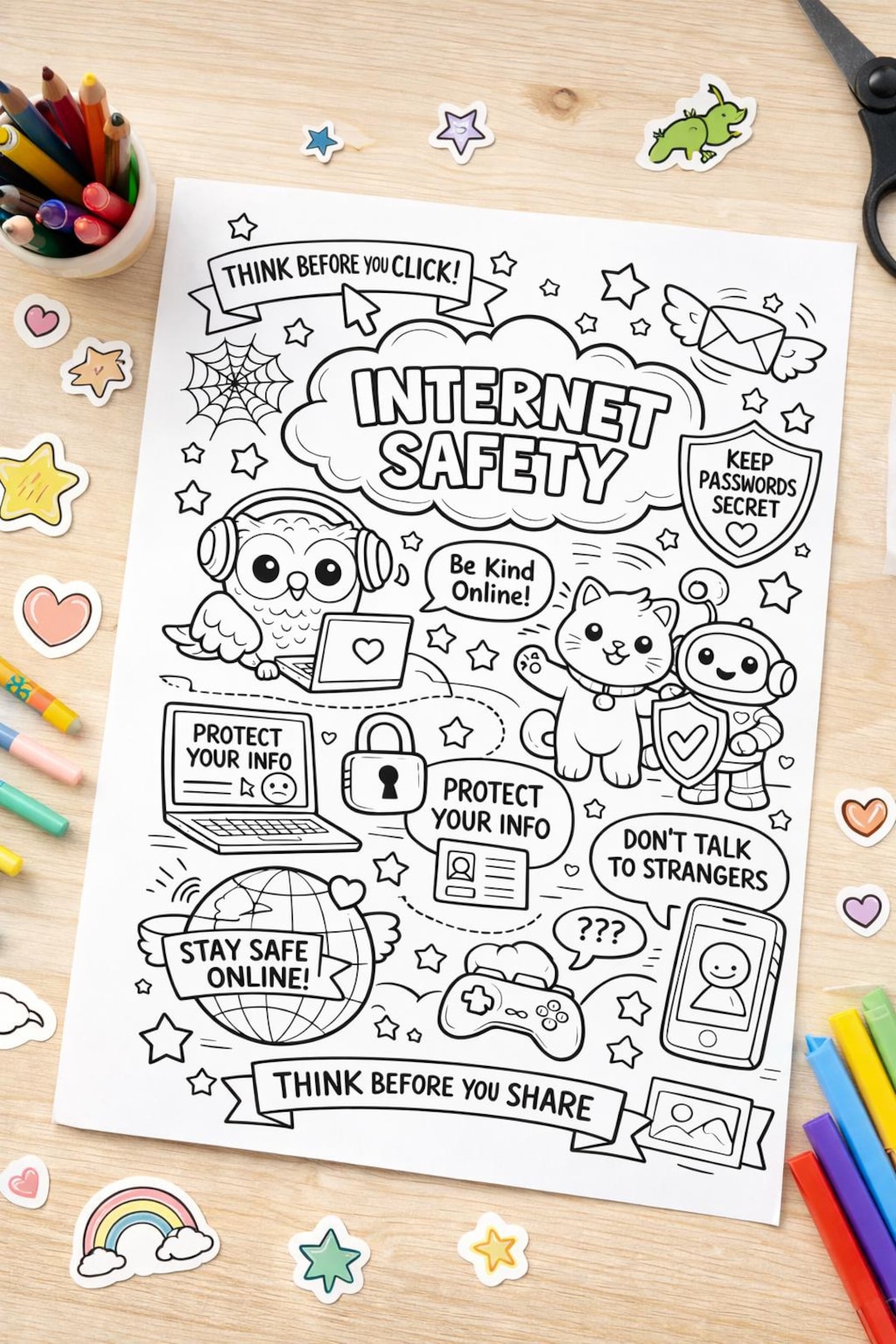
Transforming a standard agreement into a memorable rite of passage involves a clear workflow that engages younger learners without overwhelming them. Start by printing out creative Coloring Pages that feature core internet safety icons, such as a secure padlock, a trusted adult mentor, or a friendly robot representing digital devices. As children color each section, pause to discuss what that specific rule means in everyday practice. Establish a central charging station in a common household area where all phones, tablets, and handheld devices rest overnight to encourage healthy sleep habits. Finally, have both the student and the adult sign the finished piece of art, framing it near the computer desk or classroom tech station as a proud, visual reminder of their mutual digital safety commitments.
Children naturally test boundaries, and even the most beautifully colored pledge will occasionally meet resistance when screen time limits are enforced or inappropriate content is blocked. According to guidance from the Cybersecurity and Infrastructure Security Agency (CISA) regarding youth digital hygiene, punitive reactions to online mistakes often drive kids into secrecy. If a student encounters something upsetting online or accidentally breaks a rule, your immediate response must be calm and approachable. Instead of immediately confiscating devices—which teaches children to hide future digital distress—validate their honesty, review the rules outlined in your safety agreement together, and problem-solve constructive ways to handle similar situations moving forward.
Frequently Asked Questions About Creative Digital Safety Pledges
What age group benefits most from an internet safety contract coloring activity?
This hands-on approach is specifically designed for early elementary and primary school students in grades K through 3. At this developmental stage, visual art and coloring help anchor abstract digital rules into concrete, memorable behaviors.
How can teachers incorporate these safety pledges into a busy lesson plan?
Educators can integrate coloring worksheets into library media sessions, computer lab orientations, or digital citizenship week celebrations. It serves as a gentle, low-pressure introduction before students begin utilizing classroom laptops or tablets.
Should older elementary students use the same coloring contract?
While third and fourth graders may prefer written or text-based pledges from our Worksheets archive, younger siblings or mixed-age classrooms can still use coloring elements to spark collaborative family discussions about online kindness.
Explore More Digital Citizenship Resources
Empowering children to navigate the digital world safely is an ongoing partnership between educators and families. Discover additional printable tools, lesson plans, and guidance by visiting SafeWiredSchools.org to keep your school community connected and secure.
Printable Coloring Page Previews