Why Body Boundaries and Free Printable Safe Touch Coloring Sheeggt Sheets Matter for Early Learners
In today’s hyper-connected environment, young children encounter digital screens, educational games, and messaging features far earlier than previous generations. Protecting students requires a two-pronged approach: safeguarding their online interactions through robust technical filters and empowering them offline with bodily autonomy vocabulary. By integrating physical safety concepts with digital citizenship lessons, educators and parents can lay a strong foundation for personal protection. Organizations like ConnectSafely and the Family Online Safety Institute (FOSI) consistently emphasize that early, gentle discussions about personal boundaries help children recognize inappropriate behavior, whether it occurs in a physical playground or through a connected gaming chat lobby.
💡 Activity Key Takeaways:
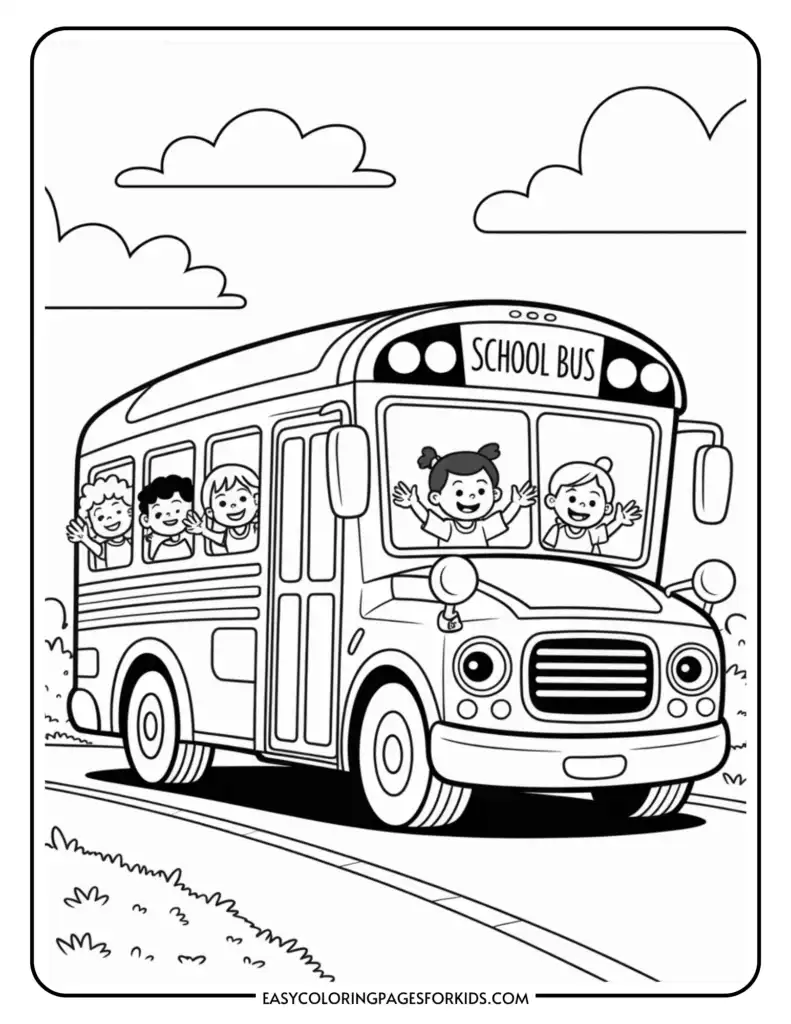
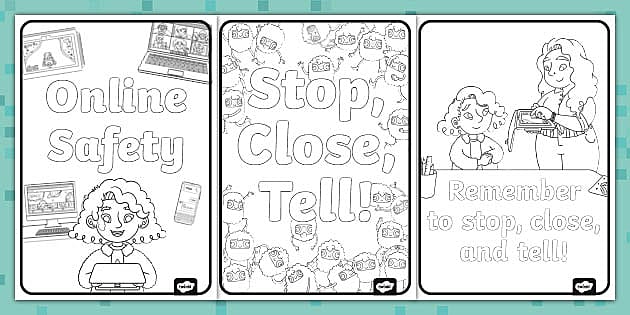
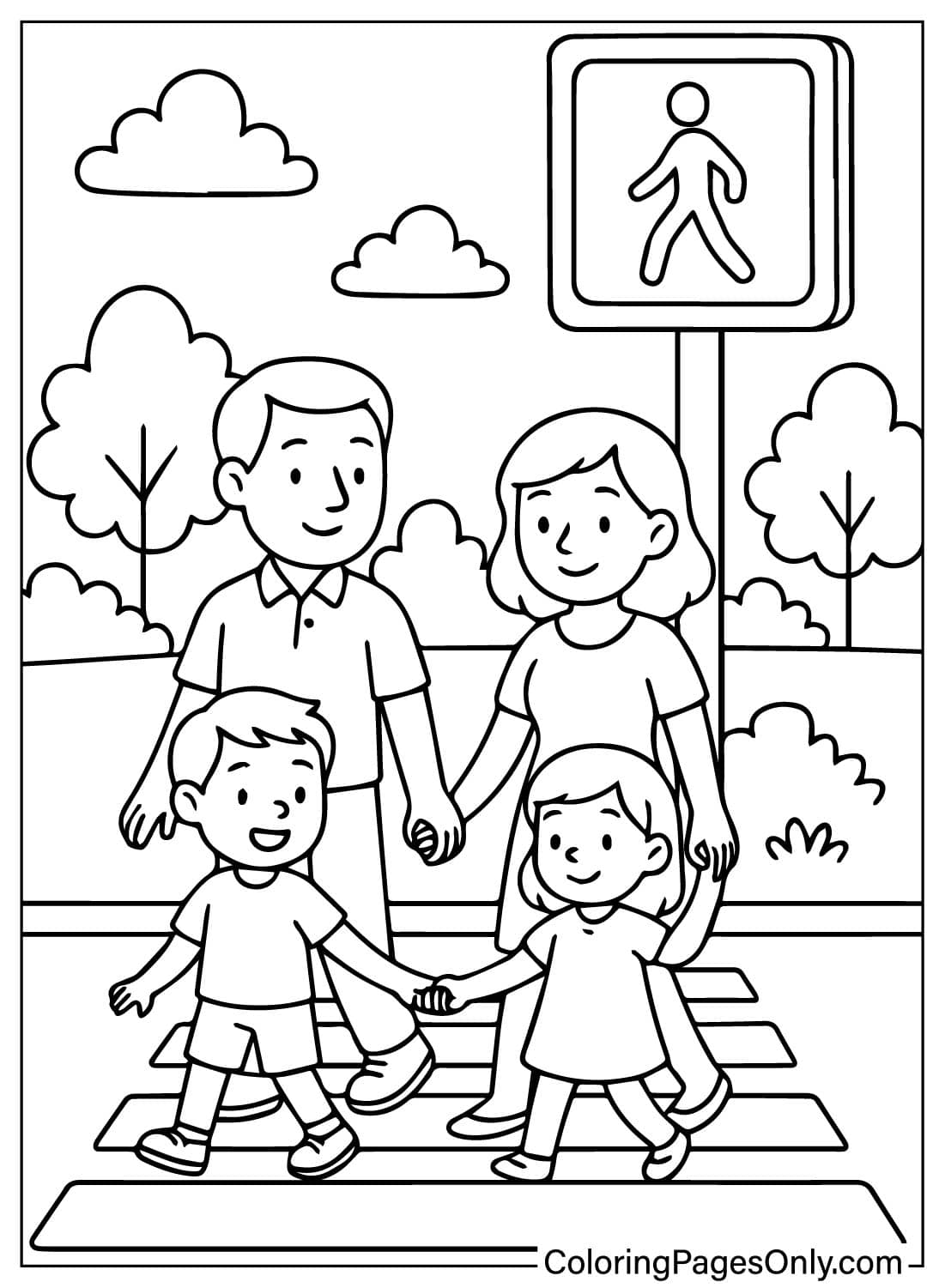
- Core Focus: Printable Free Printable Safe Touch Coloring Sheeggt Sheets designed for creative expression and fine-motor coordination.
- Target Scope: Ideal for toddlers, preschool, kindergarten, and classroom art activities.
- Best Recommendation: Use standard heavy printer paper (24–28 lb) or cardstock for vibrant results with crayons, colored pencils, or washable markers.
Assessing Vulnerabilities: Risk Signals and Preventive Guardrails
Navigating student safety requires adults to monitor both technical device configurations and behavioral shifts. Children often struggle to articulate discomfort when exposed to peer pressure, inappropriate content, or unwanted online contacts. The breakdown below outlines key risk signals across various environments alongside practical safeguards that educators and families can implement immediately. Related guide: Two Factor Authentication Coloring Page Kids.
| Setting / Context | Common Vulnerability | Practical Safeguard |
|---|---|---|
| Home Tablets & Phones | Unrestricted app store downloads and unmonitored video streaming platforms exposing children to strangers. | Enable strict parental controls, lock app store purchases with a secure PIN, and review our Internet and Digital Safety guides. |
| School Chromebooks | Accidental navigation to inappropriate websites or unmonitored peer-to-peer image sharing during independent work blocks. | Verify that district-wide web filters are active, and utilize printable resources such as Worksheets to reinforce acceptable tech use offline. |
| Multiplayer Chat Lobbies | Direct messaging features in gaming apps where unknown users might test personal boundaries or ask for private information. | Disable text and voice chat features for young users, establish a central household charging station, and explore creative tools found in Coloring Pages to discuss safe interactions. |
Actionable Habits and Routine Workflows for Families and Classrooms
Effective digital citizenship and personal safety education rely on consistency rather than one-time warnings. Schools can establish clear, communicative classroom policies where children know they can report uncomfortable digital moments without fear of losing device privileges. At home, families should establish calm communication routines. For example, sitting down together with crayons and activity sheets creates a relaxed, non-threatening environment to discuss who is allowed to touch them, what private body parts mean, and why secrets about online activities should never be kept from trusted adults. Pairing these physical safety talks with device rules—such as keeping screens in common areas like the kitchen or living room—ensures adults remain aware of what content children consume.
Overcoming Resistance and Managing Student Workarounds
Children are naturally curious and tech-savvy, often discovering ways to bypass standard parental controls or erase browser history when they stumble upon something confusing or scary. When adults react with anger or immediate bans, children often withdraw, hiding future uncomfortable encounters out of fear of punishment. Instead, educators and parents must maintain a calm, approachable demeanor. If a child manages to bypass a filter or encounters an upsetting message online, use the moment as a teachable check-in. Validate their willingness to come forward, review safety guardrails together, and explain why technical controls exist to protect their well-being.
Frequently Asked Questions About Safety Tools and Conversations
How can creative activities reinforce digital and physical safety for young children?
Visual and tactile activities allow young minds to process abstract concepts like personal space and internet boundaries at their own developmental pace. Utilizing guided art projects helps children identify trusted adults and practice saying no in uncomfortable scenarios.
What age-appropriate device controls should parents implement first?
Start by restricting app downloads, turning off direct messaging features in casual games, and setting up safe-search parameters on all web browsers. Keeping devices in common household areas acts as your best line of defense.
How can teachers address online safety without frightening students?
Frame digital citizenship around positive habits, teamwork, and empowering choices rather than fear-based warnings. Emphasize that adults are always available to help solve tricky or uncomfortable online situations.
Explore More Digital Citizenship Resources
Empowering children to navigate both physical spaces and digital environments safely requires ongoing education, collaborative communication, and reliable tools. Continue exploring practical guides, lesson plans, and safety frameworks by visiting SafeWiredSchools.org.
Printable Coloring Page Previews