Why Blending Physical Awareness with Free Community Safety Signs Worksheets Protects Kids Online
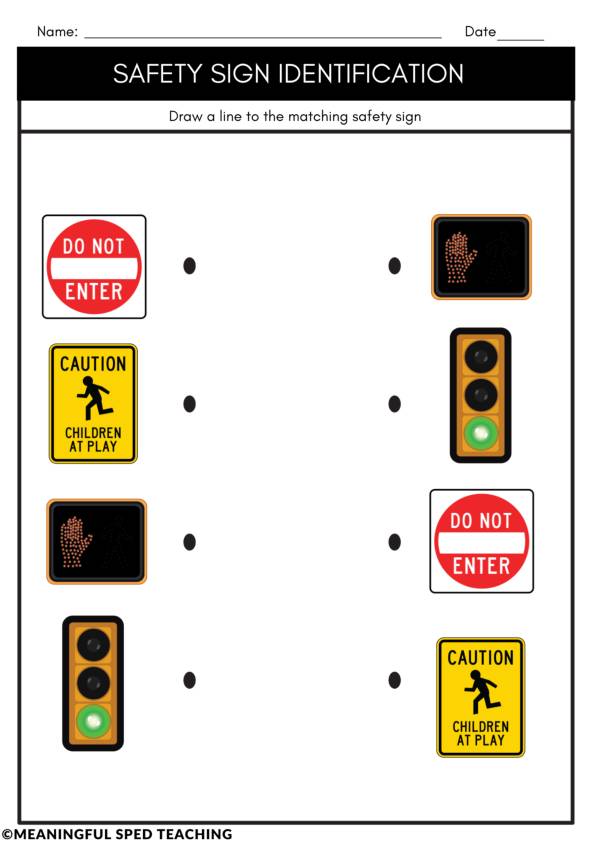
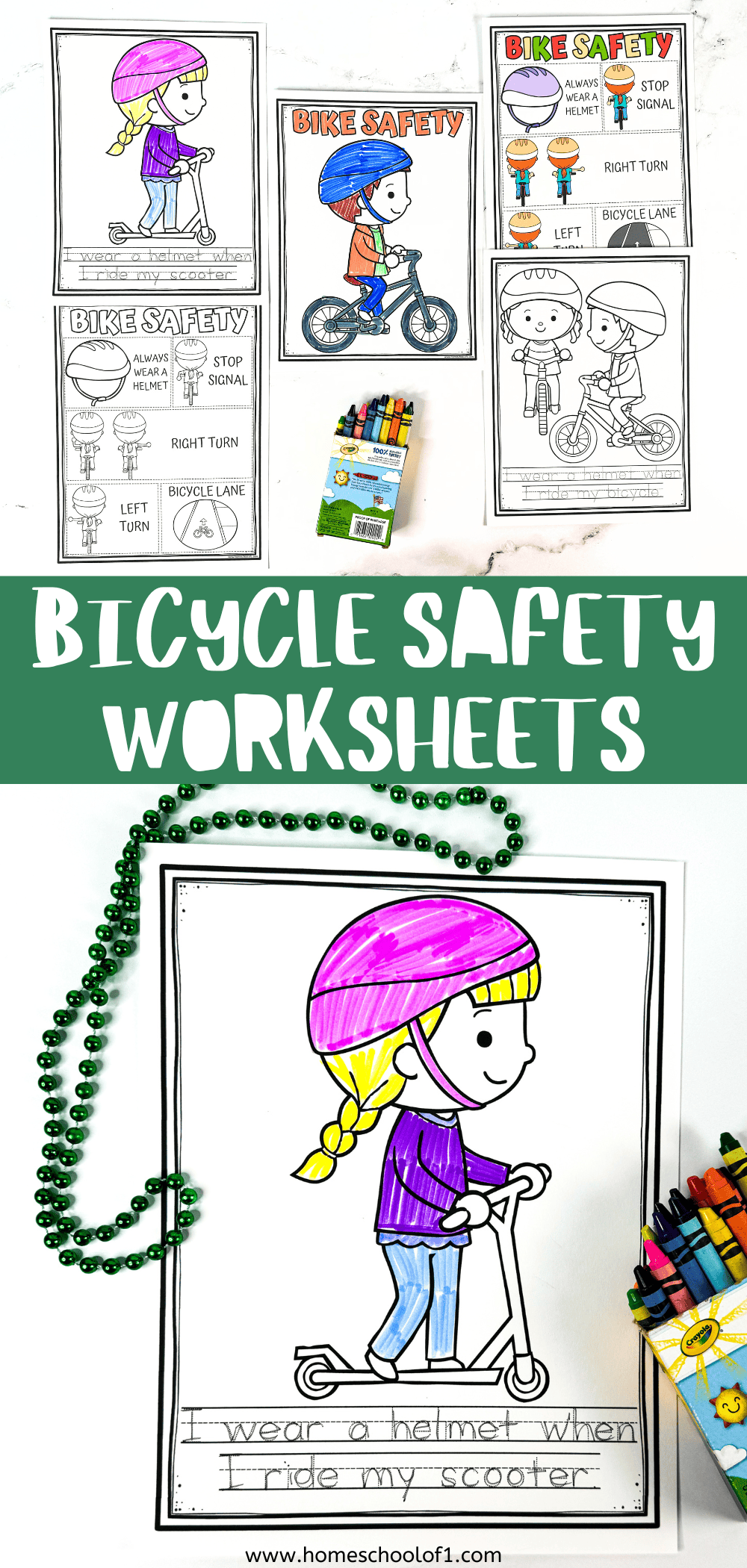
When educators and parents think about digital citizenship, online protection, and device management, they usually picture screen filters, chat monitors, and privacy settings. However, real-world situational awareness deeply influences how children navigate digital environments. Incorporating free community safety signs worksheets into learning routines helps young learners recognize boundary markers, warning symbols, and authoritative guidance both offline and online. Organizations like ConnectSafely and the Family Online Safety Institute emphasize that digital literacy begins with foundational cognitive skills—such as interpreting visual cues, recognizing warning signals, and knowing when to pause. By bridging physical safety concepts with digital boundaries, we teach children how to spot red flags before clicking suspicious links or interacting with unverified users.
💡 Educational Key Takeaways:
- Core Skill: Structured Free Community Safety Signs Worksheets focused on developing pencil grip, stroke control, and early literacy/math confidence.
- Target Scope: Suited for homeschoolers, preschool, kindergarten, and elementary learners.
- Best Recommendation: Practice 10–15 minutes daily with ergonomic writing tools to reinforce muscle memory without hand fatigue.
Evaluating Device Risks and Guardrails Across Home and School Environments
Children interact with tablets, laptops, and gaming consoles across multiple locations, making consistent supervision vital. Technical controls alone cannot stop every threat, so educators and parents must align their monitoring strategies. The breakdown below details common vulnerabilities across different environments and outlines the concrete safeguards required to maintain a secure digital ecosystem. Related guide: Credible Sources For Kids.
| Setting / Context | Common Vulnerability | Practical Safeguard |
|---|---|---|
| Home Tablets & Phones | Unrestricted app downloads and accidental in-app purchases | Enable device-level parental controls, lock app store purchases with a PIN, and review downloaded material weekly. |
| School Chromebooks | Bypassing network filters via proxy extensions or shared logins | Coordinate with IT departments to audit browser extensions regularly and review our Internet and Digital Safety guides for district policies. |
| Social Media & Multiplayer Chat | Direct messages from unknown accounts requesting personal information | Set all profile visibility to private, disable direct messaging with strangers, and practice calm communication so kids report suspicious contacts immediately. |
Actionable Protocols and Routines for Safe Device Use
Establishing predictable daily routines removes guesswork and lowers anxiety for both kids and adults. Schools can integrate lessons by printing activities from our Worksheets archive to spark classroom discussions about digital caution. At home, families should establish a centralized charging station in a common living area, meaning all smartphones and tablets are tucked away before bedtime. Furthermore, adults should model healthy device habits by stepping away from screens during family meals. When children see trusted adults respecting boundaries, they are far more likely to embrace device limits without argument. Always pair these physical routines with open reporting workflows, ensuring that kids know they can come forward if they encounter cyberbullying or disturbing pop-ups without fear of losing their device privileges.
Overcoming Student Workarounds and Handling Digital Pushback
Children are remarkably resourceful when trying to bypass strict restrictions, whether they are using developer modes on school-issued laptops or trading passwords with peers. Overly draconian bans often backfire, driving risky behavior underground where adults cannot see it. Instead of relying solely on heavy-handed blocks, pair your technical filters with transparent conversations explaining *why* certain sites or apps are restricted. Reference guidance from CISA regarding network security and explain that rules exist to protect their personal data, identity, and mental well-being. When students understand the reasoning behind a policy, they transition from sneaky rule-breakers to active participants in their own digital safety.
Frequently Asked Questions About Integrating Safety Signs and Digital Literacy
At what age should children start learning digital citizenship and safety concepts?
Foundational concepts can begin as early as kindergarten using visual tools and hands-on activities. Simple recognition tasks help young children understand boundaries long before they receive their first independent smartphone or tablet.
How do offline safety signs relate to internet and device safety?
Both physical warning signs and digital pop-ups serve the exact same purpose: signaling potential danger, stopping impulsive actions, and directing individuals toward secure zones. Training the brain to spot symbols of caution in the physical world strengthens critical thinking online.
What is the best way to handle a situation where a child encounters inappropriate online content?
Stay calm, validate their honesty for coming to you, and ensure they know they are not in trouble. Use the moment to review device settings together and reinforce your open-door communication policy.
Explore More Digital Citizenship Resources
Keeping kids safe in a hyper-connected world requires ongoing education, adaptable strategies, and reliable resources for parents and teachers alike. Dive deeper into our comprehensive library of articles, expert tips, and downloadable tools by visiting SafeWiredSchools.org today.
Worksheet Previews & Reference Materials