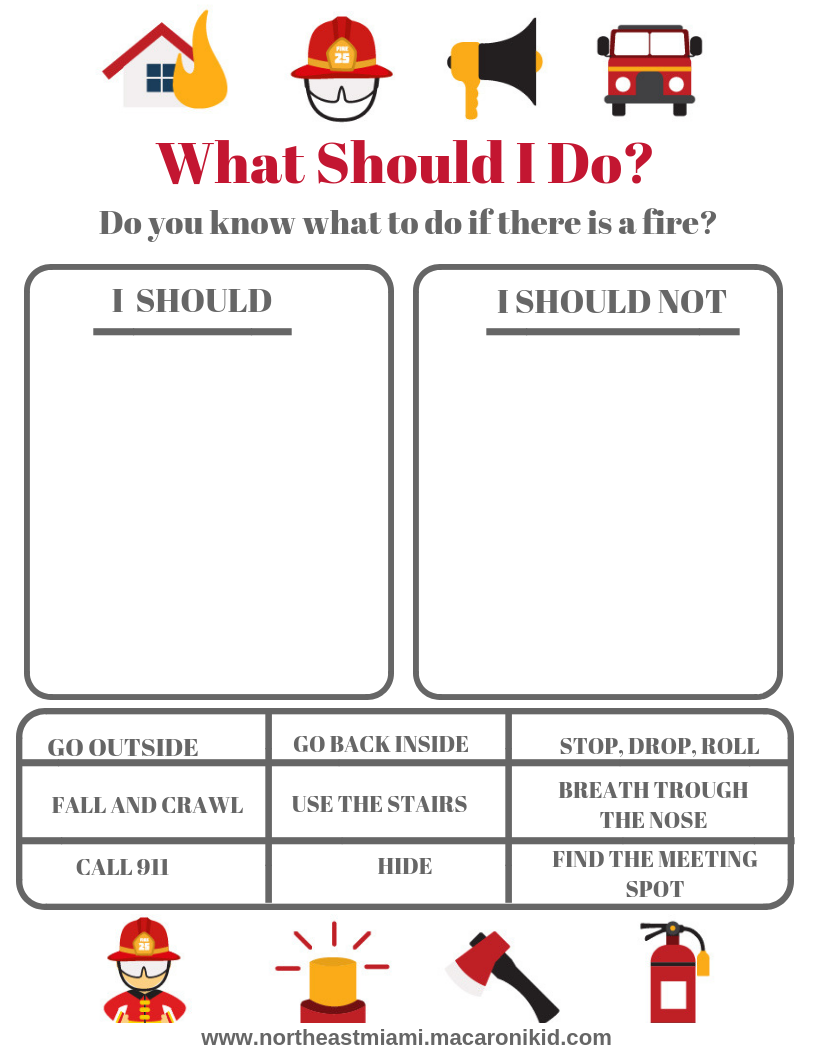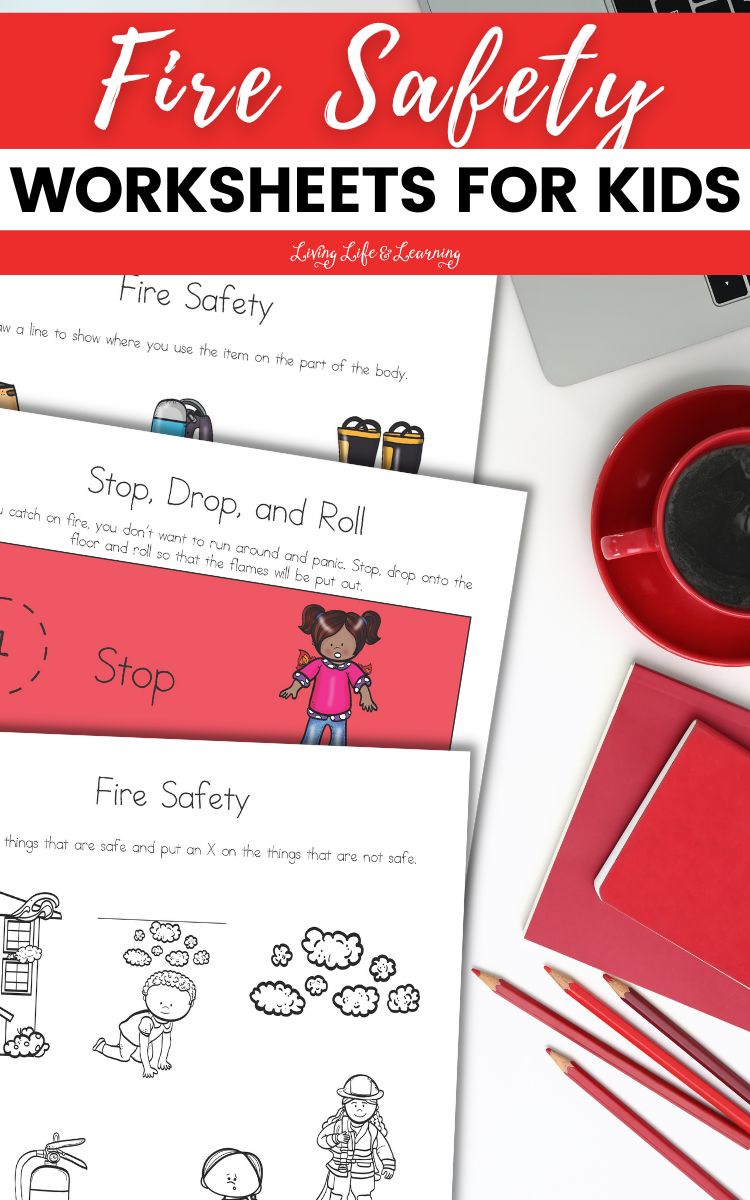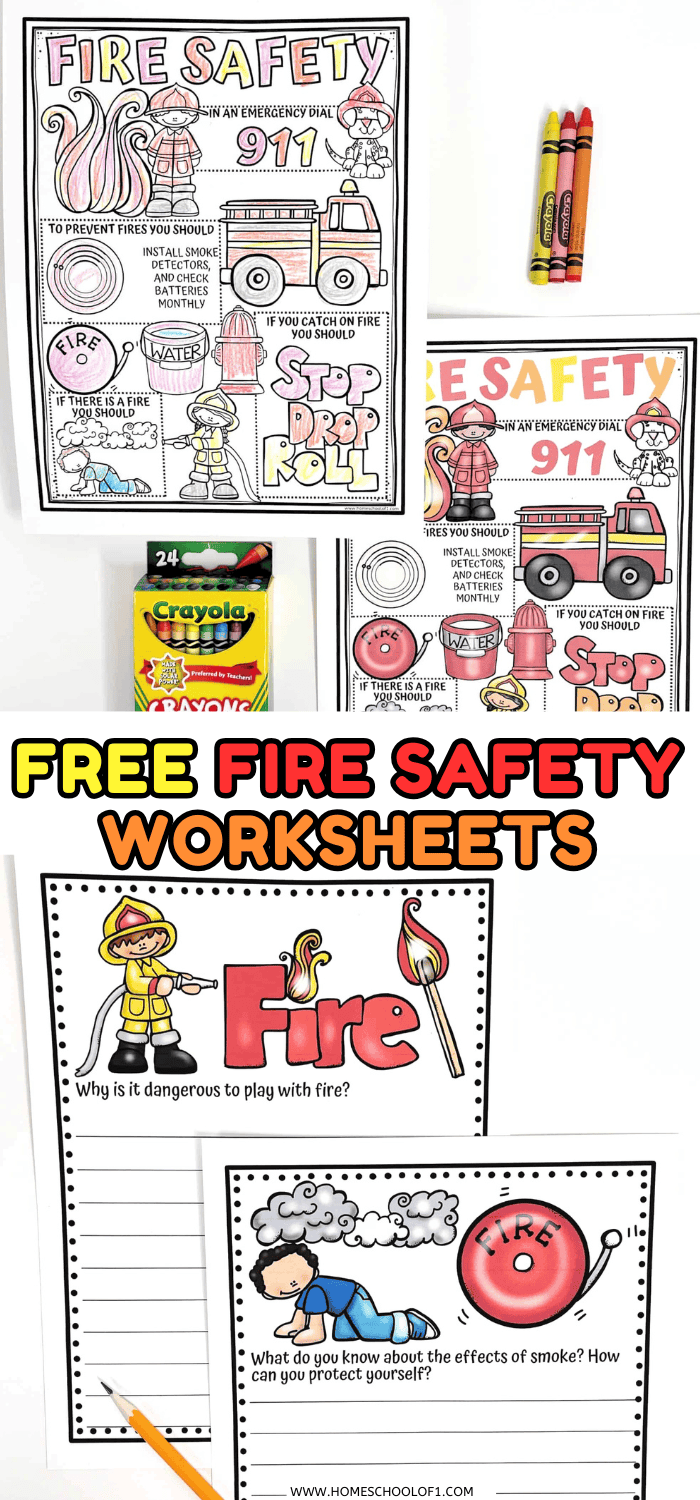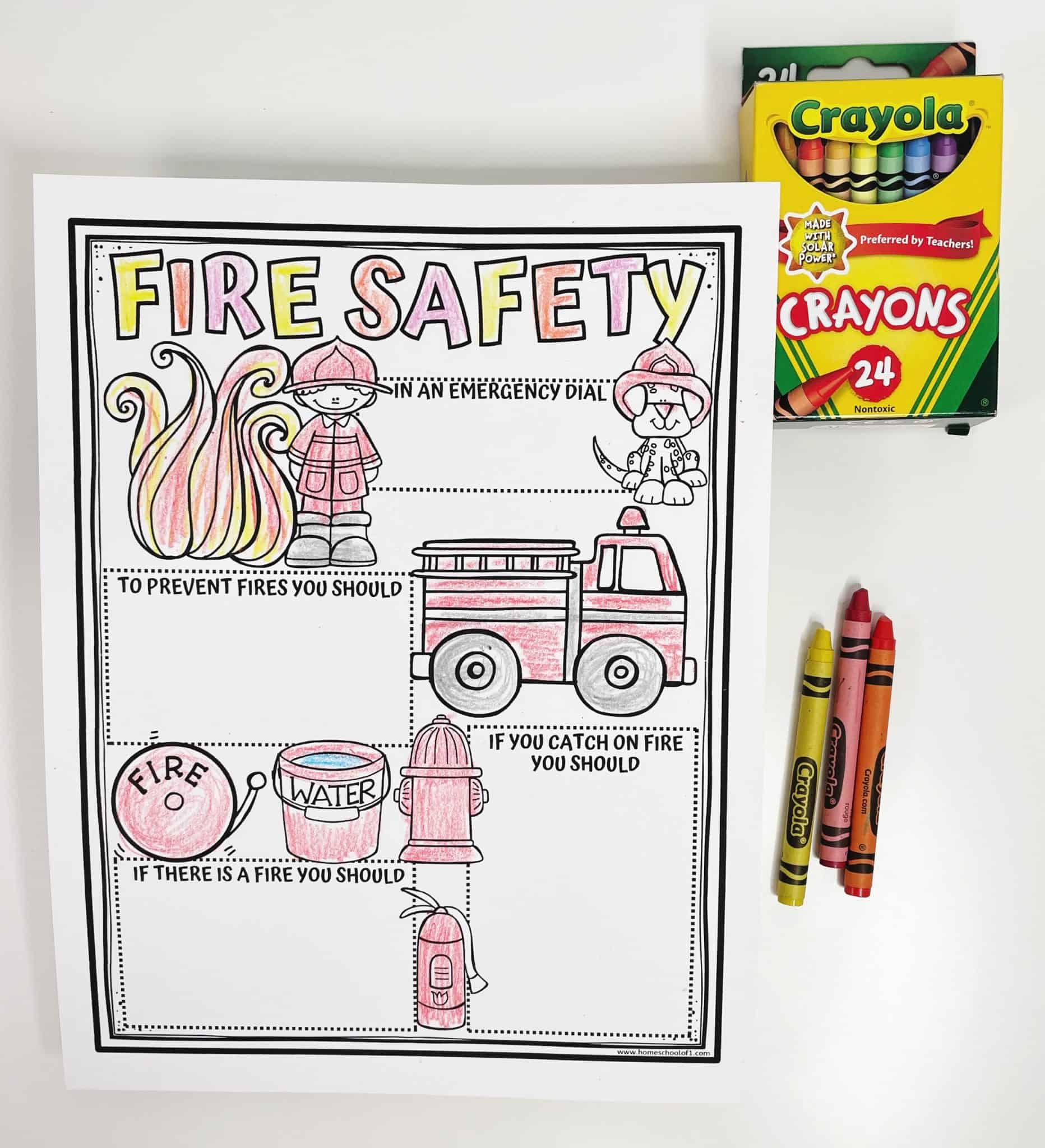
Integrating Fire Safety Worksheets Pdf Into Digital Citizenship Plans
When educators and families search for fire safety worksheets pdf resources online, they often overlook the hidden digital safety implications of where and how these materials are downloaded. As children navigate school-issued tablets and home computers, downloading free educational printables requires vigilance. Aligning with guidance from organizations like ConnectSafely and the Cybersecurity and Infrastructure Security Agency (CISA), adults must ensure that acquiring routine classroom printables does not expose young learners to malicious ad-networks, malvertising, or unauthorized data collection. Establishing safe habits around file downloads is just as crucial as teaching traditional stop, drop, and roll techniques.
💡 Educational Key Takeaways:
- Core Skill: Structured Fire Safety Worksheets Pdf focused on developing pencil grip, stroke control, and early literacy/math confidence.
- Target Scope: Suited for homeschoolers, preschool, kindergarten, and elementary learners.
- Best Recommendation: Practice 10–15 minutes daily with ergonomic writing tools to reinforce muscle memory without hand fatigue.
Assessing File Security and Download Risks
Downloading educational PDFs across various environments creates distinct technical and behavioral vulnerabilities. The breakdown below highlights how simple classroom downloads can inadvertently expose students to online risks if appropriate guardrails are missing.
| Setting / Context | Common Vulnerability | Practical Safeguard |
|---|---|---|
| Home Devices | Pop-up ads on free printables sites redirecting to phishing pages. | Install reputable ad-blockers and configure browsers to ask before downloading. |
| School Chromebooks/Tablets | Students bypassing content filters via unapproved mirror download mirrors. | Enforce district-level allowlists for educational resources and Worksheets repositories. |
| Social and Chat Habits | Unsolicited link sharing of fake worksheet bundles in student chat apps. | Teach kids to verify links with a teacher or parent before clicking unverified files. |
Establishing Clear Rules for Safe Digital Downloads
Protecting children while they search for supplemental learning materials starts with predictable routines. Parents and teachers should establish shared charging zones at home and centralized device monitoring policies in classrooms to maintain visibility. Instead of shaming a student who accidentally clicks a misleading download button, turn the incident into a teachable moment about web safety. Furthermore, pairing online activities with offline Online and Digital Safety discussions helps children recognize the difference between safe educational websites and predatory advertising networks disguised as free resource libraries.
Overcoming Student Workarounds and Pushback
Overly restrictive content filters often backfire, driving students to seek out third-party proxy sites or unverified file-sharing platforms to access quick fire safety worksheets pdf files for class projects. Rather than relying solely on hard blocks, educators and parents should guide youth toward trusted domain extensions and established educational portals. Pairing device-level technical controls with calm, open check-ins ensures that students feel comfortable reporting strange pop-ups, redirects, or suspicious file downloads without fear of losing their device privileges.
Frequently Asked Questions About Safe Educational Downloads
Are free fire safety worksheets pdf downloads safe for young children to find independently?
Not always. Many free resource sites host aggressive pop-up ads and misleading download buttons that can lead to adware. Children should search for these materials under adult supervision or use pre-vetted educational directories.
How can teachers ensure digital safety when sharing printables in class?
Educators should download the files themselves ahead of time, upload them to secure school cloud storage platforms like Google Drive or Canvas, and share direct internal links rather than telling students to search the open web.
What should I do if a student accidentally downloads a suspicious file?
Stay calm, disconnect the device from the internet immediately to prevent potential malware communication, and notify your IT administrator or run a security scan following standard Internet and Digital Safety protocols.
Explore More Digital Citizenship Resources
Safeguarding children across both physical and digital environments requires ongoing education, practical tools, and proactive conversations. Explore additional guides, classroom policies, and safety tips by visiting SafeWiredSchools.org today.
Worksheet Previews & Reference Materials