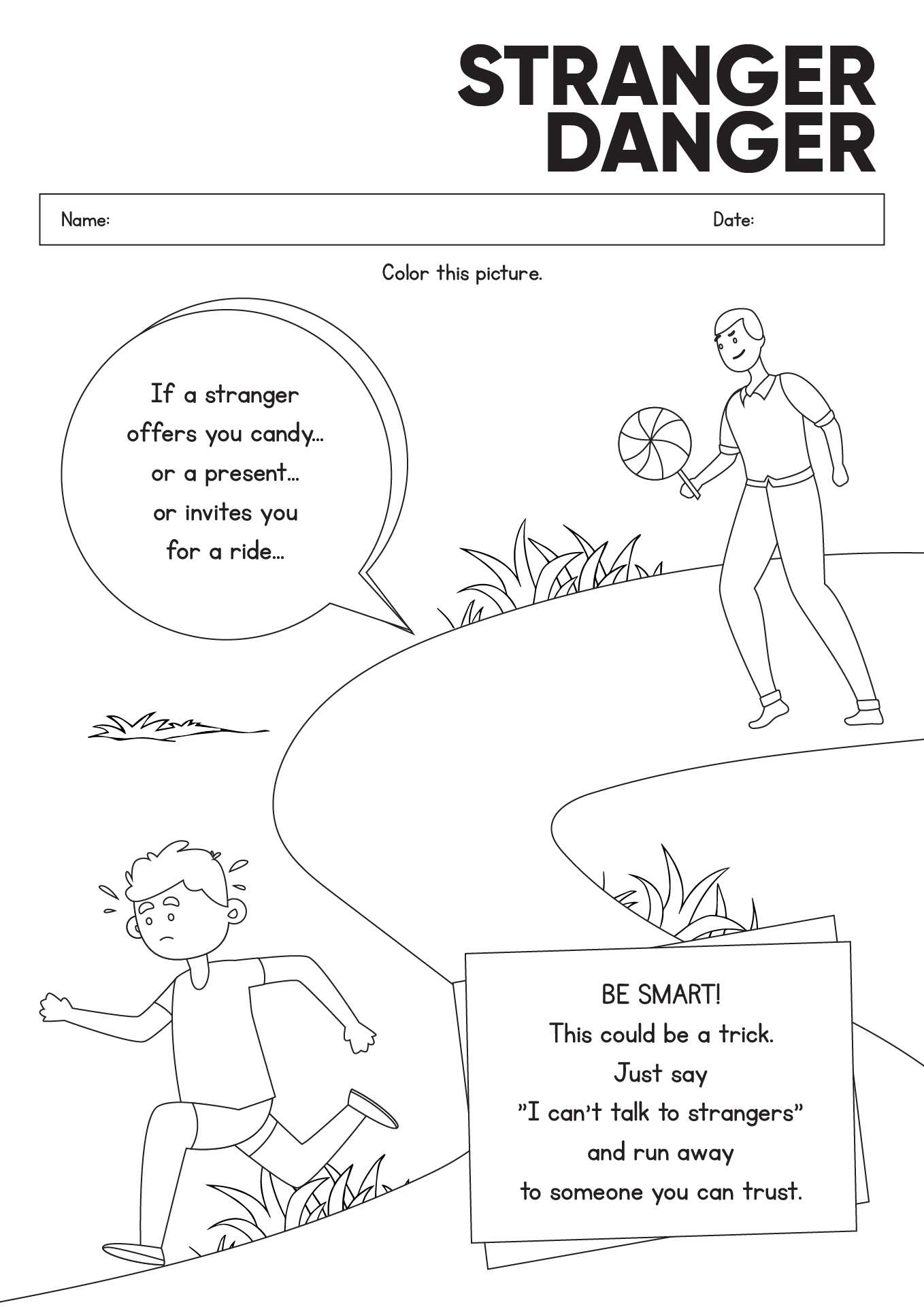
Why Integrating Digital Safety with Fire Prevention Coloring Page Matters for K-12 Learners
When young students sit down at a home tablet or school Chromebook to download a creative activity like a fire prevention coloring page, adults often assume the digital space is entirely benign. However, free resource websites are frequently targeted by malicious actors, malvertising networks, and unvetted tracking cookies that exploit young users. Grounding our approach in guidance from organizations like ConnectSafely and the Cybersecurity and Infrastructure Security Agency, educators and parents must realize that teaching children physical safety measures, such as smoke detector checks and escape plans, presents a prime teachable moment for building parallel digital hygiene habits. By blending offline lessons with secure online exploration, we ensure that simple searches for creative printables never expose children to aggressive pop-ups, phishing links, or unintended data collection.
💡 Activity Key Takeaways:
- Core Focus: Printable Fire Prevention Coloring Page designed for creative expression and fine-motor coordination.
- Target Scope: Ideal for toddlers, preschool, kindergarten, and classroom art activities.
- Best Recommendation: Use standard heavy printer paper (24–28 lb) or cardstock for vibrant results with crayons, colored pencils, or washable markers.
Risk Signals and Preventive Guardrails for Digital Printables
Downloading educational materials safely requires a clear understanding of where technical vulnerabilities intersect with everyday student habits. Whether children are accessing resources on personal home devices or district-managed hardware, certain risk signals demand immediate attention from adults. The table below breaks down common digital vulnerabilities associated with free activity sites and highlights the practical safeguards parents and school staff can implement right away. Related guide: Two Factor Authentication Coloring Page Kids.
| Setting / Context | Common Vulnerability | Practical Safeguard |
|---|---|---|
| Home Devices & Tablets | Malvertising, fake “Download” buttons, and ad networks prompting unwanted software installs. | Install reputable content filters and ad-blockers, and guide children to curated resources found in our Coloring Pages section. |
| School Chromebooks | Bypassing district web filters via proxy extensions or clicking unverified third-party image search links. | Enforce strict extension whitelists at the administrative level and regularly review browser history during class check-ins. |
| Interactive Chat & Forums | Sharing personal details or location data on community art-sharing platforms linked from print sites. | Disable commenting and profile creation features on youth-facing browsers, reinforcing lessons found in Internet and Digital Safety modules. |
Establishing Proactive Guardrails and Healthy Device Routines
Protecting children online does not mean locking down every device to the point of frustration; rather, it involves creating structured, transparent routines. Parents and teachers should establish shared charging zones in common household areas or classrooms to prevent late-night, unsupervised browsing. When introducing new activities, adults should model how to evaluate a website safely before clicking download links. If a website demands personal emails, names, or location permissions just to access a basic PDF, it is a clear sign to step back and find a safer, ad-free alternative. Pairing these technical steps with printable activities from our Worksheets collection helps reinforce critical thinking while keeping children engaged offline.
Handling Student Workarounds and Digital Curiosity Without Shame
Children are naturally curious and often resourceful enough to find workarounds when they encounter strict, unexplained digital blocks. If a student attempts to bypass a filter to find a specific image or game, reacting with harsh discipline often drives their online behavior underground, making future safety incidents less likely to be reported. Instead, educators and parents should maintain a calm, investigative dialogue. Acknowledge their creative intent—such as wanting a unique picture or printable—while clearly explaining *why* certain websites present hidden security risks. By transforming accidental missteps into collaborative learning moments, adults build trust and encourage children to ask for help whenever something online feels confusing or unsafe.
Frequently Asked Questions About Safe Digital Exploration
How can I ensure a website offering free printables is safe for my child to use?
Always inspect the URL for HTTPS security and verify that the site does not force automatic software downloads disguised as image files. Encourage children to ask an adult before clicking any download button, and rely on trusted educational repositories rather than random search engine results.
What should I do if a student accidentally clicks a malicious ad while looking for classroom activities?
Stay calm and immediately disconnect the device from the internet if suspicious pop-ups appear. Clear the browser cache, run a trusted security scan, and use the moment to remind the child never to interact with sudden warning banners or pop-up prompts.
How do I balance digital independence with necessary content filters at home?
Gradual release of responsibility works best. Start with heavily supervised searching in shared family spaces, and as children demonstrate strong digital citizenship habits and adhere to safety rules, slowly grant broader access while maintaining open communication.
Explore More Digital Citizenship Resources
Empowering the next generation of digital citizens requires ongoing education, practical tools, and collaborative partnerships between home and school. To discover additional guides, lesson plans, and safety strategies tailored to K-12 environments, visit us at SafeWiredSchools.org.
Printable Coloring Page Previews