Why Visual Learning Bridges the Gap in K-12 Digital Literacy
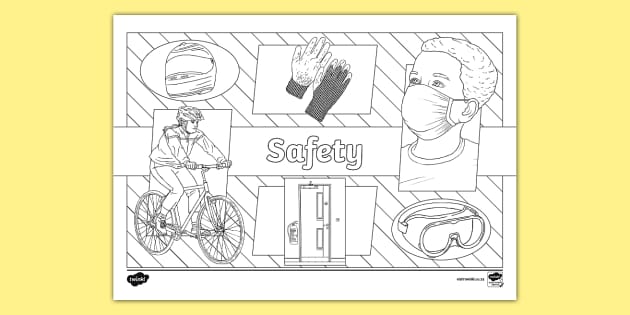
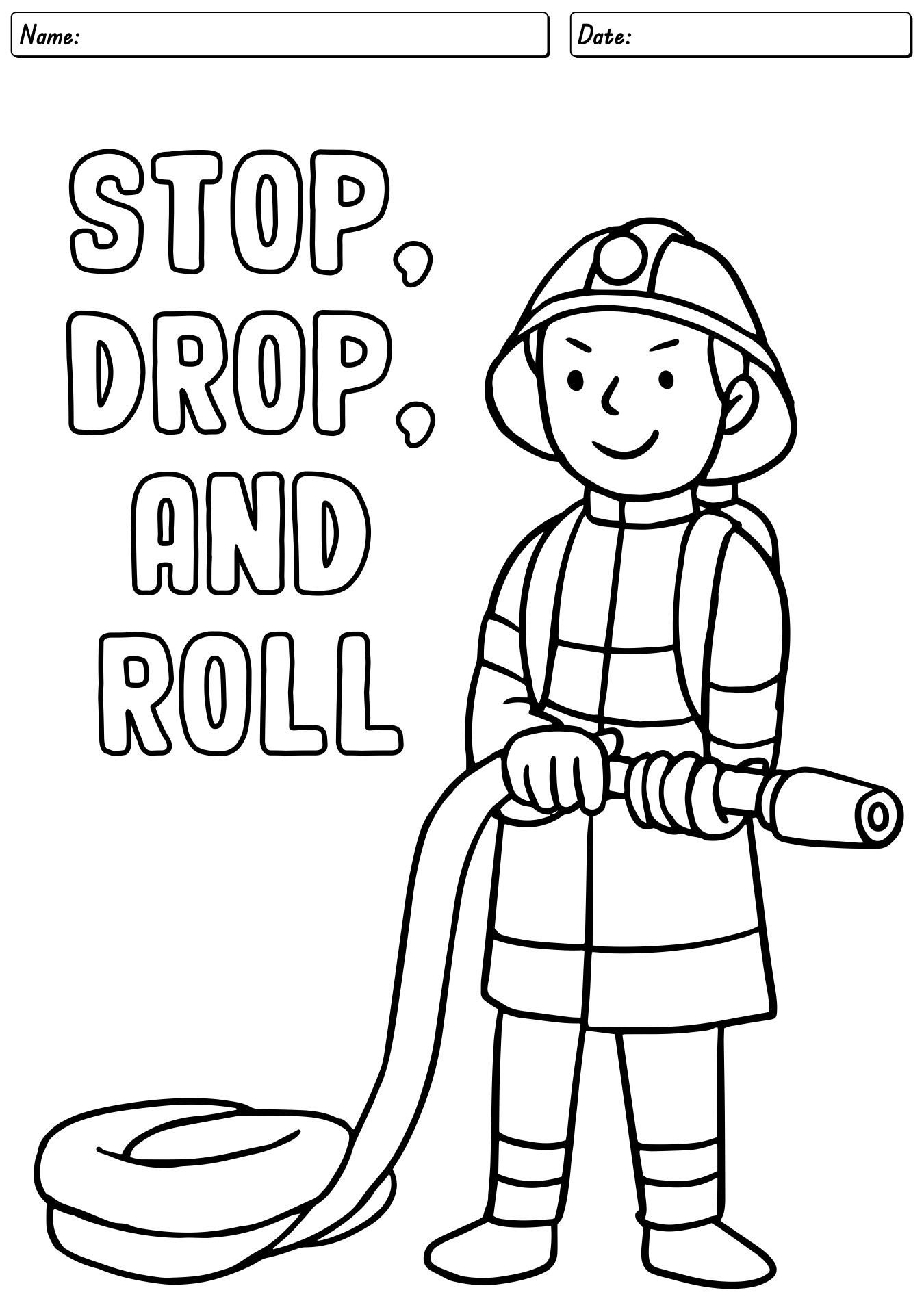
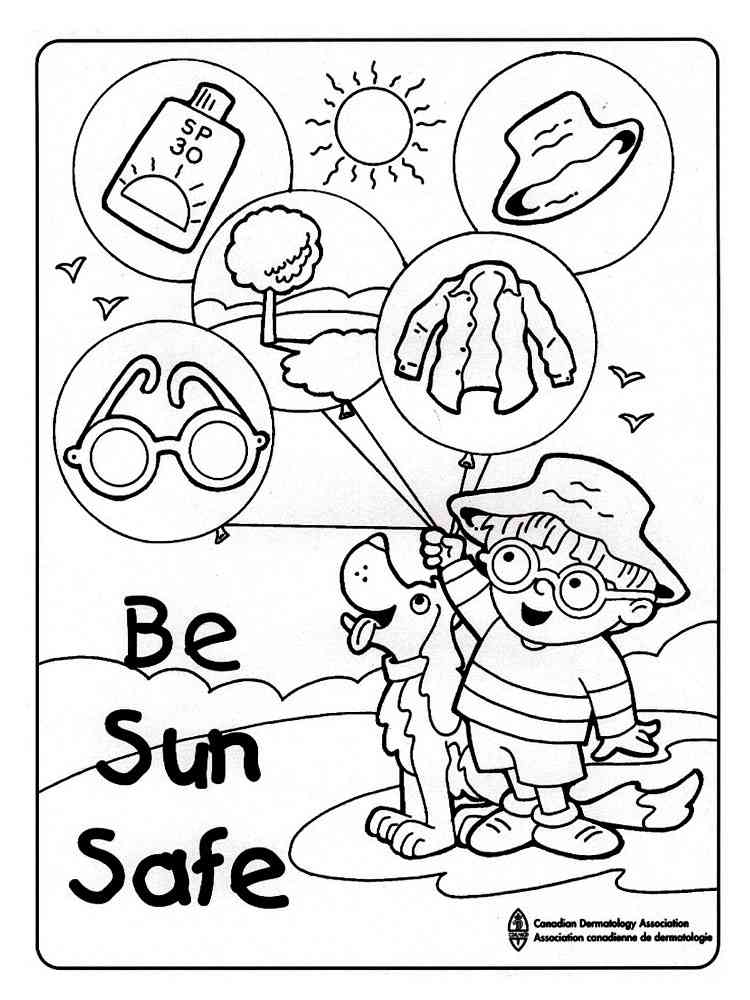
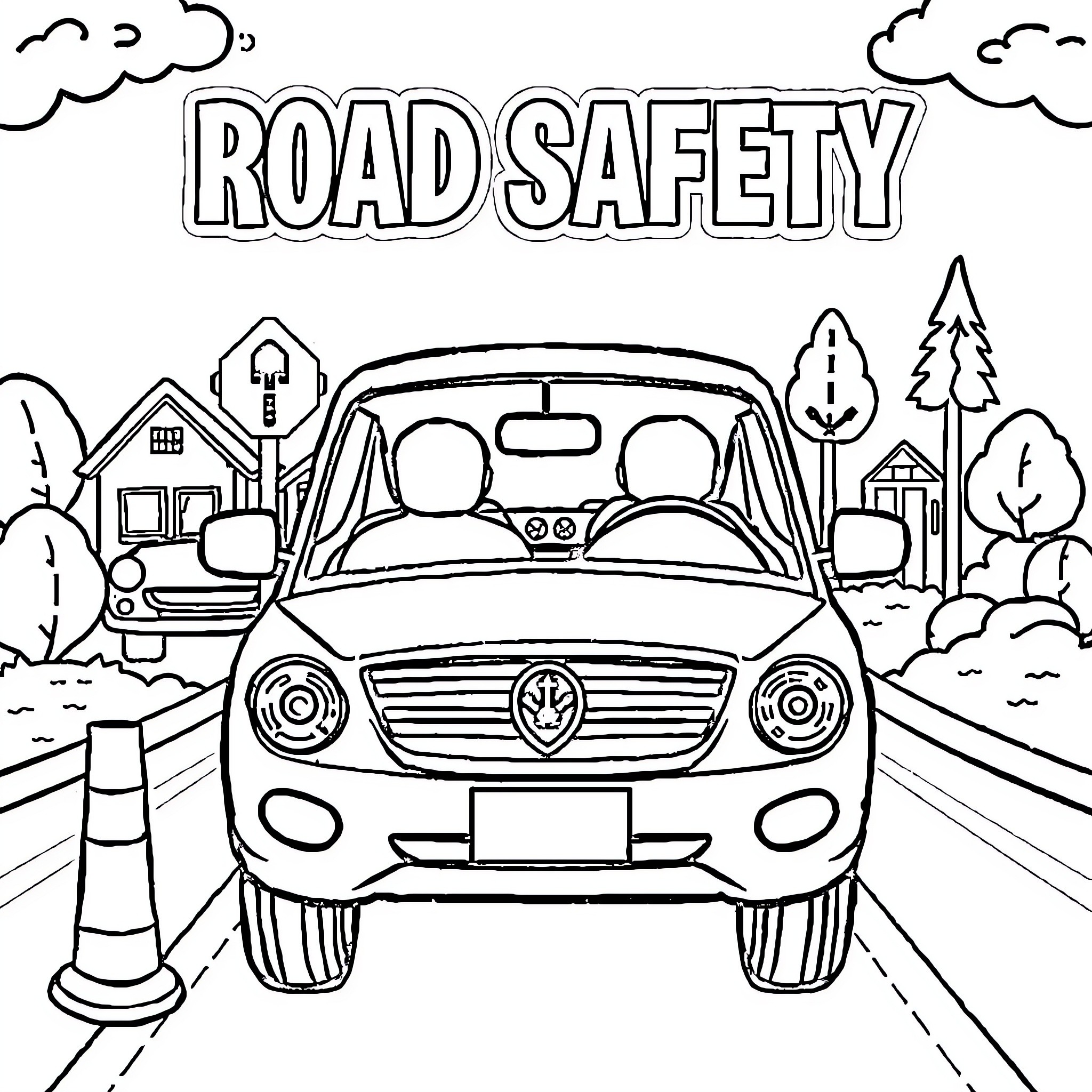
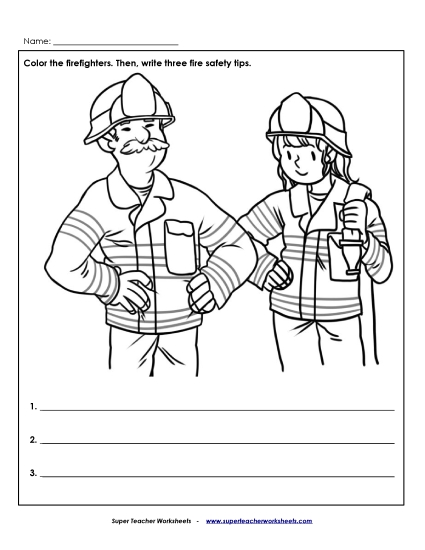
Teaching children how to navigate the internet safely requires tools that match their developmental stages. For younger students and early middle schoolers, abstract concepts like data privacy or digital footprints can feel entirely invisible. That is why educators and parents increasingly rely on safety color sheets to translate complex cyber hygiene rules into tangible, creative activities. By pairing fine-motor engagement with foundational internet safety guidelines, adults can introduce vital online habits without triggering anxiety. Grounded in youth privacy frameworks from organizations like ConnectSafely and the Federal Trade Commission, these resources help children recognize digital boundaries long before they face independent browsing risks on personal devices or school-issued tablets.
💡 Activity Key Takeaways:
- Core Focus: Printable Safety Color Sheets designed for creative expression and fine-motor coordination.
- Target Scope: Ideal for toddlers, preschool, kindergarten, and classroom art activities.
- Best Recommendation: Use standard heavy printer paper (24–28 lb) or cardstock for vibrant results with crayons, colored pencils, or washable markers.
Decoding Digital Risks Through Guided Creativity
To maximize the impact of visual learning tools, adults must understand the specific technical signals and behavioral vulnerabilities children encounter across home and school environments. Whether a student is navigating a school Chromebook or exploring entertainment apps on a home tablet, hidden risks like excessive screen time, accidental sharing of personal info, or exposure to inappropriate content require proactive monitoring. The breakdown below details common digital vulnerabilities alongside actionable guardrails that align with recommendations from the Cybersecurity and Infrastructure Security Agency. Related guide: Please Provide Free 8.5″X11″ Digital Safety Coloring Pages For K-2 Grade.
| Setting / Context | Common Vulnerability | Practical Safeguard |
|---|---|---|
| Home Devices & Tablets | Unrestricted browsing and accidental in-app purchases or data exposure. | Establish centralized charging stations and reinforce lessons using interactive coloring pages to discuss screen boundaries. |
| School Chromebooks | Bypassing network filters or sharing login credentials with peers. | Pair mandatory school filter policies with engaging worksheets that explain why account security matters. |
| Messaging & Multiplayer Chat | Interacting with strangers or sharing identifying details in chat boxes. | Review foundational online and digital safety guidelines through open, calm discussions before granting chat access. |
Establishing Consistent Tech Boundaries at Home and School
Translating lessons from a creative session into daily behavior takes structured routines and supportive communication. Adults should anchor digital citizenship in everyday workflows rather than reacting only when a crisis occurs. Start by integrating safety color sheets into rainy-day art sessions or classroom warm-ups, using the completed artwork as a visual prompt to discuss real-world scenarios. Pair these physical reminders with robust technical settings, such as enabling two-factor authentication on family accounts and setting strict age-appropriate device controls. Crucially, establish a zero-shame reporting workflow so children know they can come to an adult immediately if they encounter cyberbullying, pop-up scams, or uncomfortable content online, without fear of losing their device privileges entirely.
Overcoming Resistance and Managing Workarounds
Children are naturally curious and quickly find workarounds for overly restrictive technical filters, such as using proxy sites or deleting browsing history. When adults rely solely on hard blocks without explanation, kids often become secretive about their online activity. The solution is to combine reliable content filters with open-ended dialogue. If a student attempts to bypass a school rule or home boundary, treat it as a teachable moment rather than an immediate disciplinary crisis. Revisit core concepts using structured internet and digital safety modules to help them understand the real-world safety implications behind the blocked content, fostering intrinsic motivation for good digital habits.
Frequently Asked Questions About Visual Safety Tools
At what age should I introduce internet safety concepts using creative activities?
Children can begin learning basic foundational concepts, such as keeping personal information private and identifying trusted adults, as early as kindergarten or first grade. Visual learning tools allow educators and parents to introduce these sensitive topics in a gentle, age-appropriate manner without overwhelming young minds.
How can teachers integrate these creative exercises into busy academic schedules?
Educators often use these activities during morning meetings, digital citizenship week modules, or as calm-down transitions between high-focus subjects. They require minimal prep work while reinforcing vital tech etiquette across the entire classroom.
Do these visual resources replace technical content filters on devices?
No, creative activities are designed to build cognitive awareness and critical thinking, not to block malicious web traffic. They should always be paired with robust network firewalls, device parental controls, and active adult supervision.
Empowering the Next Generation of Digital Citizens
Building a resilient digital safety culture requires a collaborative effort between parents, educators, and community leaders. By combining creative offline tools with proactive digital conversations, we equip students with the judgment they need to thrive online. To discover more expert guides, downloadable activities, and strategies for modern classrooms, visit SafeWiredSchools.org.
Visual Reference Gallery