Why Blending Physical Printables with Digital Literacy Matters
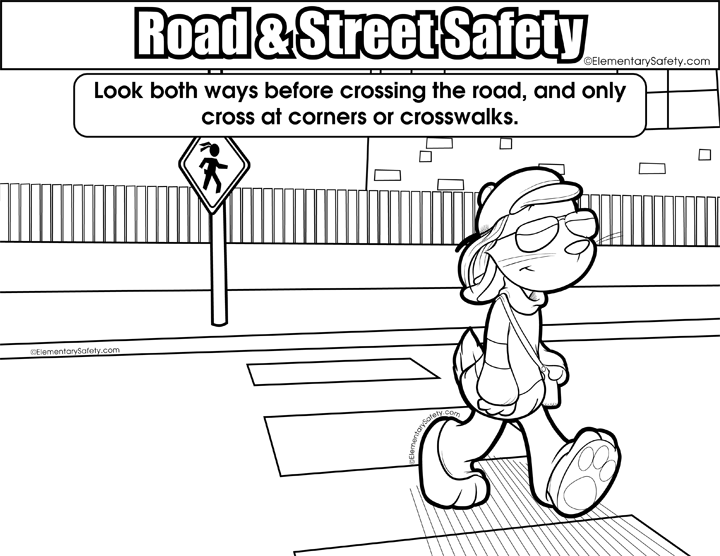
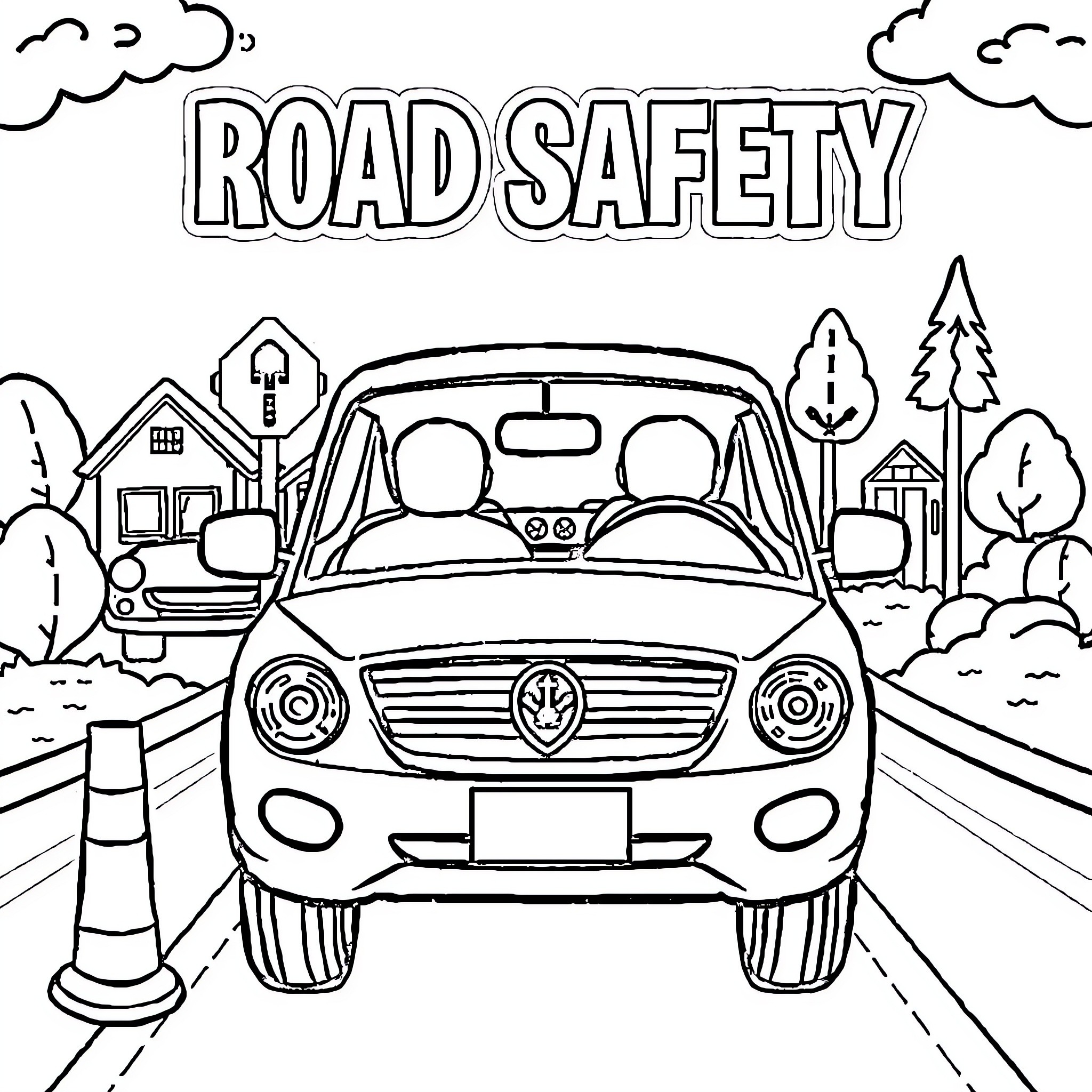
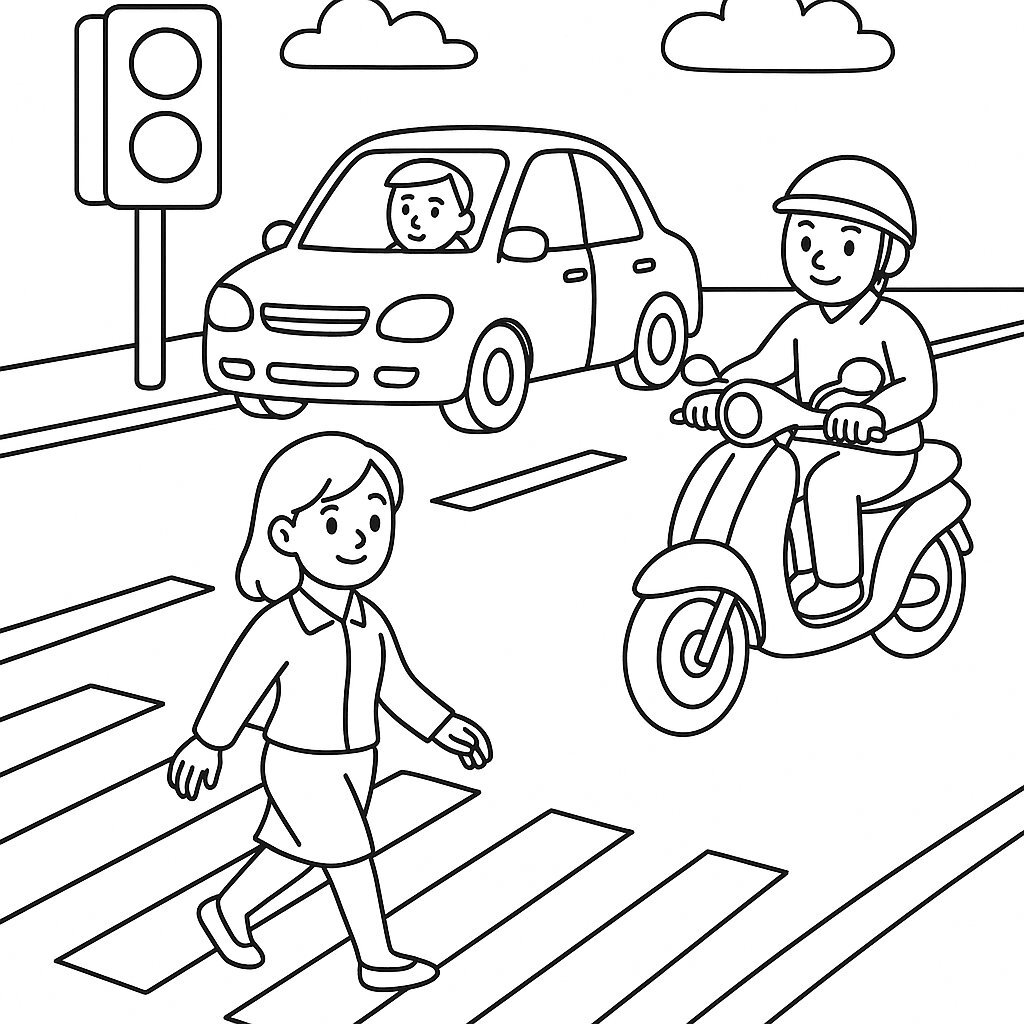
As K-12 classrooms and households increasingly rely on tablets, laptops, and web browsers, finding offline grounding activities is more important than ever. Integrating educational printables like traffic safety coloring pages into daily routines offers a refreshing screen break while reinforcing critical real-world survival skills. According to guidance from organizations like ConnectSafely and the Family Online Safety Institute, balancing screen time with tactile learning helps children process information more deeply. When students color traffic lights, crosswalk signs, and pedestrian rules, they build cognitive bridges between digital navigation and physical road awareness, supporting a holistic approach to student well-being.
💡 Activity Key Takeaways:
- Core Focus: Printable Traffic Safety Coloring Pages designed for creative expression and fine-motor coordination.
- Target Scope: Ideal for toddlers, preschool, kindergarten, and classroom art activities.
- Best Recommendation: Use standard heavy printer paper (24–28 lb) or cardstock for vibrant results with crayons, colored pencils, or washable markers.
Technical Risk Signals and Preventive Guardrails
Even when children transition to physical coloring tasks, the digital devices used to download these educational worksheets can introduce unexpected vulnerabilities. Unvetted third-party coloring websites often feature aggressive ad-tracking networks, deceptive pop-ups, or malware risks. Educators and parents must establish robust technical guardrails to ensure that searching for free printables remains a secure experience. The following breakdown highlights common digital vulnerabilities associated with online worksheet searches and outlines practical safeguards to protect young learners.
| Setting / Context | Common Vulnerability | Practical Safeguard |
|---|---|---|
| Home Devices & Tablets | Malicious pop-ups and deceptive download buttons mimicking actual PDF links on free resource sites. | Pre-download resources as an adult, bookmark trusted domains, and utilize browser-level ad blockers. |
| School Chromebooks | Unfiltered search engine queries leading students to commercial sites with data-harvesting trackers. | Rely on curated district repositories, educational search filters, and approved worksheets libraries. |
| Interactive Class Displays | Accidental clicks on external links or third-party sponsored ads during whiteboard presentations. | Use reader view or project saved PDF files directly rather than navigating live web pages in front of students. |
Establishing Healthy Rules and Habits at Home and School
Proactive digital citizenship requires clear expectations around how educational content is accessed. Adults can streamline the process of finding learning materials by setting up shared family bookmark folders or classroom portal links. When educators curate specific coloring pages in advance, they eliminate the need for students to navigate unmonitored search results. Furthermore, incorporating safety discussions directly into art time allows children to ask questions about rules of the road and internet safety in a relaxed, low-pressure environment without inducing fear.
Children are naturally curious and quickly find ways around restricted web environments, often attempting to bypass school filters to locate specific images or games online. Rather than reacting with frustration when a student stumbles upon an inappropriate site, educators and parents should use these moments as teachable opportunities. Grounding internet safety conversations in alignment with recommendations from the Cybersecurity and Infrastructure Security Agency helps demystify digital boundaries. Teaching students to recognize suspicious URLs or unexpected download prompts empowers them to alert an adult immediately instead of hiding a digital mistake.
Frequently Asked Questions About Integrating Creative Safety Activities
How can I ensure the websites I use for safety printables are safe for children?
Stick to established educational portals, school district resource repositories, and verified non-profit safety organizations. Avoid sites that require personal information downloads or feature excessive third-party banner advertisements.
Are safety coloring activities effective for older elementary students?
Yes, when paired with interactive discussions, older students can analyze complex scenarios, design their own neighborhood safety maps, or discuss broader topics related to internet and digital safety alongside pedestrian rules.
What should a child do if a dangerous pop-up appears while searching for worksheets?
Teach children to close the browser tab immediately, walk away from the device, and notify a trusted adult right away without fear of losing device privileges.
Explore More Digital Citizenship Resources
Promoting well-rounded safety habits requires ongoing collaboration between educators, parents, and community leaders. Discover additional guides, printable activities, and expert advice by visiting SafeWiredSchools.org to support your students every step of the way.
Printable Coloring Page Previews