Introduction
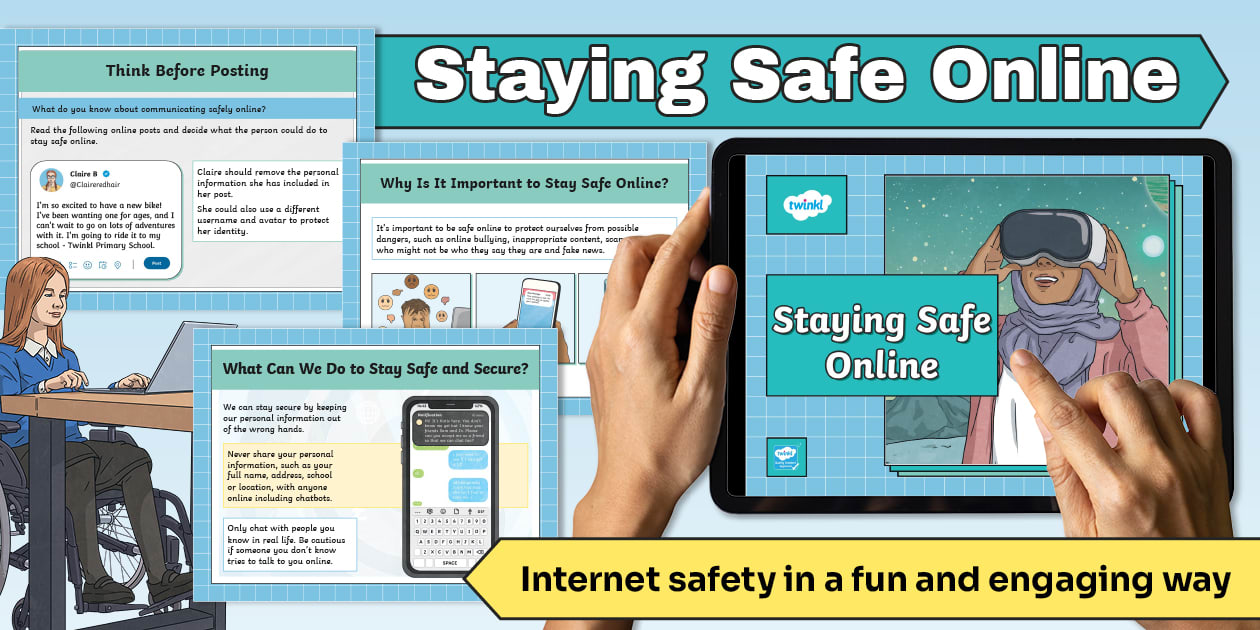
Navigating the digital landscape begins long before children receive personal devices. Today, young learners frequently encounter connected worlds through shared family tablets, gaming console chat rooms, and autoplay video streaming platforms. These early digital interactions happen daily, yet children rarely receive formal preparation on how to evaluate what they see online. Educators and families need practical tools to bridge this gap without causing unnecessary fear. The free printable does elementary school teach about internet safety and misinformation provides a concrete starting point for building healthy digital habits. Focusing on skill development rather than restriction empowers children to navigate digital spaces with confidence and curiosity. Related guide: Teachers Of Grades 9–12 Should Expand Internet Safety Instruction To Include Which Of The Following Topics?.
💡 Educational Key Takeaways:
- Core Skill: Structured Does Elementary School Teach” About Internet Safety And Misinformation focused on developing pencil grip, stroke control, and early literacy/math confidence.
- Target Scope: Suited for homeschoolers, preschool, kindergarten, and elementary learners.
- Best Recommendation: Practice 10–15 minutes daily with ergonomic writing tools to reinforce muscle memory without hand fatigue.
What This Printable Covers
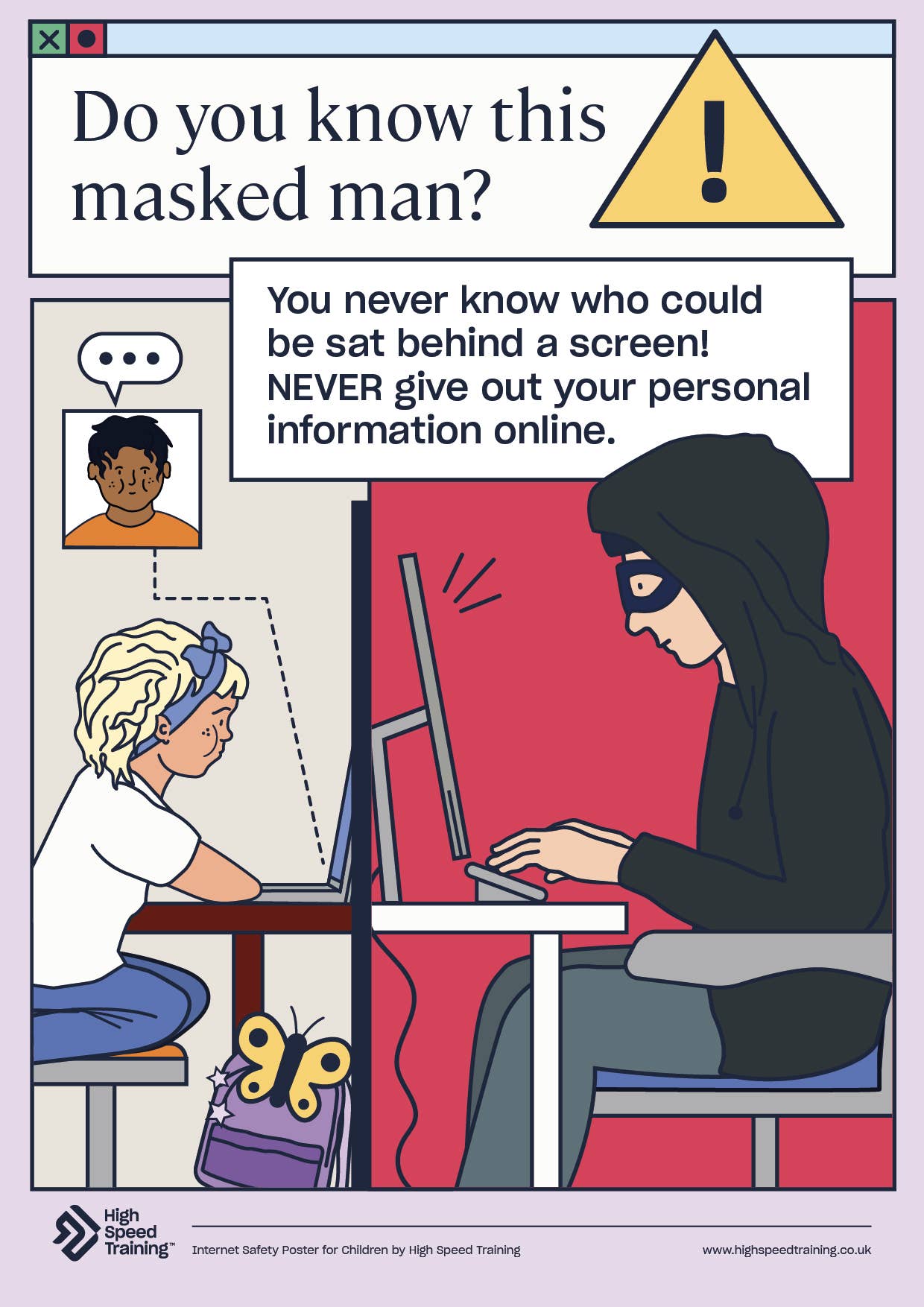
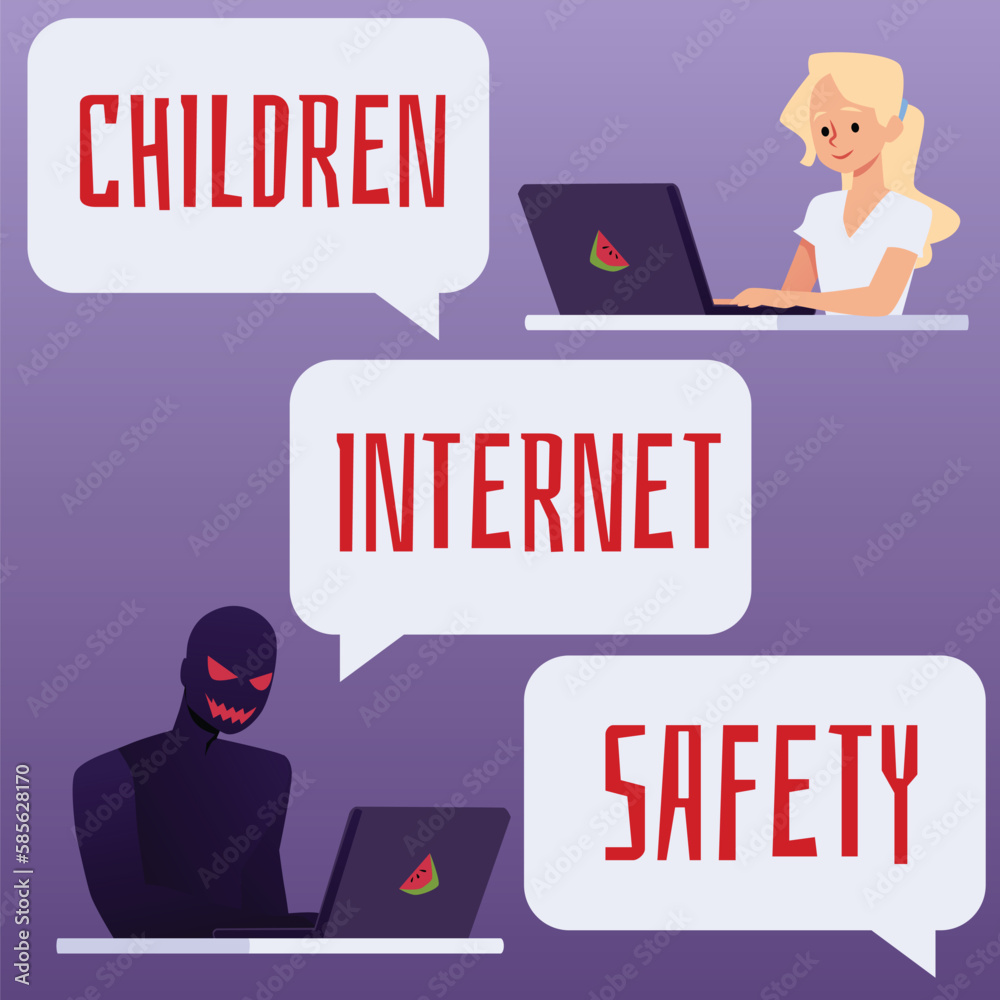
The resource addresses core digital literacy concepts tailored specifically for young learners aged five through twelve. It tackles the dual challenge of physical safety in connected spaces and cognitive safety when evaluating digital content. Children learn to distinguish between private information, such as home addresses, and public information, like favorite colors. Furthermore, the material introduces foundational concepts regarding online truthfulness, helping learners understand that not everything on a screen is accurate. This foundational knowledge supports ongoing lessons found within comprehensive Internet and Digital Safety curricula used in classrooms worldwide.
Key Learning Outcomes
Working through these exercises helps students identify common digital red flags. Learners practice recognizing secure password habits and learn the importance of consulting a trusted adult before clicking unfamiliar links. The material emphasizes that children are never in trouble for reporting something uncomfortable or confusing online. It frames reporting as a brave, helpful action rather than a disciplinary issue. These structured activities connect directly with practical Worksheets designed to reinforce critical thinking during screen time.
How to Use This Printable
Implementation works best when adults treat the page as a conversation starter rather than a traditional test. Sitting alongside a child while they complete the activity allows adults to gauge current understanding and address misconceptions immediately. It sounds simple, and that’s the point. Consistent, low-pressure discussions build enduring habits far better than one-time lectures. Educators can integrate these sheets into morning meetings, while parents can review them during quiet afternoon hours at the kitchen table.
Practical Tips for Parents and Teachers
Creating a safe space for digital discussions requires patience and active listening. Adults should invite children to share examples of games or videos they enjoy before introducing the printable. Asking open-ended questions about what makes a character trustworthy online helps children internalize safety principles naturally. According to Common Sense Media, children who regularly discuss digital dilemmas with caring adults develop stronger resilience when encountering online friction. Reinforce the golden rule that any confusing pop-up, message, or video should be brought straight to a grown-up without fear of losing device privileges.
Age-Appropriate Recommendations
Child development dictates how digital concepts are introduced across the elementary years. Kindergarten and first-grade learners benefit most from concrete rules, such as never typing a full name without checking. Upper elementary students are ready to explore the nuances of misinformation, learning how to cross-reference facts and question flashy headlines. This scaffolding aligns closely with the ISTE Standards for Students, which encourages digital agency and responsible exploration. For additional visual activities that reinforce these developmental milestones, explore these helpful Coloring Pages.
According to Common Sense Media, children as young as age eight frequently encounter digital advertising disguised as interactive content or genuine online games. — Common Sense Media Research
Frequently Asked Questions
How is the printable downloaded and printed? The file downloads instantly as a standard PDF document and prints easily on any home or school printer using standard letter paper. How does this resource support online safety learning? It provides guided prompts and relatable scenarios that spark meaningful dialogue between adults and children about screen time habits. What do organizations recommend for teaching digital citizenship? According to the Common Sense Education Digital Citizenship Curriculum, early education should focus on media balance, privacy, and respectful online communication.
Explore More Free Kids Online Safety Printables
Expanding a child’s digital literacy toolkit requires continuous reinforcement across multiple formats. Adults can pair this foundational exercise with additional resources found in the Online and Digital Safety hub. Building a resilient digital citizen is an ongoing journey of open communication, patience, and age-appropriate guidance.
Developmental Milestone & Activity Table
| Development Stage | Recommended Daily Duration | Primary Learning Objective |
|---|---|---|
| Preschool & Pre-K | 10 – 15 Minutes | Pencil grip development & basic pre-stroke lines |
| Kindergarten | 15 – 20 Minutes | Letter/number formation & spatial line awareness |
| Early Elementary (Grade 1–2) | 20 – 30 Minutes | Fluency, sentence construction & neatness |
Images References