Introduction
Children encounter digital environments long before they fully understand the underlying mechanics of the internet. Young learners frequently navigate shared household tablets, jump into cooperative in-game chat features, or watch tutorials on video platforms that recommend endless streams of content. These spaces bring amazing opportunities for creativity and learning, but they also introduce unwanted digital clutter and unfamiliar messages. Adults often struggle to explain digital marketing tricks and deceptive pop-ups to young minds without causing confusion or unnecessary worry. The free printable “whats a spam explain to kids” bridges that gap by transforming an abstract internet hazard into a concrete, understandable concept through targeted worksheets.
💡 Educational Key Takeaways:
- Core Skill: Structured Whats A Spam Explain To Kids focused on developing pencil grip, stroke control, and early literacy/math confidence.
- Target Scope: Suited for homeschoolers, preschool, kindergarten, and elementary learners.
- Best Recommendation: Practice 10–15 minutes daily with ergonomic writing tools to reinforce muscle memory without hand fatigue.
What This Printable Covers
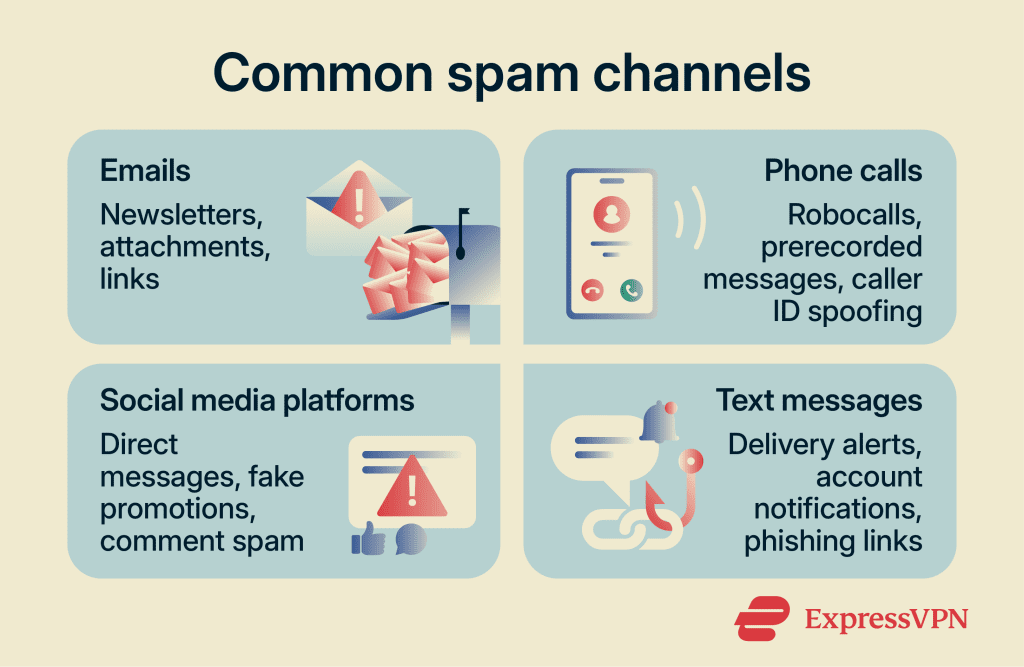
This educational resource breaks down unwanted digital messages into friendly, relatable terms. Instead of focusing on scary cyber threats, the material defines digital junk mail as unwelcome interruptions, much like someone sliding unwanted flyers through a front door. The exercises guide young learners through recognizing unexpected pop-ups, strange links, and too-good-to-be-true promises that appear while browsing or playing games. Through structured problem-solving tasks, children practice identifying what belongs in a safe digital space and what requires adult attention. The focus remains squarely on building protective habits, such as keeping personal information private and pausing before clicking any unfamiliar button.
Key Learning Outcomes
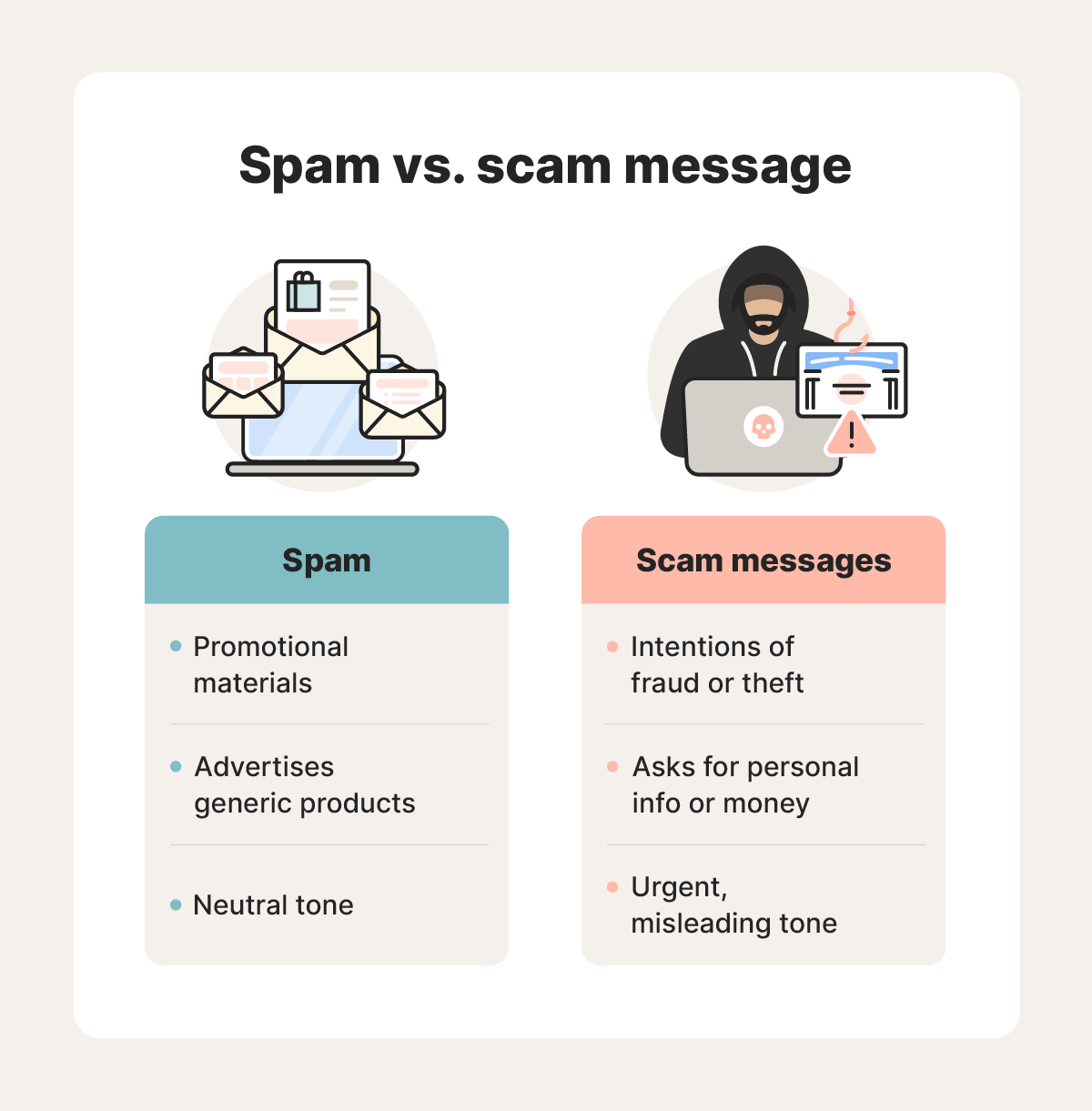
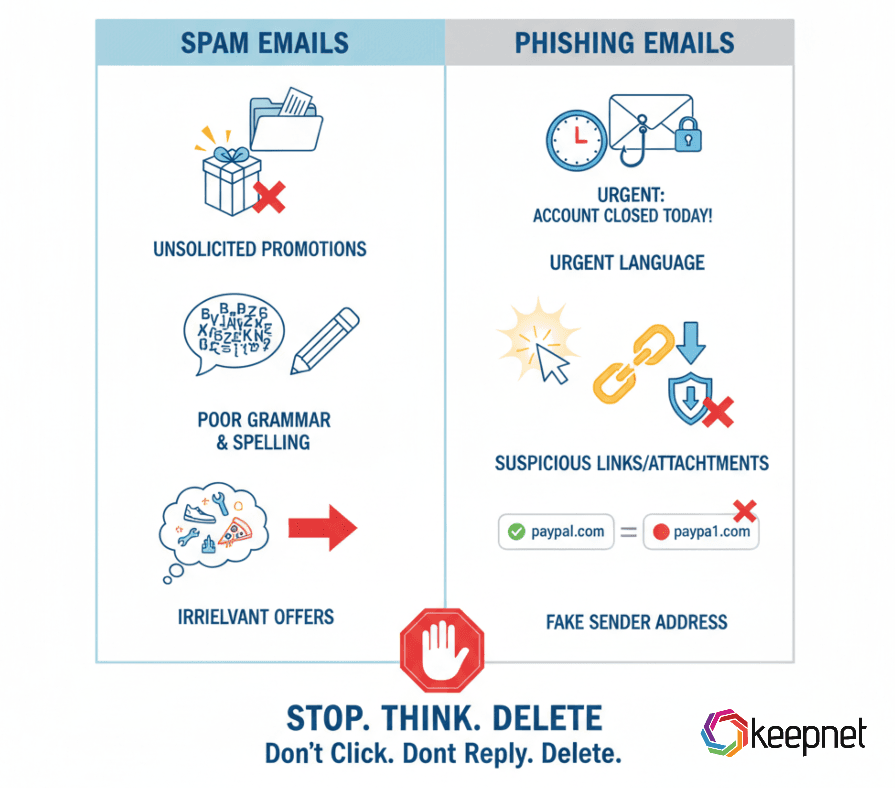
Working through these pages helps children build critical analytical skills for the modern media landscape. Students learn to spot common warning signs of digital clutter, such as urgent flashing text, unrealistic prizes, or requests for personal data. Furthermore, the activities reinforce the golden rule of digital citizenship: stopping, thinking, and checking with a trusted adult before taking action. Children also internalize the crucial reassurance that they are never in trouble for reporting an uncomfortable message or an accidental click. These exercises support educators and families in developing foundational media literacy that prevents panic while encouraging sensible caution.
How to Use This Printable
Classrooms and living rooms become interactive learning laboratories when educators introduce these guided Worksheets during tech-readiness lessons. Adults can print copies ahead of device distribution times, using the exercises as a quick warm-up discussion before children open classroom laptops or family tablets. It sounds simple, and that’s the point. Grounding abstract concepts in written prompts allows children to discuss hypothetical scenarios without the pressure of a real-time pop-up emergency. Teachers often pair these printables with role-playing games where students practice saying no to tricky online prompts and identifying who to tell when something looks suspicious.
Practical Tips for Parents and Teachers
Effective digital citizenship education relies on open dialogue rather than strict surveillance. Adults can maximize the value of these pages by sitting alongside learners, asking open-ended questions about what they notice on the paper, and listening to their digital experiences. Here’s what makes this resource different: it shifts the conversation from policing screen time to empowering kids as capable decision-makers in digital spaces. When an unexpected message appears on a shared device later, children already possess a familiar vocabulary to describe the event calmly and seek guidance from a parent, teacher, or school counselor.
Age-Appropriate Recommendations
Matching safety concepts to a child’s developmental stage ensures the message lands effectively without causing anxiety. Five-to-seven-year-olds benefit from basic visual definitions of digital junk and simple rules about asking an adult before clicking anything new. Older children ages eight to twelve can dive deeper into the mechanics of online advertising, data privacy, and strong passwords. Aligning these lessons with the Common Sense Education Digital Citizenship Curriculum provides a structured pathway for progressive skill-building across elementary grade levels. Adults should continuously reinforce that digital tools are wonderful inventions, and learning how to navigate them safely is simply part of growing up.
According to Common Sense Media, children as young as eight frequently encounter commercial messaging and digital solicitations while playing online games and using shared devices. — Common Sense Media
Frequently Asked Questions
Navigating internet safety education raises many questions for educators and families alike. Clear answers help adults implement these resources with confidence. Additional foundational concepts and preventive strategies are available through the broader Internet and Digital Safety hub.
Explore More Free Kids Online Safety Printables
Building strong digital habits requires ongoing practice and varied learning formats throughout the school year. Educators and parents can expand their toolkit by exploring additional resources dedicated to Online and Digital Safety topics. Every conversation, printable exercise, and shared check-in brings children one step closer to becoming confident, capable citizens of the digital world.
Developmental Milestone & Activity Table
| Development Stage | Recommended Daily Duration | Primary Learning Objective |
|---|---|---|
| Preschool & Pre-K | 10 – 15 Minutes | Pencil grip development & basic pre-stroke lines |
| Kindergarten | 15 – 20 Minutes | Letter/number formation & spatial line awareness |
| Early Elementary (Grade 1–2) | 20 – 30 Minutes | Fluency, sentence construction & neatness |
Images References