Introduction
Young children frequently encounter digital tools long before they grasp the mechanics behind the screens. Modern childhood unfolds across shared household tablets, multiplayer in-game chat rooms, and streaming video platforms where recommendations shift rapidly. Introducing technical concepts like malicious software often feels daunting to the adults guiding them. Yet, digital citizenship education works best when it transforms abstract threats into concrete, understandable ideas. That is precisely why educators and families rely on targeted learning materials. A well-designed educational activity bridges the gap between invisible online dangers and daily protective habits. Related guide: Teachers Of Grades 9–12 Should Expand Internet Safety Instruction To Include Which Of The Following Topics?.
💡 Educational Key Takeaways:
- Core Skill: Structured Virus In A Computer Explained For Kids focused on developing pencil grip, stroke control, and early literacy/math confidence.
- Target Scope: Suited for homeschoolers, preschool, kindergarten, and elementary learners.
- Best Recommendation: Practice 10–15 minutes daily with ergonomic writing tools to reinforce muscle memory without hand fatigue.
What This Printable Covers
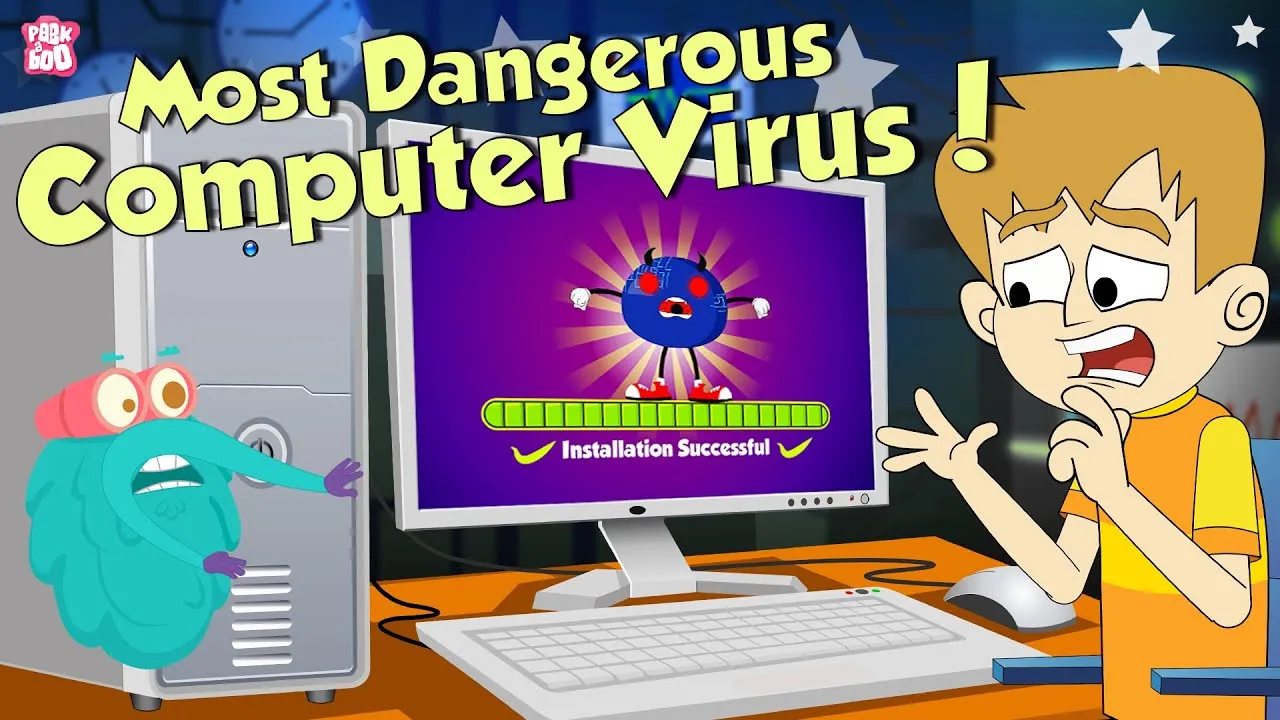
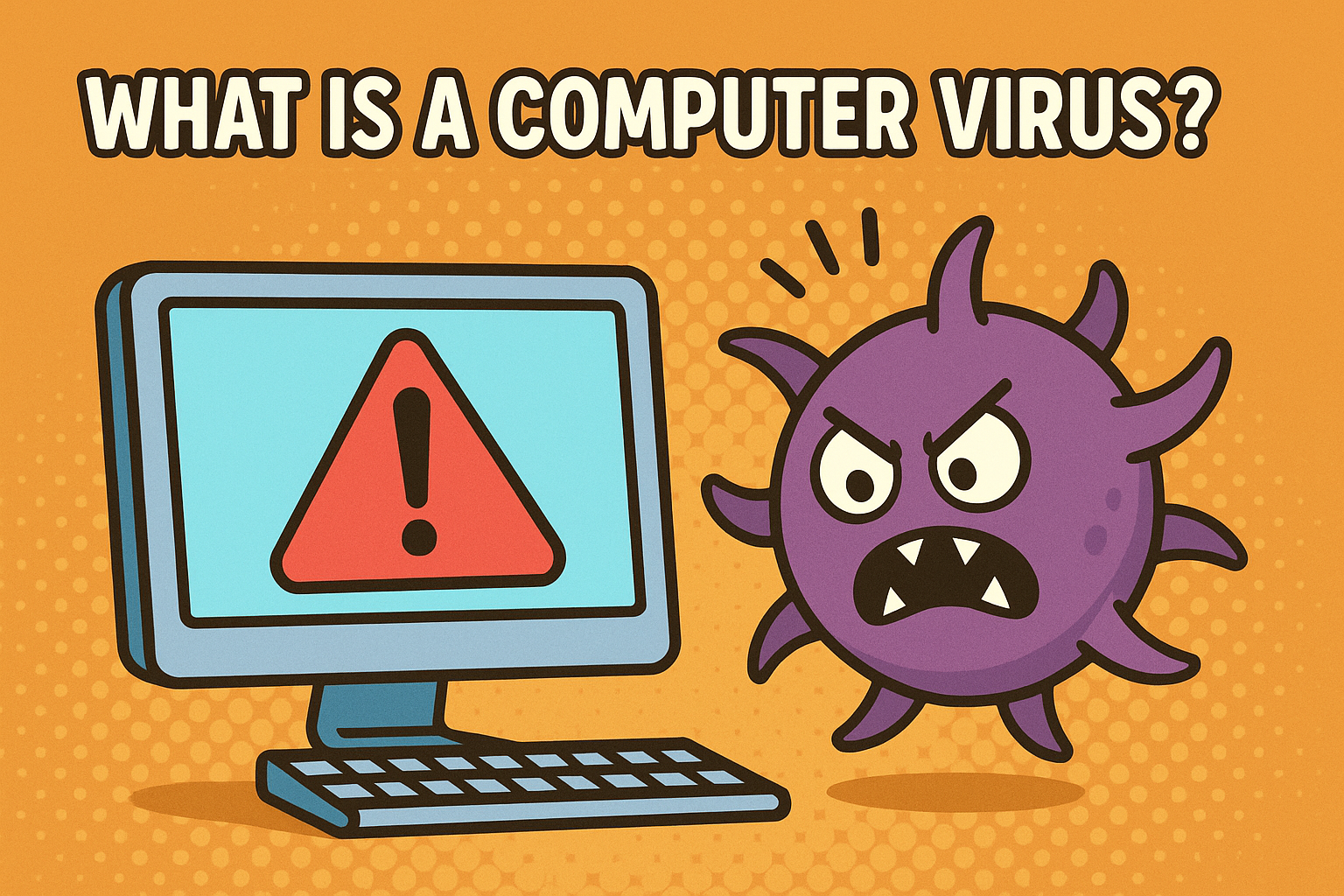
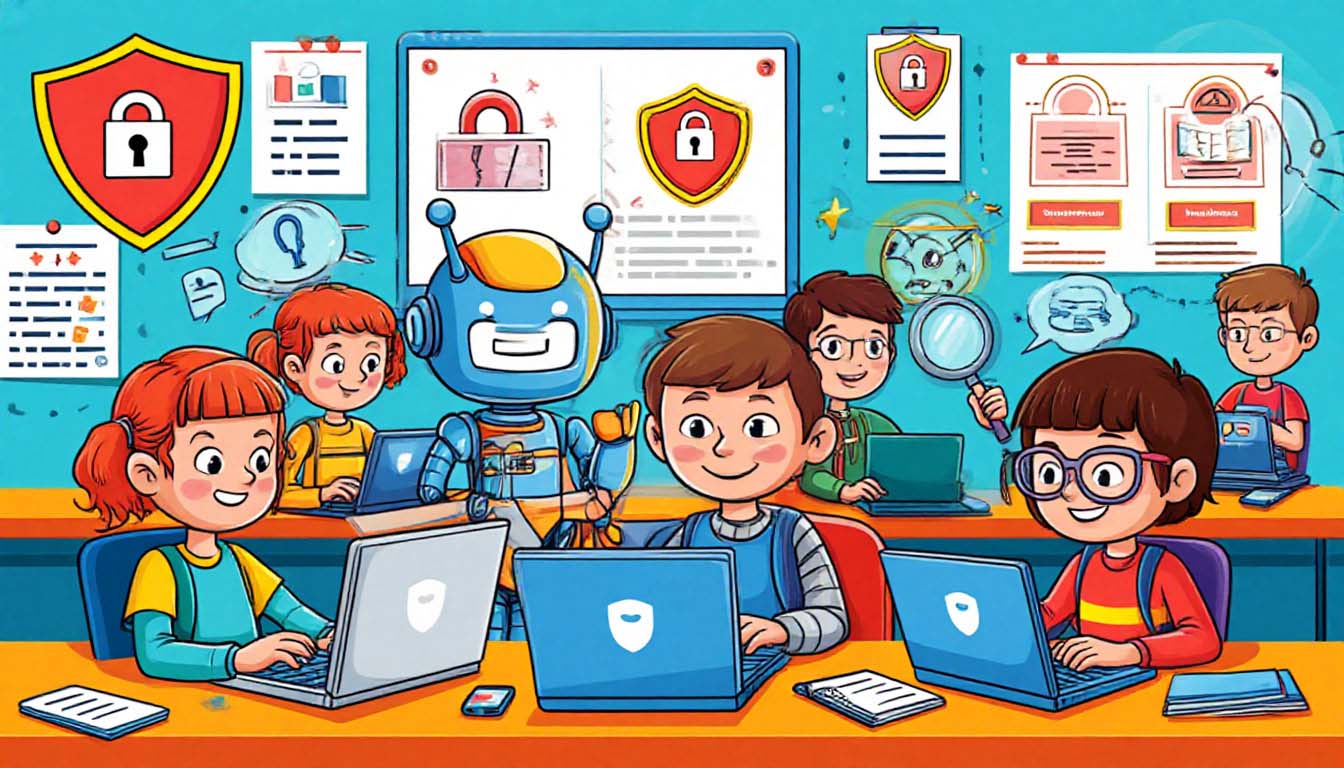
The free printable titled “virus in a computer explained for kids” translates complex cybersecurity terminology into friendly, accessible visual metaphors. Instead of relying on scary technical jargon, the resource uses an analogy of a digital germ that sneaks into a machine through unsecured doors. Children color, trace, and interact with scenarios that illustrate how unknown links or untrusted downloads act like open windows for unwanted guests. It sounds simple, and that is the point. By visualizing a computer virus as something manageable and preventable, learners grasp that machines need healthy habits just like human bodies do. The activity aligns closely with broader lessons found in Internet and Digital Safety curriculums, emphasizing that safety is an ongoing practice rather than a one-time rule.
Key Learning Outcomes
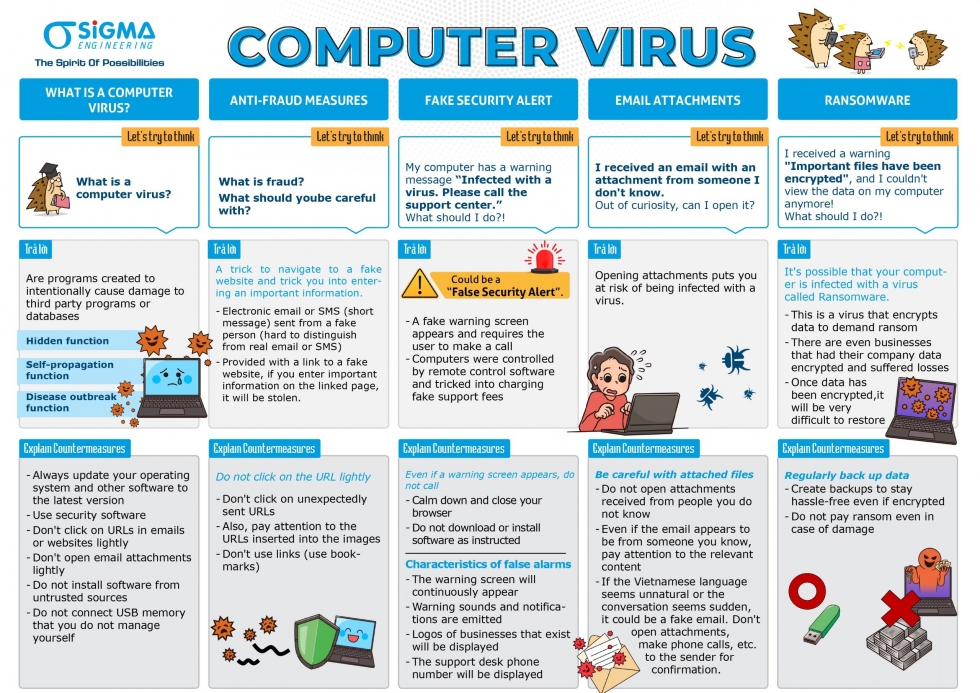
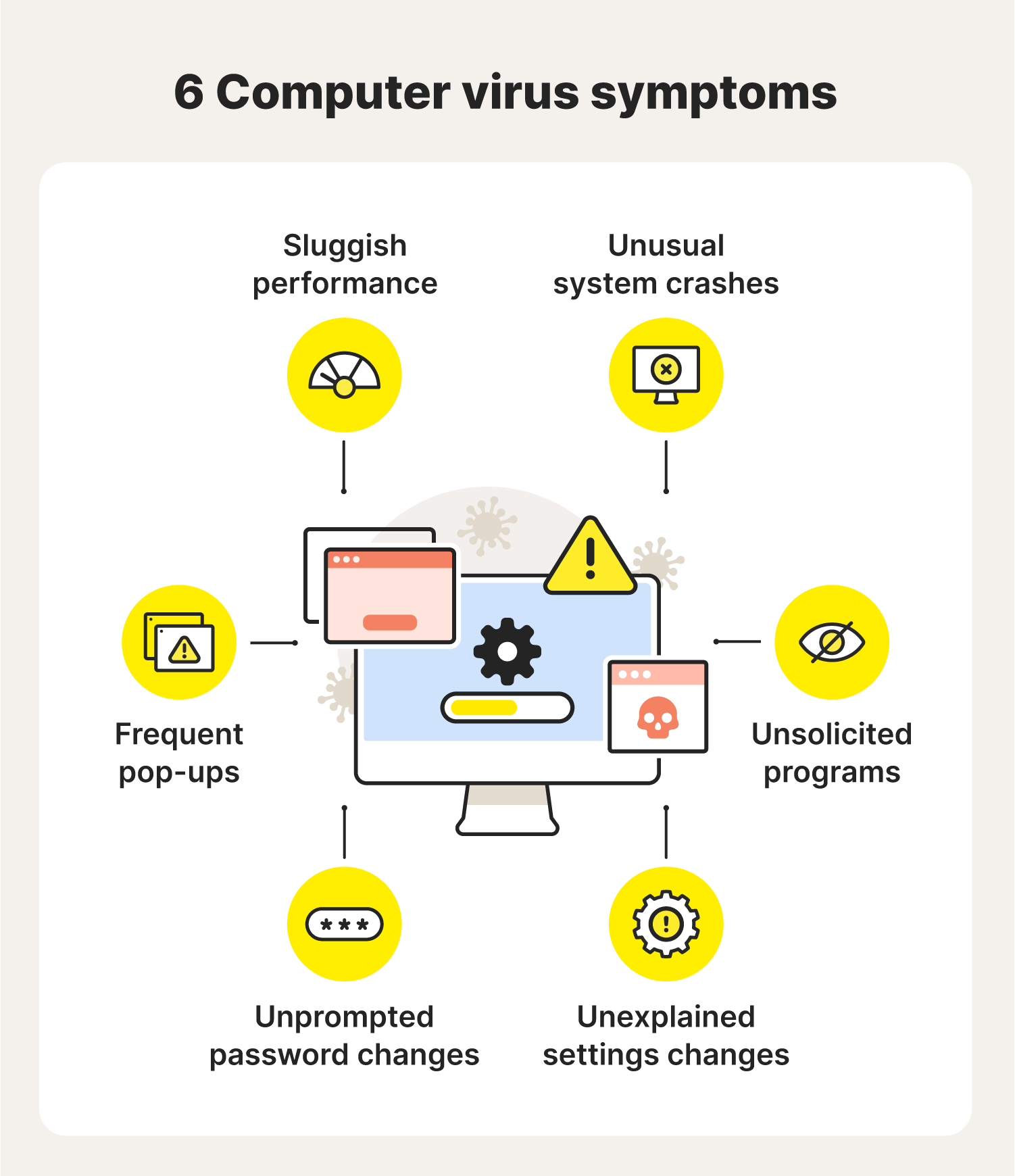
Working through this guided worksheet builds specific cognitive and behavioral skills for young digital citizens. Children learn to identify warning signs, such as unexpected pop-up windows or strange file requests, and practice the vital step of pausing before clicking. Furthermore, the resource reinforces a foundational safety rule: stopping immediately and telling a trusted adult when something looks wrong on the screen. According to Common Sense Media, children who engage in regular, open dialogue about digital habits develop stronger critical thinking skills regarding online content. Crucially, the material instills the empowering message that children are never in trouble for reporting an accidental click or an uncomfortable online encounter.
How to Use This Printable
Classrooms and living rooms transform into dynamic laboratories when adults use interactive sheets as conversation starters rather than silent quizzes. Sitting beside the child while they color or complete the activity invites organic questions about what they experience on shared devices. Here’s what makes this resource different: it shifts the adult role from an enforcer of strict device bans to a collaborative coach in digital literacy. Educators can integrate the activity into morning meeting discussions, while parents might use it during weekend screen-time transitions. Pairing these exercises with hands-on practice helps reinforce concepts found in broader Worksheets designed for elementary learners.
Practical Tips for Parents and Teachers
Maximizing the impact of any educational printable requires intentional framing and a calm, non-judgmental environment. Adults should avoid language that induces fear or threatens device confiscation, as dread often drives children to hide digital mistakes out of shame. Instead, frame device maintenance and safe clicking as superpowers that keep personal information private and machines running smoothly. Establish clear rules about asking permission before downloading games or opening unfamiliar attachments. When a child sees that reporting a suspicious pop-up results in calm guidance rather than anger, trust deepens significantly.
Age-Appropriate Recommendations
Tailoring digital citizenship concepts to developmental stages ensures that children absorb lessons without feeling overwhelmed. For early elementary students aged five to eight, focus purely on basic rules like asking an adult before clicking anything new and keeping passwords private. Older elementary students aged nine to twelve can explore the mechanics of how digital germs spread through shared networks and email attachments. This developmental progression reflects the Common Sense Education Digital Citizenship Curriculum, which advocates for scaffolded learning that grows alongside the child’s expanding digital footprint. According to Pew Research Center, a vast majority of families manage shared household screens, making early and consistent digital boundaries essential for every age group.
Digital literacy frameworks show that scaffolded, conversation-based learning significantly improves children’s retention of online safety rules compared to blanket restrictions. — Common Sense Education
Frequently Asked Questions
Navigating digital safety questions helps adults build a proactive home and classroom environment. Clear, direct answers empower educators and families to take immediate action with confidence. Review these common inquiries to get started quickly and effectively.
Explore More Free Kids Online Safety Printables
Expanding a digital citizenship library requires diverse tools that address different aspects of online life. Exploring dedicated collections allows educators to find resources tailored to specific classroom needs or home routines. Discover additional guidance through curated Coloring Pages and comprehensive strategies located within the Online and Digital Safety hub to keep young learners secure and informed.
Developmental Milestone & Activity Table
| Development Stage | Recommended Daily Duration | Primary Learning Objective |
|---|---|---|
| Preschool & Pre-K | 10 – 15 Minutes | Pencil grip development & basic pre-stroke lines |
| Kindergarten | 15 – 20 Minutes | Letter/number formation & spatial line awareness |
| Early Elementary (Grade 1–2) | 20 – 30 Minutes | Fluency, sentence construction & neatness |
Images References