Introduction
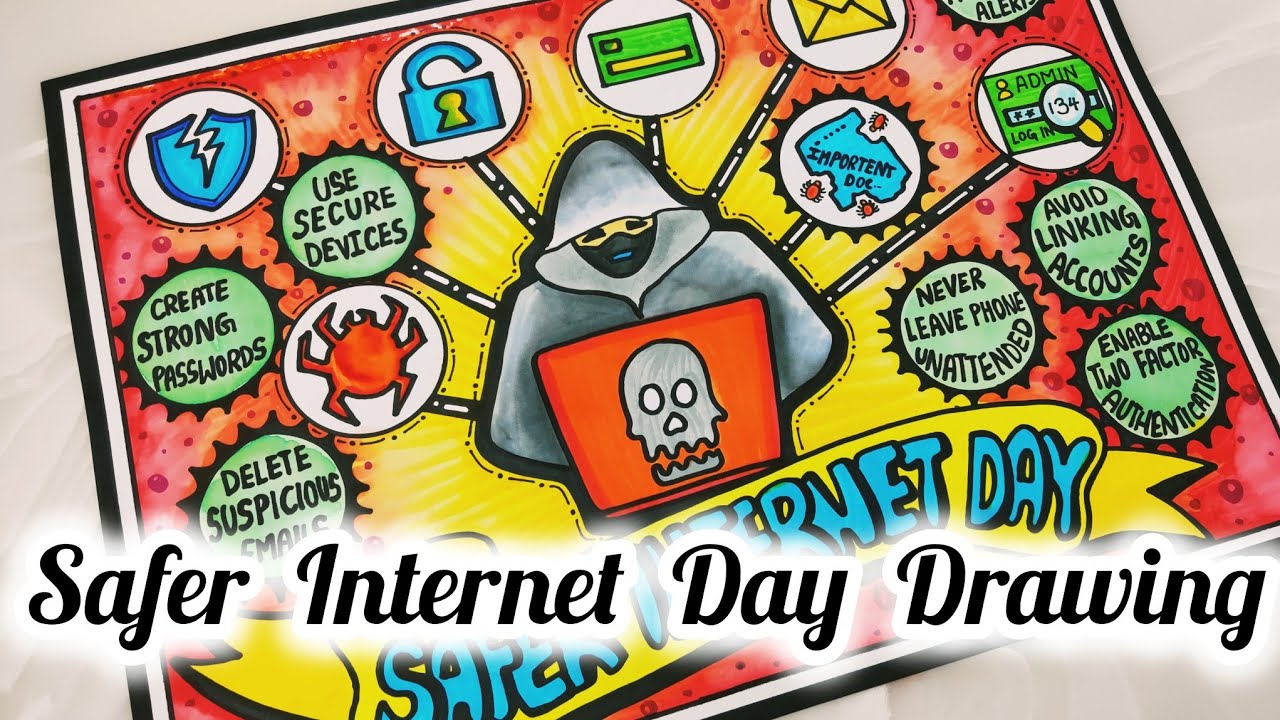
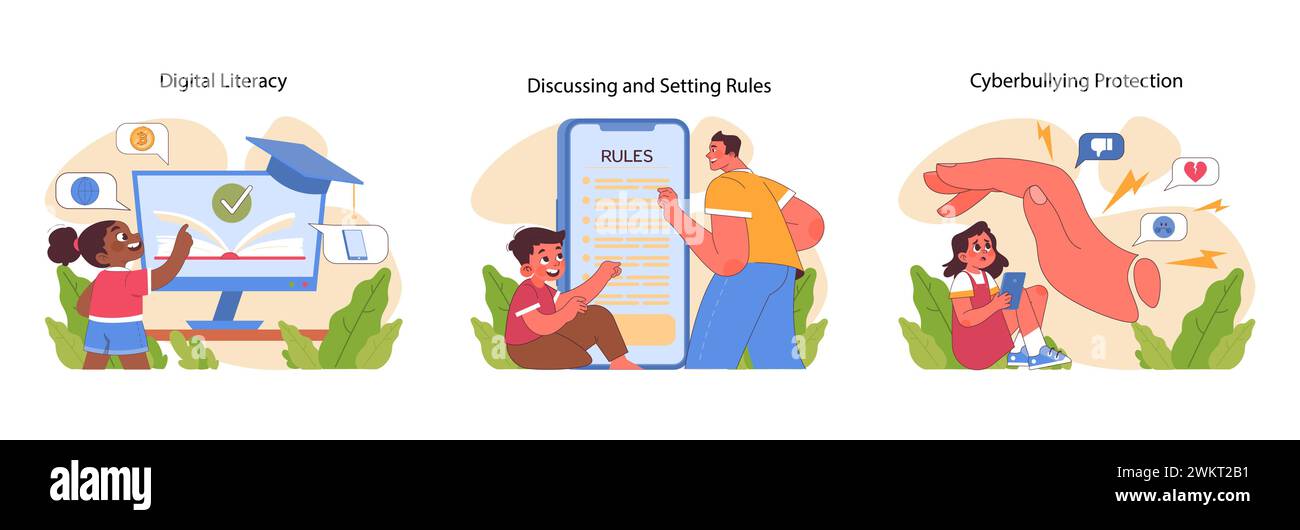
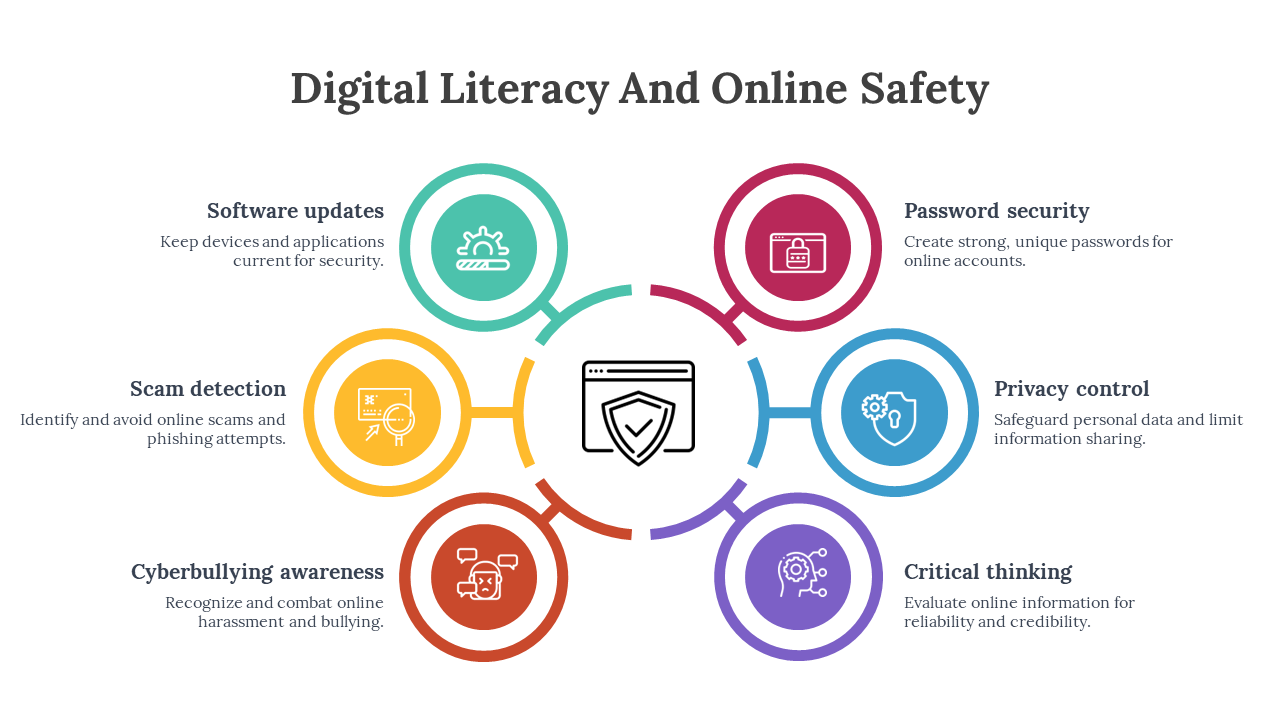
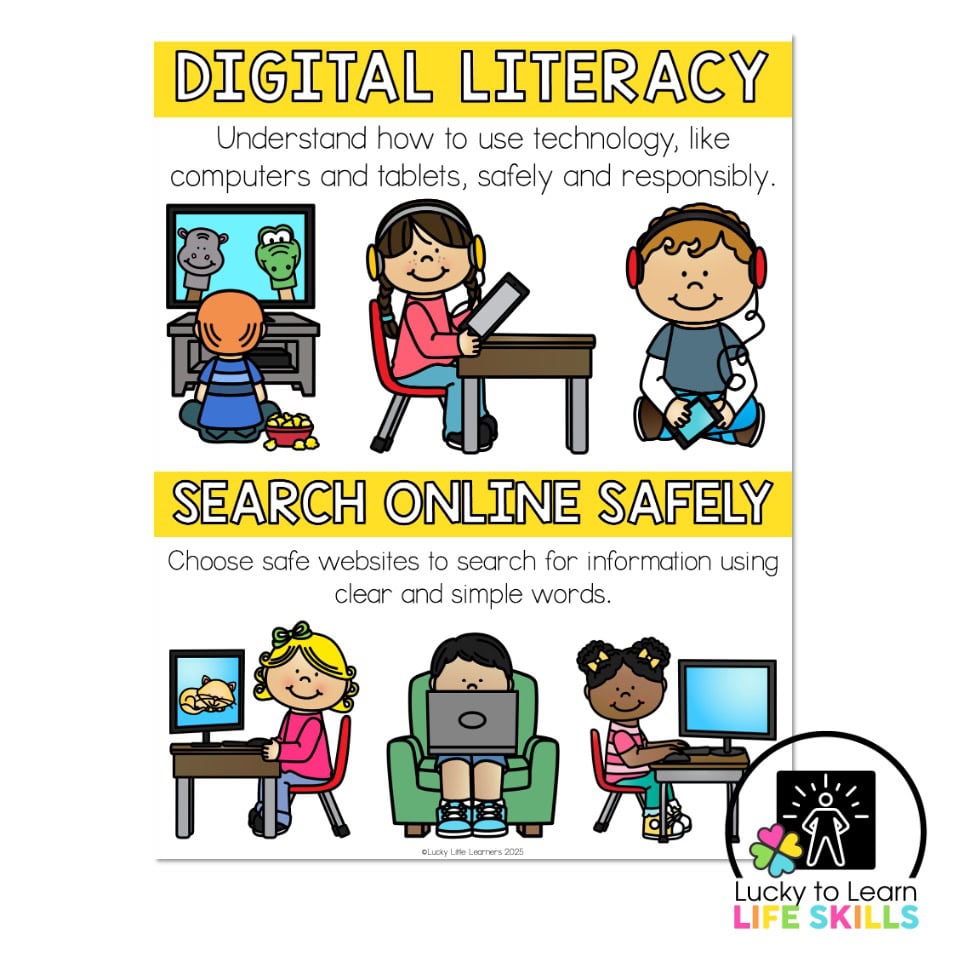
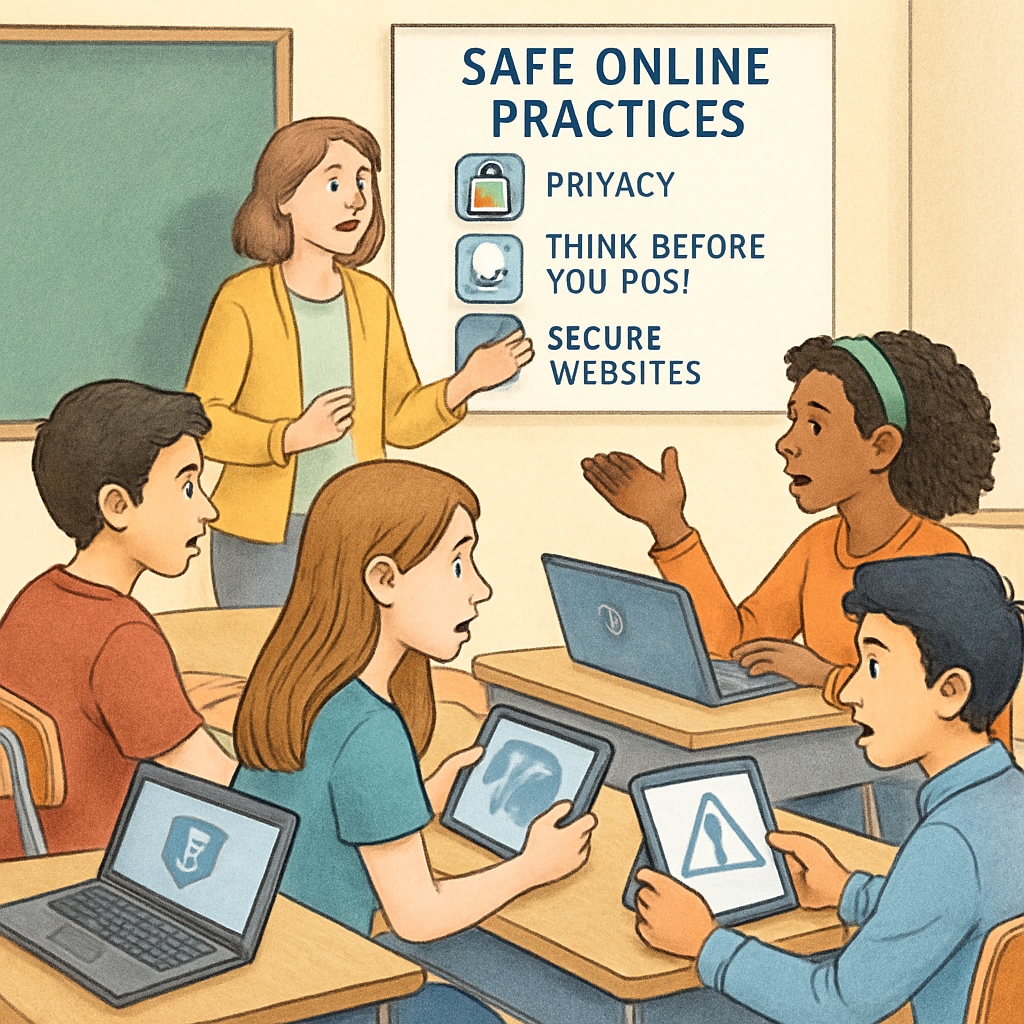
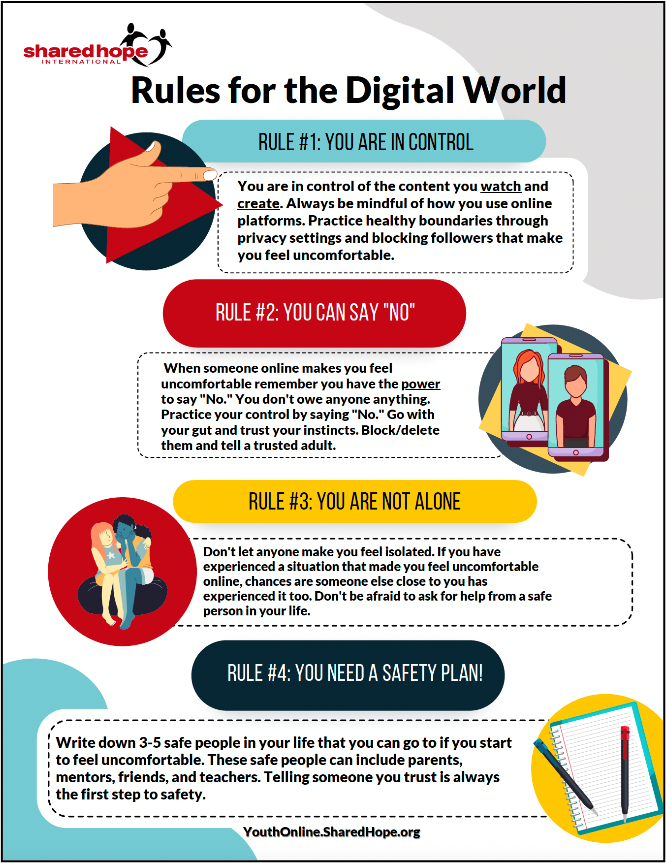
Digital literacy and online safety drawing images involve utilizing visual art mediums to educate middle school students on fundamental internet safety principles, cyberbullying prevention, and respectful digital citizenship. According to ConnectSafely, integrating visual arts into technology curricula effectively reinforces vital online safety habits while fostering critical thinking among adolescents. Educational stakeholders frequently turn to Internet and Digital Safety modules to help students process complex online concepts safely. This educational approach bridges the gap between abstract internet regulations and concrete behavioral expectations within modern classrooms.
Digital Safety Snapshot:
- Core Focus: Utilizing illustration and graphic activities to reinforce student internet safety and digital citizenship.
- Target Scope: Middle school classrooms, digital art programs, and home device safety environments.
- Key Recommendation: Combine creative design sessions with structured discussions regarding online privacy and permanent footprints.
Core Principles and Detailed Overview
Digital literacy and online safety drawing images serve as cognitive anchors that help students internalize abstract cybersecurity rules through creative expression. When learners visually map out concepts such as strong passwords, data privacy, and peer respect, retention rates increase significantly compared to traditional lecture-based methods. Schools seeking structured learning materials often integrate specialized Worksheets that couple drawing exercises with analytical safety prompts. Furthermore, analyzing artistic creations encourages students to evaluate their own digital footprints, ensuring that the imagery they produce and share online remains respectful and secure.
Key Specifications and Breakdown
| Safety Pillar | Digital Risk Factor | Actionable Protective Habit |
|---|---|---|
| Digital Footprint | Permanent exposure of personal sketches and location markers | Verify privacy settings before publishing artwork to public galleries. |
| Cyberbullying Prevention | Using digital design tools to create hurtful caricatures or memes | Establish strict zero-tolerance classroom codes for malicious image creation. |
| Device Hygiene | Downloading infected drawing applications or unlicensed graphic assets | Restrict student software installations to approved institutional app stores. |
Visual learning strategies significantly enhance cybersecurity awareness and behavioral retention among adolescent student populations. — Cybersecurity & Infrastructure Security Agency (CISA)
Step-by-Step Practical Application and Guidelines
Digital literacy and online safety drawing images require a systematic implementation framework that balances creative expression with strict data privacy protocols. Educators and parents must first establish safe digital environments by ensuring that drawing tablets and classroom computers feature updated firmware and secure local storage configurations. Next, instructors should introduce targeted prompts—such as illustrating a virtual shield against phishing attempts or designing a mascot for responsible social media use. Finally, educators must facilitate reflective group critiques where students evaluate how their artistic choices impact online reputations, aligning technical skills with proper digital citizenship.
Common Challenges and How to Avoid Them
Digital literacy and online safety drawing images often present challenges regarding unintentional copyright infringement and the accidental sharing of personally identifiable information within background artwork. Students frequently download reference images from unverified web sources or inadvertently include school ID badges, home addresses, or geo-tags inside their digital canvases. Educators and administrators neutralize these risks by teaching proper media licensing, enforcing strict background checks on student submissions, and routinely directing classes toward curated resources such as Online and Digital Safety portals to reinforce secure creative practices.
💬 Frequently Asked Questions
Explore More Kids Safety and Digital Citizenship Guides on SafeWiredSchools
Empowering students to navigate modern technology safely requires continuous education, robust administrative policies, and engaging classroom resources. Educators, parents, and school administrators can discover comprehensive toolkits, lesson plans, and expert guidance by visiting the complete library at Safe Wired Schools to build safer digital futures for every student.
Visual Reference Gallery