Introduction
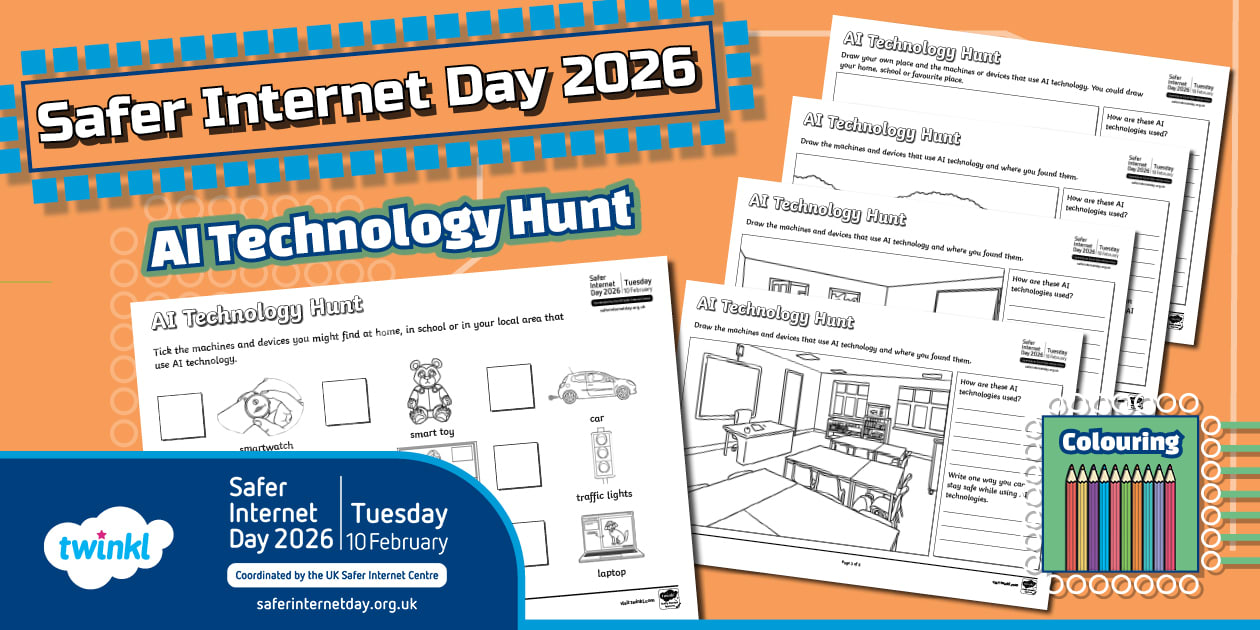
An internet safety hunt for students transforms passive lectures on online security into active, gamified learning experiences that teach middle school learners how to navigate digital spaces securely. According to Family Online Safety Institute (FOSI) guidance, empowering minors with practical digital citizenship frameworks significantly reduces their exposure to online harassment and accidental privacy leaks. Educational institutions and households must implement interactive challenges, such as scavenger hunts, to reinforce critical protocols regarding digital footprints, device hygiene, and cyberbullying prevention. Educators and parents utilizing structured Internet and Digital Safety materials can systematically evaluate student comprehension while cultivating healthy classroom screen balance.
Digital Safety Snapshot:
- Core Focus: Gamified scavenger hunts designed to teach students verifiable online safety rules.
- Target Scope: Middle school classrooms, school districts, and home-schooling environments.
- Key Recommendation: Combine digital exploration tasks with offline reflection to ensure long-term behavioral change.
Core Principles and Detailed Overview
Executing an effective internet safety hunt for students requires embedding key security competencies into interactive clues that address real-world vulnerabilities. Participants examine privacy settings on simulated accounts, identify the red flags of malicious phishing emails, and locate authoritative resources regarding cyberbullying intervention. This active participation ensures that theoretical concepts translate directly into daily device hygiene and positive digital footprints. Furthermore, structured pedagogical tools found within Worksheets repositories allow instructors to track individual progress and foster collaborative problem-solving among peers.
Key Specifications and Breakdown
| Safety Pillar | Digital Risk Factor | Actionable Protective Habit |
|---|---|---|
| Digital Footprint | Permanent storage of inappropriate text or images | Audit social profiles and practice data minimization |
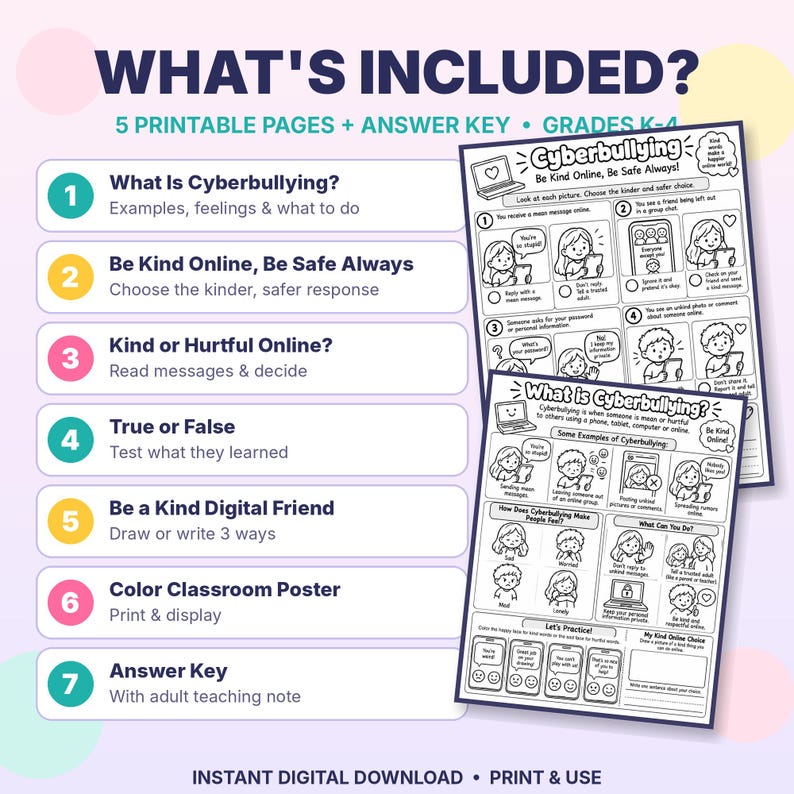
| Cyberbullying | Anonymous harassment and social exclusion | Document abusive interactions and report incidents immediately |
| Device Hygiene | Weak passwords and unpatched operating systems | Enable multi-factor authentication and update software regularly |
Digital citizenship curricula are most effective when students actively investigate real-world online safety scenarios rather than passively memorizing restrictive internet rules. — ConnectSafely Research. Related guide: Teachers Of Grades 9–12 Should Expand Internet Safety Instruction To Include Which Of The Following Topics?.
Step-by-Step Practical Application and Guidelines
Designing a successful student security challenge begins by defining specific learning objectives that cover password strength, privacy controls, and respectful online communication. Instructors should divide learners into small teams and distribute task cards that direct participants to locate specific security settings within school-approved browser environments. Each completed task earns a validation code, culminating in a comprehensive debriefing session that connects the findings to real-world scenarios. Incorporating physical movement and creative elements, such as designing complementary Coloring Pages for younger cohorts, ensures varied engagement across different developmental stages.
Common Challenges and How to Avoid Them
Over-complicating technical clues often causes students to lose focus or rely heavily on external search engines without understanding the underlying safety principles. Educators can prevent this pitfall by keeping riddles concise, aligning tasks directly with school-approved filtering policies, and monitoring device usage to maintain healthy classroom screen balance. When challenges focus exclusively on punitive measures rather than positive skill-building, learners may become disengaged; therefore, positive reinforcement should remain the central theme throughout the activity.
💬 Frequently Asked Questions
Explore More Kids Safety and Digital Citizenship Guides on SafeWiredSchools
Empowering students to become responsible digital citizens requires continuous education, accessible resources, and collaborative community efforts. Educators, parents, and administrators can discover comprehensive lesson plans, interactive modules, and expert-backed guidance by exploring the complete library at Safe Wired Schools to build safer learning environments today.
Visual Reference Gallery