Introduction
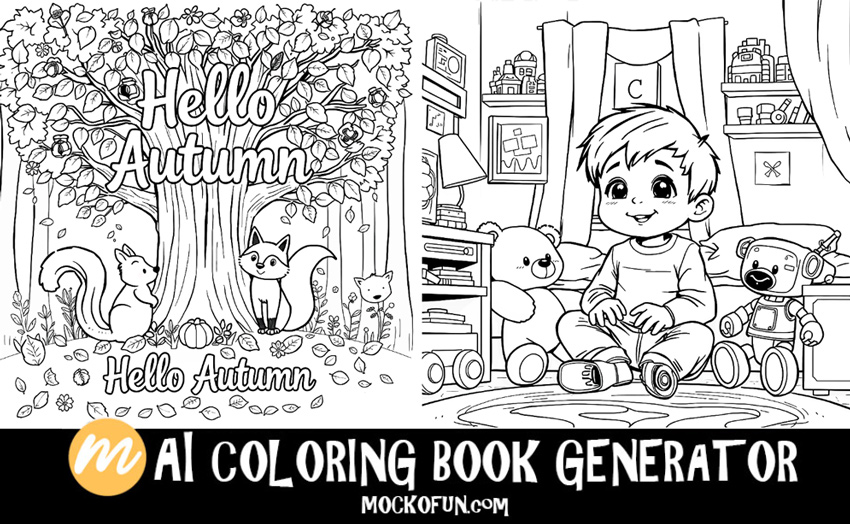
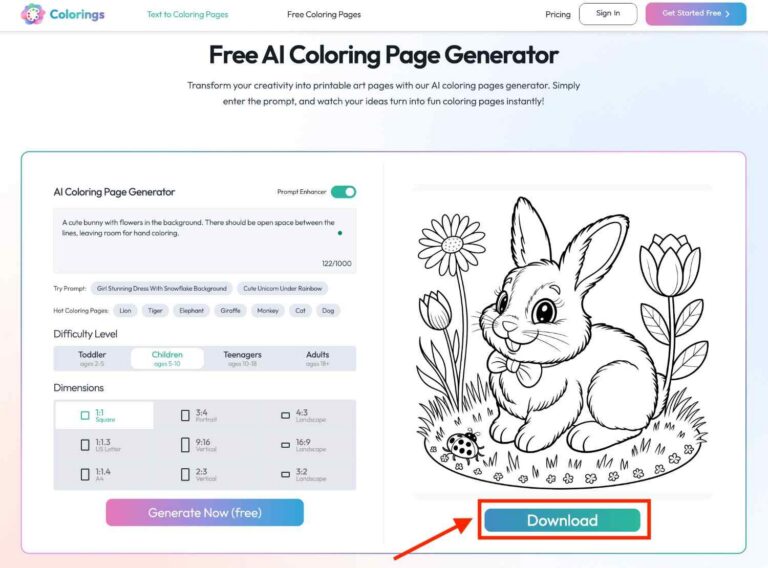
A coloring page generator is a digital tool that automatically creates custom line art and printable templates based on user prompts or specifications. According to the Family Online Safety Institute (FOSI), equipping students with critical thinking skills regarding online creation tools is essential for maintaining a positive digital footprint and preventing unintentional exposure to unsafe web networks. Educators, parents, and school administrators must evaluate these online platforms to ensure they align with strict student privacy regulations, device hygiene standards, and classroom screen balance protocols. Related guide: How Do You Spell Isabella In Cursive.
Digital Safety Snapshot:
- Core Focus: Safe utilization and privacy evaluation of any coloring page generator in educational and home environments.
- Target Scope: Middle school students, teachers, IT administrators, and parents managing connected learning devices.
- Key Recommendation: Restrict account creation, block malicious tracking scripts, and verify COPPA compliance before deploying web-based design utilities.
Core Principles and Detailed Overview
A coloring page generator processes uploaded images or text inputs through automated rendering algorithms to produce downloadable graphics suitable for Coloring Pages. Within middle school settings and home devices, these web utilities present distinct privacy challenges, including aggressive behavioral tracking, unsolicited data harvesting, and potential exposure to inappropriate ad networks. Maintaining strict device hygiene requires deploying ad-blockers, disabling unnecessary third-party cookies, and verifying that the hosting domain does not collect personally identifiable information from minors. Integrating these tools into a balanced curriculum also requires pairing digital creation time with offline activities to support healthy classroom screen balance.
Key Specifications and Breakdown
| Safety Pillar | Digital Risk Factor | Actionable Protective Habit |
|---|---|---|
| Data Privacy | Collection of student metadata and location tracking via web forms. | Disable account registrations and use anonymous, non-logged-in browser sessions. |
| Device Hygiene | Malicious redirects, pop-up malware, and unvetted embedded scripts. | Enforce enterprise-grade DNS filtering and browser extension security controls. |
| Digital Footprint | Unintentional uploading of personal imagery or identifying school assets. | Educate students on intellectual property boundaries and image-sharing safety. |
Organizations must establish baseline security protocols for all third-party web applications to protect student data privacy and mitigate unexpected malware vectors. — Cybersecurity & Infrastructure Security Agency (CISA)
Step-by-Step Practical Application and Guidelines
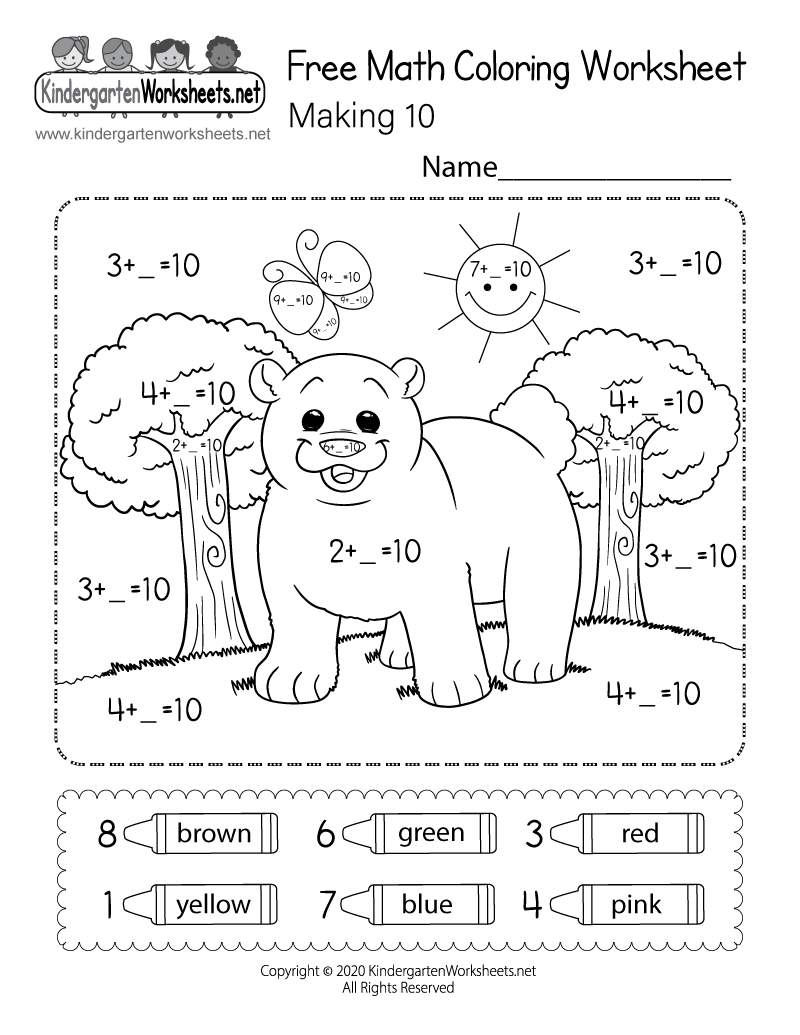
Safely utilizing a coloring page generator involves vetting platform terms of service, restricting account privileges, and supervising output generation. Schools can support safe Worksheets creation by pre-approving specific web domains through district firewalls, ensuring students never submit real names, school names, or facial photographs into prompt boxes. Teachers should audit generated outputs for hidden tracking links or inappropriate watermarks before printing, while parents must monitor home devices to prevent unsupervised access to unvetted generation sites that may feature predatory advertising or cyberbullying vectors.
Common Challenges and How to Avoid Them
Unvetted platforms frequently expose minors to deceptive pop-up advertisements, malicious phishing links, and aggressive data monetization trackers disguised as creative utilities. Educators and parents can prevent these security breaches by actively utilizing resources found within Internet and Digital Safety guidelines to teach students how to recognize suspicious web prompts and phishing traps. Establishing clear institutional boundaries ensures that creativity remains secure without compromising network integrity or student wellbeing.
💬 Frequently Asked Questions
Explore More Kids Safety and Digital Citizenship Guides on SafeWiredSchools
Maintaining a secure, balanced, and privacy-respecting digital environment requires continuous education for students, teachers, and families alike. Browse the complete library of expert-verified resources, protection checklists, and educational frameworks available at Safe Wired Schools, including specialized modules focused on Online and Digital Safety.
Printable Coloring Page Previews