Introduction
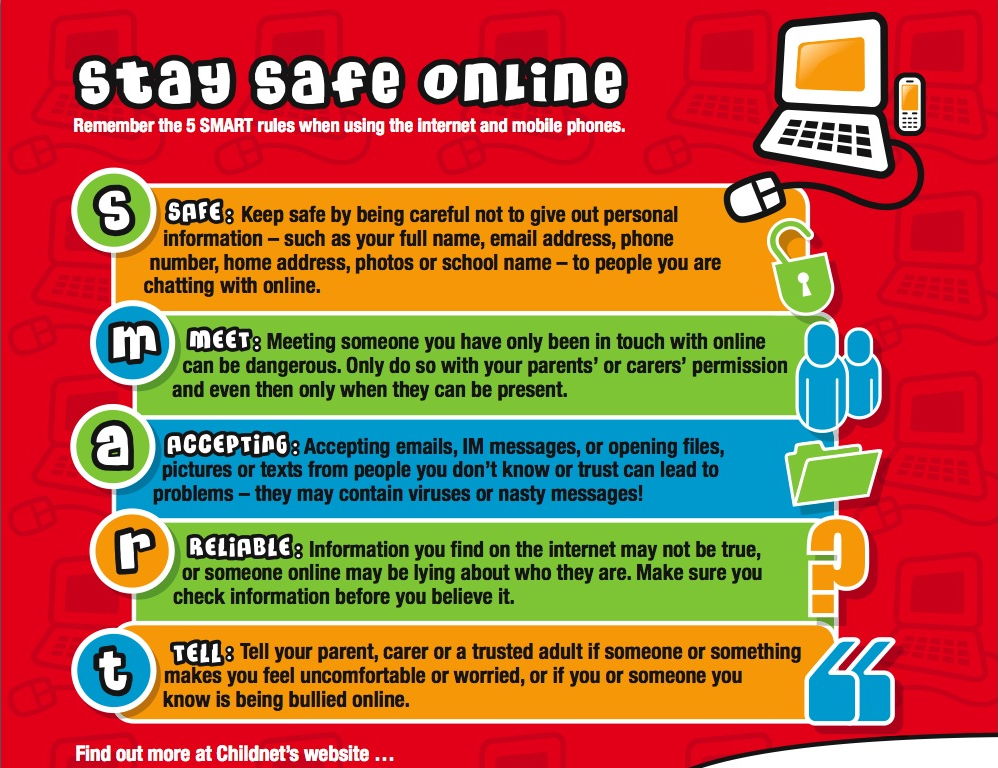
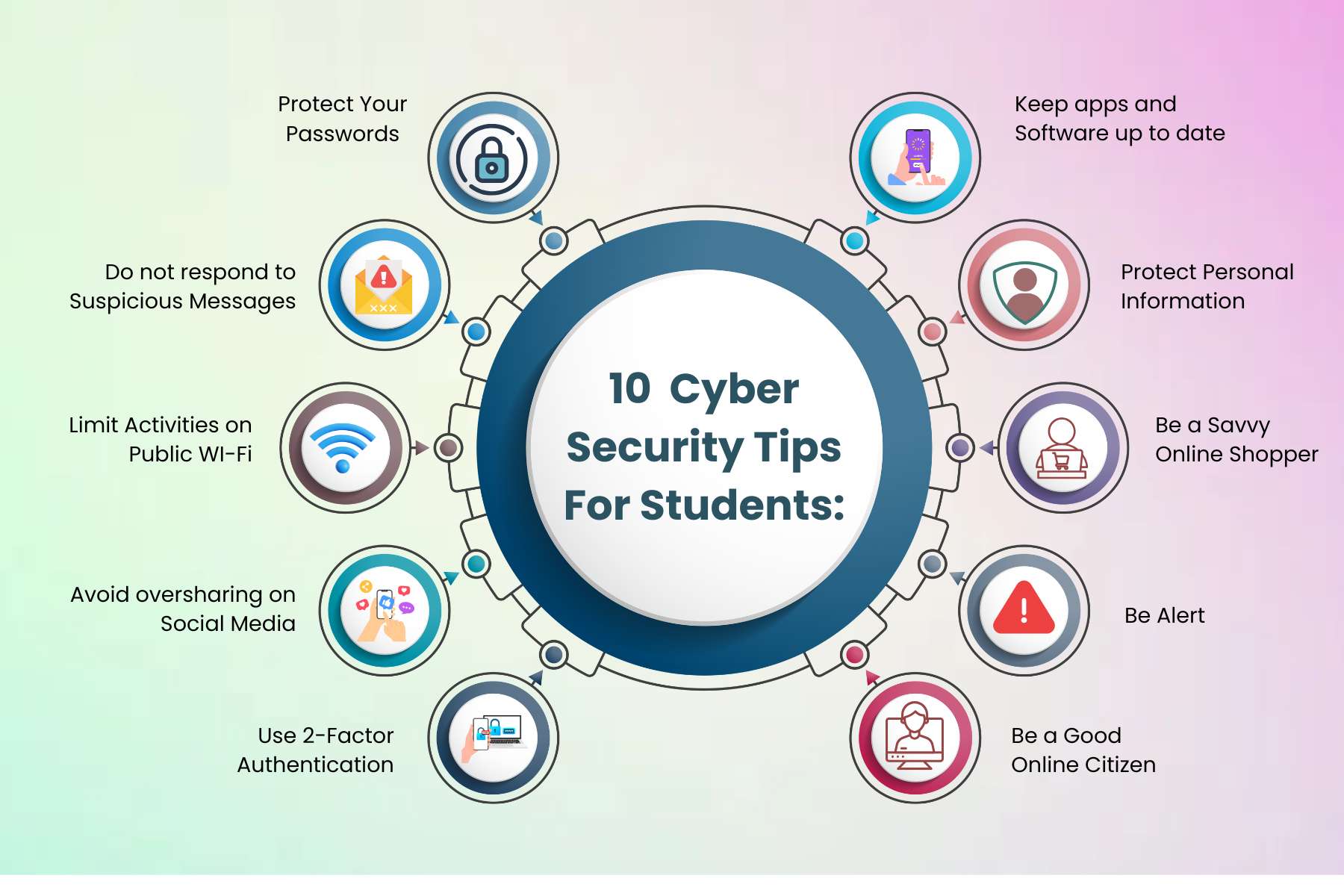
Online cyber safety for students involves the systematic application of security protocols, ethical digital conduct, and privacy management to protect educational data and individual identity. According to the Cybersecurity and Infrastructure Security Agency (CISA), maintaining a robust security posture requires the consistent implementation of strong passwords, multi-factor authentication, and the recognition of phishing attempts to mitigate unauthorized access to school networks. Establishing these foundational habits ensures that digital learning environments remain secure, productive, and resilient against evolving cyber threats.
Digital Safety Snapshot:
- Core Focus: Protecting student identity and school infrastructure through proactive digital hygiene.
- Target Scope: Middle school academic environments, student personal devices, and classroom connectivity.
- Key Recommendation: Enforce strict data minimization and regular software updates across all school-issued hardware.
Core Principles and Detailed Overview
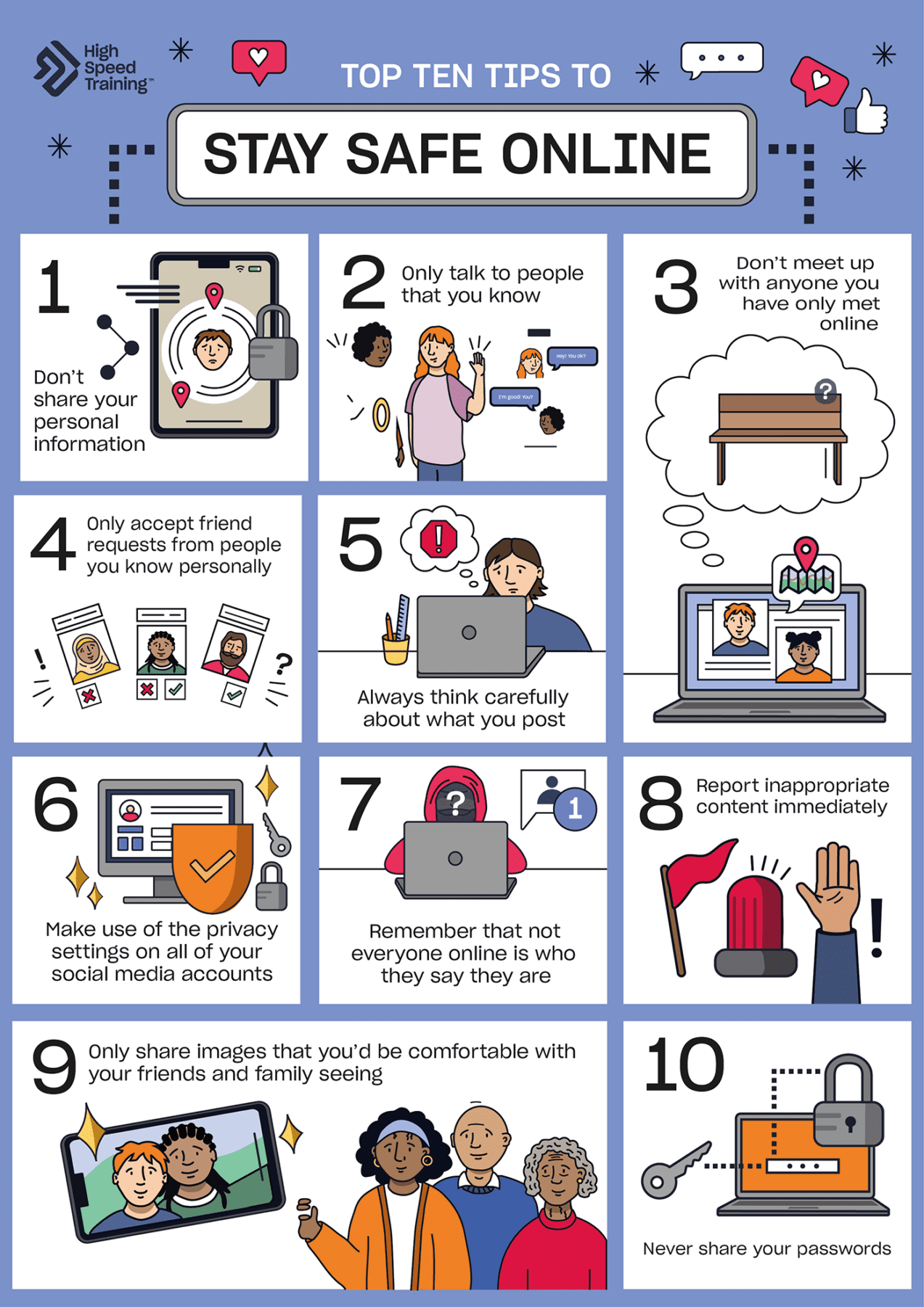
Effective cyber safety for students relies on the integration of device hygiene, ethical digital footprint management, and the early identification of cyberbullying indicators. Device hygiene mandates that all school-managed hardware receives regular firmware updates and remains free of unauthorized third-party applications that could serve as entry points for malware. Simultaneously, students must understand that every digital interaction contributes to a permanent footprint, necessitating a cautious approach to information sharing on social platforms and public forums. Preventing cyberbullying requires a culture of reporting where students recognize that persistent harassment, exclusion, or digital intimidation violates both school policy and community safety standards. Classroom screen balance serves as a final pillar, ensuring that digital engagement remains purposeful and limited to educational objectives, thereby reducing the exposure window to potential online hazards.
Key Specifications and Breakdown
| Safety Pillar | Digital Risk Factor | Actionable Protective Habit |
|---|---|---|
| Device Hygiene | Malware and Data Leaks | Apply security patches and updates immediately. |
| Digital Footprint | Identity Exposure | Practice strict privacy settings on all accounts. |
| Cyberbullying | Harassment and Exclusion | Document incidents and report via school channels. |
Practice Cyber Hygiene Principle — Cybersecurity & Infrastructure Security Agency (CISA)
Step-by-Step Practical Application and Guidelines
Practical application of cyber safety begins with the rigorous enforcement of account security and the adoption of secure browsing habits. First, administrators must mandate unique, complex passwords for every student account to prevent credential stuffing. Second, educators should incorporate Worksheets designed to test student knowledge on identifying suspicious links and attachments. Third, schools must establish clear, written protocols for reporting cyber-incidents, ensuring that students feel empowered to disclose concerns without fear of retribution. Finally, the implementation of screen balance strategies—such as scheduled offline research blocks—minimizes the duration of exposure to high-risk internet environments during the school day, reinforcing a disciplined approach to digital citizenship.
Common Challenges and How to Avoid Them
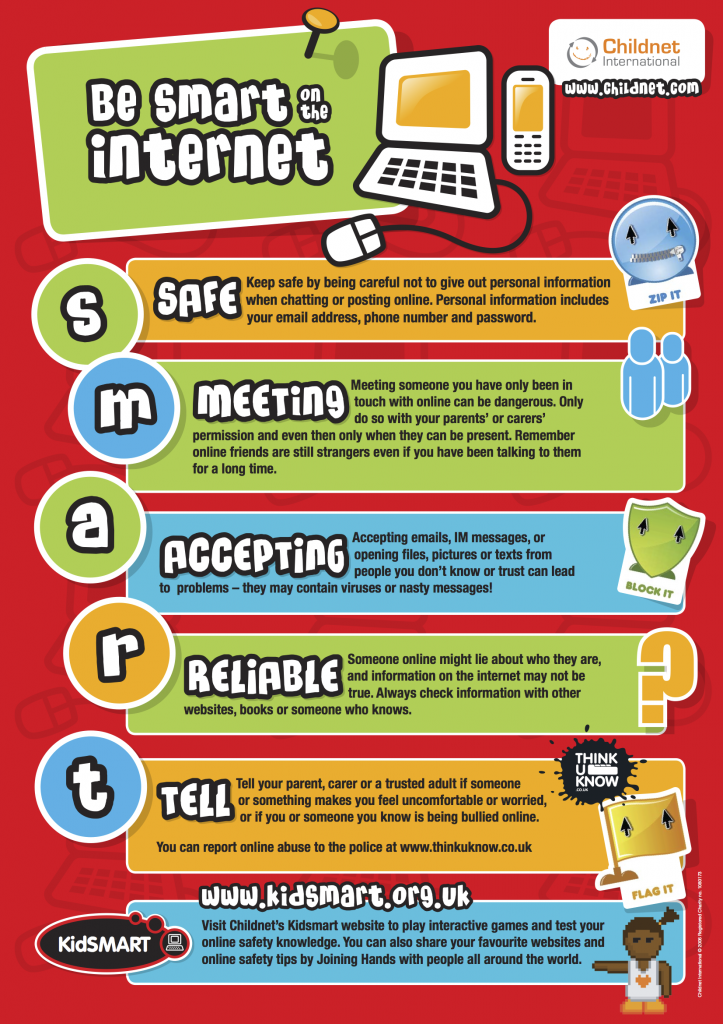
Common failures in student cyber safety often stem from the oversight of background processes and the lack of awareness regarding social engineering tactics. Students frequently overlook the risks associated with public Wi-Fi networks and the dangers of sharing personal identifiers, such as school locations or schedule details, in digital spaces. To avoid these pitfalls, schools must prioritize ongoing education regarding Internet and Digital Safety, emphasizing that convenience should never compromise security. Diagnostic checks on school-issued devices should occur quarterly to identify unauthorized software installations or suspicious network traffic patterns that suggest a potential security breach.
💬 Frequently Asked Questions
Explore More Kids Safety and Digital Citizenship Guides on SafeWiredSchools
Comprehensive resources for educators and families are available through the Online and Digital Safety portal. For additional interactive materials, visit the Coloring Pages section to engage younger students in foundational concepts. Consistent engagement with these educational tools strengthens the overall safety culture within the school community.
Visual Reference Gallery