Why Early Cybersecurity Education Shapes Healthy K-5 Digital Habits
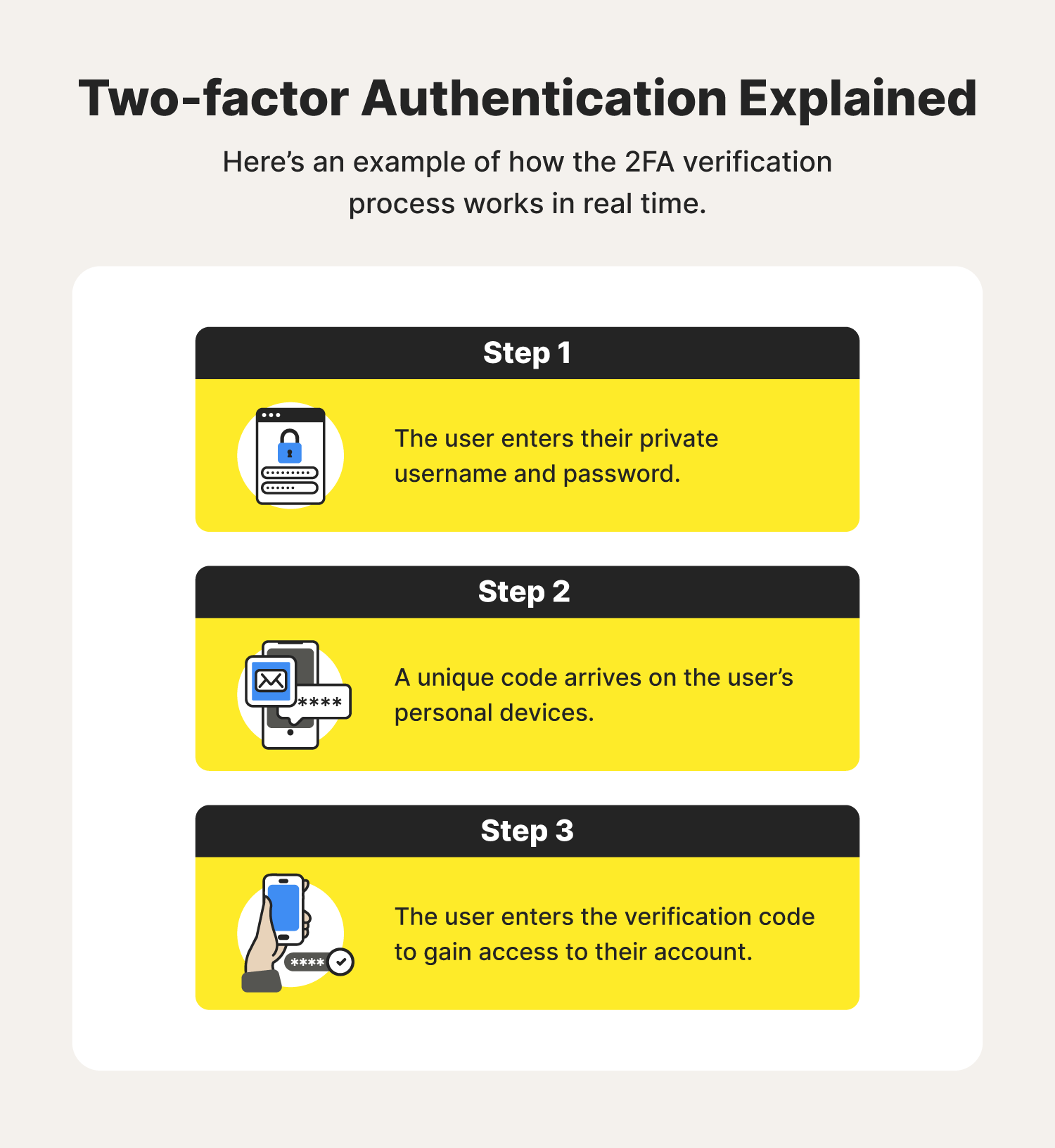
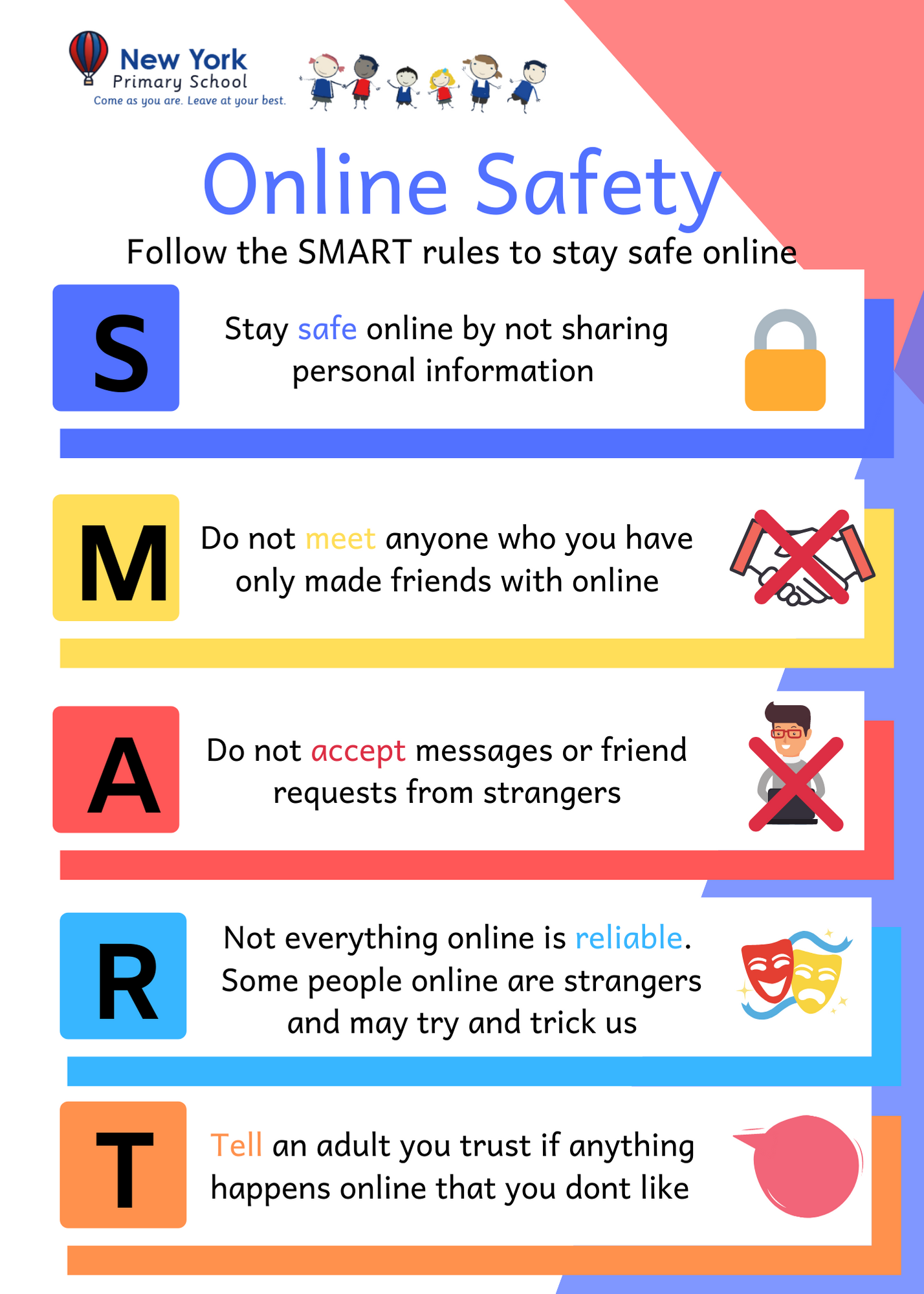
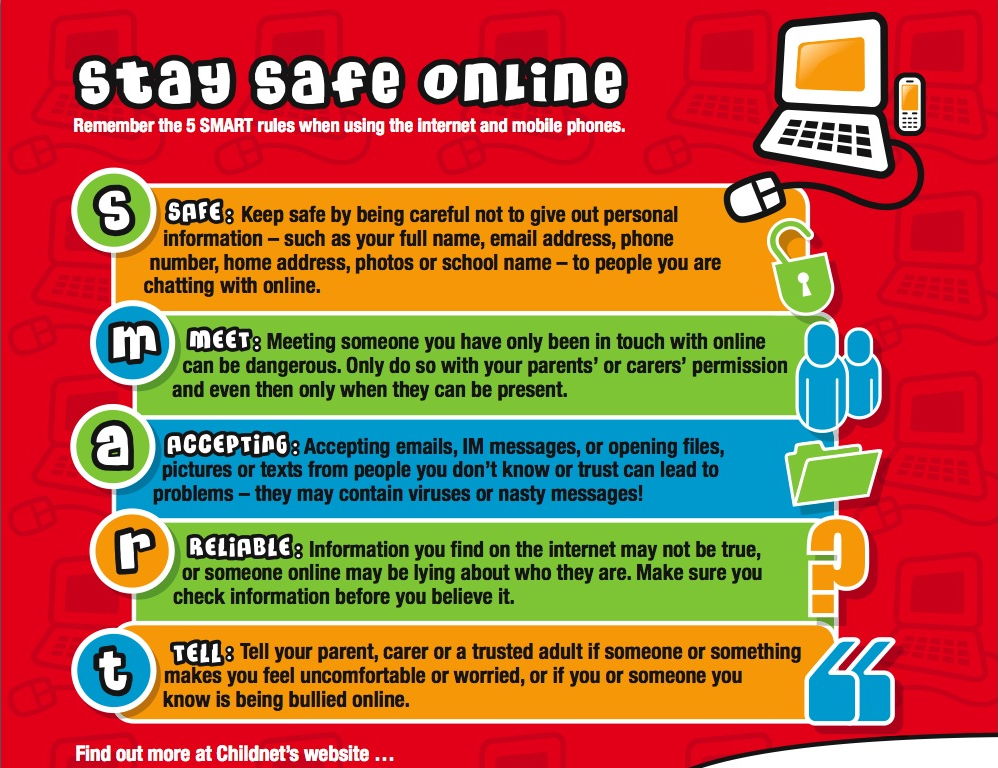
Young learners today navigate tablets, school issued Chromebooks, and family devices almost daily. Introducing foundational digital citizenship early helps children view the internet as a tool for creativity and learning rather than a minefield of hidden risks. Organizations like the Cybersecurity and Infrastructure Security Agency emphasize that digital resilience starts long before middle school. When parents and educators collaborate, children learn that online safety and cybersecurity in primary schools are simply extensions of everyday manners, caution, and respect. Related guide: Teachers Of Grades 9–12 Should Expand Internet Safety Instruction To Include Which Of The Following Topics?.
💡 Educational Key Takeaways:
- Core Skill: Structured Importance Of Online Safety And Cybersecurity In Primary Schools focused on developing pencil grip, stroke control, and early literacy/math confidence.
- Target Scope: Suited for homeschoolers, preschool, kindergarten, and elementary learners.
- Best Recommendation: Practice 10–15 minutes daily with ergonomic writing tools to reinforce muscle memory without hand fatigue.
Primary students often lack the developmental impulse control required to safely handle pop-up windows, unfamiliar direct messages, or app store permissions. Identifying common technical gaps and behavioral red flags allows adults to step in before minor digital missteps escalate into privacy breaches or malware exposures.
| Setting / Context | Common Vulnerability | Practical Safeguard |
|---|---|---|
| Home Tablets & Phones | Accidental in-app purchases and unsecured public Wi-Fi exposure. | Enable strict app-store password locks and establish a secure home network. |
| School Chromebooks | Saved passwords on shared classroom carts or sibling profiles. | Enforce automatic logouts and review browser history regularly with students. |
| Gaming & Chat Apps | In-game text chats exposing children to unverified strangers. | Disable open chat features and stick to closed multiplayer sessions with known peers. |
Establishing Clear Classroom Policies and Home Routines
Consistency between school and home is vital for reinforcing safe digital behaviors. Educators can establish clear expectations in the classroom by pairing browser filters with explicit discussions on what to do if something looks strange on screen. Reinforce these lessons using our Worksheets during computer lab time. At home, families should designate a central charging station in a common living area rather than bedrooms, eliminating late-night unsupervised screen time. Open communication ensures children report accidental clicks or strange messages immediately without fear of losing their device privileges.
Overcoming Student Workarounds and Adult Pushback
Overly restrictive internet filters or immediate knee-jerk confiscations often backfire, driving children to find clever workarounds like incognito tabs or peer-to-peer hotspots. Instead of relying solely on heavy-handed technical blocks, adults should blend age-appropriate device controls with guided curiosity. ConnectSafely and other youth safety advocates recommend framing cybersecurity rules as protective armor rather than arbitrary punishment. When children understand why a particular website or download poses a risk, they develop critical thinking skills that outlast any software filter.
Frequently Asked Questions About Young Student Safety
At what age should we start teaching cybersecurity concepts to children?
Basic digital safety concepts can begin as early as kindergarten through age-appropriate discussions about privacy, keeping passwords secret, and asking an adult before clicking unfamiliar links. Simple guidelines prevent children from feeling overwhelmed while building lifelong habits.
How can teachers handle accidental exposure to inappropriate content in class?
Instruct students to immediately turn down their screens and notify an adult without panicking. Emphasize a blame-free reporting culture so children feel secure coming forward when unexpected pop-ups or filters fail.
What are the best ways to reinforce these lessons outside of school hours?
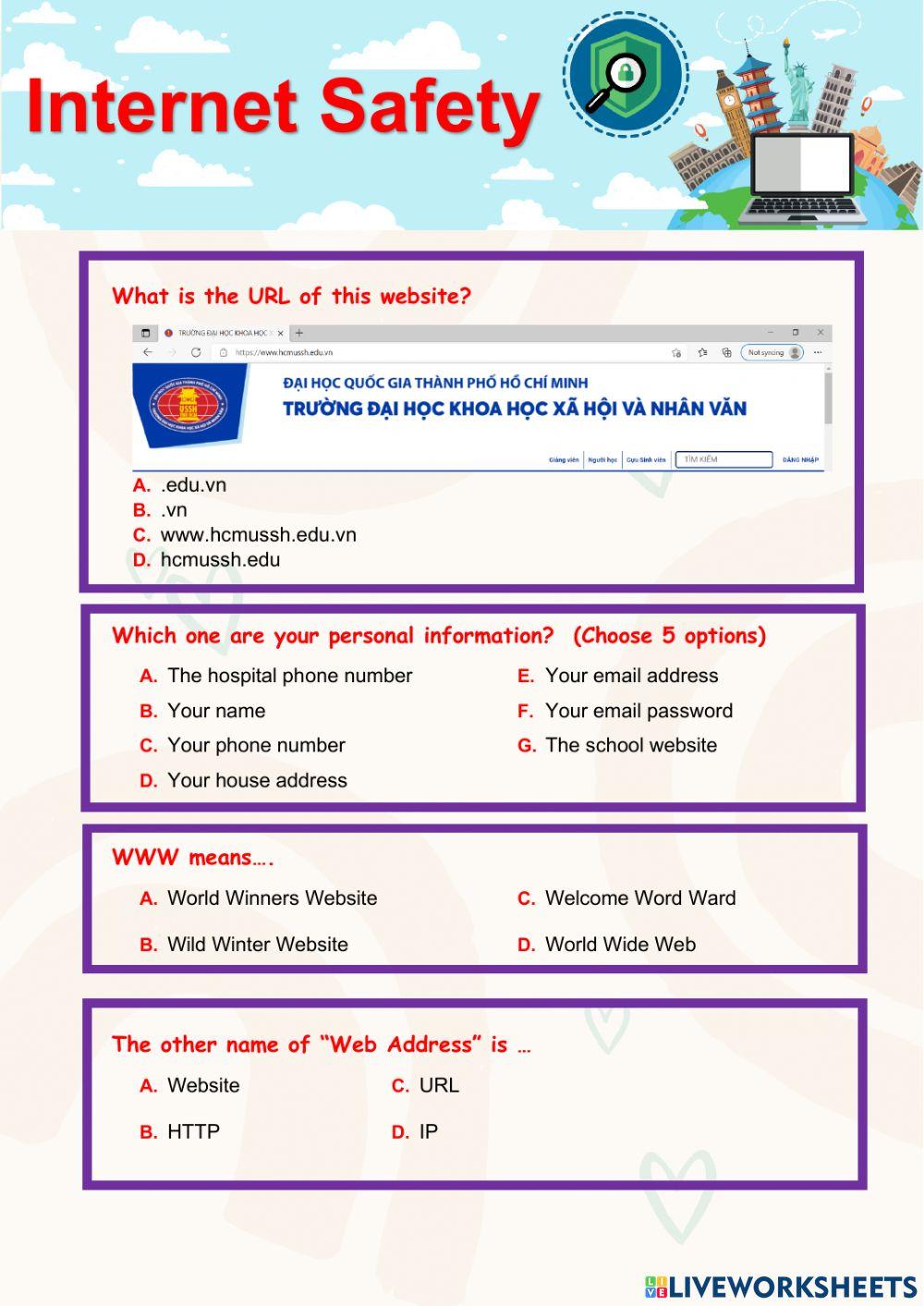
Parents can leverage engaging classroom activities and fun practice exercises found in our Internet and Digital Safety section to spark dinner table conversations about online choices.
Explore More Digital Citizenship Resources
Building a robust safety culture requires continuous learning, open dialogue, and updated strategies for every grade level. Dive deeper into student empowerment tools, educator guides, and creative learning activities by visiting SafeWiredSchools.org to support your school community today.