Introduction
Modern classrooms and living rooms buzz with digital activity, bringing countless learning opportunities alongside entirely new responsibilities. Young learners frequently navigate school portals, educational games, and collaborative platforms long before middle school approaches. Many adults assume that digital security measures like two-factor authentication belong exclusively in the corporate world. Yet, children routinely encounter shared family devices and multiplayer lobbies where accounts hold personal progress, school assignments, and digital rewards. Teaching foundational security concepts early transforms abstract tech jargon into concrete, everyday habits. Educators and caregivers need accessible tools to demystify digital locks without overwhelming developing minds. Introducing verification codes through structured interactive worksheets bridges the gap between technical safety measures and childhood understanding. Grounded guidance empowers learners to view digital boundaries as tools for independence rather than restrictive rules.
💡 Educational Key Takeaways:
- Core Skill: Structured Why Students In School Need 2Fa focused on developing pencil grip, stroke control, and early literacy/math confidence.
- Target Scope: Suited for homeschoolers, preschool, kindergarten, and elementary learners.
- Best Recommendation: Practice 10–15 minutes daily with ergonomic writing tools to reinforce muscle memory without hand fatigue.
What This Printable Covers
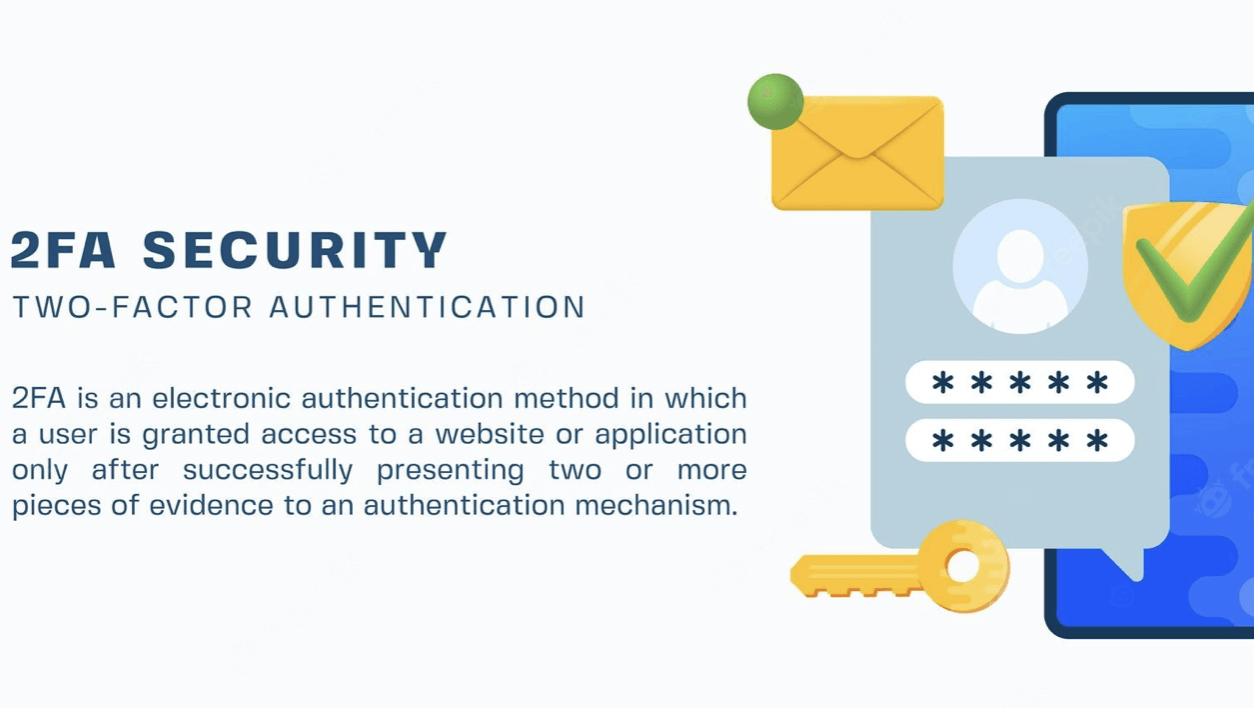
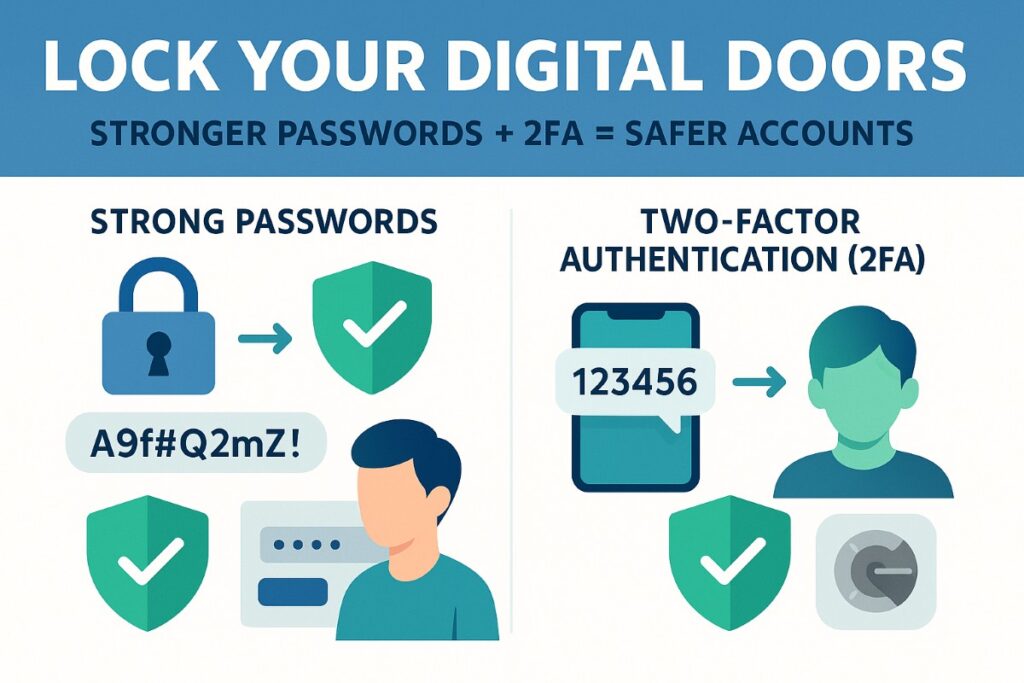
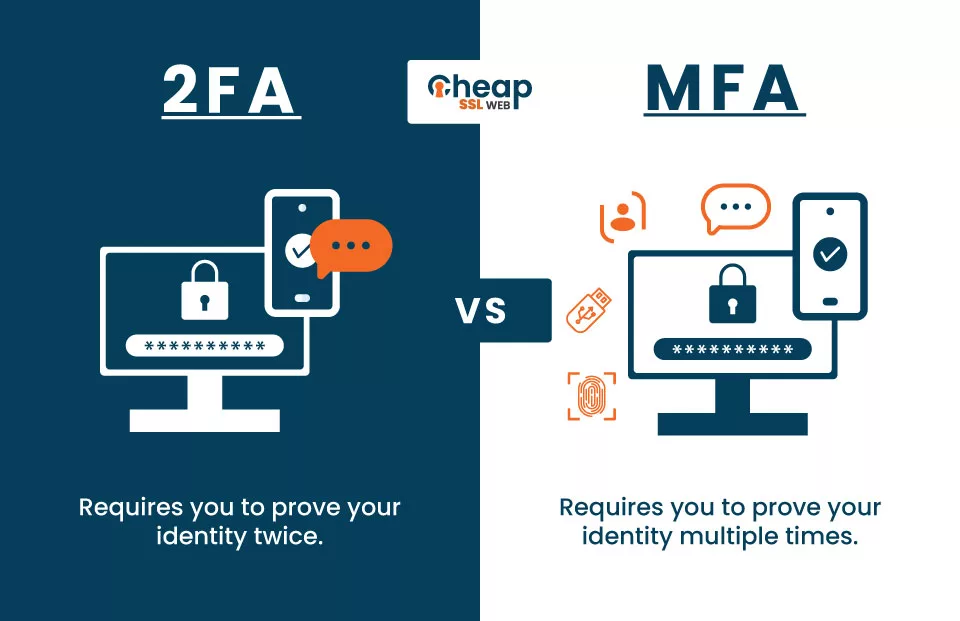
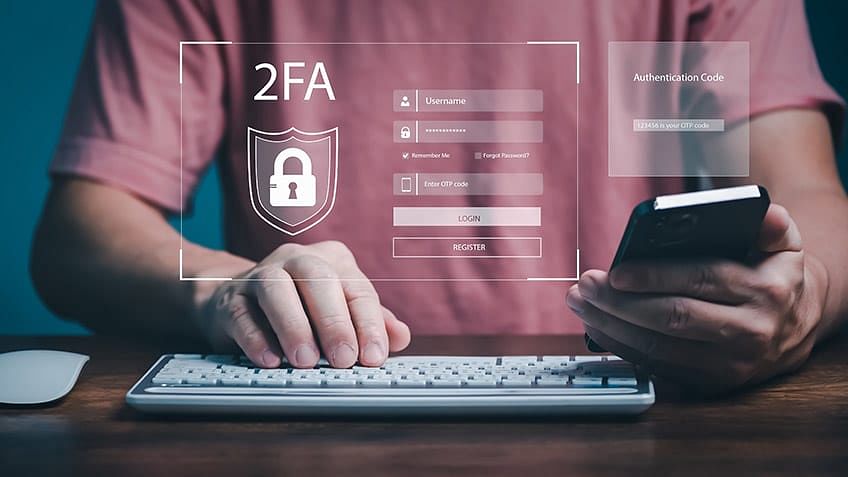
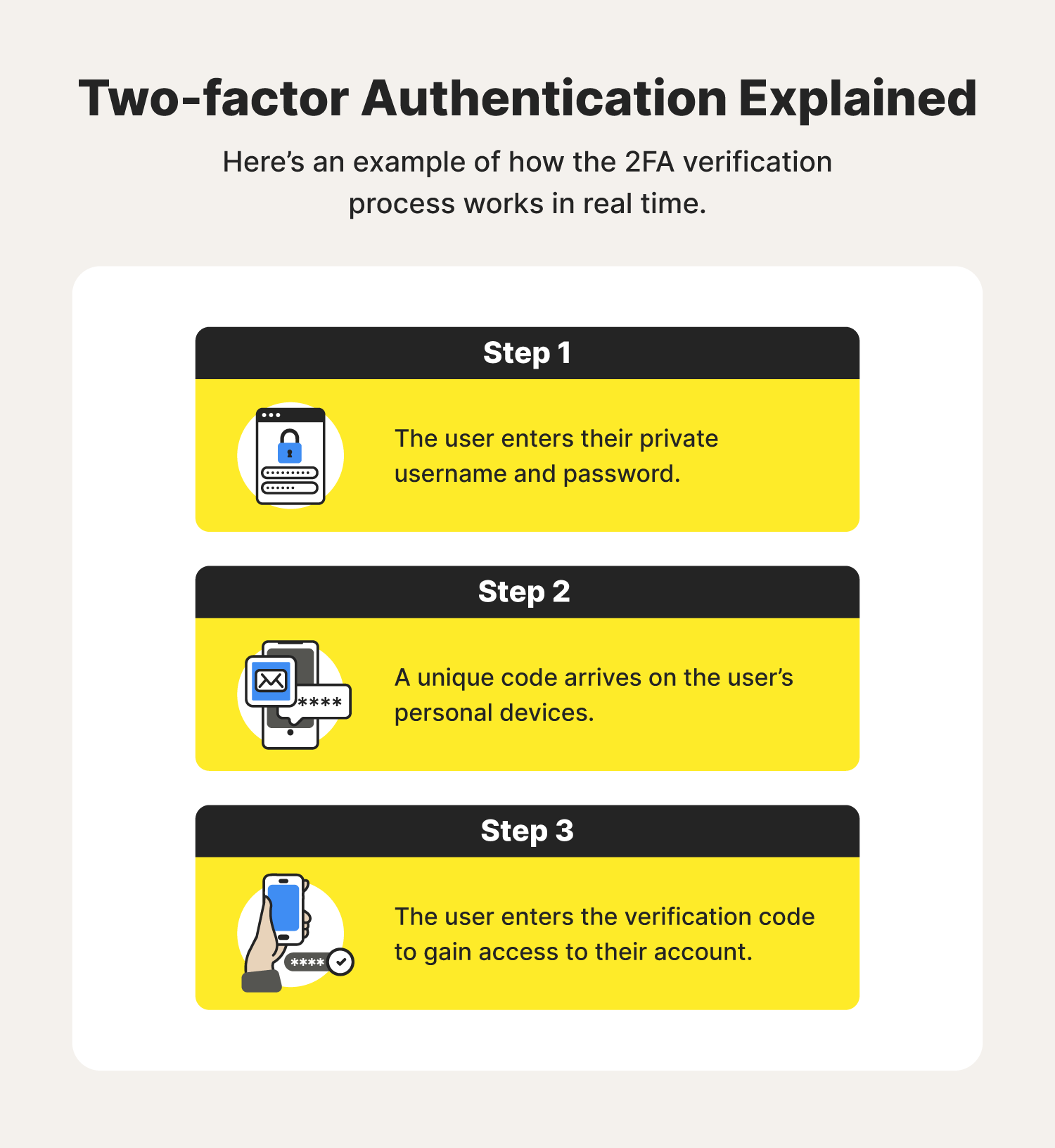
This free educational handout breaks down the concept of multi-step verification into digestible, age-appropriate scenarios. Children often struggle to grasp why a simple password feels insufficient to modern systems. The layout uses relatable analogies, comparing digital logins to a clubhouse door that requires both a secret knock and a physical key. Real-world scenarios reflect how kids actually meet online risks, such as leaving a school portal open on a shared living room tablet or trading gaming accounts with peers during recess. By walking through these everyday dilemmas, learners discover why extra security layers protect their virtual worlds. The activity page avoids fear-based messaging entirely. Instead, it frames verification codes as helpful guardians that keep digital spaces secure and personal information private. Related guide: What Is Internet Safety Important Points For Students.
Key Learning Outcomes
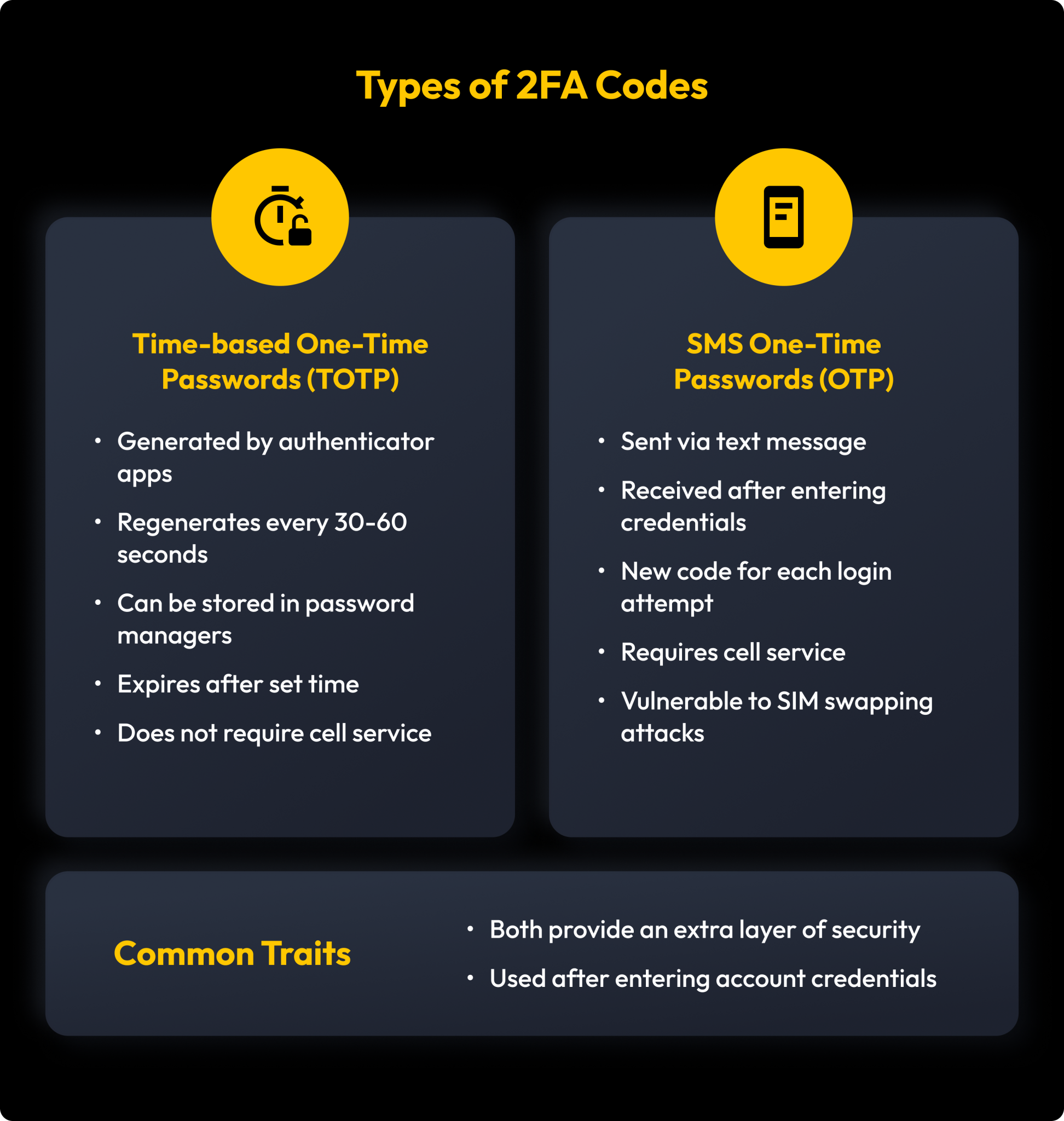
Working through the activity sheet cultivates specific protective skills that extend far beyond a single lesson. Children learn to identify when an account requires secondary verification, such as a text code or an authenticator app prompt. The exercise reinforces the importance of keeping personal contact details private, noting that phone numbers and recovery emails used for verification belong only in trusted adult hands. Furthermore, learners practice the crucial habit of pausing before clicking approve on unfamiliar login prompts. According to the Federal Trade Commission, equipping youth with foundational cybersecurity habits early significantly reduces the vulnerability of family networks. Children also internalize the liberating message that reporting an unusual account notification or a confusing login request to a trusted adult never results in trouble.
How to Use This Printable
Implementation requires zero technical setup, making the resource ideal for morning meetings, library sessions, or kitchen table discussions. Adults can introduce the topic by asking children if they have ever locked a bicycle or a bedroom door. Connecting physical security to digital keys creates an immediate mental anchor. As children complete the matching exercises and scenario prompts, adults circulate to prompt deeper reflection. Open-ended questions work best to spark conversation about passwords and login notifications. Exploration of broader internet wellness topics deepens naturally when paired with relevant Internet and Digital Safety modules.
Practical Tips for Parents and Teachers
Effective digital citizenship education thrives on calm, continuous dialogue rather than one-time lectures. Adults should model positive security habits by explaining out loud when enabling multi-step verification on household accounts. Collaborative problem-solving helps learners internalize these concepts without anxiety. It sounds simple, and that is the point: normalizing security checks as routine chores, much like brushing teeth, removes the mystery and intimidation. Educators can laminate reusable copies for learning centers, while families might pin the sheet near the family charging station as a friendly visual reminder. Maintaining a patient, approachable demeanor ensures children feel safe asking questions whenever a digital prompt confuses them.
Age-Appropriate Recommendations
Customizing the conversation to developmental stages ensures the material resonates effectively. For younger elementary students ages five through eight, keep the focus on basic concepts like keeping secret words private and telling an adult before typing information into pop-ups. Older elementary students ages nine through twelve can explore the mechanics of verification codes and why secondary confirmation stops unauthorized access. Grounding these lessons in frameworks like the Common Sense Education Digital Citizenship Curriculum provides structured pathways for educators tracking progress. Additional creative resources addressing digital footprints are readily available within specialized Online and Digital Safety collections.
According to the Federal Trade Commission, proactive digital safety education and open family communication are foundational pillars in protecting children from emerging online vulnerabilities. — FTC
Frequently Asked Questions
Can caregivers download and print this resource at no cost? Yes, the material is completely free for printing and distribution in classrooms, homeschool environments, and family homes.
According to the Pew Research Center, the vast majority of children access internet-connected devices daily, making early digital literacy essential for safe navigation. — Pew Research Center
Explore More Free Kids Online Safety Printables
Expanding a digital citizenship curriculum requires a diverse mix of engaging, hands-on activities that capture children’s attention. Educators and parents can discover additional materials tailored to different age groups and learning styles. Creative exercises that combine art and safety discussions are exceptionally popular in elementary classrooms; browse through various Coloring Pages to reinforce foundational digital rules through visual storytelling. Consistent reinforcement across multiple formats ensures lasting retention of essential online safety skills.
Developmental Milestone & Activity Table
| Development Stage | Recommended Daily Duration | Primary Learning Objective |
|---|---|---|
| Preschool & Pre-K | 10 – 15 Minutes | Pencil grip development & basic pre-stroke lines |
| Kindergarten | 15 – 20 Minutes | Letter/number formation & spatial line awareness |
| Early Elementary (Grade 1–2) | 20 – 30 Minutes | Fluency, sentence construction & neatness |
Images References