Introduction
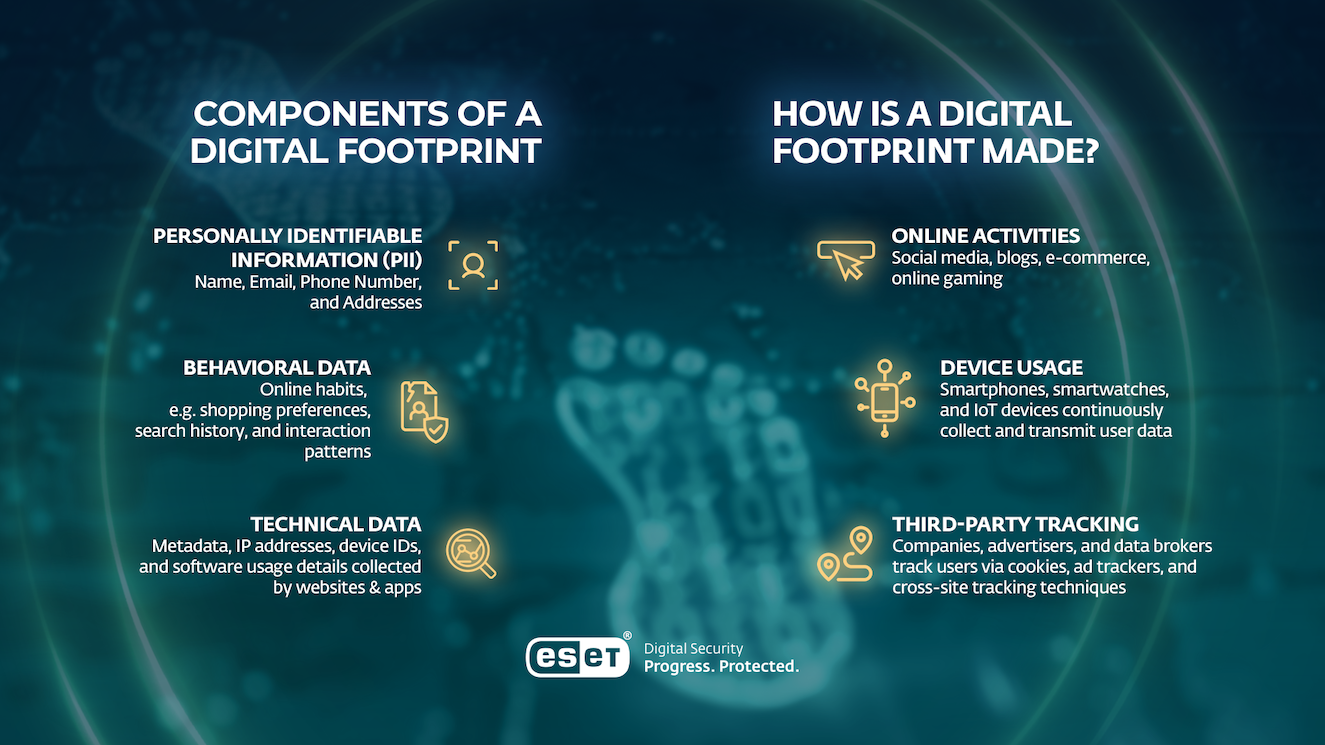
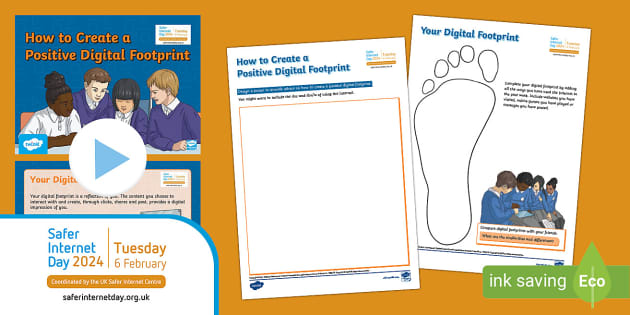
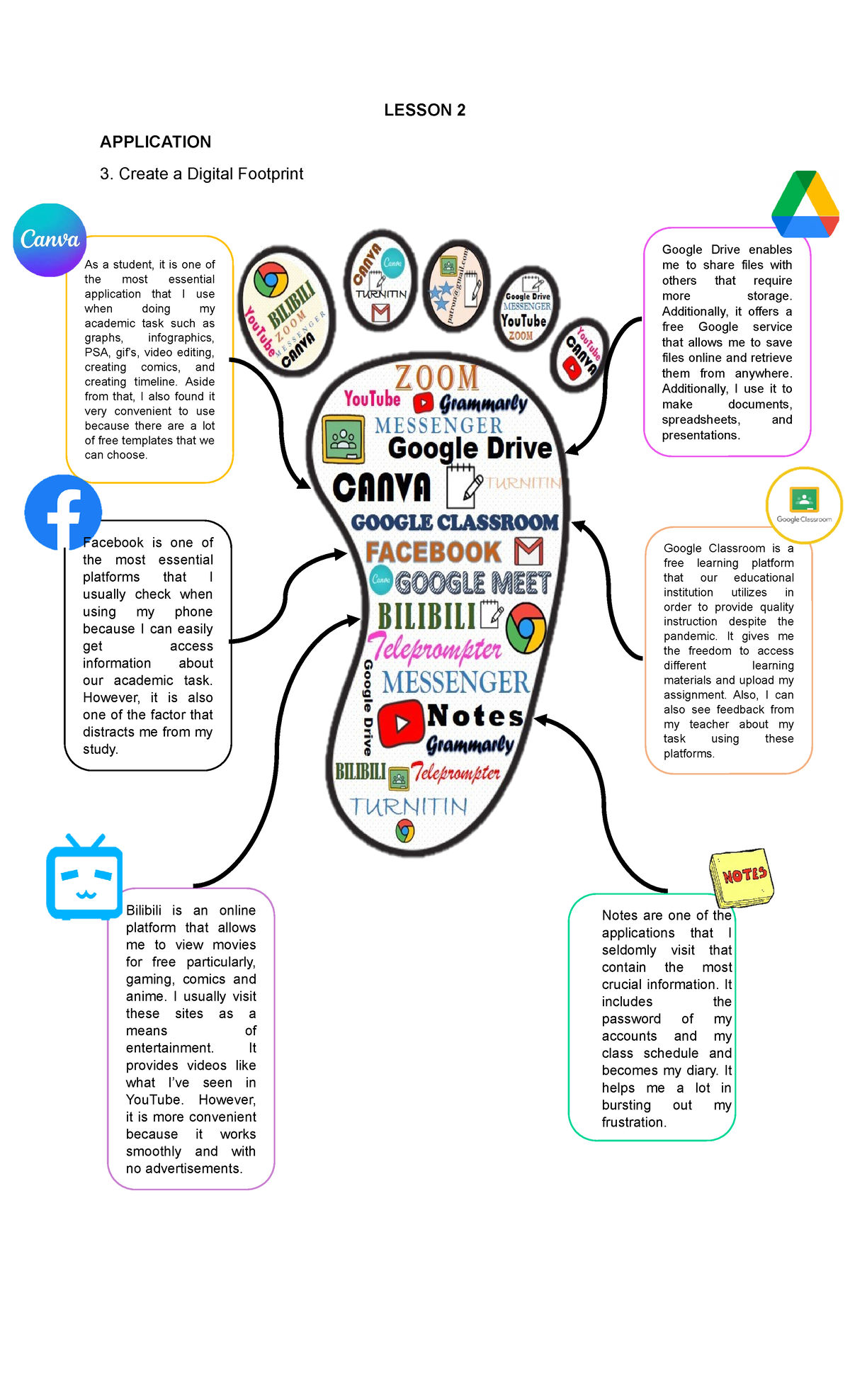
Digital footprints begin forming long before children receive their own smartphones. Modern classrooms utilize shared tablets, while home environments buzz with interactive video platforms and multiplayer game consoles where children chat with peers. Navigating these virtual spaces requires deliberate instruction rather than accidental exposure. Educators and parents often struggle to visualize abstract concepts like data tracking for elementary-aged minds. The free printable focusing on how can students create a digital footprint map bridges this gap, turning invisible online trails into tangible learning moments. This activity transforms abstract data concepts into concrete visual pathways, empowering young learners to understand that every photo, comment, and game level leaves a permanent trace. Building healthy online habits early ensures children grow into mindful digital citizens who protect their personal information naturally. Related guide: Teachers Of Grades 9–12 Should Expand Internet Safety Instruction To Include Which Of The Following Topics?.
💡 Educational Key Takeaways:
- Core Skill: Structured How Can Students Create A Digital Footprint Map focused on developing pencil grip, stroke control, and early literacy/math confidence.
- Target Scope: Suited for homeschoolers, preschool, kindergarten, and elementary learners.
- Best Recommendation: Practice 10–15 minutes daily with ergonomic writing tools to reinforce muscle memory without hand fatigue.
WhatThis Printable Covers
Visual mapping tools help children conceptualize where their information travels across the internet. The activity guides learners through identifying digital actions, such as uploading artwork, typing in game lobbies, or searching for school research. By tracing these actions onto a structured diagram, students connect daily online behaviors with the concept of a lasting digital identity. It sounds simple, and that’s the point. Clear categorization helps children distinguish between private details—like home addresses and full names—and public content suitable for sharing. Furthermore, this worksheet emphasizes the specific skill of reflective pause, teaching students to evaluate a post before hitting submit. Exploring these foundational habits aligns closely with broader Internet and Digital Safety principles, ensuring children grasp why keeping personal info private matters.
Key Learning Outcomes
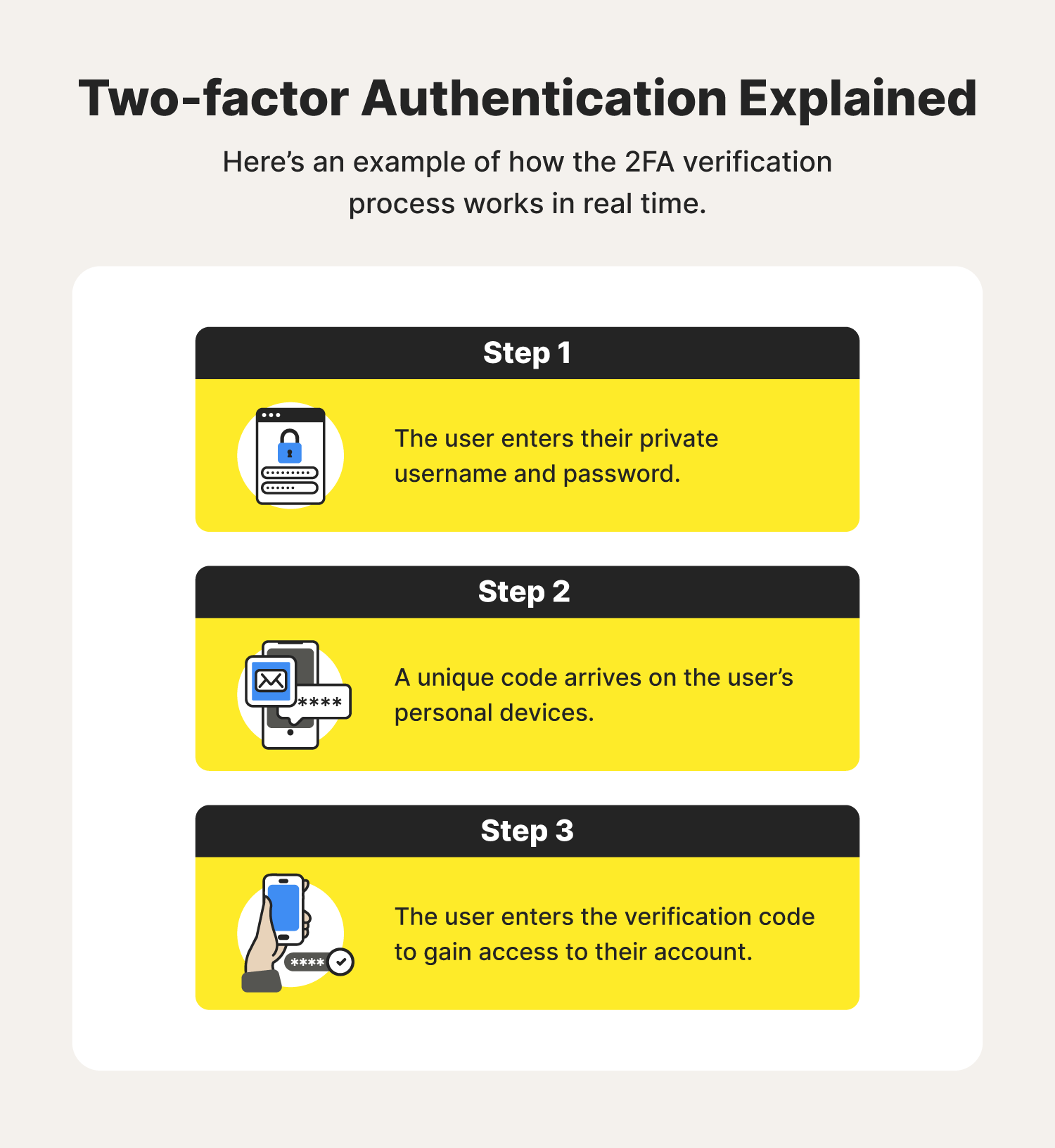
Students engaging with this mapping exercise develop immediate awareness of their virtual presence. Recognition of data trails helps children understand that deleted content often lingers on remote servers. Another core objective involves identifying safe communication channels, reinforcing the vital rule that children are never in trouble for reporting something uncomfortable online. According to Common Sense Media, children today navigate complex media landscapes at increasingly young ages, making foundational literacy around digital footprints essential for healthy development. Learners also practice recognizing secure passwords and understanding why sharing login credentials with peers creates unintended vulnerabilities.
How to Use This Printable
Classrooms and living rooms serve as ideal laboratories for digital citizenship discussions. Adults can introduce the activity by asking children to list their favorite online games and websites on a separate piece of paper. From there, learners transfer those platforms onto the map, drawing connection lines to show what information they share on each site. Here’s what makes this resource different: it frames data sharing as a deliberate choice rather than a scary consequence. Teachers can integrate these exercises into computer lab time, while families can review completed maps during screen-time check-ins. For additional interactive lessons, educators often pair this exercise with resources found within the Worksheets section to reinforce core concepts through guided writing prompts.
Practical Tips for Parents and Teachers
Facilitating these conversations requires a calm, inquisitive demeanor rather than a punitive stance. Adults should avoid lecturing about screen time and instead ask open-ended questions like what surprised the child about their online trail. Establishing open communication ensures that if a child encounters inappropriate in-game chat or unexpected pop-ups, they report the incident immediately without fear of losing device privileges. Keeping devices in common household areas also provides natural oversight during digital exploration. Consistent reinforcement transforms online safety from a rigid rulebook into a practical life skill.
Age-Appropriate Recommendations
Kindergarten through second-grade students benefit from simplified maps focusing strictly on physical safety rules, such as never typing a real name into a public search bar. Third through fifth graders can tackle more nuanced discussions regarding persistent data, public versus private settings, and the permanence of shared images. Utilizing the Common Sense Education Digital Citizenship Curriculum framework helps educators tailor these developmental milestones effectively. According to the Pew Research Center, a vast majority of families manage shared household technology, highlighting the need for scalable resources that adapt to multiple age groups simultaneously.
Young children frequently encounter digital tracking and shared device environments long before receiving personal mobile devices — Common Sense Media
Frequently Asked Questions
Can educators and parents download and print this resource at no cost? Yes, all materials on this platform are completely free for classroom and home use, requiring only a standard printer to get started. How does this printable support online safety learning? It uses visual mapping to help children connect everyday online actions to permanent data trails, fostering mindful sharing habits. What do organizations like the Federal Trade Commission recommend regarding children’s online privacy? The Federal Trade Commission advises families to discuss digital footprints early, emphasizing strict limits on sharing personal details online.
Explore More Free Kids Online Safety Printables
Expanding a digital citizenship curriculum requires a diverse toolkit of activities. Educators can explore creative resources like themed Coloring Pages to introduce foundational concepts to younger learners through artistic engagement. Comprehensive lesson planning is also supported by visiting the main Online and Digital Safety archive for additional guidance on fostering secure, confident digital citizens.
Developmental Milestone & Activity Table
| Development Stage | Recommended Daily Duration | Primary Learning Objective |
|---|---|---|
| Preschool & Pre-K | 10 – 15 Minutes | Pencil grip development & basic pre-stroke lines |
| Kindergarten | 15 – 20 Minutes | Letter/number formation & spatial line awareness |
| Early Elementary (Grade 1–2) | 20 – 30 Minutes | Fluency, sentence construction & neatness |
Images References