Why Rapid Digital Guardrails Matter for Today’s Students
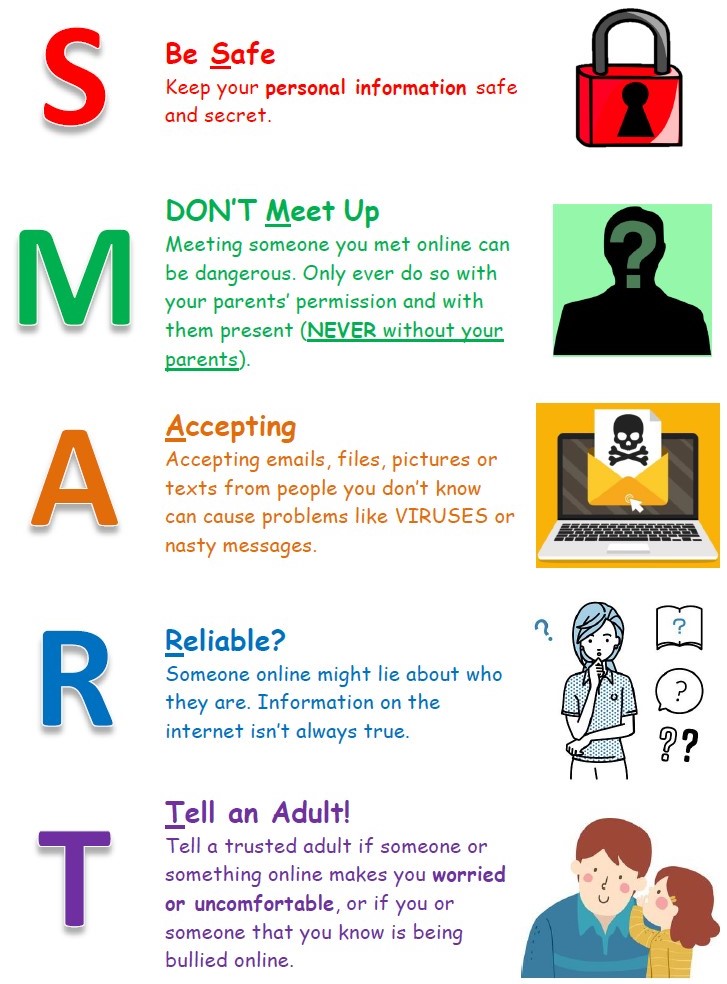
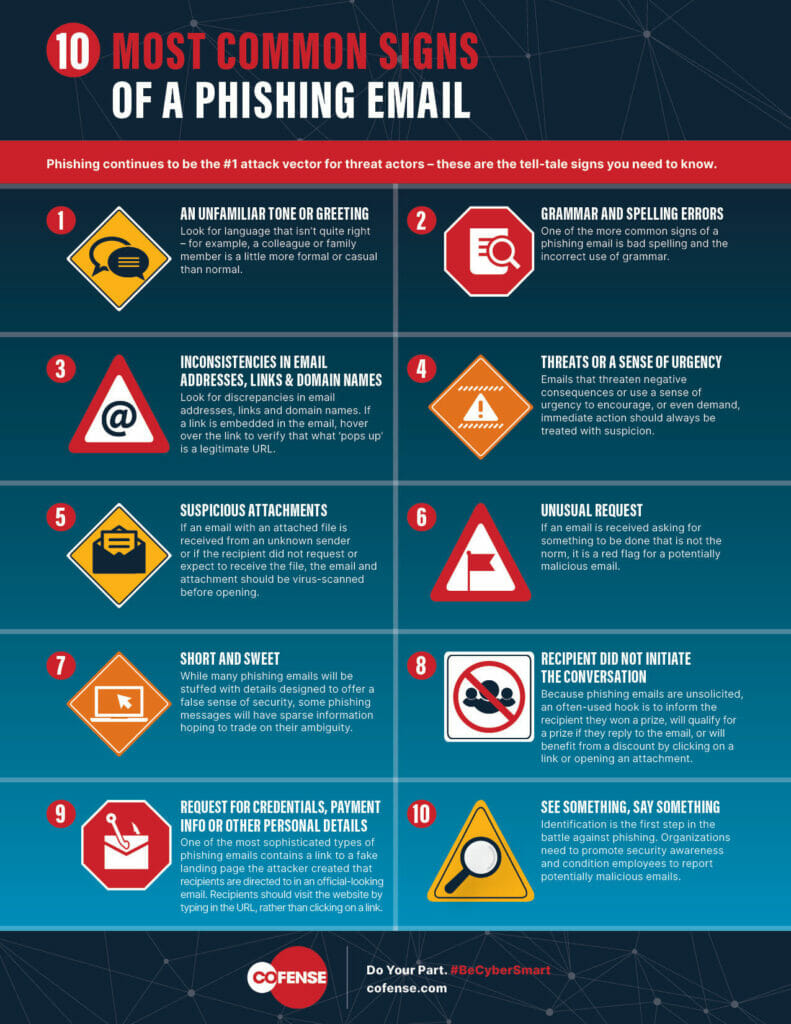
In a world where children handle tablets before they can tie their shoes, mastering internet safety for kids short fact principles is vital for educators and parents alike. Students navigate a blended landscape of school-issued Chromebooks, home smartphones, and immersive gaming platforms daily. According to youth privacy guidance from organizations like ConnectSafely and the Cybersecurity and Infrastructure Security Agency (CISA), keeping young learners secure online does not require locking devices away entirely. Instead, it relies on establishing clear digital boundaries, leveraging age-appropriate device controls, and turning everyday online moments into teachable lessons. Related guide: Phishing Examples For Kids.
💡 Educational Key Takeaways:
- Core Skill: Structured Internet Safety For Kids Short Fact focused on developing pencil grip, stroke control, and early literacy/math confidence.
- Target Scope: Suited for homeschoolers, preschool, kindergarten, and elementary learners.
- Best Recommendation: Practice 10–15 minutes daily with ergonomic writing tools to reinforce muscle memory without hand fatigue.
Spotting Vulnerability Windows Across Home and School Devices
Technical gaps often emerge when kids move between highly monitored school networks and less restricted home Wi-Fi. Understanding how these environments differ helps adults proactively close security loopholes before accidental exposure or privacy breaches occur.
| Setting / Context | Common Vulnerability | Practical Safeguard |
|---|---|---|
| Home Mobile Devices | Unfiltered app store downloads and direct messaging access without adult visibility. | Require parental approval for all new app installations and keep device usage in central common areas. |
| School Chromebooks | Clearing browser histories or attempting to bypass district content filters during downtime. | Reinforce clear acceptable use policies and review built-in classroom management alerts regularly. |
| Multiplayer Gaming & Chat | Unsolicited direct messaging from strangers within open chat lobbies and virtual worlds. | Disable public voice and text chat features, restricting communication exclusively to approved real-life friends. |
Establishing Frictionless Routines Between Home and Classroom
Consistency is the secret to building lifelong digital resilience. When schools and families align their messaging, children absorb safer online habits much faster. Start by implementing predictable device-free zones, such as moving all charging cables out of bedrooms during overnight hours to discourage late-night scrolling. Integrate practical lessons from resources like our Worksheets section to make digital citizenship discussions interactive and memorable. Furthermore, ensure that students know how to report uncomfortable interactions immediately without fear of losing their device privileges. Building a culture of open dialogue ensures kids come to adults first when something online feels off.
Overcoming Student Workarounds and Avoiding Overly Strict Bans
When adults rely solely on draconian blocks or total internet bans, children quickly learn how to use virtual private networks or peer-to-peer file sharing to bypass restrictions. Rather than treating technical barriers as foolproof shields, pair your device filters with transparent conversations about why specific guardrails exist. According to recommendations from the Family Online Safety Institute (FOSI), collaborative rule-making fosters trust. If a student attempts to circumvent a school filter, use the moment as an educational coaching session rather than an immediate punitive measure. Helping children understand the rationale behind cyber hygiene transforms them into active participants in their own online protection.
Frequently Asked Questions on Managing Youth Digital Habits
What is the most effective way to introduce internet safety to younger elementary students?
Keep concepts simple by using everyday analogies, such as treating the internet like a busy public park where you never go off with strangers or share personal details. Pairing these discussions with creative activities from our Coloring Pages repository helps reinforce positive habits in an engaging format.
How can parents handle pushback when establishing screen time and content boundaries?
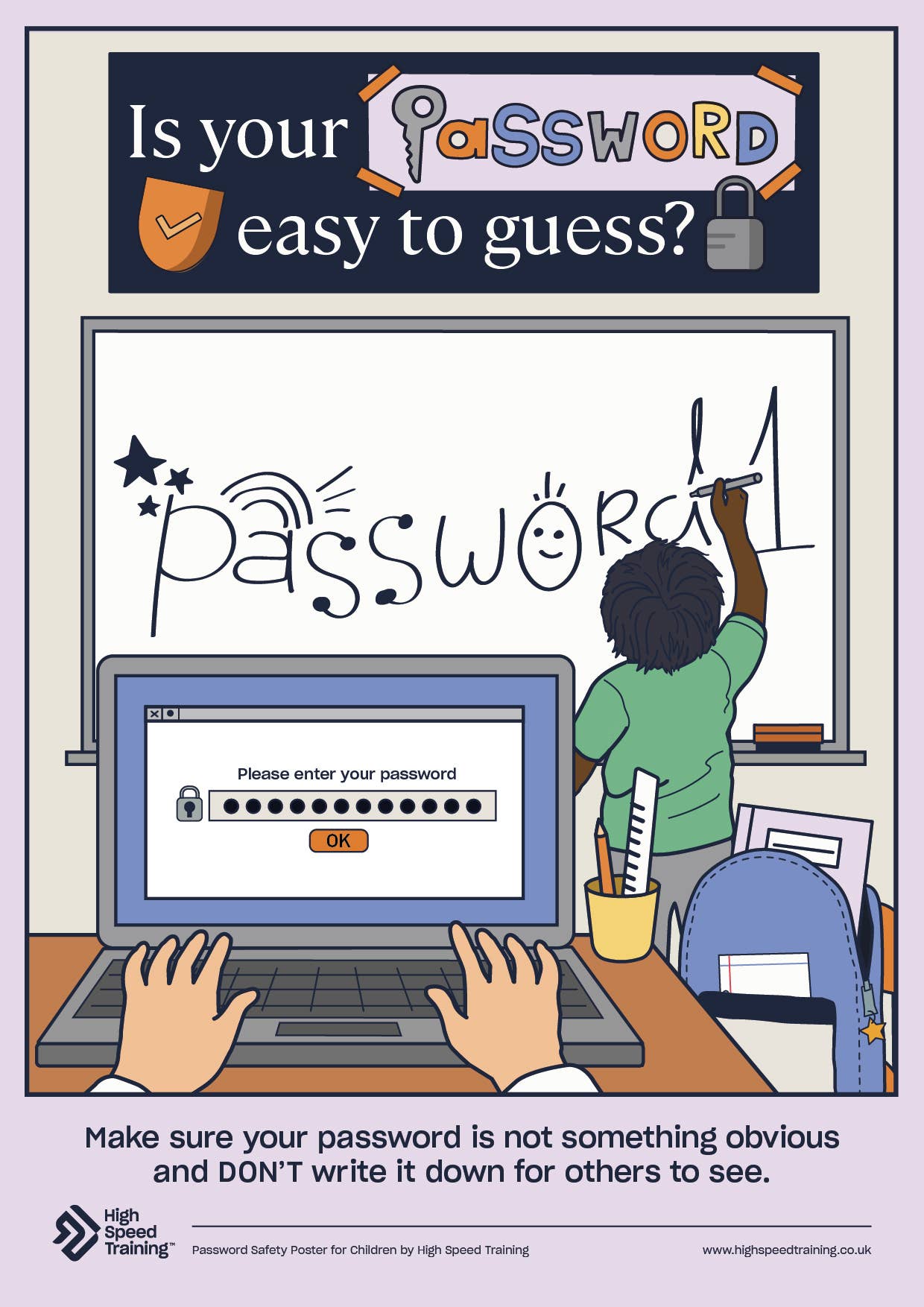
Acknowledge their frustration while standing firm on safety rules, framing boundaries as tools designed to protect their privacy and well-being rather than punishments. Involving older kids in drafting a family media agreement also dramatically reduces daily friction and negotiation.
Where should educators look for comprehensive tools on digital literacy?
Educators can explore structured lessons within our Internet and Digital Safety category to find ready-to-use curriculum guides aligned with national standards for technology education.
Continue Building Safer Digital Environments Today
Protecting children online is an ongoing journey of guidance, technical adjustment, and open communication between home and school. To access more expert-backed strategies, printable guides, and curriculum tools, visit us anytime at SafeWiredSchools.org.
Visual Reference Gallery