Introduction
Navigating the digital landscape alongside young children requires patience, proactive guidance, and the right pedagogical tools. Long before children encounter complex digital spaces, they observe adults interacting with screens, sparking natural curiosity. Children often experience their earliest digital exposure through shared family tablets, in-game chat features within popular gaming platforms, or streaming video recommendations. These everyday interactions present golden teachable moments for establishing healthy digital habits. Educators and caregivers frequently search for accessible materials that simplify complex concepts into digestible lessons. The free printable ks3 internet safety eg provides a structured, paper-based entry point for discussing responsible technology use without overwhelming young minds. It sounds simple, and that’s the point. Removing the screen temporarily allows children to focus entirely on foundational protective behaviors, such as keeping personal information private and recognizing when something feels uncomfortable online. Rather than relying on fear-based warnings, this approach frames safety as an empowering, everyday skill, much like crossing the street or swimming safely. Building these competencies early creates a strong psychological foundation for future digital independence. Related guide: Teachers Of Grades 9–12 Should Expand Internet Safety Instruction To Include Which Of The Following Topics?.
💡 Educational Key Takeaways:
- Core Skill: Structured Ks3 Internet Safety Eg focused on developing pencil grip, stroke control, and early literacy/math confidence.
- Target Scope: Suited for homeschoolers, preschool, kindergarten, and elementary learners.
- Best Recommendation: Practice 10–15 minutes daily with ergonomic writing tools to reinforce muscle memory without hand fatigue.
What This Printable Covers
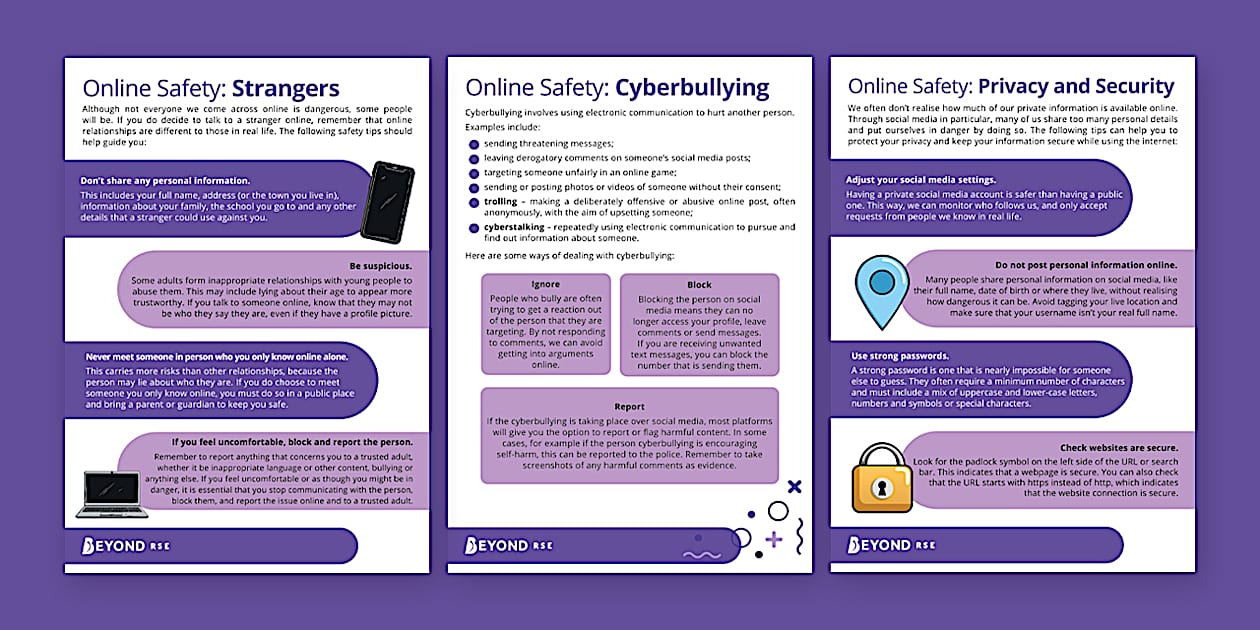
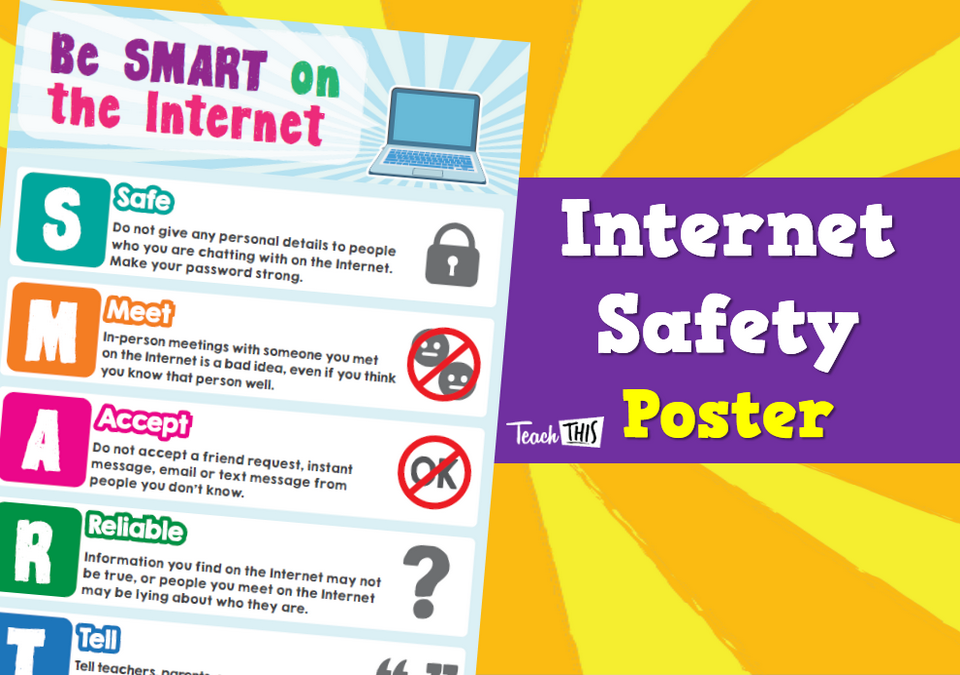
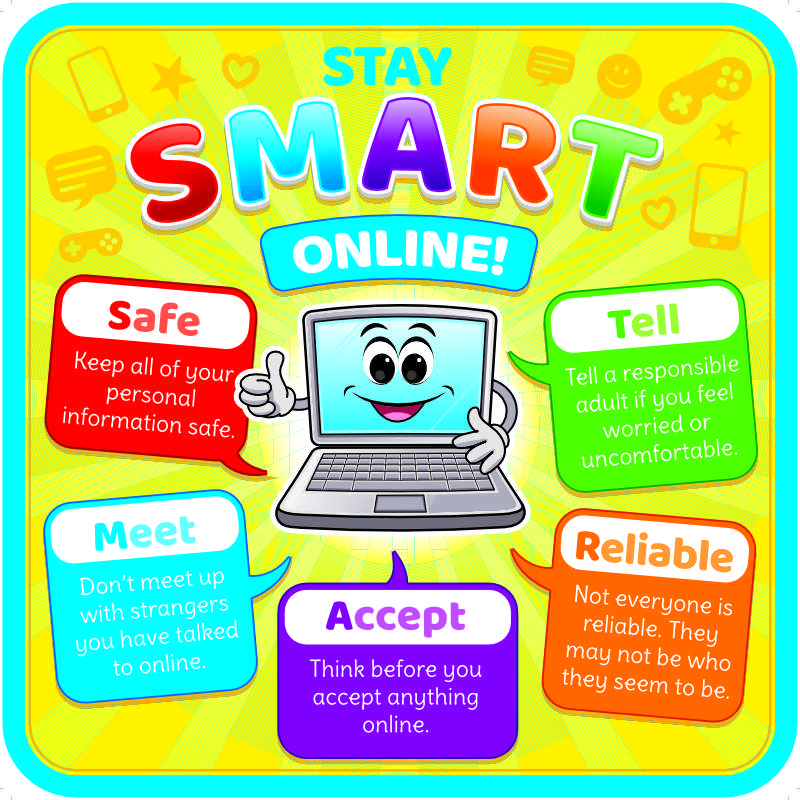
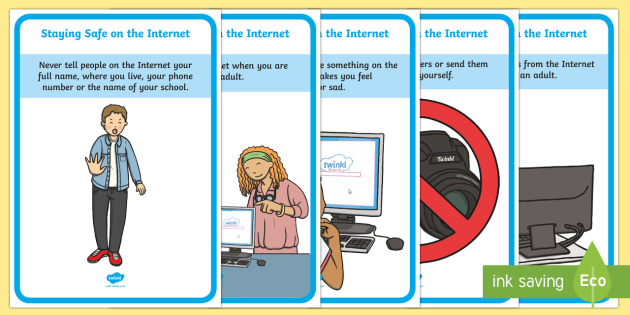
Paper-based activities act as effective catalysts for meaningful conversations between adults and children. This specific resource bridges the gap between abstract internet rules and concrete daily actions. Here’s what makes this resource different: it transforms passive rule-following into active, hands-on critical thinking. Children engage with scenarios that reflect actual online environments, learning how to pause before clicking or sharing. The content reinforces core protective habits, including creating strong passwords, identifying trustworthy sources, and understanding the permanence of digital footprints. Crucially, the materials emphasize a vital reassurance: children are never in trouble for reporting an uncomfortable interaction or a confusing pop-up to a trusted adult. According to the Federal Trade Commission, open communication between children and their caregivers remains one of the most effective safeguards against online risks. When children know adults will listen without anger, they are far more likely to seek help immediately if a situation goes awry.
Key Learning Outcomes
Working through these exercises helps learners develop specific competencies essential for modern citizenship. First, children learn to identify what constitutes private information, such as home addresses, full names, and school titles. Second, the activities cultivate emotional self-awareness, teaching students to recognize the physical signs of digital discomfort, like a knot in the stomach when seeing inappropriate content. Third, students practice identifying trusted adults at home and school whom they can approach with questions. These outcomes align closely with broader educational goals found within the Internet and Digital Safety curriculum framework, ensuring that paper-based learning translates smoothly into real-world behavior.
How to Use This Printable
Flexibility defines the best educational supplements, making this resource suitable for both traditional classrooms and kitchen table homeschooling sessions. Teachers can integrate the activity into weekly computer lab orientation or library media center lessons. Parents might print a copy before handing down a used smartphone or setting up a new gaming console. Sitting side-by-side with a child during the activity transforms a routine worksheet into an interactive dialogue. Adults can ask open-ended questions like, “What would you do if a friendly character in a game asked for your favorite color and your pet’s name?” This conversational style invites critical thinking rather than rote memorization. Exploring related resources through structured Worksheets can further reinforce these concepts over multiple sessions, keeping the messaging consistent across environments.
Practical Tips for Parents and Teachers
Maximizing the impact of any educational printable requires intentional facilitation. Begin by reviewing the page independently to anticipate which questions might spark deeper discussion. Keep the tone light, curious, and collaborative rather than authoritarian or interrogative. Praise children when they correctly identify a safe choice or brainstorm a reliable adult to talk to. Consistency matters immensely, so revisit these themes periodically rather than treating digital citizenship as a one-time lecture. Integrating these habits into daily routines ensures that children view digital safety as a natural extension of respect and self-care.
Age-Appropriate Recommendations
Tailoring digital citizenship instruction to developmental stages ensures maximum comprehension and retention. Younger learners in early elementary grades benefit from focusing on basic boundaries, such as asking permission before downloading apps and understanding that not everyone online is who they claim to be. Upper elementary students can tackle more nuanced topics like digital footprints, respectful communication in multiplayer chat rooms, and evaluating online credibility. Educators frequently incorporate the International Society for Technology in Education (ISTE) Standards for Students to guide these tiered learning objectives, ensuring that digital citizenship grows alongside technical proficiency.
Open communication between children and trusted adults significantly reduces vulnerability to online risks. — Federal Trade Commission (FTC)
Frequently Asked Questions
Clear answers help educators and families implement digital safety practices smoothly. How does this printable support learning? It provides a screen-free environment to discuss online boundaries, building critical thinking skills through guided scenarios. Can I download and print these files easily? Yes, the resource is formatted for standard printers, making it quick to access for home or classroom use. What do safety experts recommend regarding reporting? According to the National Center for Missing & Exploited Children (NCMEC), encouraging children to report uncomfortable digital encounters without fear of punishment is critical for early intervention.
Encouraging immediate reporting without fear of punitive action is vital for child online safety. — National Center for Missing & Exploited Children (NCMEC)
Explore More Free Kids Online Safety Printables
Expanding your digital citizenship toolkit helps reinforce these vital lessons throughout the school year. Educators and parents can discover additional creative materials by browsing our curated collection of Coloring Pages, which offer younger children a gentle introduction to safe tech habits. For broader curriculum planning, explore comprehensive resources under Online and Digital Safety to keep every learner protected, empowered, and informed.
Developmental Milestone & Activity Table
| Development Stage | Recommended Daily Duration | Primary Learning Objective |
|---|---|---|
| Preschool & Pre-K | 10 – 15 Minutes | Pencil grip development & basic pre-stroke lines |
| Kindergarten | 15 – 20 Minutes | Letter/number formation & spatial line awareness |
| Early Elementary (Grade 1–2) | 20 – 30 Minutes | Fluency, sentence construction & neatness |
Images References





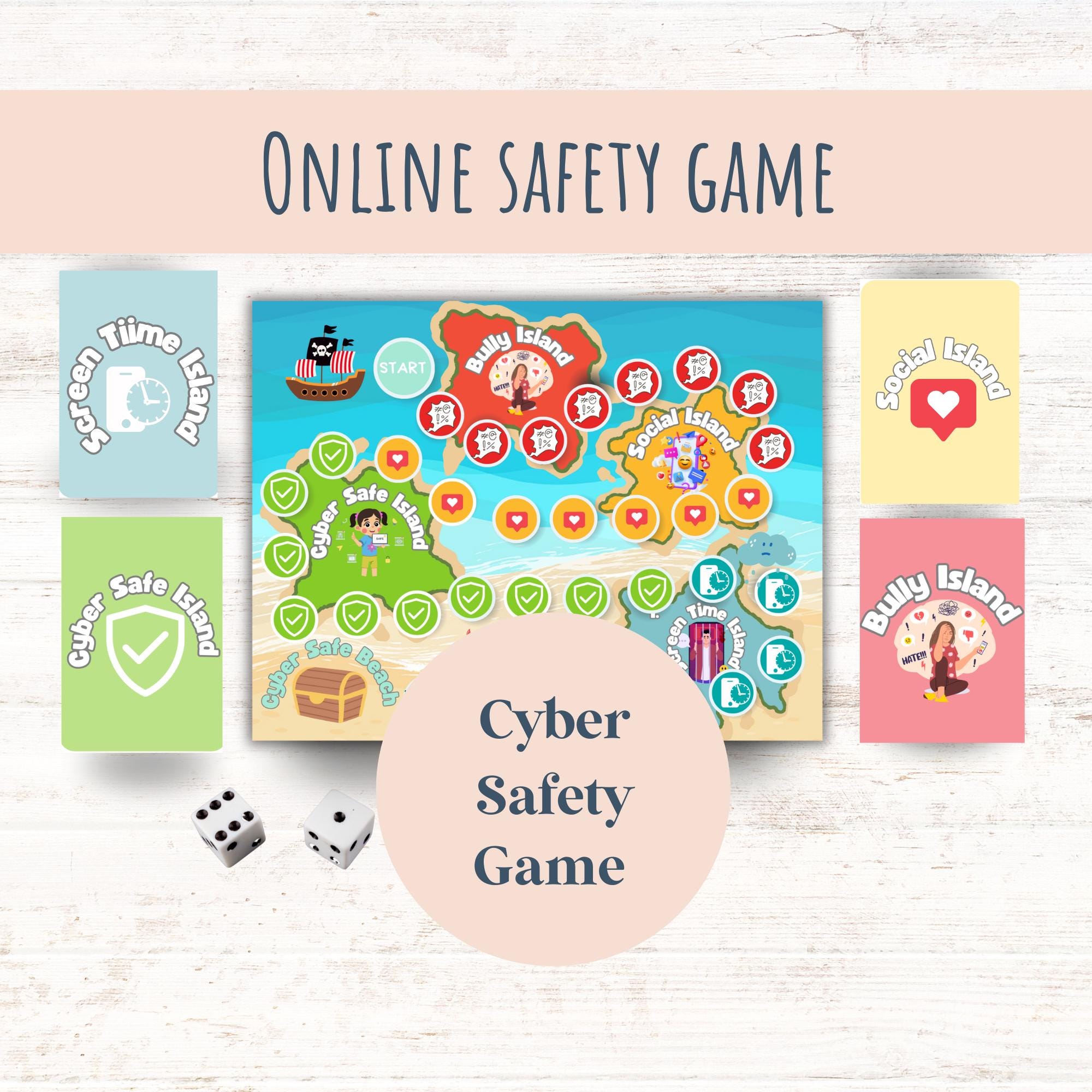
.png "When Can I Make Cyber Safety Week In My School")