

Introduction
Children encounter digital environments long before mastering the mechanics of cybersecurity. Tablets passed between siblings, in-game chat windows on popular video platforms, and shared family computers serve as primary portals to the online world. Modern digital citizenship requires early, accessible instruction on foundational concepts like malware. Navigating these hidden digital threats starts with turning abstract technical jargon into concrete, understandable ideas. That exact translation happens through the free printable “how can you avoid malware kids defonition” available on {site_name}. This resource offers a welcoming entry point for adults seeking to demystify internet safety for young learners. Grounded learning tools transform anxiety into agency, empowering children to recognize digital risks without inducing fear. Related guide: 5 Cyber Safety Tips Symbols That Can Be Read By The Grede 7 Students.
💡 Educational Key Takeaways:
- Core Skill: Structured How Can You Avoid Malware Kids Defonition focused on developing pencil grip, stroke control, and early literacy/math confidence.
- Target Scope: Suited for homeschoolers, preschool, kindergarten, and elementary learners.
- Best Recommendation: Practice 10–15 minutes daily with ergonomic writing tools to reinforce muscle memory without hand fatigue.
What This Printable Covers
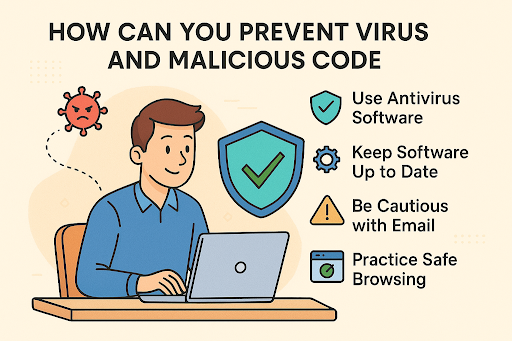
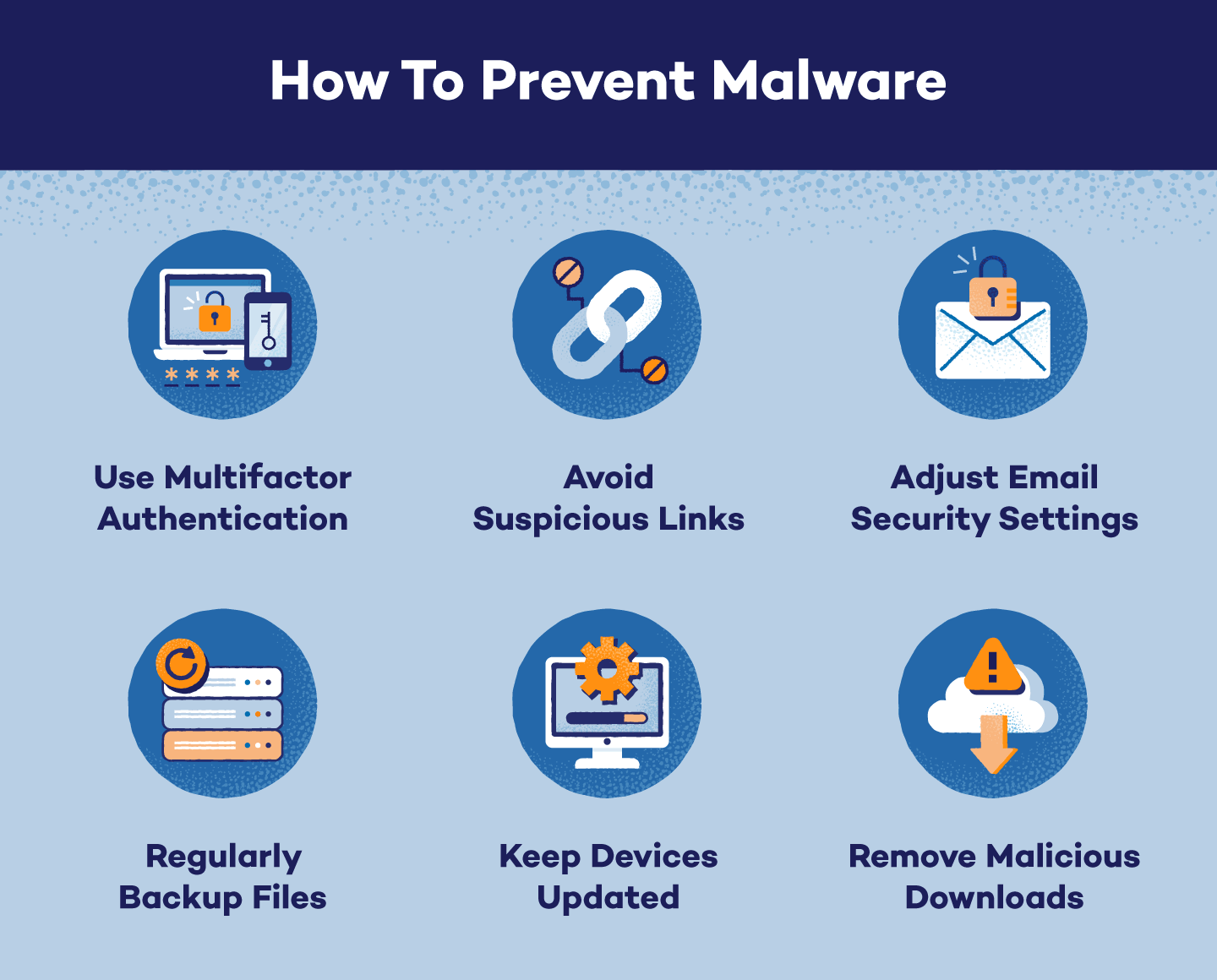
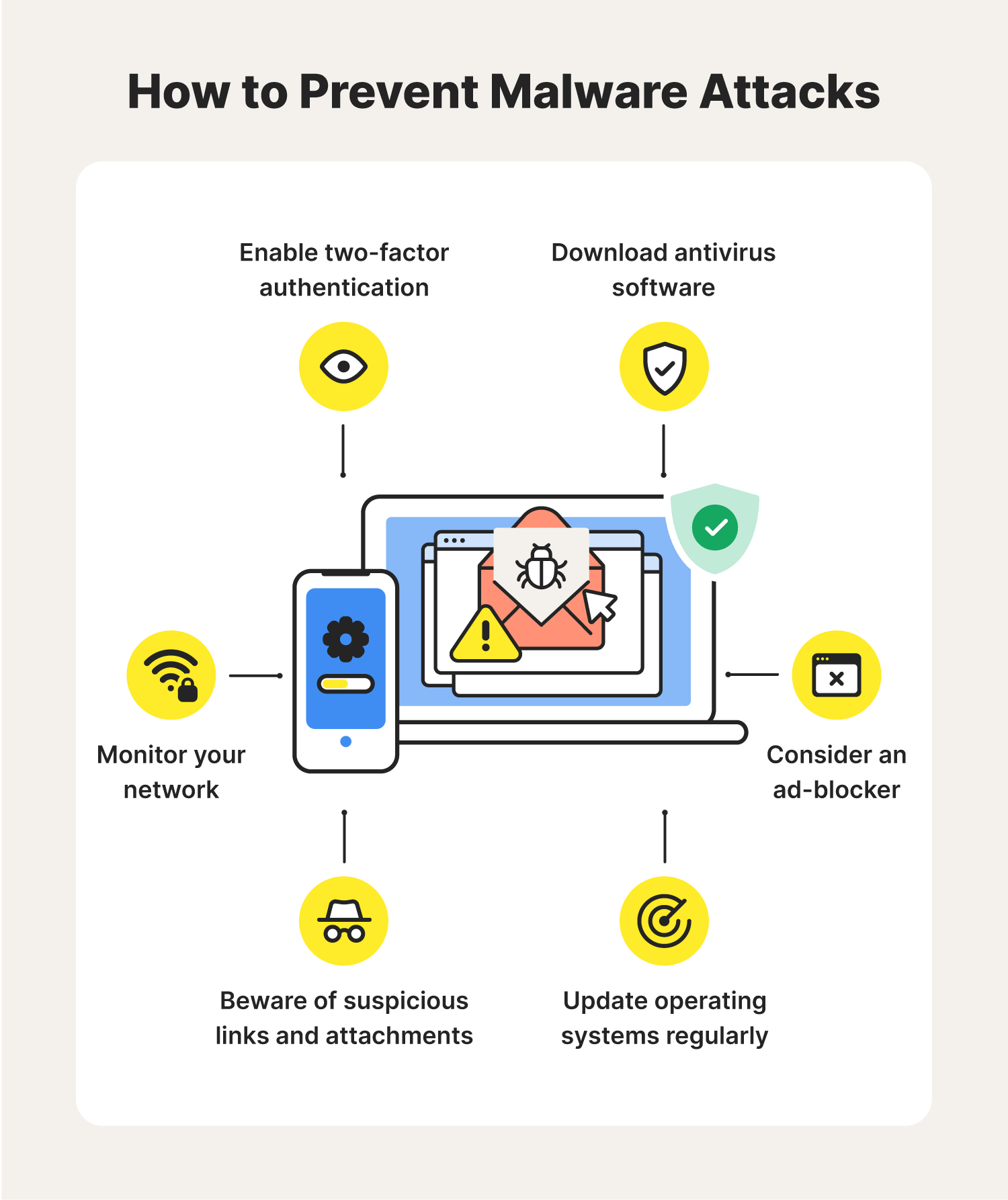
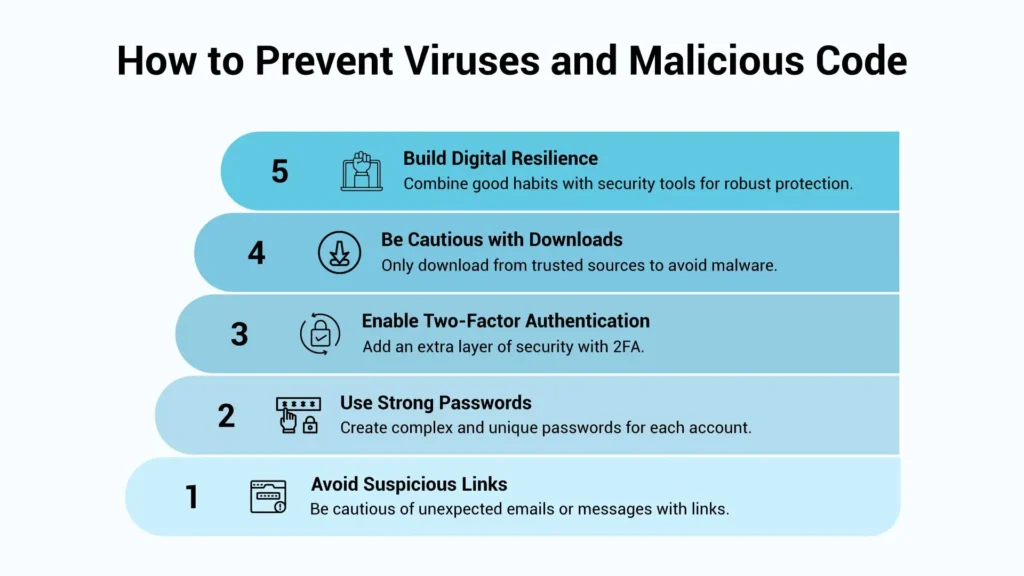
Complex technical terms often alienate young audiences, which makes clear, age-appropriate definitions essential. The printable breaks down malware into relatable concepts, comparing unwanted digital intruders to muddy boots tracking dirt across a clean kitchen floor. It focuses on protective habits rather than explicit technical vulnerabilities, emphasizing concepts like keeping personal information private, maintaining strong passwords, and thinking carefully before clicking links or downloading files. Children learn that not everything on a screen tells the truth or comes from a safe source. The resource reinforces a fundamental safety rule: children are never in trouble for reporting an uncomfortable popup or strange device behavior to a trusted adult. It sounds simple, and that is the exact point.
Key Learning Outcomes
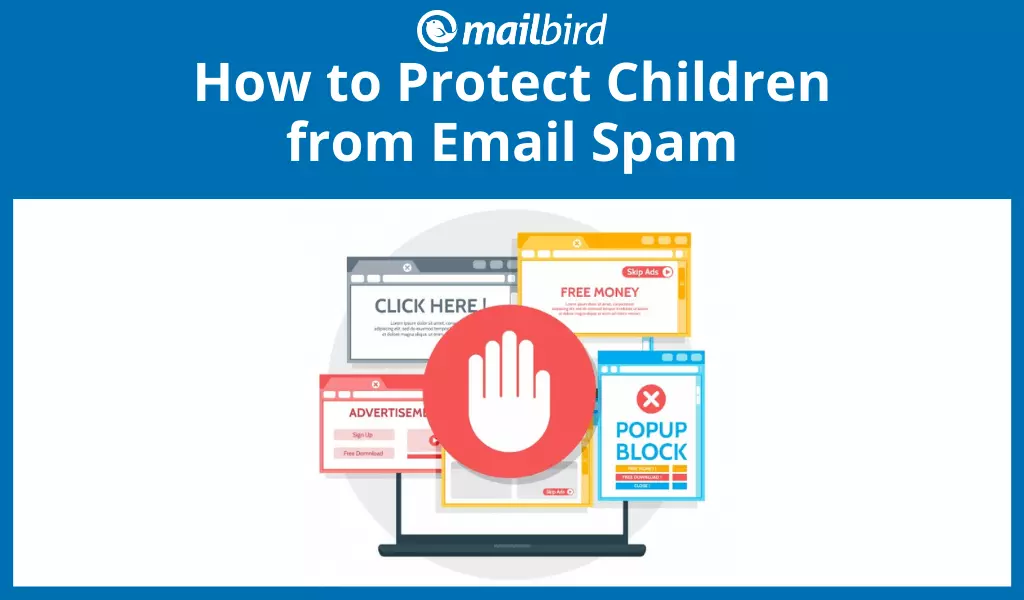
Working through the printable helps children build specific cognitive and behavioral skills. Learners identify the difference between trusted buttons and suspicious popups that promise free game items or prizes. The activity strengthens critical thinking by encouraging students to pause before clicking on unfamiliar links found in shared spaces or gaming platforms. Furthermore, the worksheet reinforces the habit of immediate reporting, ensuring young users know exactly which adults to approach when something feels wrong on a screen. Regular practice with these concepts supports broader discussions found within the Internet and Digital Safety hub, building lasting digital resilience over time.
How to Use This Printable
Successful implementation relies on collaborative engagement rather than independent quiet work. Adults can introduce the resource during a regular family meeting or a structured classroom lesson, guiding discussions around everyday screen habits. Coloring reinforces safety messages because the tactile, slow-paced nature of coloring gives brains time to process information while keeping hands busy. This relaxed atmosphere opens natural pathways for conversation about what children experience during gameplay or video browsing. Integrating these discussions into broader topics is seamless when paired with resources from the Worksheets collection, offering diverse formats to reinforce core safety lessons.
Practical Tips for Parents and Teachers
Maximizing the educational value of the printable involves a few intentional strategies. Keep the tone light and curious rather than cautionary or punitive. Ask open-ended questions like what a funny popup might be trying to trick someone into doing. Praise observant behavior whenever a child pauses to ask about a strange notification instead of clicking immediately. Establish a predictable home or classroom routine where reporting digital mishaps is met with calm problem-solving rather than restricted screen time. Consistency across environments ensures children view digital safety as a shared community standard rather than a set of arbitrary restrictions.
Age-Appropriate Recommendations
Adapting the conversation to developmental stages ensures the material resonates effectively. Younger children ages five to eight benefit from sensory-rich explanations and concrete metaphors, such as treating strange links like locked doors that should never be opened without an adult present. Older children ages nine to twelve can explore the mechanics of digital trickery more deeply, discussing how online lures work across shared devices and multiplayer chat rooms. Aligning these instructional goals with frameworks like the Common Sense Education Digital Citizenship Curriculum helps educators structure lessons around media balance, privacy, and digital footprint management. No single printable guarantees total security, but consistent conversation builds essential protective habits.
Children frequently encounter unsolicited digital content and online risks through shared household devices and in-game communication platforms. — Common Sense Media
Frequently Asked Questions
Addressing common logistical and pedagogical questions helps adults implement the resource with confidence. Clear guidance ensures that downloading, printing, and discussing the material remains a stress-free experience for families and educators alike. Additional insights into safe browsing habits can be found by exploring further resources on Online and Digital Safety.
Young digital citizens develop stronger online resilience when adults maintain open, non-punitive channels of communication regarding daily internet use. — Pew Research Center
Explore More Free Kids Online Safety Printables
Expanding a digital citizenship curriculum requires a diverse toolkit of activities. Educators and families can explore additional materials, including creative projects housed within the Coloring Pages directory. Continuous learning helps children navigate changing digital landscapes with confidence, curiosity, and caution.
Developmental Milestone & Activity Table
| Development Stage | Recommended Daily Duration | Primary Learning Objective |
|---|---|---|
| Preschool & Pre-K | 10 – 15 Minutes | Pencil grip development & basic pre-stroke lines |
| Kindergarten | 15 – 20 Minutes | Letter/number formation & spatial line awareness |
| Early Elementary (Grade 1–2) | 20 – 30 Minutes | Fluency, sentence construction & neatness |
Images References





.png "When Can I Make Cyber Safety Week In My School")
