Introduction
Children encounter digital environments long before they possess the fully developed impulse control required to navigate them safely. Modern households and classrooms rarely rely on a single desktop computer tucked in a study; instead, youngsters hop between shared family tablets, gaming consoles, and streaming video platforms with ease. Children frequently stumble upon online risks through unexpected avenues, such as chat boxes inside collaborative building games or pop-up advertisements promising free virtual currency on video-sharing sites. Teaching digital citizenship requires moving beyond rigid rule lists and toward active engagement. Hands-on learning tools bridge the gap between abstract concepts like privacy and tangible daily routines. Integrating structured activities into daily schedules transforms intimidating tech rules into approachable, confidence-building habits that children can easily recall. Related guide: Teachers Of Grades 9–12 Should Expand Internet Safety Instruction To Include Which Of The Following Topics?.
💡 Educational Key Takeaways:
- Core Skill: Structured Computer Safety Games For Kids focused on developing pencil grip, stroke control, and early literacy/math confidence.
- Target Scope: Suited for homeschoolers, preschool, kindergarten, and elementary learners.
- Best Recommendation: Practice 10–15 minutes daily with ergonomic writing tools to reinforce muscle memory without hand fatigue.
What This Printable Covers
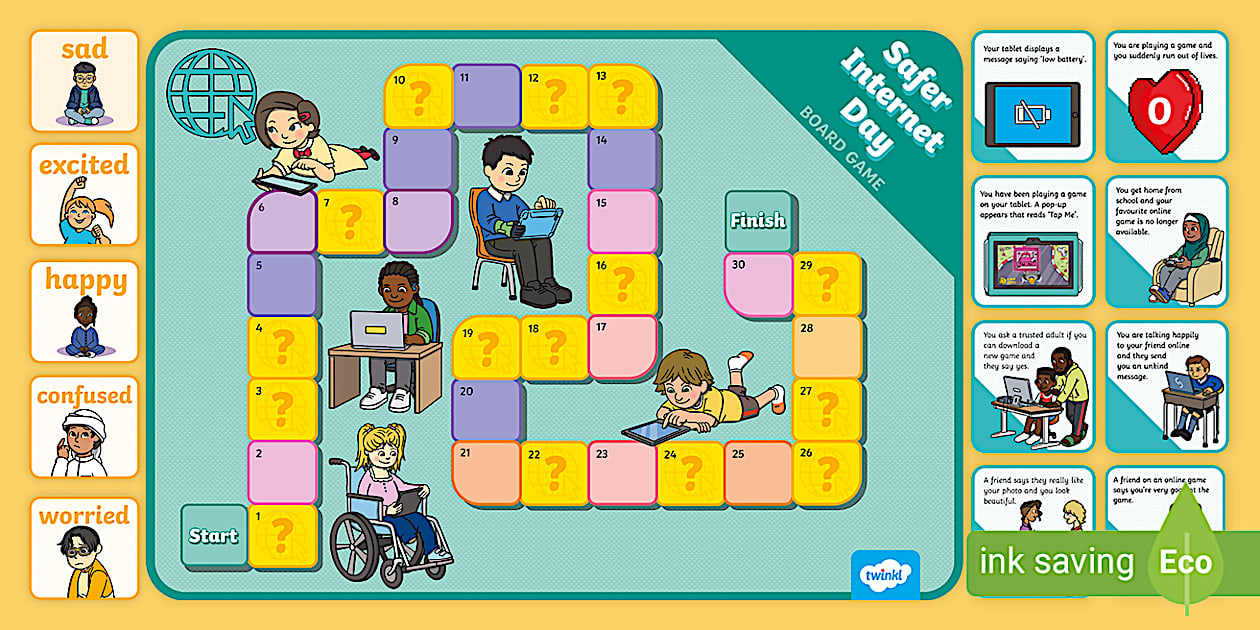
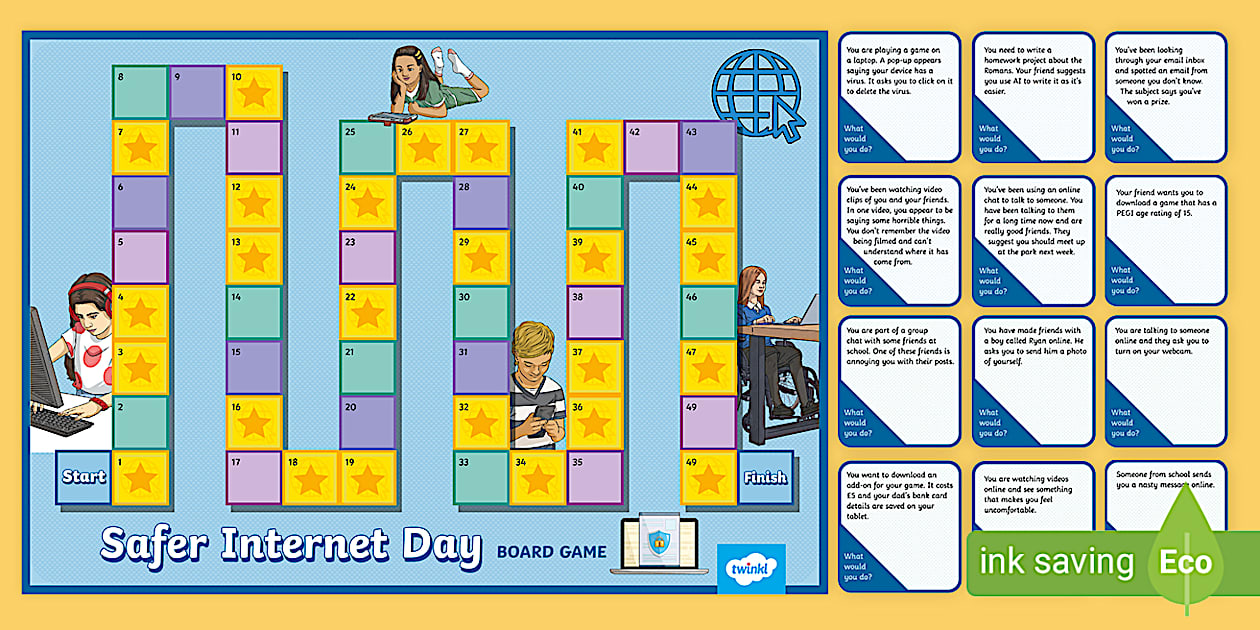
Free printable computer safety games for kids offer a playful, low-stakes environment to introduce vital digital literacy concepts without overwhelming young minds. Educators know that children retain information much better when they manipulate physical pieces, solve mazes, or sort scenarios rather than listening to lectures about online dangers. These activity sheets focus heavily on protective habits like keeping personal information private, recognizing secure password practices, and pausing before clicking links. It sounds simple, and that is the point. When children practice identifying what constitutes private data—such as full names, home addresses, or school names—through matching games and puzzles, they build a cognitive framework for future online interactions. Exploring comprehensive resources within Internet and Digital Safety collections helps adults find complementary materials that reinforce these exact protective routines.
Key Learning Outcomes
Completing these targeted exercises helps students develop specific skills essential for modern digital citizenship. Children learn to differentiate between public information that is safe to share and private details that must remain confidential. Another core outcome involves reinforcing the golden rule of digital life: telling a trusted adult immediately whenever something online feels confusing, mean, or uncomfortable. Crucially, these lessons emphasize that children are never in trouble for reporting unexpected online mishaps. According to the National Center for Missing & Exploited Children, open communication between youth and trusted adults remains one of the most effective safeguards against online exploitation. By practicing scenario-based problem solving on paper, students rehearse their responses so they know exactly what to do when faced with a tricky digital situation in real life.
How to Use This Printable
Facilitating these activities effectively requires creating a supportive atmosphere where children feel comfortable sharing their digital experiences. Adults can distribute the printables during morning meetings, rainy day recess periods, or family game nights to spark organic conversations about screen time. Here is what makes this resource different: it shifts the dynamic from a one-way lecture to an interactive dialogue. Instead of asking if children understand safety rules, educators and parents can examine specific scenarios printed on the page together. Asking open-ended questions like what a character should do next invites children to think critically about digital dilemmas. Navigating various educational materials found in dedicated Worksheets directories provides additional ways to tailor these discussions to different reading levels and learning styles.
Practical Tips for Parents and Teachers
Maximizing the impact of these educational activities involves pairing them with real-world context from everyday device usage. Adults should model healthy digital habits, such as putting phones away during family meals or pausing to verify a link before clicking. Collaborative completion of the printables works best when adults listen more than they lecture, validating children’s natural curiosity about technology while establishing clear boundaries. Establishing a predictable routine for discussing digital ups and downs normalizes asking for help. Whenever a child brings up an uncomfortable online encounter, responding with calm appreciation reinforces trust and ensures future transparency. Reviewing supplemental tools available through Online and Digital Safety hubs supplies further inspiration for keeping digital dialogue fresh and engaging.
Age-Appropriate Recommendations
Tailoring digital citizenship instruction to developmental stages ensures that concepts resonate without inducing unnecessary anxiety. For younger children ages five to seven, focus centers on basic device care, understanding screen time limits, and identifying trusted adults to approach when something looks strange. Elementary students ages eight to twelve can tackle more complex topics like digital footprints, respectful communication in multiplayer chat rooms, and the permanence of shared content. Grounding these lessons in the ISTE Standards for Students helps educators align digital citizenship goals with broader academic frameworks that promote empowered, responsible technology use. According to Common Sense Media, children as young as eight increasingly encounter digital media independently, making early and structured guidance essential for healthy skill development.
Children frequently encounter online risks through chat features in multiplayer games and video-sharing platforms — Common Sense Media
Frequently Asked Questions
Answers to common inquiries help adults implement these printables smoothly in classrooms and homes alike. Clear guidance ensures that digital literacy tools support meaningful conversations rather than adding extra work to busy schedules. Reviewing these responses clarifies download procedures, pedagogical value, and institutional recommendations. Finding supplementary resources becomes simpler when exploring curated directories like Coloring Pages for younger learners who benefit from tactile reinforcement.
Open communication between youth and trusted adults remains one of the most effective safeguards against online risks — National Center for Missing & Exploited Children
Explore More Free Kids Online Safety Printables
Expanding a digital citizenship toolkit requires a diverse array of teaching aids suited to different ages and learning environments. Educators and caregivers can access a wide variety of supplementary resources designed to make internet safety approachable, engaging, and entirely stress-free. Continued practice helps solidify these protective habits over time, turning mindful technology use into second nature for every child.
Developmental Milestone & Activity Table
| Development Stage | Recommended Daily Duration | Primary Learning Objective |
|---|---|---|
| Preschool & Pre-K | 10 – 15 Minutes | Pencil grip development & basic pre-stroke lines |
| Kindergarten | 15 – 20 Minutes | Letter/number formation & spatial line awareness |
| Early Elementary (Grade 1–2) | 20 – 30 Minutes | Fluency, sentence construction & neatness |
Images References