Why Crafting Memorable Catchphrases Protects Young Digital Citizens
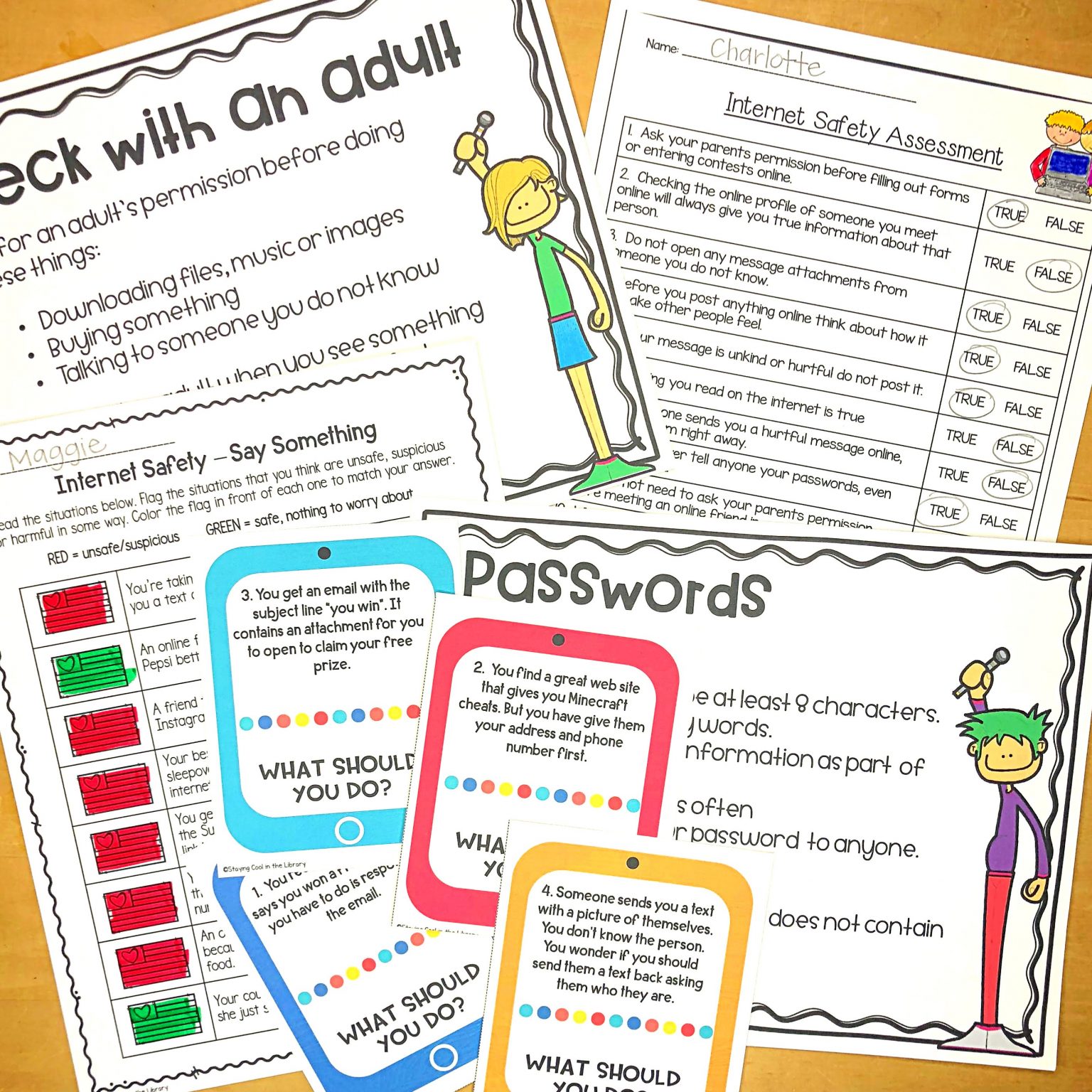
When introducing primary school students to the digital world, complex security protocols often fall flat. Young children learn best through rhythm, rhyme, and repetition, which is why early childhood educators frequently turn to creative mnemonic devices. According to guidance from organizations like ConnectSafely, establishing foundational habits early prevents risky online behaviors before they start. When you create a slogan about cyber safety for young children, you give them a quick mental anchor they can recall instantly when a strange pop-up appears, a game asks for personal information, or someone says something unkind in a virtual chat room. Related guide: Teachers Of Grades 9–12 Should Expand Internet Safety Instruction To Include Which Of The Following Topics?.
💡 Educational Key Takeaways:
- Core Skill: Structured Create A Slogan About Cyber Safety For Young Children focused on developing pencil grip, stroke control, and early literacy/math confidence.
- Target Scope: Suited for homeschoolers, preschool, kindergarten, and elementary learners.
- Best Recommendation: Practice 10–15 minutes daily with ergonomic writing tools to reinforce muscle memory without hand fatigue.
Evaluating Digital Risks and Implementing Appropriate Guardrails
Even with catchy classroom reminders in place, young children need robust technical boundaries. Devices handed to kids for remote learning or entertainment require careful configuration to minimize exposure to inappropriate content and data tracking. The table below outlines common digital exposure points across home and school environments alongside actionable technical safeguards recommended by the FTC and CISA youth privacy guidelines.
| Setting / Context | Common Vulnerability | Practical Safeguard |
|---|---|---|
| Home Tablets & Phones | Accidental in-app purchases and exposure to unfiltered video recommendations. | Lock app store downloads with a strict parental PIN and enable strict safe-search filters on all browsers. |
| School Chromebooks | Unsupervised browsing during independent work time or open chat tools. | Maintain district-level web filters and establish classroom policies requiring screens to face outward toward teachers. |
| Interactive Games & Chat | Oversharing personal details like real names, locations, or school names with strangers. | Disable public voice and text chat features entirely in multiplayer environments, utilizing avatar-only communication. |
Establishing Daily Routines and Classroom Safety Rules
Memorable slogans work best when paired with predictable physical routines. Schools and families should collaborate to ensure digital citizenship guidelines are reinforced consistently across environments. For example, pair a catchy internet safety chant with a physical action, like tapping your head when remembering to keep passwords secret. Adults can reinforce these lessons by setting up centralized device charging stations in family kitchens or classroom media centers, eliminating hidden late-night browsing. If you want to deepen these lessons during art or writing blocks, you can incorporate exercises found in our Coloring Pages section to make safety concepts visual and engaging for early learners.
Overcoming Student Pushback and Avoiding Overly Restrictive Bans
Children naturally test boundaries, and when adults rely solely on heavy-handed restrictions or scare tactics, kids often go underground. If a child feels they will be punished or have their device permanently confiscated for making a mistake online, they will hide future encounters with cyberbullies or malicious links out of fear. Instead of fostering panic, pair your safety slogans with a calm, non-judgmental reporting workflow. Let children know that if they click something strange or see something that makes their tummy feel funny, their first job is simply to tell a trusted adult without getting in trouble. Open communication always outperforms digital blockades.
Answering Common Educator and Parent Questions
What age is appropriate to introduce basic cyber safety slogans?
Children as young as four or five can grasp foundational concepts like keeping personal information private and asking an adult before downloading apps. Simple, rhyming phrases tailored to kindergarteners make these abstract digital rules concrete and easy to understand.
How can teachers incorporate digital safety into standard lesson plans?
Educators can seamlessly weave internet safety principles into literacy, art, and computer lab time. For hands-on activities that reinforce smart offline and online habits, explore the resources available under Internet and Digital Safety to find age-appropriate lesson extensions.
What should a child do immediately if they encounter cyberbullying?
Children should be taught to pause, avoid responding to the hurtful message, take a screenshot or photo of the screen with an adult’s help, and report it right away. Reassuring kids that they are never at fault for someone else’s mean behavior encourages them to speak up quickly.
Explore More Digital Citizenship Resources
Building a culture of cyber safety takes continuous reinforcement at home and in the classroom. To discover additional printable activities, lesson plans, and guidance on protecting young learners, visit SafeWiredSchools.org to access our complete library of tools designed for educators and parents.
Visual Reference Gallery