Introduction
Young children navigate the digital world long before they learn the mechanics of how data moves across global networks. Tablets, shared family laptops, and in-game chat windows become part of daily routines for elementary students almost organically. Navigating these spaces safely requires foundational knowledge, much like learning to look both ways before crossing a street. Translating complex defense concepts into accessible ideas helps children visualize how protection works in digital environments. A specialized free printable turns abstract programming and network protection into concrete, age-appropriate items that resonate with elementary learners. Exploring these concepts through targeted interactive learning worksheets gives adults a practical entry point for meaningful safety discussions without causing anxiety or fear.
💡 Educational Key Takeaways:
- Core Skill: Structured What Tools Do Cybersecurity Specialists Use In Kids Terms focused on developing pencil grip, stroke control, and early literacy/math confidence.
- Target Scope: Suited for homeschoolers, preschool, kindergarten, and elementary learners.
- Best Recommendation: Practice 10–15 minutes daily with ergonomic writing tools to reinforce muscle memory without hand fatigue.
What This Printable Covers
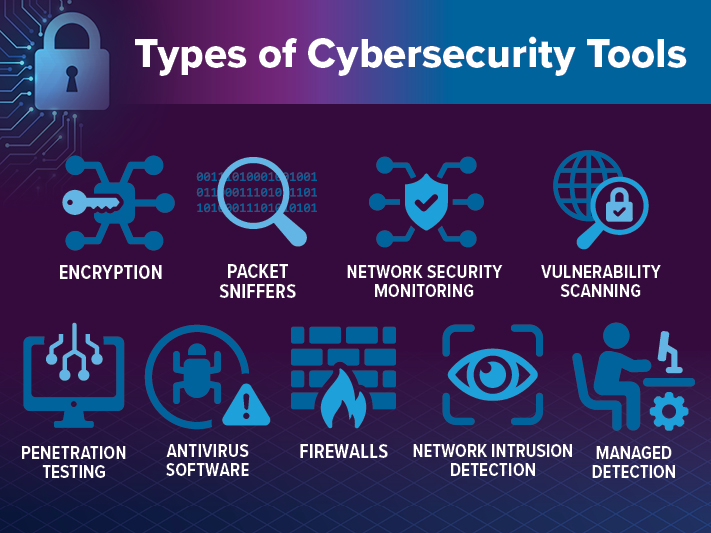
The resource breaks down sophisticated defense mechanisms into everyday analogies that elementary students already understand from school or home life. Instead of focusing on scary threats, the activity highlights protective gear and digital tools. Passwords become secret clubhouses, firewalls transform into helpful castle guards, and data backups act as magical spare keys. Children often encounter digital risks naturally, such as encountering pop-ups while playing a favorite video platform or navigating shared household devices. By connecting these real-world digital moments to tangible defenses, the learning material demystifies technology. It reinforces protective habits like keeping personal information private, recognizing tricky messages, and understanding that reporting something uncomfortable never lands a child in trouble. Related guide: Teachers Of Grades 9–12 Should Expand Internet Safety Instruction To Include Which Of The Following Topics?.
Key Learning Outcomes
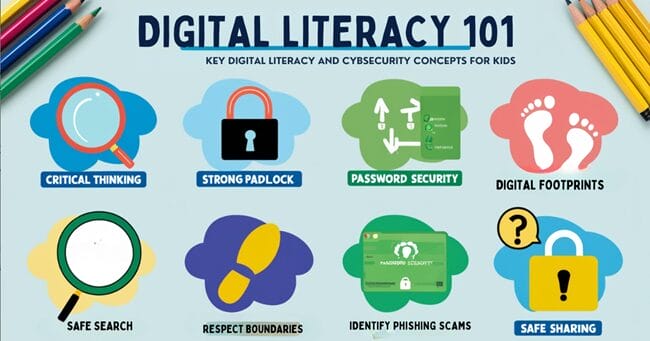
Working through the activity builds essential digital literacy competencies that support safe online exploration. According to Common Sense Media, children who engage in guided digital citizenship lessons demonstrate stronger critical thinking when encountering unfamiliar online content. Learners identify why certain information remains private, such as full names, home addresses, and school names. The specific skill practiced involves categorizing online actions into safe choices versus situations requiring a trusted adult intervention. It sounds simple, and that’s the point. Repetition and visual association help anchor these protective behaviors into long-term memory for kids aged five through twelve.
How to Use This Printable
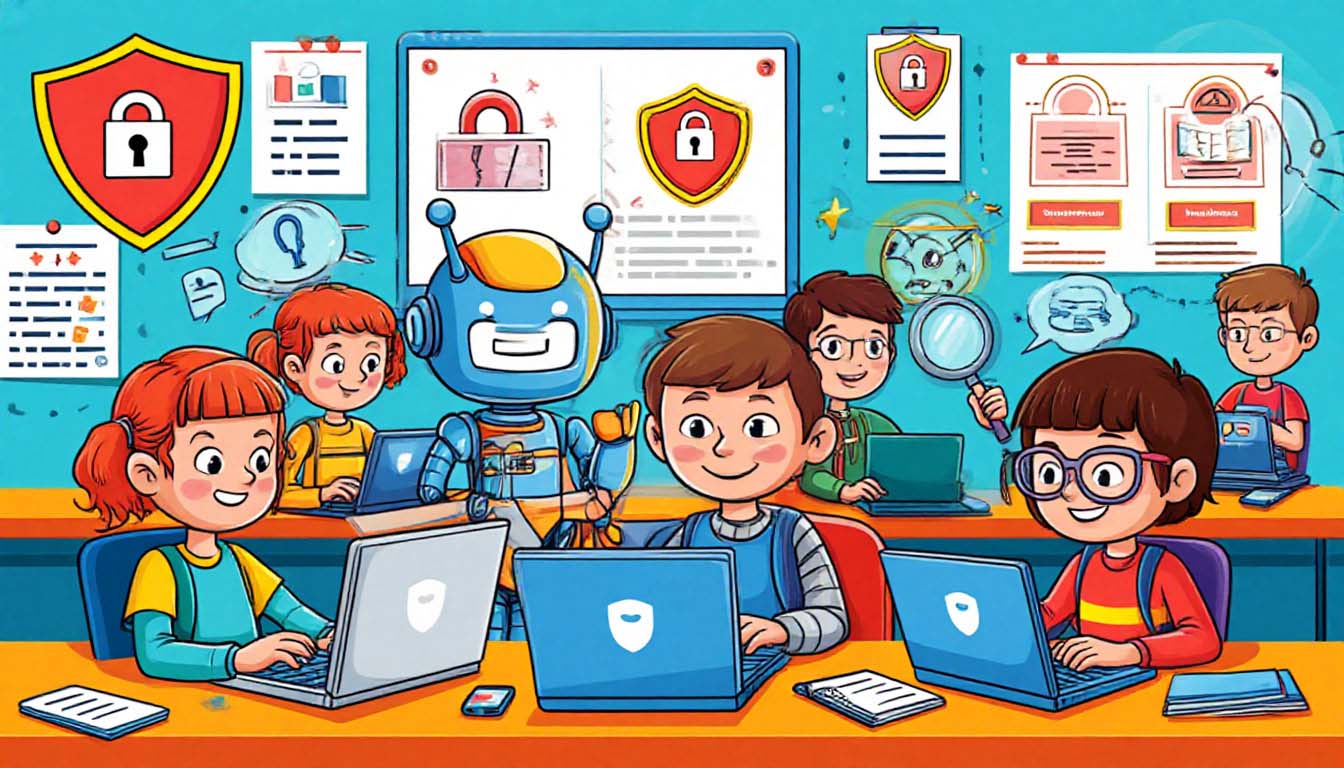
Integrating the activity into a daily schedule takes minimal preparation and requires only standard classroom supplies like crayons or markers. Educators can introduce the sheet during morning meeting slots, while parents might use the document during weekend quiet time. Here’s what makes this resource different: it relies on guided inquiry rather than lecturing. Adults ask open-ended questions about the pictures, prompting learners to explain the concepts in their own words. This approach transforms a simple printout into a lively conversation starter about digital boundaries. When children articulate why a digital guard works, they internalize the safety rule behind the drawing.
Practical Tips for Parents and Teachers
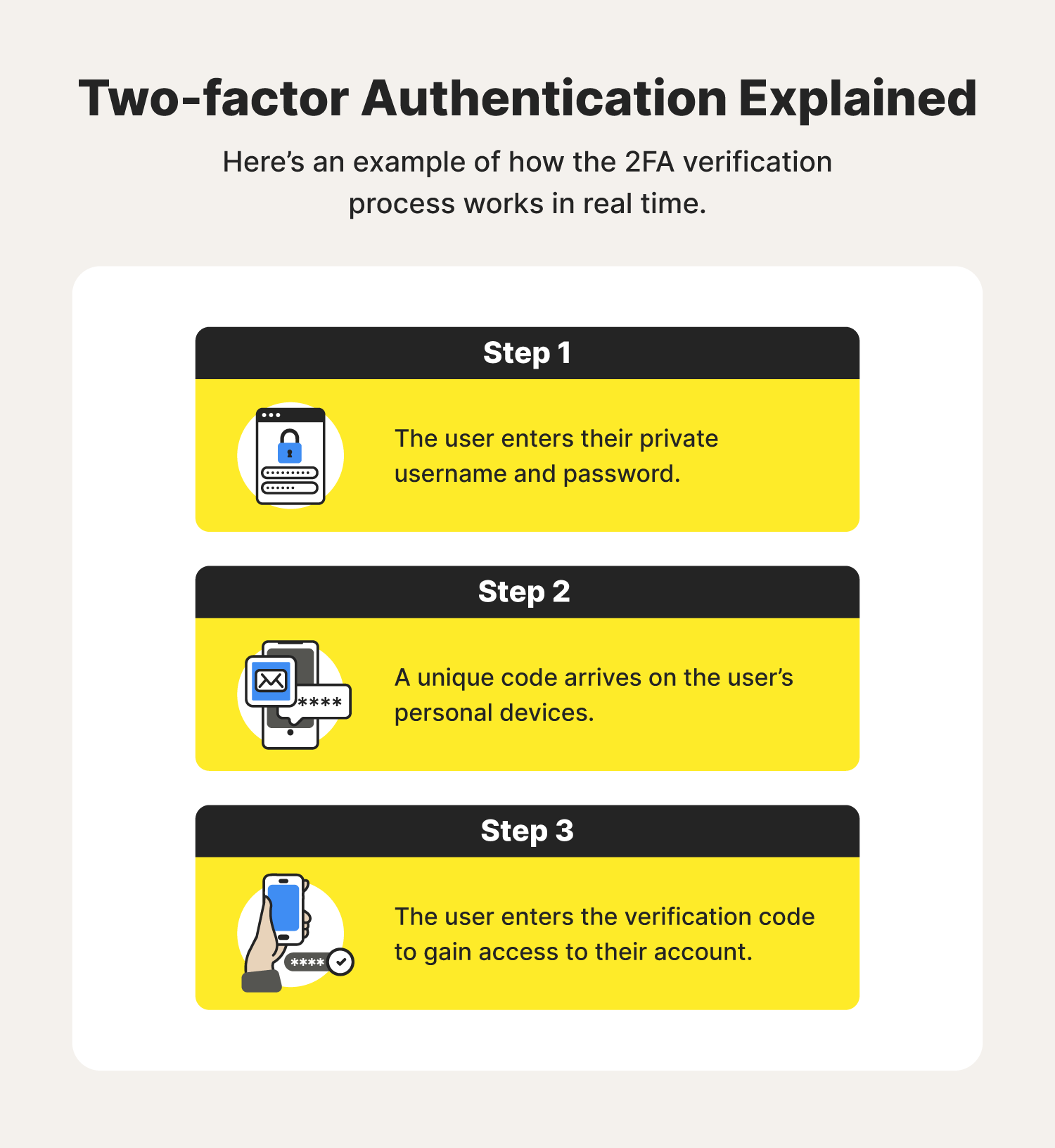
Creating a calm, non-judgmental atmosphere encourages children to share their actual digital experiences honestly. Adults should avoid hovering during the activity, instead sitting alongside the learner to listen and validate observations. For broader digital lessons, pairing this material with a related comprehensive internet safety guide deepens comprehension. Consistency matters tremendously across home and school environments. Establishing a shared vocabulary around strong passwords and trusted helpers ensures kids receive the exact same supportive message everywhere they learn.
Age-Appropriate Recommendations
Tailoring the conversation to match a child’s developmental stage ensures the concepts land effectively without overwhelming them. Younger learners in kindergarten through second grade benefit from concrete visuals like locks and keys, aligning with the CASEL framework for social-emotional learning by emphasizing self-awareness and responsible decision-making. Upper elementary students in third through sixth grade can explore slightly more abstract concepts, such as why updates matter and how encryption keeps messages private. Keeping the tone empowering rather than restrictive helps children view online safety as a toolkit for independence rather than a list of scary rules.
According to the Federal Trade Commission, open communication between adults and children regarding digital habits significantly increases the likelihood that kids will report uncomfortable online encounters immediately. — Federal Trade Commission (FTC)
Frequently Asked Questions
Adults frequently wonder how best to introduce technology concepts without causing unnecessary worry. Clear guidance helps educators and families navigate the technical setup and conversational aspects smoothly. Reviewing these common inquiries ensures the activity remains a positive, empowering experience for every child involved in the learning process.
Explore More Free Kids Online Safety Printables
Expanding a digital citizenship library with additional resources keeps safety conversations fresh and engaging throughout the school year. Educators can browse related online safety printables to find supplementary materials matching specific lesson plans. Combining these print-based tools with proactive guidance creates a resilient foundation for children exploring the digital world. Consistent habit-building, open communication, and supportive adult involvement remain the most effective tools for keeping young learners secure online.
Developmental Milestone & Activity Table
| Development Stage | Recommended Daily Duration | Primary Learning Objective |
|---|---|---|
| Preschool & Pre-K | 10 – 15 Minutes | Pencil grip development & basic pre-stroke lines |
| Kindergarten | 15 – 20 Minutes | Letter/number formation & spatial line awareness |
| Early Elementary (Grade 1–2) | 20 – 30 Minutes | Fluency, sentence construction & neatness |
Images References