Introduction
Digital devices sit in almost every modern elementary classroom and family living room. Children encounter glowing screens long before they fully understand the invisible gears turning behind the glass. Technology offers incredible avenues for creativity, yet the digital landscape hides unexpected digital clutter and risky pop-ups. According to Common Sense Media, the vast majority of young children regularly use mobile devices for entertainment and learning, often navigating apps and browsers with surprising physical dexterity. That speed of navigation rarely matches their internal judgment. Adults frequently witness how quickly a curious second-grader clicks a flashing banner or accepts a strange prompt while playing an online game. Children need tangible tools to help them visualize abstract concepts like malicious software and suspicious downloads. This free printable resource bridges the gap between abstract computer risks and concrete everyday habits, transforming complex technical topics into approachable learning moments for young minds. Safety is a skill built through steady practice rather than an innate instinct. Related guide: Teachers Of Grades 9–12 Should Expand Internet Safety Instruction To Include Which Of The Following Topics?.
💡 Educational Key Takeaways:
- Core Skill: Structured Malware Images For Kids focused on developing pencil grip, stroke control, and early literacy/math confidence.
- Target Scope: Suited for homeschoolers, preschool, kindergarten, and elementary learners.
- Best Recommendation: Practice 10–15 minutes daily with ergonomic writing tools to reinforce muscle memory without hand fatigue.
What This Printable Covers
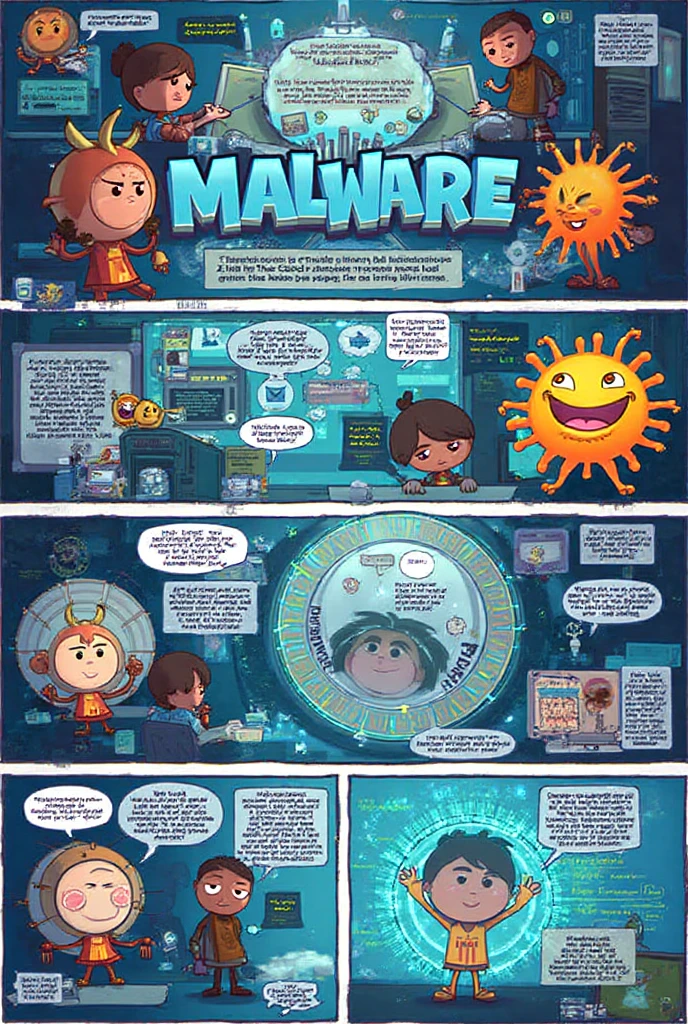
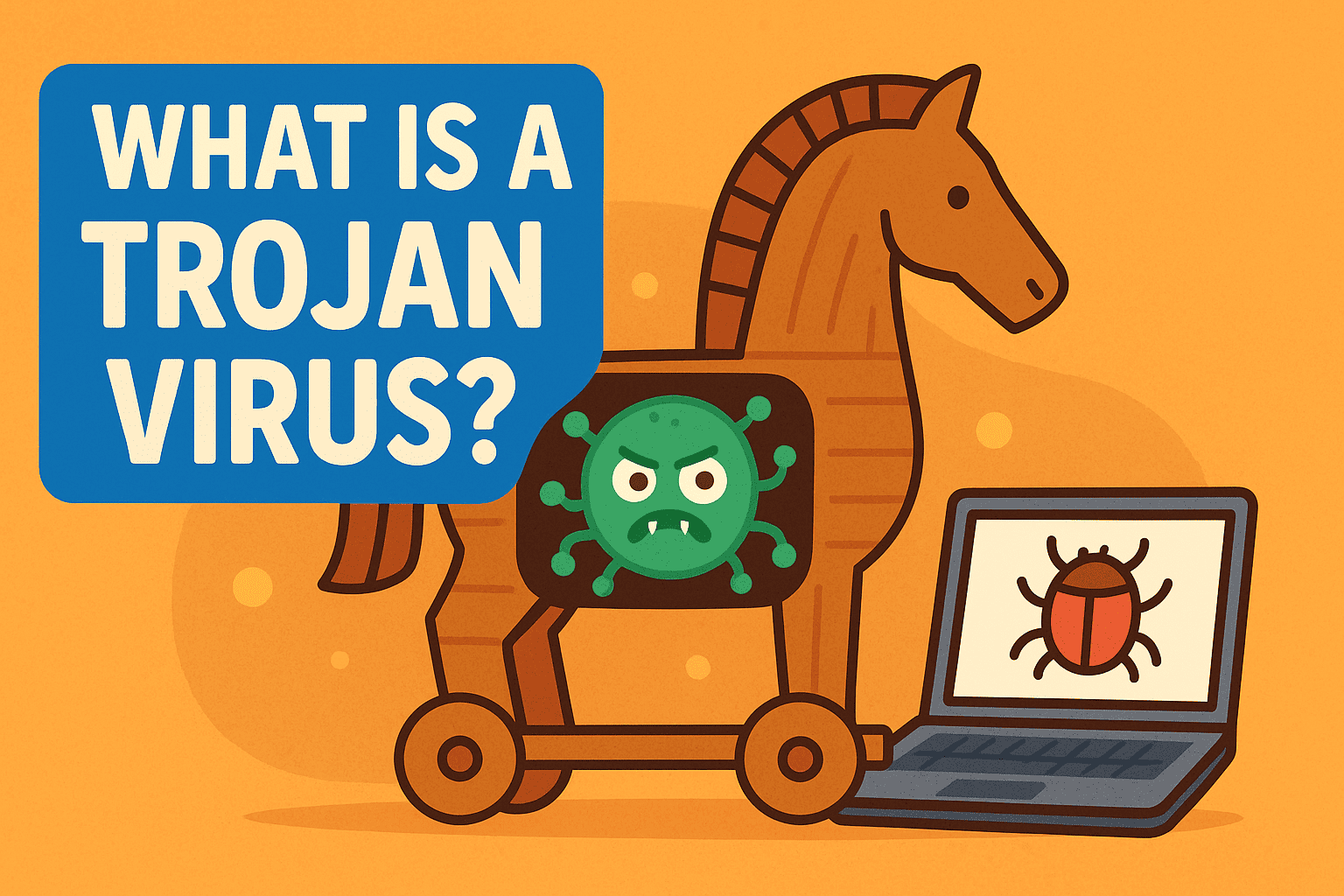
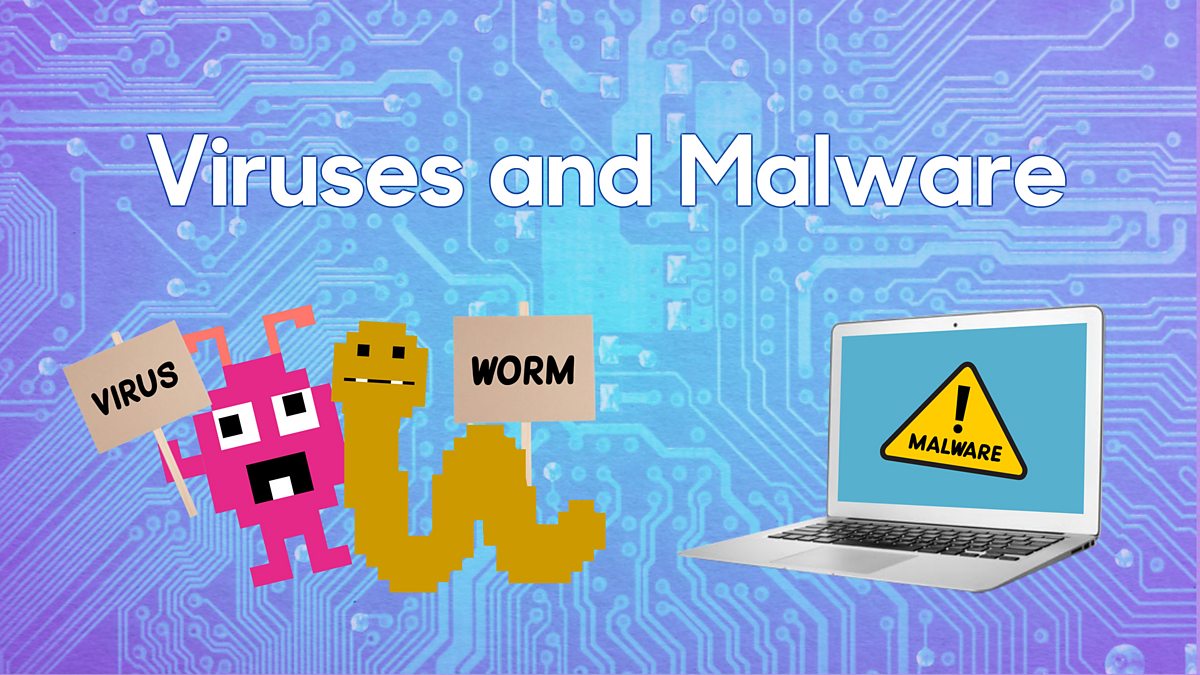
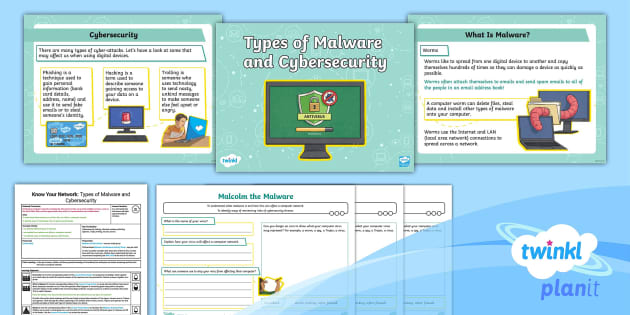
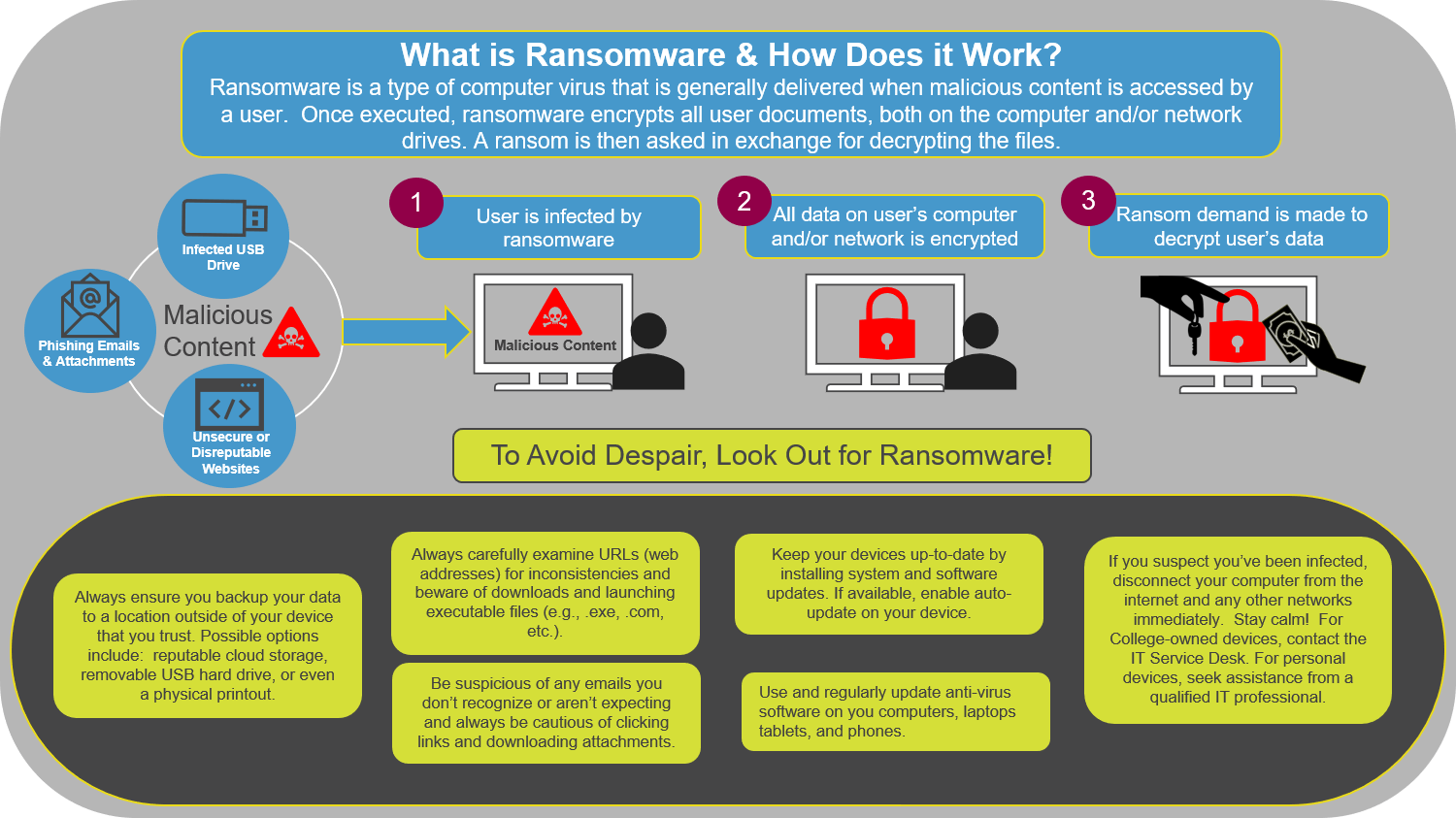
Visual learning anchors abstract ideas for elementary students. The free printable malware images for kids strip away terrifying jargon and replace it with relatable, age-appropriate illustrations. Instead of focusing on scary system crashes, these coloring pages and activity sheets focus on protective habits, such as keeping personal information private, recognizing strange warning banners, and stopping before clicking unknown links. Coloring reinforces safety messages organically while opening the door for relaxed, pressure-free conversations. It sounds simple, and that’s the point. When children color characters representing safe device habits, their hands are busy, which often helps their minds relax enough to talk about confusing online experiences. The resource introduces the concept of digital hygiene through friendly graphics rather than alarmist warnings, ensuring that education remains empowering and calm.
Key Learning Outcomes
Working through these pages equips learners with specific, actionable responses to unfamiliar online situations. Children learn to pause before clicking on unexpected pop-ups or mysterious game download buttons. They practice identifying trusted adults in their homes or schools who can help when a screen acts strangely. Furthermore, the activities emphasize a vital emotional rule: children are never in trouble for reporting something uncomfortable that happened on a device. According to the Federal Trade Commission, consumer education regarding digital threats must start early to foster lifelong critical thinking habits. Students absorb the importance of strong passwords, recognizing that digital keys protect personal spaces just like front doors protect physical homes. These lessons support a broader foundation found in resources focused on Internet and Digital Safety, where children build comprehensive digital citizenship skills step by step.
How to Use This Printable
Flexibility defines the best educational materials. Educators can easily integrate these sheets into morning work, media lab sessions, or computer science rotations. Caregivers find success using them during quiet afternoons at the kitchen table, establishing a relaxed environment where children feel comfortable asking questions about their favorite apps. Adults should sit alongside the child, coloring or completing the activity together to invite natural dialogue. Instead of delivering a lecture about computer viruses, initiate a casual chat by asking what the characters on the page might do next. Turning the activity into a collaborative exploration lowers defenses and invites genuine curiosity.
Practical Tips for Parents and Teachers
Maximizing the impact of any educational sheet requires thoughtful pacing. Avoid rushing through the activity as a mere checklist item. Pause when a child asks a question about a strange pop-up they saw on a shared household tablet or in-game chat window. Validate their observations without showing frustration, reinforcing that digital missteps happen to everyone. Display completed artwork near the family computer or classroom device station as a gentle, visual reminder of safe digital habits. For additional structured activities that reinforce these concepts, explore the curated collection of Worksheets designed specifically for elementary learners.
Age-Appropriate Recommendations
Children process digital concepts differently depending on their developmental stage. Five-year-olds need simple messages about asking an adult before clicking anything new, aligning closely with the Common Sense Education Digital Citizenship Curriculum framework. Seven-year-olds can grasp basic concepts about keeping personal details secret and understanding that not every flashing button is friendly. Upper elementary students, aged ten to twelve, benefit from deeper discussions regarding software downloads, peer-to-peer file sharing, and the reality that online environments require the same caution as physical neighborhoods. Pacing the conversation to match the child’s age prevents overwhelm while building steady confidence.
Young children frequently navigate digital apps and games long before developing the critical judgment needed to spot online risks safely. — Common Sense Media
Frequently Asked Questions
How do adults access and print these educational materials? Downloading and printing these resources requires only a standard home or school printer, allowing immediate access to PDFs that fit standard paper sizes. How do these pages support online safety learning? The coloring format keeps children engaged while physical coloring aids memory retention and opens comfortable channels for adult-child dialogue about screen time. What do organizations like the Federal Trade Commission recommend for kids and tech? According to the Federal Trade Commission, early education regarding digital privacy and suspicious links helps children build critical thinking skills that protect them as they grow.
Explore More Free Kids Online Safety Printables
Expanding a child’s digital literacy toolkit requires a diverse variety of engaging, hands-on materials. Pair these creative coloring sheets with structured discussion prompts to reinforce lifelong digital habits at home and in the classroom. Educators and families looking for more creative options can browse the complete gallery of Coloring Pages for additional downloads. Building a safe, confident relationship with technology is an ongoing journey supported by continuous learning and open communication through resources focused on Online and Digital Safety.
Developmental Milestone & Activity Table
| Development Stage | Recommended Daily Duration | Primary Learning Objective |
|---|---|---|
| Preschool & Pre-K | 10 – 15 Minutes | Pencil grip development & basic pre-stroke lines |
| Kindergarten | 15 – 20 Minutes | Letter/number formation & spatial line awareness |
| Early Elementary (Grade 1–2) | 20 – 30 Minutes | Fluency, sentence construction & neatness |
Images References