Introduction
Six-year-old learners navigate digital environments long before mastering cursive handwriting. Tablets at the kitchen table, shared family computers, and interactive gaming platforms are standard aspects of modern childhood. Children frequently stumble upon online risks through shared devices left logged into accounts, unmonitored in-game chat features, or autoplay video platforms. Addressing these digital realities requires proactive guidance rather than restrictive fear. The free printable internet safety grade 1 resource designed for {site_name} bridges the gap between early childhood learning and essential digital habits. Educators and caregivers need accessible tools that transform abstract online concepts into concrete, manageable actions for young minds. This printable centers on coloring, active engagement, and guided conversation to lay a strong foundation for lifelong digital citizenship. Related guide: Teachers Of Grades 9–12 Should Expand Internet Safety Instruction To Include Which Of The Following Topics?.
💡 Educational Key Takeaways:
- Core Skill: Structured Internet Safety Grade 1 focused on developing pencil grip, stroke control, and early literacy/math confidence.
- Target Scope: Suited for homeschoolers, preschool, kindergarten, and elementary learners.
- Best Recommendation: Practice 10–15 minutes daily with ergonomic writing tools to reinforce muscle memory without hand fatigue.
WhatThis Printable Covers
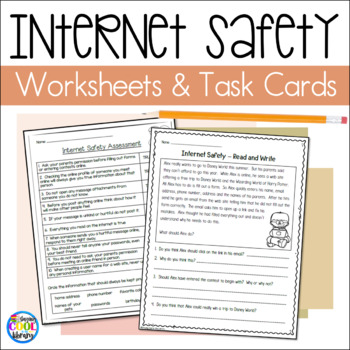
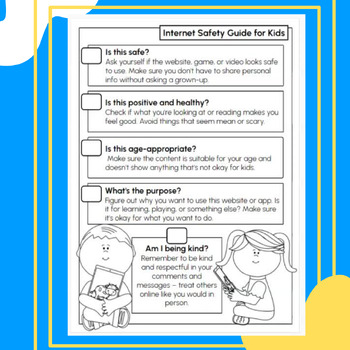
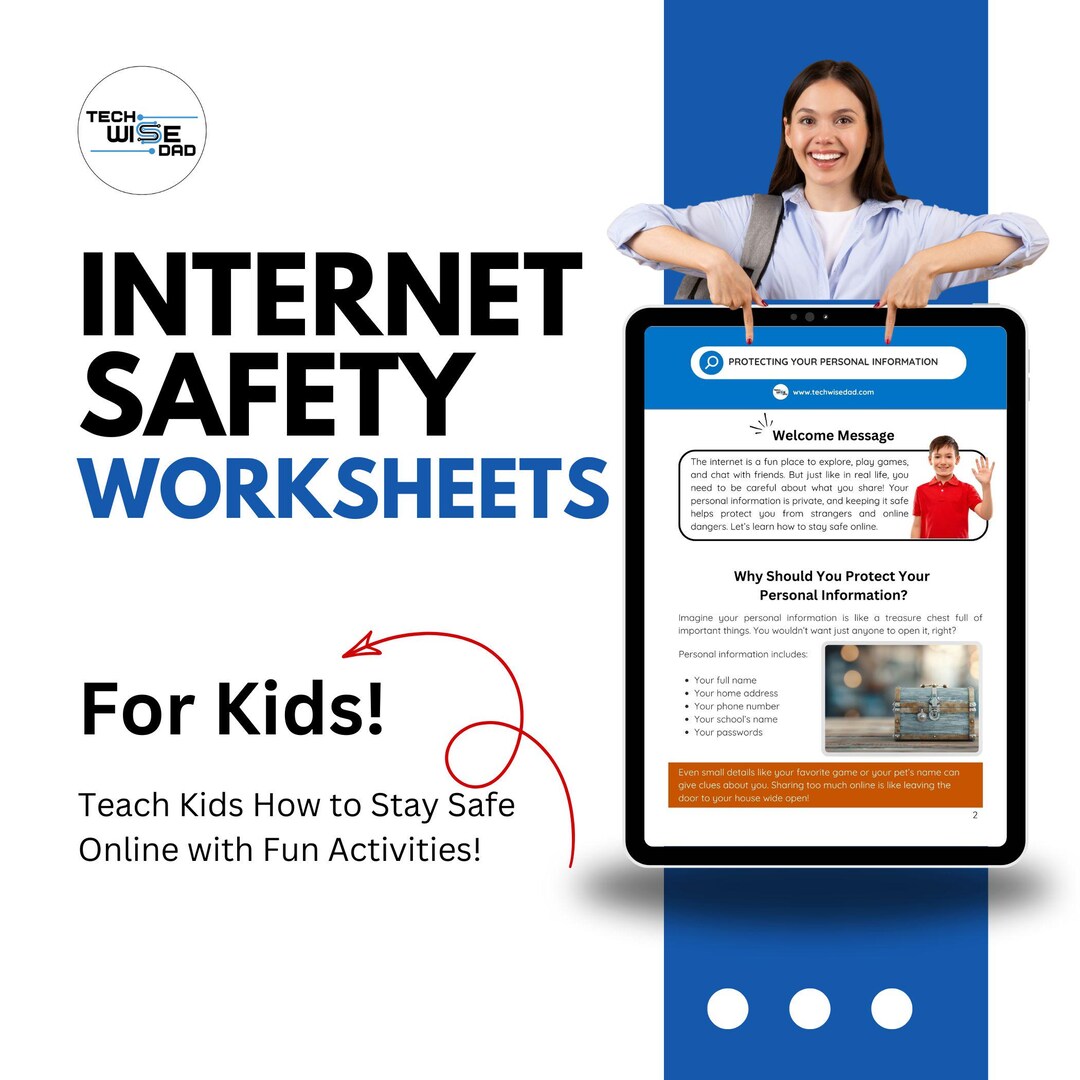
Foundational digital literacy starts with recognizing personal boundaries online. This targeted resource covers critical concepts like keeping private information safe, identifying trusted adults, and understanding that mistakes online are entirely fixable. It sounds simple, and that’s the point. First graders process information best through visual reinforcement and repetition. Coloring specific safety scenarios helps cement these lessons without overwhelming developing readers. The design avoids frightening language entirely, focusing instead on empowering children to make smart choices while exploring digital spaces. Exploring broader Internet and Digital Safety strategies alongside this activity ensures children receive consistent messages at home and in the classroom.
Key Learning Outcomes
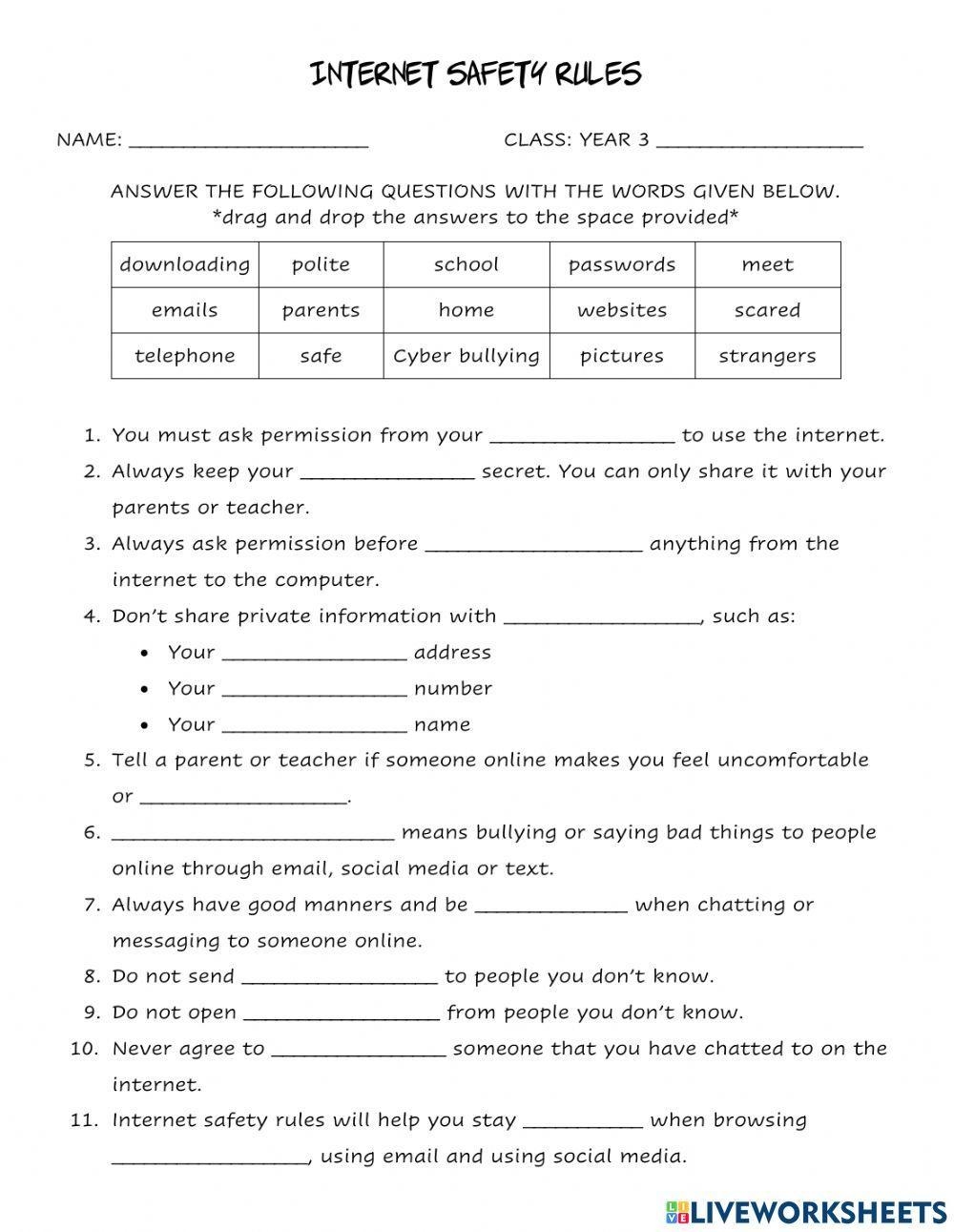
Completing this activity helps children internalize specific rules for safe digital navigation. Learners discover the difference between public information, like a favorite color, and private details, such as a home address or full name. Another core outcome is reinforcing the golden rule of reporting: children learn they are never in trouble for coming to a trusted adult when something on a screen feels confusing, strange, or uncomfortable. Establishing this open line of communication early prevents small digital mishaps from turning into major stressors. Additional practice materials available through Worksheets provide further reinforcement of these vital protective behaviors.
How to Use This Printable
Execution in a busy classroom or a bustling living room needs to be seamless. Print out enough copies for each child alongside a fresh box of crayons or colored pencils. Here’s what makes this resource different: it serves as a natural conversation starter rather than a silent quiz. Sit beside the child while colors are chosen, asking open-ended questions about the pictures. Inquiries such as “What is the robot keeping private?” or “Who can we talk to if a pop-up appears?” turn a quiet art exercise into a dynamic dialogue. Children process safety rules much faster when they articulate the concepts in their own words during a relaxed, low-pressure activity.
Practical Tips for Parents and Teachers
Consistency between school and home creates the most reliable safety net for young learners. Adults should keep the tone calm and encouraging, framing internet habits as superpowers rather than a strict list of don’ts. When viewing related concepts using Coloring Pages, educators can connect digital boundaries to physical boundaries children already understand, like locking a front door or holding hands in a parking lot. Reinforce that screens can be turned off immediately if anything unexpected happens. Praise children warmly whenever they ask questions about pop-ups, strange game requests, or unfamiliar links, cementing the habit of transparency.
Age-Appropriate Recommendations
First graders possess unique developmental capacities that require tailored educational approaches. According to the Common Sense Education Digital Citizenship Curriculum, early elementary students learn best through storytelling, empathetic roleplay, and clear visual cues. Abstract concepts like cybersecurity or data privacy mean very little to a six-year-old. Instead, framing digital safety around the concept of a digital footprint and online kindness resonates deeply. Educators should limit direct screen instruction to short, focused intervals, pairing digital tools with hands-on exercises like this printable to solidify understanding without causing cognitive fatigue.
Young children frequently encounter digital media through shared family devices and interactive video platforms, making early habit-building essential. — Common Sense Media
Frequently Asked Questions
Caregivers and educators often wonder about the best ways to introduce digital safety to young learners. Clear answers help streamline implementation across different learning environments. According to the Family Online Safety Institute, establishing open communication channels between children and adults remains the single most effective strategy for mitigating digital risks. Reviewing these frequently asked questions ensures a smooth and effective start with the printable material.
Explore More Free Kids Online Safety Printables
Building robust digital citizenship skills requires ongoing reinforcement throughout the primary school years. Caregivers can expand their educational toolkit by browsing additional Online and Digital Safety resources designed to grow alongside developing students. Consistent reinforcement at home and in the classroom transforms positive digital habits into second nature for every child.
Developmental Milestone & Activity Table
| Development Stage | Recommended Daily Duration | Primary Learning Objective |
|---|---|---|
| Preschool & Pre-K | 10 – 15 Minutes | Pencil grip development & basic pre-stroke lines |
| Kindergarten | 15 – 20 Minutes | Letter/number formation & spatial line awareness |
| Early Elementary (Grade 1–2) | 20 – 30 Minutes | Fluency, sentence construction & neatness |
Images References