Introduction
Digital spaces are as natural to modern elementary students as the physical playground. Children step into virtual environments long before they master long division, navigating shared family tablets, open-world gaming servers with voice chat, and popular video creation platforms. Real-world observations show that young learners rarely encounter online risks through dramatic, cinematic scenarios. Instead, they stumble into tricky situations during casual gameplay, through unexpected pop-ups, or while sharing seemingly harmless details about their daily routines in comment sections. Adults often wonder how to bridge the gap between enthusiastic digital exploration and essential caution. Traditional lectures about cyberspace rarely stick with children ages five through twelve. Practical, hands-on learning transforms abstract digital concepts into concrete habits that children can easily grasp and apply. The free printable project ideas for social media and online internet safety available on {site_name} offer a bridge between screen time and meaningful conversation. These printables do not magically block threats or guarantee online safety. Rather, they provide structured activities designed to spark dialogue, build critical thinking skills, and establish clear routines around connected devices. Related guide: Teachers Of Grades 9–12 Should Expand Internet Safety Instruction To Include Which Of The Following Topics?.
💡 Educational Key Takeaways:
- Core Skill: Structured Project Ideas For Social Media And Online Internet Safety focused on developing pencil grip, stroke control, and early literacy/math confidence.
- Target Scope: Suited for homeschoolers, preschool, kindergarten, and elementary learners.
- Best Recommendation: Practice 10–15 minutes daily with ergonomic writing tools to reinforce muscle memory without hand fatigue.
What This Printable Covers
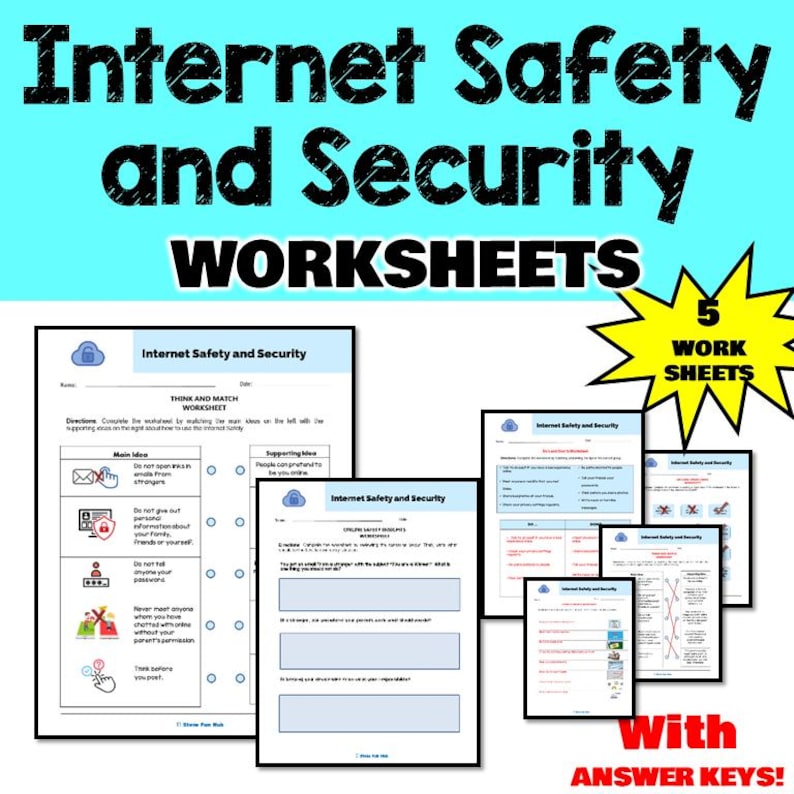
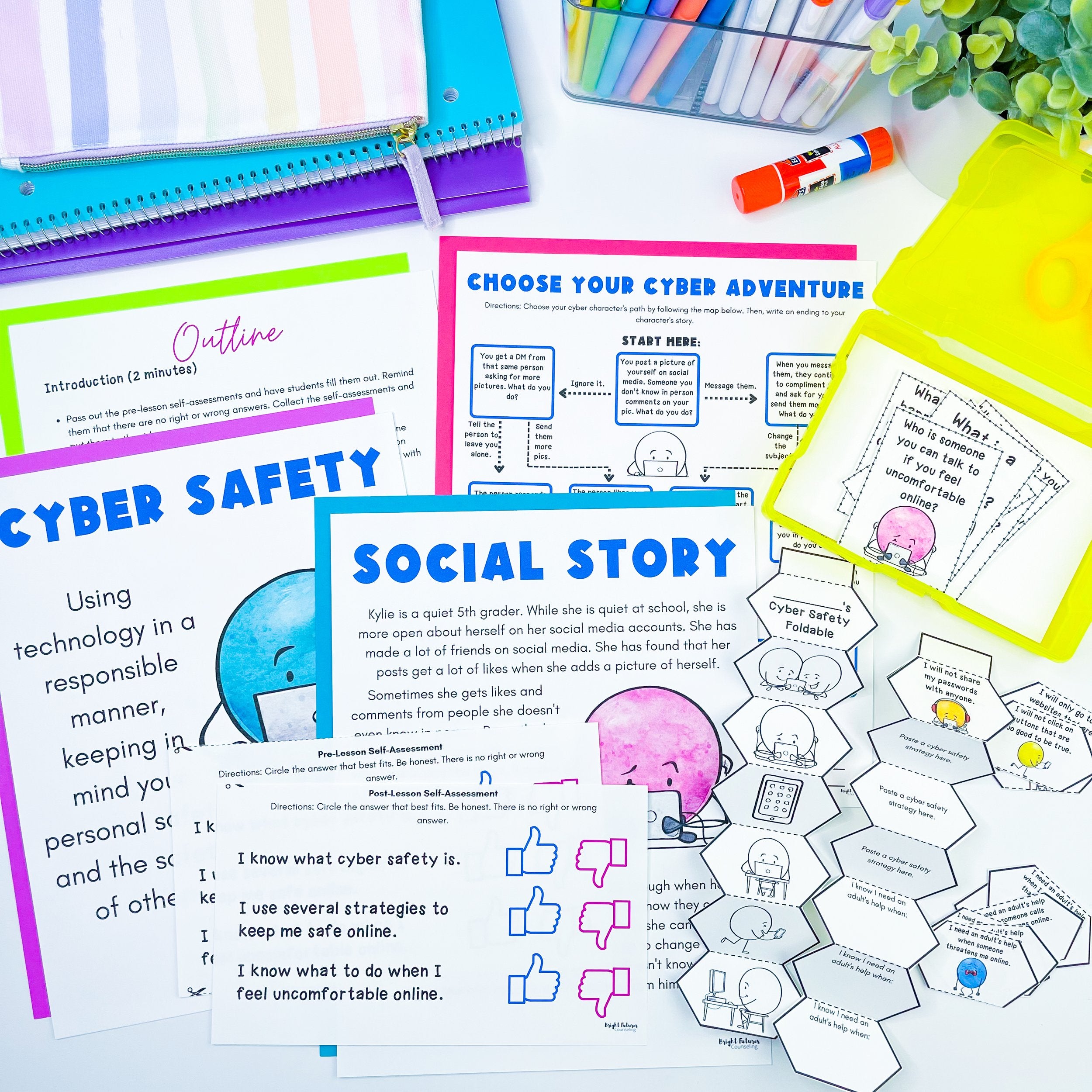
The project ideas resource translates complex digital citizenship topics into engaging, age-appropriate offline tasks. It focuses heavily on foundational protective habits that every child needs before engaging with interactive media. Students explore the concept of the digital footprint, learning that everything posted online leaves a lasting trail. The activities emphasize keeping personal information private, such as full names, locations, school names, and favorite routines. Password security receives attention through creative exercises that teach why strong credentials matter without causing unnecessary anxiety. Furthermore, the printables guide children through the foundational rule of digital citizenship: pausing before sharing or clicking. By working through these hands-on projects, learners discover how to recognize red flags, such as messages from strangers or requests for private details. Crucially, every exercise reinforces the empowering message that children are never in trouble for reporting something uncomfortable to a trusted adult. When students practice these scenarios away from the screen, they build mental muscle memory for the moments when they encounter unexpected content in the wild.
Key Learning Outcomes
Working through these structured activities helps students develop specific skills they can immediately apply to their daily device use. Children learn to identify what constitutes private personal data versus public information suitable for sharing. They practice critical thinking by evaluating hypothetical online scenarios, determining whether a specific action is safe or requires adult intervention. Another primary outcome involves establishing open communication channels between children and the adults in their lives. According to Pew Research Center, a substantial majority of parents worry about their children’s digital lives, making structured family discussions more vital than ever. When students complete these projects, they gain confidence in articulating their concerns and asking questions when something feels off. These exercises align closely with broader educational goals found in resources dedicated to Internet and Digital Safety, ensuring that lessons remain consistent across home and classroom environments. The goal is never to foster fear of technology, but rather to foster competence, resilience, and mindful digital habits.
How to Use This Printable
Flexibility defines the best educational tools, and this resource fits seamlessly into morning meetings, technology lab sessions, rainy-day indoor recesses, or weekend family nights. Educators can integrate the project prompts into media literacy units, using small-group discussions to unpack the reasoning behind each activity. Families find success by pairing the printable exercises with a relaxed chat around the kitchen table, allowing children to share their perspectives on favorite apps and games. It sounds simple, and that’s the point. Removing the device from the equation allows children to focus entirely on the behavioral aspects of technology without the distraction of notifications or gameplay loops. Adults can guide the conversation by asking open-ended questions rather than delivering rigid rules. Exploring deeper topics becomes effortless when combining these activities with creative tasks found under Coloring Pages, which help younger children process digital safety concepts through art and fine motor engagement. Every completed project serves as a tangible reminder that safety is an ongoing practice built through open dialogue and mindful choices.
Practical Tips for Parents and Teachers
Maximizing the impact of any educational printable requires a supportive, non-punitive environment. Adults should approach these activities with curiosity rather than interrogation, inviting children to explain their thought processes during the exercises. Establishing a predictable routine for discussing digital habits normalizes the conversation, making children far more likely to speak up when they encounter a confusing situation online. Educators and caregivers can also use these printable projects to draft a family or classroom digital agreement, outlining mutual expectations for device use. According to Common Sense Media, children who regularly discuss digital media use with adults demonstrate stronger self-regulation skills online. Keeping the tone positive ensures that children view digital citizenship as an exciting aspect of growing up responsibly. Adults should celebrate smart decision-making and praise children whenever they proactively report uncomfortable digital interactions. Reinforcing these positive behaviors builds a strong foundation of trust that outlasts any single lesson or printable activity.
Age-Appropriate Recommendations
Tailoring digital safety discussions to a child’s developmental stage prevents overwhelm and ensures maximum comprehension. For younger elementary students ages five through eight, lessons should remain grounded in concrete concepts, such as distinguishing between safe adults in the physical world and strangers in digital spaces. Interactive games and drawing projects work best for this cohort, laying the groundwork for basic self-regulation. Upper elementary students ages nine through twelve can handle more nuanced topics, including managing peer pressure in group chats, understanding the permanence of digital footprints, and recognizing subtle online manipulation. This tiered approach aligns directly with the Common Sense Education Digital Citizenship Curriculum framework, which emphasizes developmental scaffolding across grade bands. Educators can further expand their instructional toolkit by browsing related materials under Worksheets to find targeted practice pages that match specific age groups. Matching the complexity of the material to the cognitive readiness of the child ensures that safety education remains engaging, relevant, and empowering at every step of development.
Substantial parental concern regarding children’s digital media exposure highlights the ongoing need for structured home-school safety conversations — Pew Research Center
Frequently Asked Questions
Navigating digital citizenship education brings up many common questions from educators and families striving to keep children safe online. The answers below address logistical and pedagogical considerations for implementing these resources effectively. Clear guidance helps adults make the most of the free printable project ideas without unnecessary guesswork. Each response is designed to provide direct, actionable insights that support healthy digital habits in children.
Regular dialogue between adults and children significantly improves online self-regulation and reporting habits — Common Sense Media
Explore More Free Kids Online Safety Printables
Continuing the journey of digital citizenship education requires a diverse array of fresh resources and engaging materials. Educators and families can discover additional tools by browsing the main collection of Online and Digital Safety articles and activity packets. Combining multiple activity types creates a comprehensive, well-rounded approach to teaching children how to thrive in connected environments. Every conversation started today lays the groundwork for a safe, confident, and digitally responsible generation.
Developmental Milestone & Activity Table
| Development Stage | Recommended Daily Duration | Primary Learning Objective |
|---|---|---|
| Preschool & Pre-K | 10 – 15 Minutes | Pencil grip development & basic pre-stroke lines |
| Kindergarten | 15 – 20 Minutes | Letter/number formation & spatial line awareness |
| Early Elementary (Grade 1–2) | 20 – 30 Minutes | Fluency, sentence construction & neatness |
Images References