Introduction
Fifth-grade students navigate a digital landscape filled with shared household tablets, multiplayer video game lobbies, and fast-paced video streaming platforms. This developmental stage brings a strong desire for peer connection, which frequently extends into digital worlds where boundaries blur quickly. Adults often worry about keeping children safe online, yet the most effective approach relies on building steady habits rather than imposing sudden restrictions. A well-designed printable offers a concrete way to introduce ten essential points for cyber safety awareness. When classrooms and living rooms incorporate structured learning tools, children develop the critical thinking skills needed to handle unexpected online moments with confidence and calm. Related guide: 5 Cyber Safety Tips Symbols That Can Be Read By The Grede 7 Students.
💡 Educational Key Takeaways:
- Core Skill: Structured Tell Me Some Points To Write For Cyber Safety Awerness For 5Th Grade, 10 Points Atleast focused on developing pencil grip, stroke control, and early literacy/math confidence.
- Target Scope: Suited for homeschoolers, preschool, kindergarten, and elementary learners.
- Best Recommendation: Practice 10–15 minutes daily with ergonomic writing tools to reinforce muscle memory without hand fatigue.
What This Printable Covers
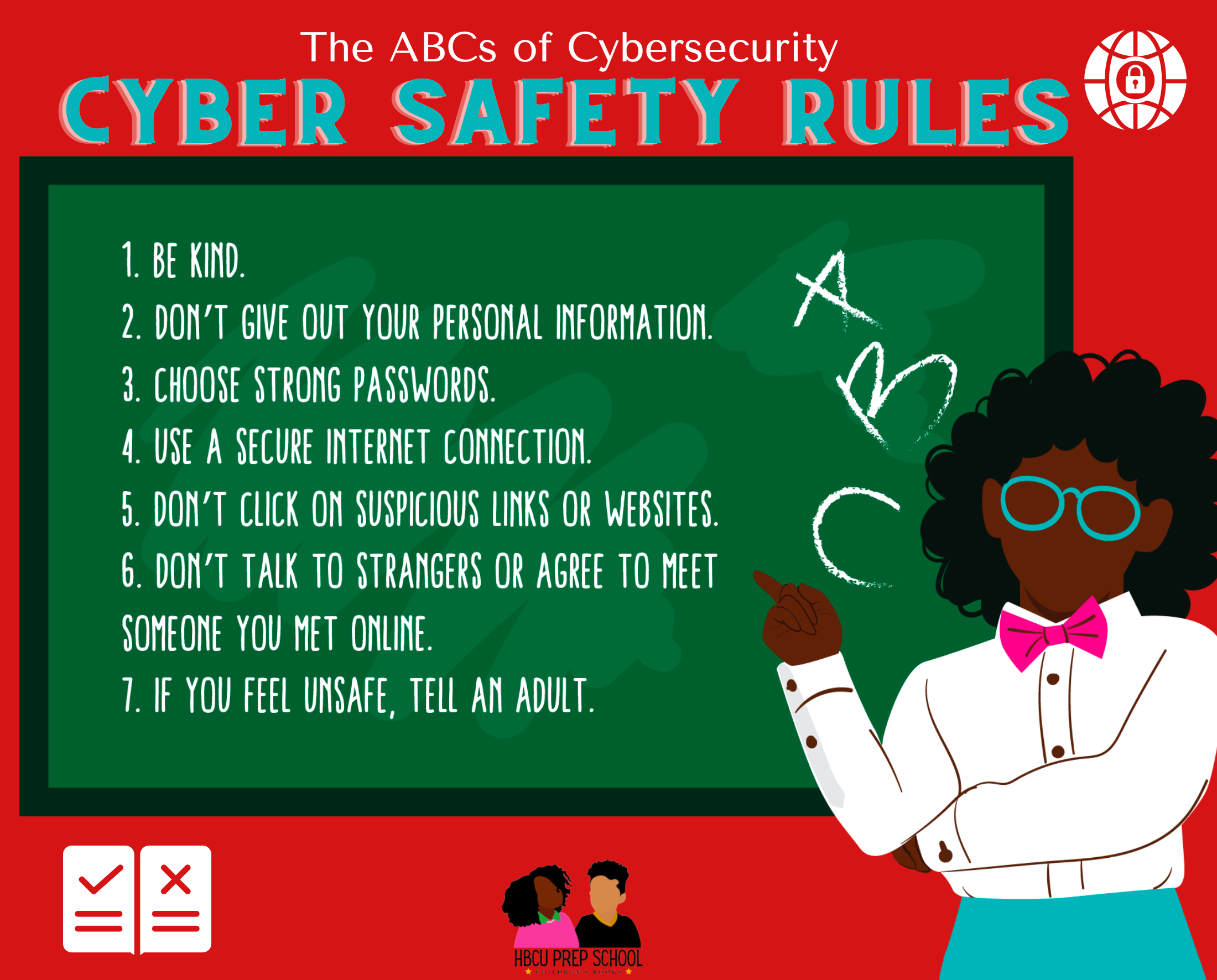
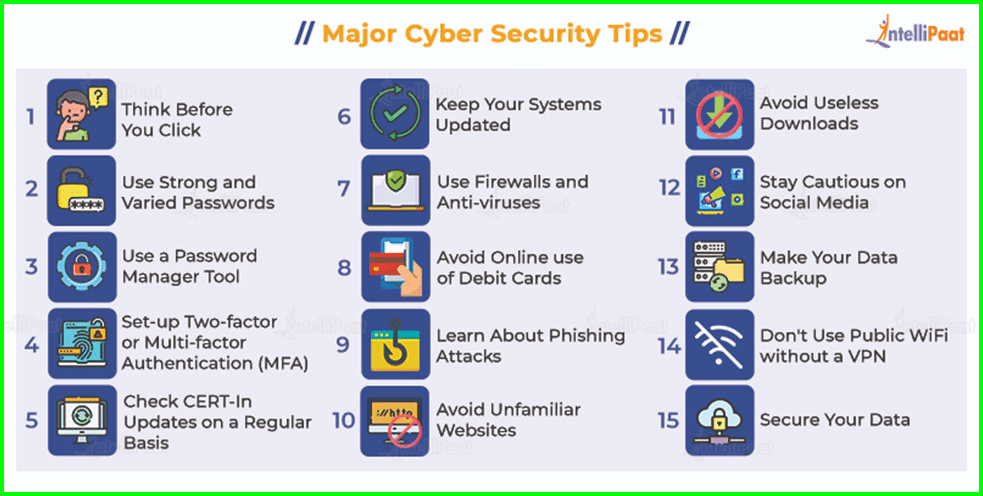
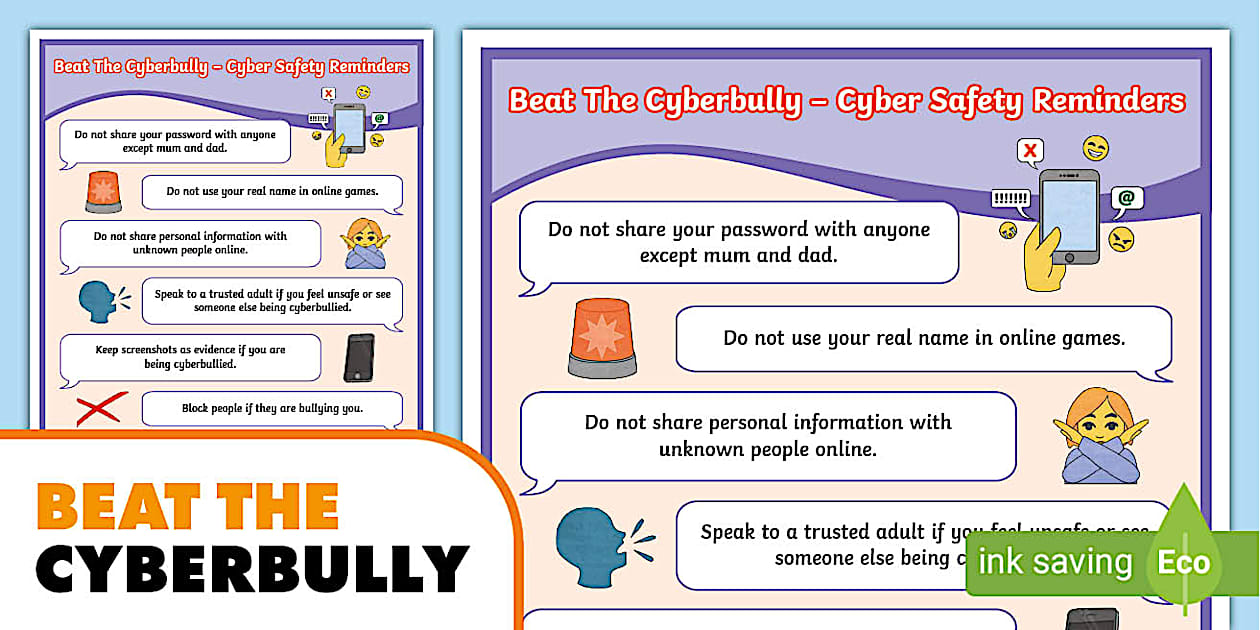
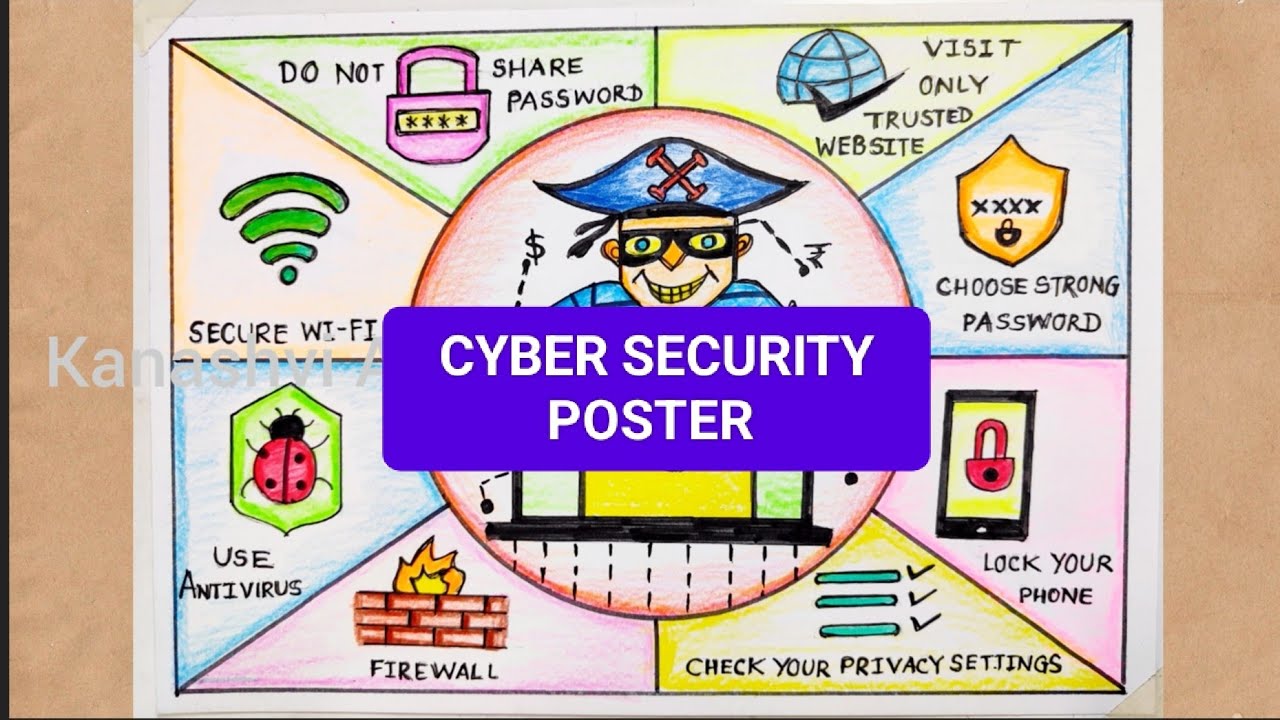
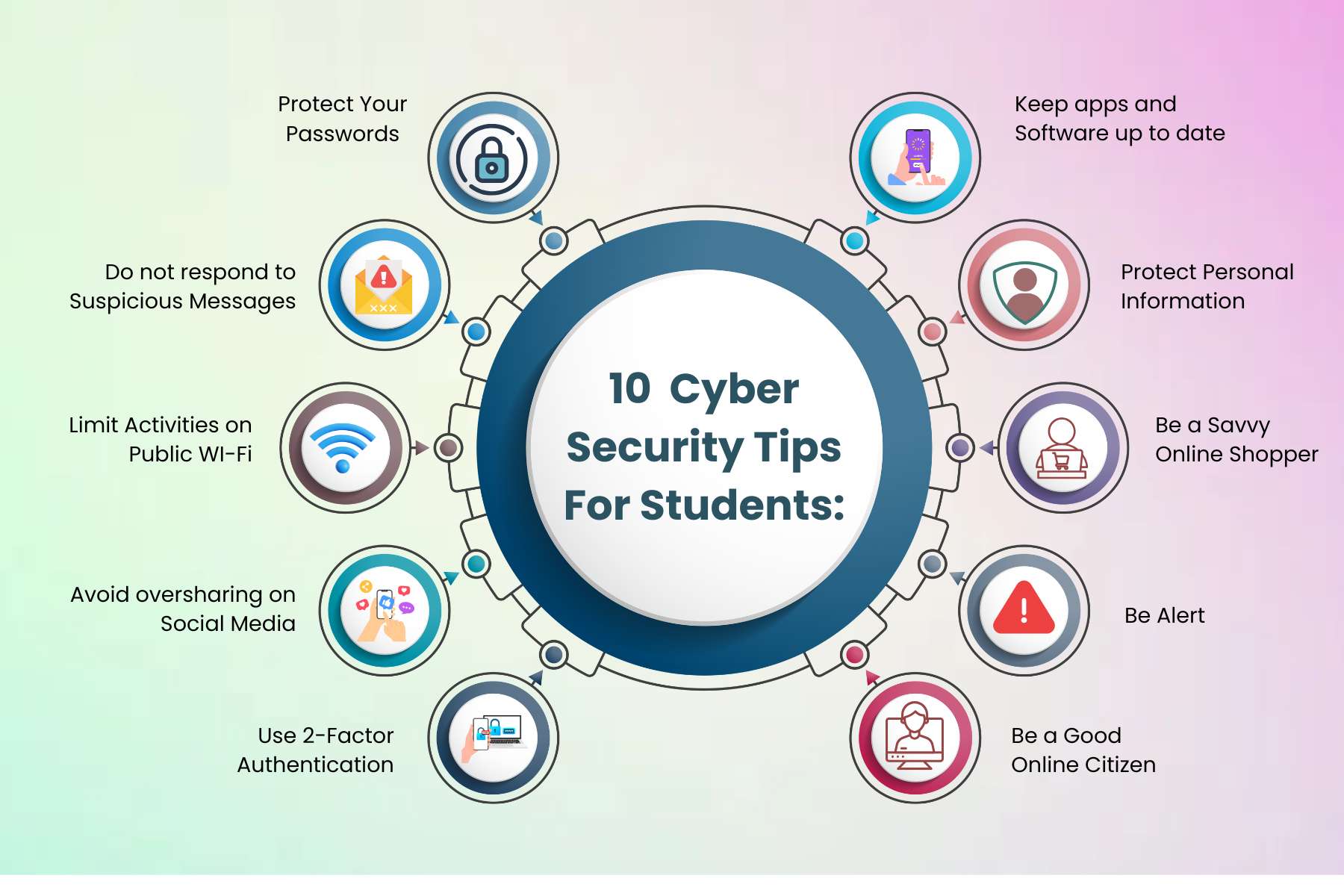
The free printable provides ten actionable rules designed specifically for the cognitive abilities of ten and eleven-year-olds. These ten points move beyond vague warnings and focus entirely on practical online behaviors. First, the guide emphasizes keeping full names, home addresses, and school names completely private. Second, it teaches the creation of strong, unique passwords that friends cannot easily guess. Third, students learn to recognize the importance of logging out of shared devices. Fourth, the content highlights the necessity of asking permission before downloading any new application or game. Fifth, the rules address the value of thinking twice before posting a comment or photo. Sixth, children discover how to block and report uncomfortable interactions in in-game chats. Seventh, the resource reinforces the golden rule of treating others respectfully behind a screen. Eighth, students learn to identify suspicious links that promise free prizes or gaming currency. Ninth, the checklist reminds learners that not everyone online is who they claim to be. Tenth, and perhaps most importantly, the printable establishes that children are never in trouble for reporting an upsetting experience to a trusted adult.
Key Learning Outcomes
Working through these ten distinct guidelines transforms abstract digital concepts into memorable daily practices. Learners begin to view technology through a lens of mindful awareness rather than blind trust. Educators frequently pair these lessons with foundational Internet and Digital Safety curricula to deepen comprehension. Children start noticing how personal data spreads across platforms, especially through seemingly harmless gaming chat features. Recognizing the value of privacy becomes second nature when students discuss real-world scenarios in a supportive environment. It sounds simple, and that is the point. Clear, repeatable rules reduce anxiety and empower young internet users to pause before clicking.
How to Use This Printable
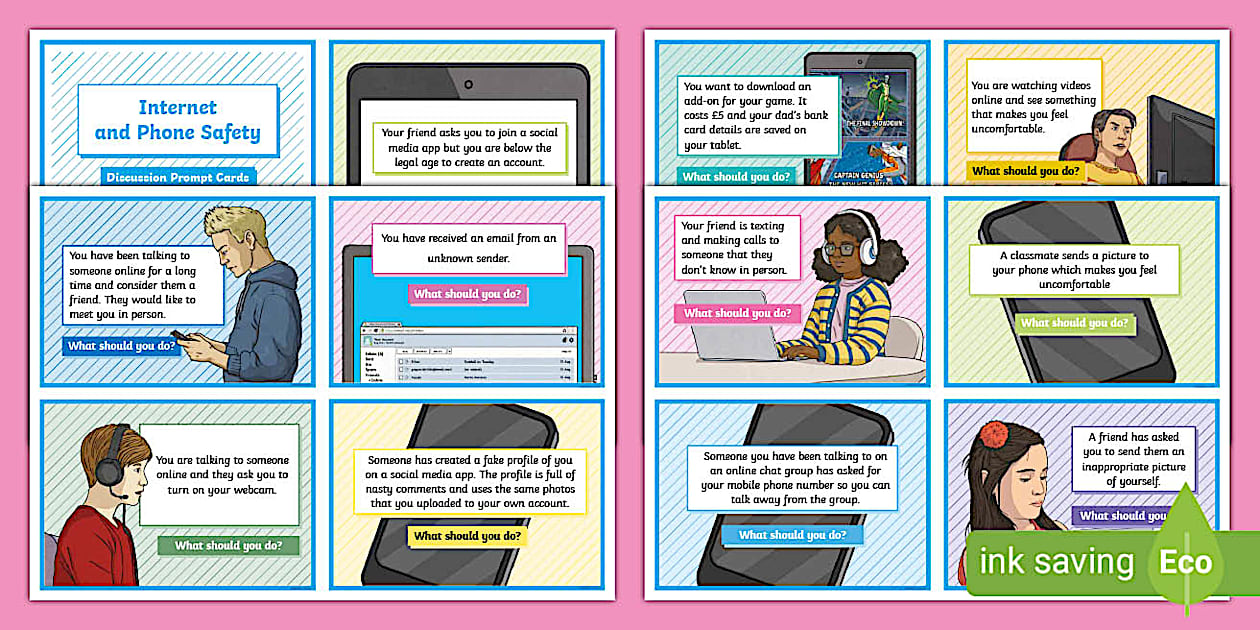
Classroom teachers and parents can utilize this resource as a discussion starter rather than a punitive quiz. Distributing the pages during morning meetings or family dinner conversations invites open-ended dialogue about everyday digital habits. Children absorb safety lessons much faster when adults actively listen to their experiences within multiplayer games and social apps. Here is what makes this resource different: it focuses on proactive habit-building rather than fear-based messaging. Educators often integrate these sheets into broader Worksheets packets to reinforce critical thinking across multiple subjects. Displaying the finished checklist near family computers or classroom device stations serves as a gentle, visual reminder during independent screen time.
Practical Tips for Parents and Teachers
Consistency remains the key ingredient when teaching digital citizenship to fifth graders. Adults should review the ten safety points collaboratively, asking children to explain each rule in their own words. Role-playing hypothetical scenarios—such as receiving an unexpected message from a stranger in a gaming lobby—helps bridge the gap between theory and action. According to Common Sense Media, children benefit immensely when adults engage directly with their digital worlds rather than policing from a distance. Creating a judgment-free reporting culture ensures that students immediately seek help whenever an online interaction feels wrong or confusing. Regular check-ins normalize conversations about passwords, privacy, and respectful communication long before minor issues escalate into major concerns.
Age-Appropriate Recommendations
Fifth graders sit at an interesting developmental crossroads, possessing advanced technical skills alongside developing emotional maturity. Aligning instruction with frameworks like the ISTE Standards for Students ensures that children learn to cultivate a positive, safe, and legal digital identity. At age ten and eleven, students require specific guidance regarding peer pressure in chat rooms and the permanence of digital footprints. Curricula must remain supportive, framing safety as an essential life skill like looking both ways before crossing a busy street. Adults should tailor discussions to match the specific platforms children use, focusing heavily on shared devices and in-game communication channels where risks frequently arise.
Children who experience online challenges often hesitate to report them out of fear that adults will remove their device privileges. Establishing an open dialogue free from punitive measures ensures that kids speak up immediately when something feels wrong. — National Center for Missing & Exploited Children
Frequently Asked Questions
How do adults access and print this educational material? The resource is available as a free digital download that opens instantly in any standard PDF viewer for immediate home or classroom printing. In what ways does this printable support online learning? It provides ten concrete rules that prompt meaningful discussions, helping children translate digital citizenship concepts into everyday protective habits. What does the Federal Trade Commission recommend regarding kids online? According to the Federal Trade Commission, families should maintain open communication about online privacy and regularly review security settings together on all shared devices.
Pew Research Center findings highlight that the vast majority of children access the internet daily through mobile devices and shared tablets, making portable, clear safety rules more critical than ever. — Pew Research Center
Explore More Free Kids Online Safety Printables
Expanding a digital citizenship toolkit requires a diverse selection of engaging, educational materials. Educators and parents can explore additional resources, including creative Coloring Pages that make safety rules approachable for younger learners. Diving deeper into comprehensive Online and Digital Safety modules helps reinforce these vital lessons across multiple age groups. Building a safer digital future takes consistent effort, open communication, and the right educational tools working together.
Developmental Milestone & Activity Table
| Development Stage | Recommended Daily Duration | Primary Learning Objective |
|---|---|---|
| Preschool & Pre-K | 10 – 15 Minutes | Pencil grip development & basic pre-stroke lines |
| Kindergarten | 15 – 20 Minutes | Letter/number formation & spatial line awareness |
| Early Elementary (Grade 1–2) | 20 – 30 Minutes | Fluency, sentence construction & neatness |
Images References