Introduction
Children encounter digital environments long before reaching middle school. Modern kids navigate shared family tablets, cooperative multiplayer video games, and video streaming platforms where messages pop up unexpectedly. These digital spaces offer incredible learning opportunities alongside moments of sudden confusion. Adults often wonder how to introduce complex cyber security concepts like fraudulent messages without inducing anxiety. Young minds grasp abstract digital threats much better when concepts are grounded in familiar, tangible analogies. That is precisely why educators and families utilize the free printable “kids world – introduce ‘phishing'” available on {site_name}. This worksheet serves as a practical bridge, translating invisible internet risks into clear, manageable lessons through interactive student exercises designed for elementary learners.
💡 Educational Key Takeaways:
- Core Skill: Structured Kids World – Introduce ‘Phishing’ focused on developing pencil grip, stroke control, and early literacy/math confidence.
- Target Scope: Suited for homeschoolers, preschool, kindergarten, and elementary learners.
- Best Recommendation: Practice 10–15 minutes daily with ergonomic writing tools to reinforce muscle memory without hand fatigue.
What This Printable Covers
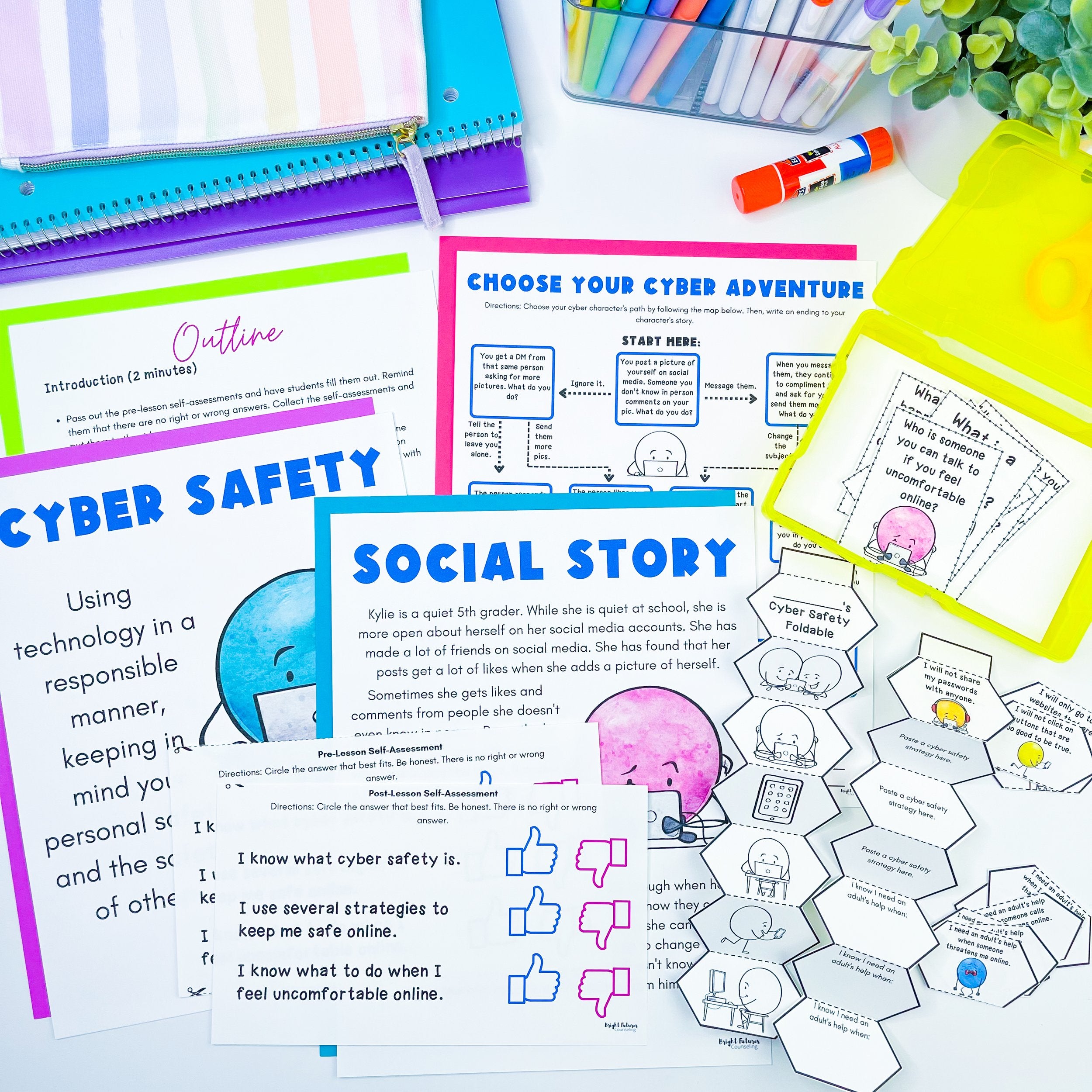
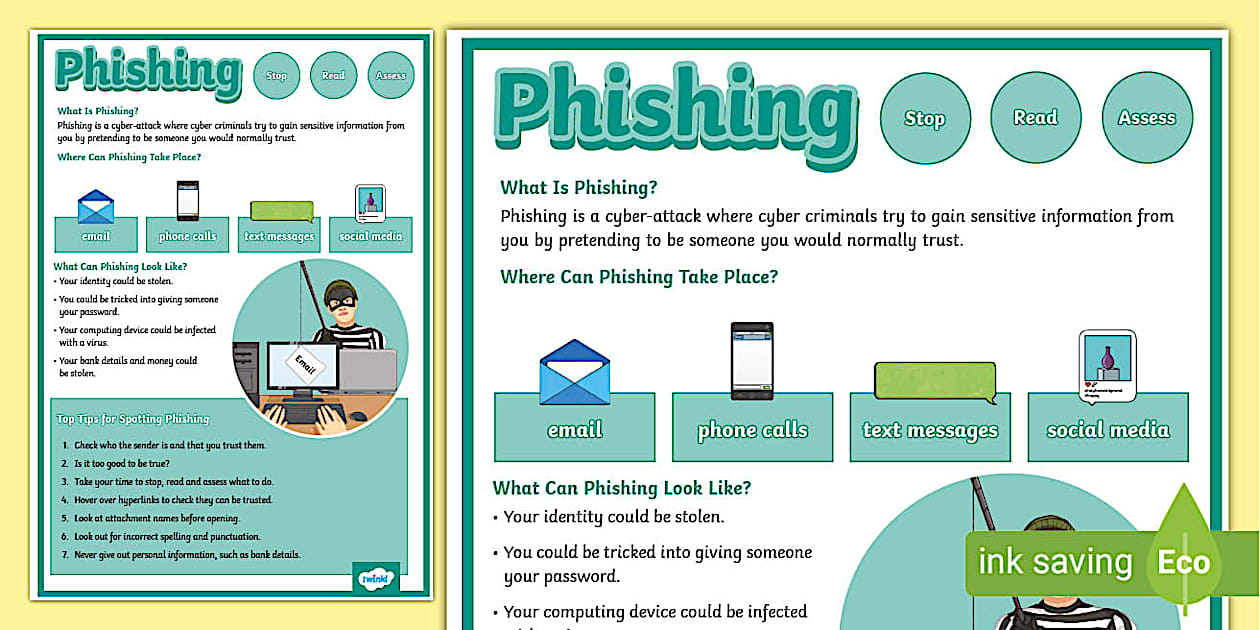
Digital trickery rarely looks like a high-tech movie sequence in real life. Most fraudulent messages arrive disguised as exciting game rewards, urgent account warnings, or friendly notes from unfamiliar characters in virtual worlds. The featured instructional sheet breaks down these tricky scenarios into bite-sized, age-appropriate scenarios. Learners analyze cartoonish examples of deceptive online bait, learning to spot the common warning signs of digital deception. The content emphasizes protective habits rather than dwelling on fear, ensuring children understand that online safety is simply a set of helpful rules, much like looking both ways before crossing a street. Every section reinforces the foundational truth that children are never in trouble for reporting an uncomfortable digital encounter. Related guide: 5 Cyber Safety Tips Symbols That Can Be Read By The Grede 7 Students.
Key Learning Outcomes
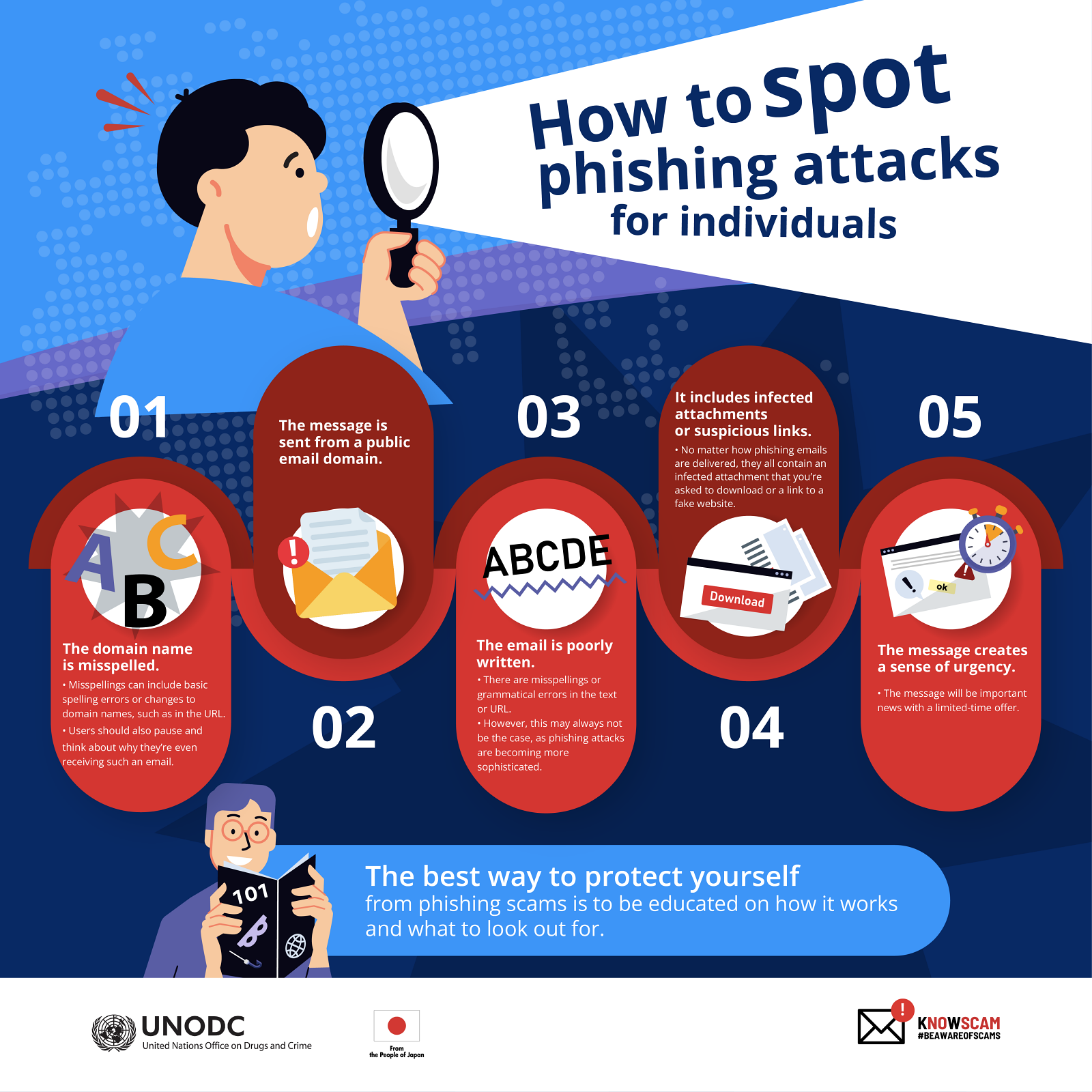
Specific skill practice turns passive learners into active digital citizens. Working through the printable helps children identify requests for personal information, recognize fake urgency, and practice the vital pause before clicking buttons. According to the Federal Trade Commission, scammers frequently target youth through in-game currency offers and social platforms, making early recognition skills essential. Children practice identifying trusted adults to consult whenever a message feels strange or too good to be true. Building these habits early transforms cautious hesitation into automatic protective instincts. Exploring broader concepts through internet and digital safety resources further cements these lessons in daily routines.
How to Use This Printable
Classrooms and living rooms become low-stakes laboratories for critical thinking when this activity sheet is introduced. Grown-ups guide learners through the scenarios by asking open-ended questions instead of simply giving answers. It sounds simple, and that is the point. Asking questions like “What makes this message look tricky?” encourages children to articulate their reasoning aloud. Collaborative completion fosters a safe environment where admitting confusion is celebrated rather than punished. Educators often pair this activity with creative writing prompts, while families review it during routine device-sharing sessions at the kitchen table.
Practical Tips for Parents and Teachers
Maximizing the educational value of any resource requires intentional pacing and supportive facilitation. Adults should model calmness, treating digital safety as a routine life skill rather than an emergency topic. Setting a positive tone keeps communication channels open long after the worksheet is finished. According to Common Sense Media, regular family conversations about online experiences significantly reduce the likelihood of children hiding uncomfortable digital moments. Adults can also browse specialized online and digital safety guides to find complementary discussion starters for different age brackets.
Age-Appropriate Recommendations
Tailoring digital literacy to developmental stages ensures the message resonates without overwhelming young minds. Kindergarten and first-grade learners benefit most from basic concepts like keeping passwords secret and asking an adult before sharing information. Older elementary students in fourth and fifth grades can analyze nuanced phishing scenarios, distinguishing between secure links and deceptive traps. This scaffolded approach aligns directly with the Common Sense Education Digital Citizenship Curriculum, which emphasizes age-graded competencies for navigating media safely. Younger participants focus on tangible rules, while upper elementary students explore the mechanics behind digital communication and basic privacy management.
Digital scams increasingly target younger demographics through popular online gaming platforms and virtual chat features — Federal Trade Commission
Frequently Asked Questions
Quick answers help educators and families implement digital citizenship tools effectively. Clear guidance removes barriers to access, ensuring every child receives essential safety education regardless of technical background or setting.
Routine open communication between children and trusted adults remains the most effective deterrent against online exploitation — National Center for Missing & Exploited Children
Explore More Free Kids Online Safety Printables
Expanding a digital citizenship toolkit helps reinforce safety habits across multiple subjects and formats. Educators and families can pair the featured activity with creative visual resources found in the coloring pages collection, which use artistic expression to solidify digital boundaries for younger learners. Continuous reinforcement through diverse materials ensures safety concepts stick, preparing children to navigate future digital landscapes with confidence, resilience, and strong critical thinking skills.
Developmental Milestone & Activity Table
| Development Stage | Recommended Daily Duration | Primary Learning Objective |
|---|---|---|
| Preschool & Pre-K | 10 – 15 Minutes | Pencil grip development & basic pre-stroke lines |
| Kindergarten | 15 – 20 Minutes | Letter/number formation & spatial line awareness |
| Early Elementary (Grade 1–2) | 20 – 30 Minutes | Fluency, sentence construction & neatness |
Images References