Introduction
Digital devices sit on kitchen tables and classroom desks, serving as both learning tools and doorways to the wider internet. Children routinely navigate shared family tablets, text in video game chat lobbies, and watch educational streams long before reaching middle school. Modern threats rarely look like the obvious movie traps of the past. Instead, trickery arrives disguised as free virtual coins, urgent messages from game characters, or pop-up prompts demanding immediate attention. Adults need practical ways to teach digital literacy without inspiring fear. Introducing online safety concepts through targeted interactive worksheets helps children recognize digital deception while building the critical thinking skills necessary to navigate connected spaces safely and confidently.
💡 Educational Key Takeaways:
- Core Skill: Structured Phishing And Children focused on developing pencil grip, stroke control, and early literacy/math confidence.
- Target Scope: Suited for homeschoolers, preschool, kindergarten, and elementary learners.
- Best Recommendation: Practice 10–15 minutes daily with ergonomic writing tools to reinforce muscle memory without hand fatigue.
What This Printable Covers
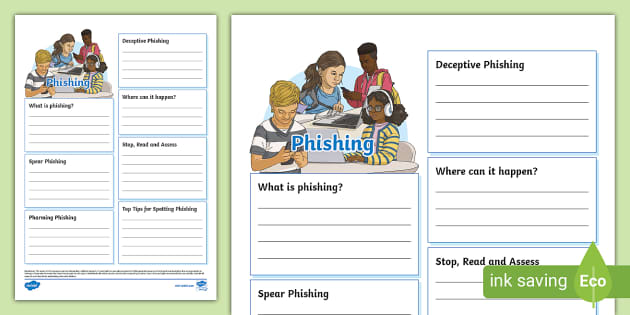
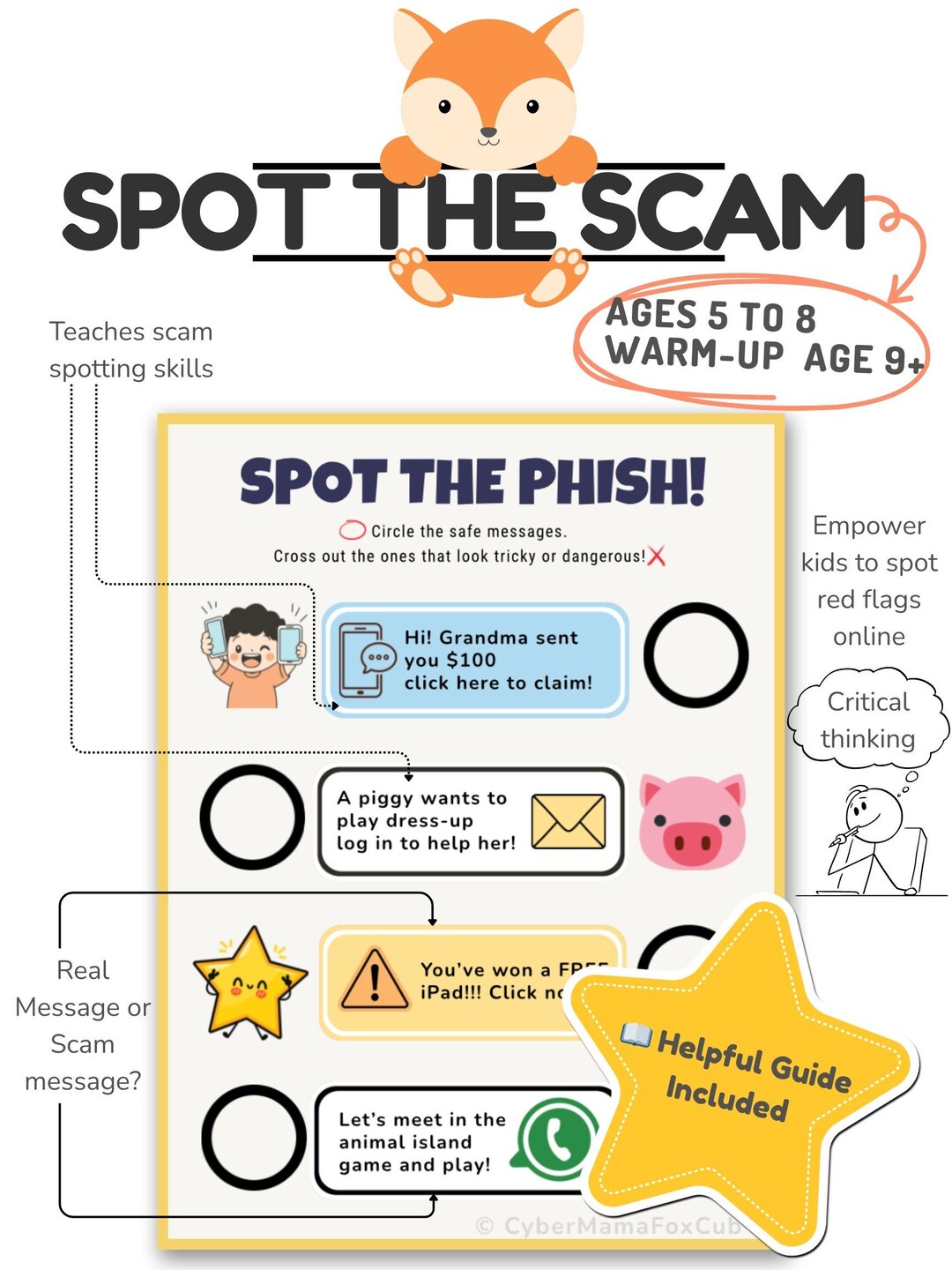
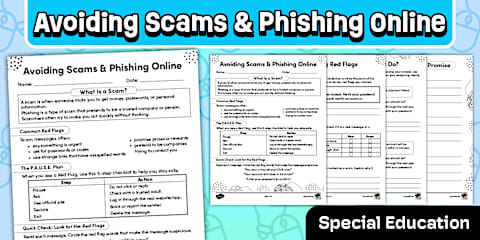
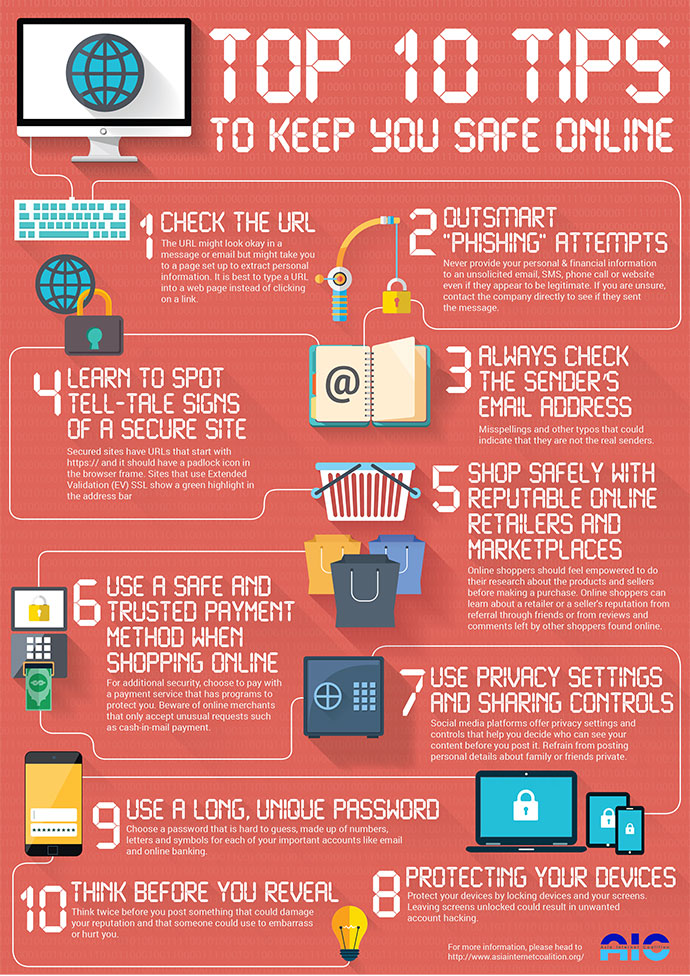
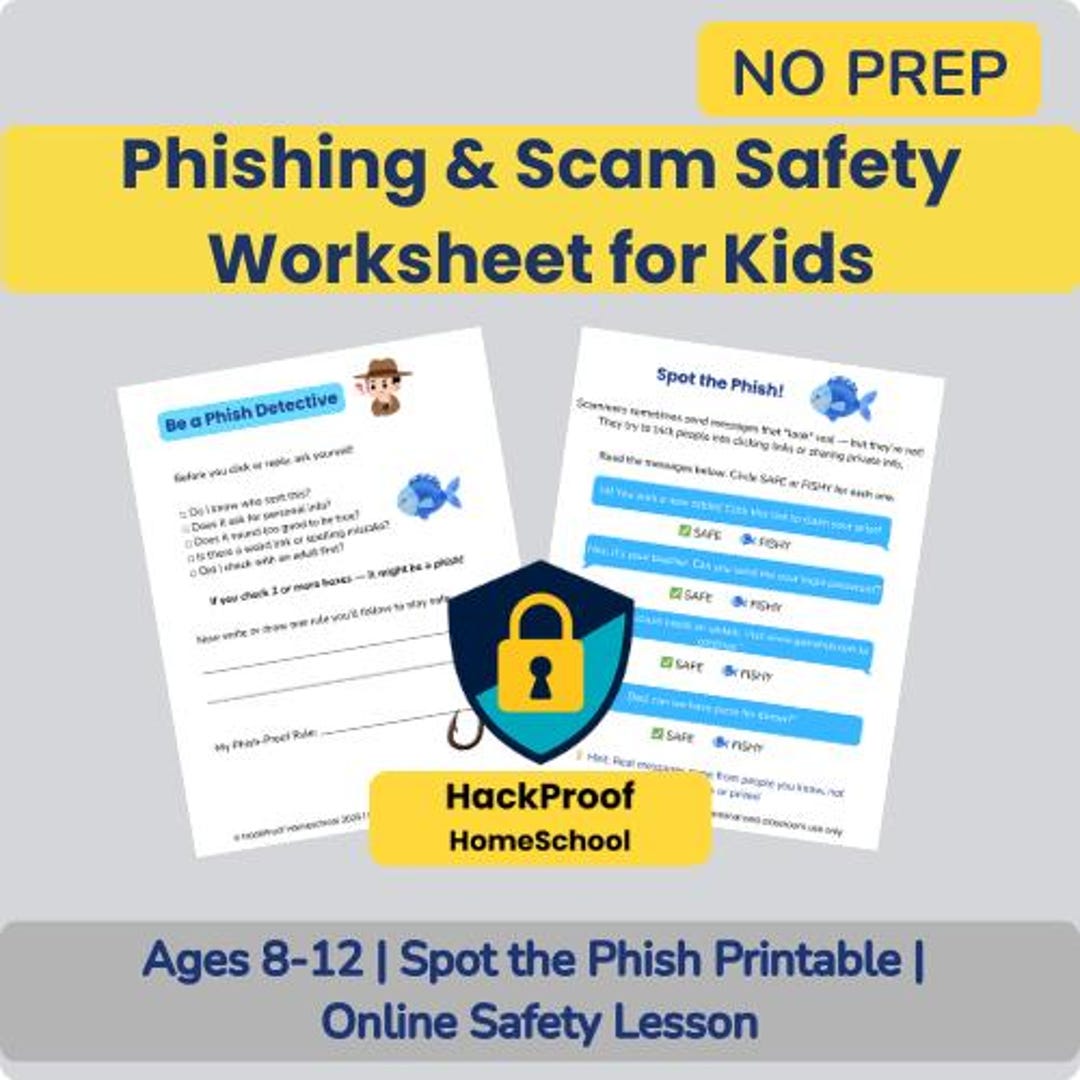
The free printable “phishing and children” addresses how deceptive messages target young digital citizens. It focuses on foundational protective habits: keeping personal information private, recognizing fake urgency, creating strong passwords, and pausing before clicking links. Rather than emphasizing danger, the material centers on empowerment and pattern recognition. Children learn that online trickery often mimics friendly requests from familiar brands or games, designed to rush a quick reaction. Through guided activities, learners practice identifying red flags in safe, simulated environments. This resource supports foundational learning within broader Internet and Digital Safety curricula used in homes and schools.
Key Learning Outcomes
Working through the printable equips young learners with tangible defense strategies. Children discover that authentic companies never demand passwords through sudden pop-ups. They learn to pause, step back, and consult a trusted adult whenever a digital message feels confusing or too good to be true. According to the Federal Trade Commission, online scammers frequently target children and families through gaming platforms and social media lures, making early education in digital literacy essential. Crucially, the resource reinforces a vital emotional message: children are never in trouble for reporting an uncomfortable interaction or an accidental click. Building this open line of communication transforms potential digital hazards into valuable teachable moments. Related guide: 5 Cyber Safety Tips Symbols That Can Be Read By The Grede 7 Students.
How to Use This Printable
Educators and caregivers can integrate the resource into morning meetings, technology orientation weeks, or quiet afternoon sessions at the kitchen table. The activity works best when treated as a collaborative puzzle rather than a graded test. Adults can read scenarios aloud, encouraging children to spot the hidden traps together. It sounds simple, and that is the point. Breaking complex cybersecurity concepts into approachable exercises makes online habits stick. After completing the exercise, adults might explore complementary Online and Digital Safety materials to reinforce the lessons learned during the activity.
Practical Tips for Parents and Teachers
Facilitating these discussions requires patience and an open, non-judgmental attitude. Adults should model curiosity by asking questions like, “What makes this message look tricky?” rather than pointing out the correct answers immediately. Role-playing realistic scenarios—such as receiving a message offering free game currency—helps muscle memory take over when real digital dilemmas arise. Establishing predictable routines around technology use keeps safety top-of-mind without breeding anxiety. Educators can also display completed student work on classroom bulletin boards to foster peer-to-peer sharing of smart digital citizenship strategies.
Age-Appropriate Recommendations
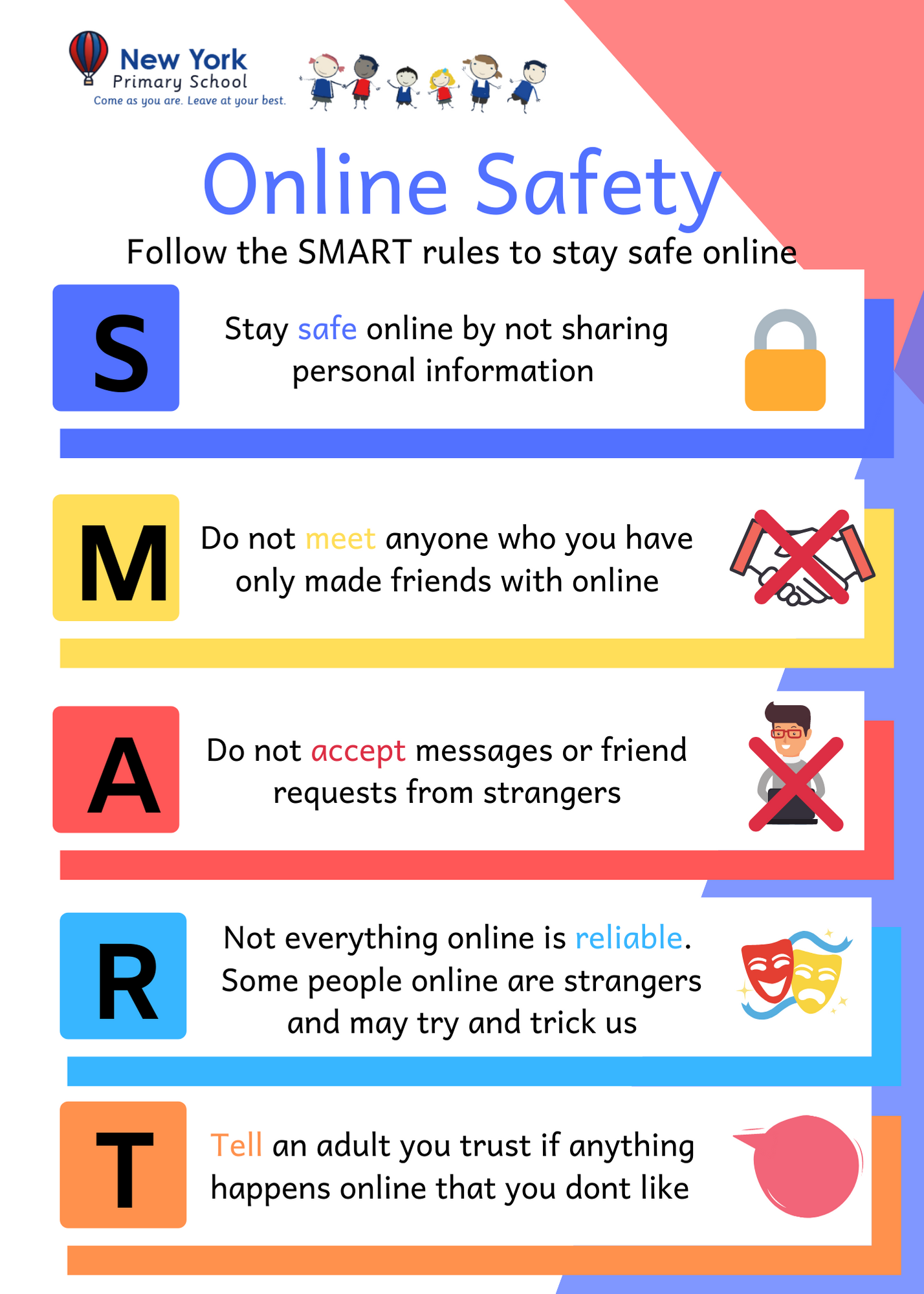
Tailoring digital safety conversations to developmental stages ensures comprehension and retention. For early elementary students ages five to eight, focus remains on basic boundaries, such as never sharing full names or home addresses online. Upper elementary students ages nine to twelve can explore the mechanics of online deception, examining how tricksters mimic authority figures or popular brands. According to Common Sense Media, children engage with digital media at younger ages than ever, highlighting the need for age-specific guidance. Aligning these lessons with the Common Sense Education Digital Citizenship Curriculum provides a structured framework that supports children as their digital independence naturally expands.
Young children frequently encounter digital trickery through shared family devices and in-game chat features, making early literacy interventions essential. — Federal Trade Commission
Frequently Asked Questions
Navigating digital safety education often brings up logistical and pedagogical questions for adults guiding young learners. The answers below address common inquiries regarding implementation, format, and trusted developmental frameworks.
Explore More Free Kids Online Safety Printables
Expanding a digital citizenship library ensures children receive consistent guidance across multiple learning environments. Caregivers can pair current lessons with engaging Coloring Pages that reinforce positive screen-time habits and respectful online behavior. Combining various activity formats keeps digital safety discussions fresh, engaging, and relevant as children grow and encounter new technologies.
Developmental Milestone & Activity Table
| Development Stage | Recommended Daily Duration | Primary Learning Objective |
|---|---|---|
| Preschool & Pre-K | 10 – 15 Minutes | Pencil grip development & basic pre-stroke lines |
| Kindergarten | 15 – 20 Minutes | Letter/number formation & spatial line awareness |
| Early Elementary (Grade 1–2) | 20 – 30 Minutes | Fluency, sentence construction & neatness |
Images References