Introduction
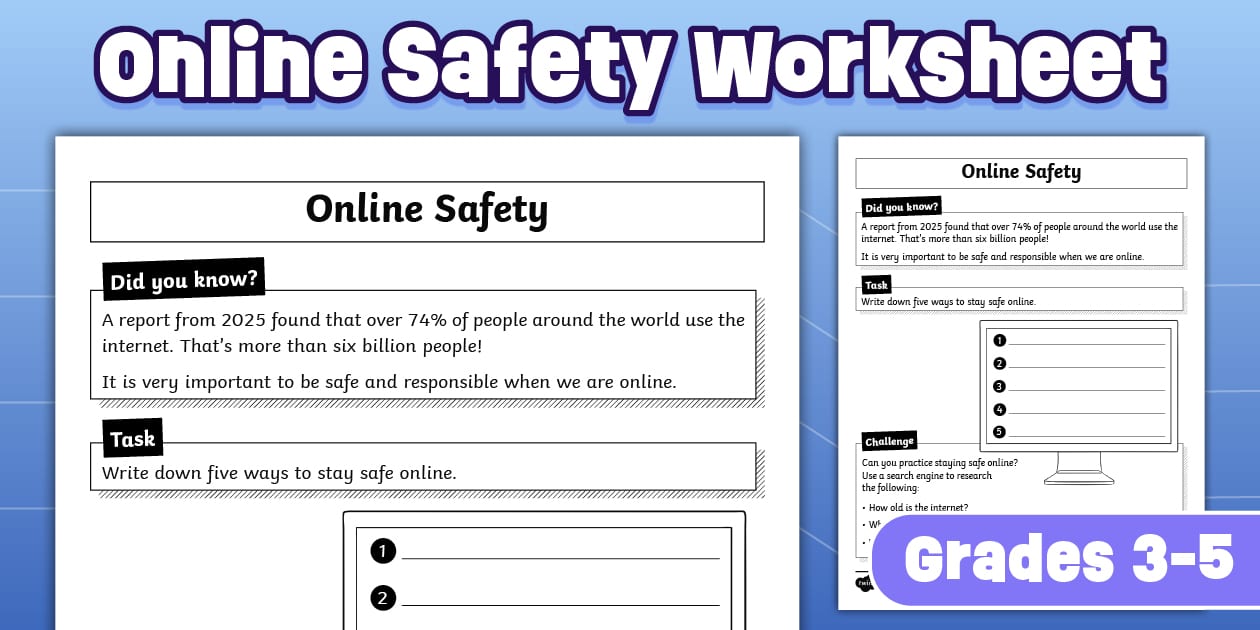
Ten-year-olds navigate digital spaces with an impressive fluidity that often leaves adults trailing behind. Fifth graders routinely manage school portals, collaborative gaming platforms, and messaging apps alongside their homework. Classrooms and living rooms now buzz with digital activity, making early preparation essential. Children rarely encounter online risks through dramatic, cinematic scenarios. Instead, vulnerabilities surface quietly during cooperative video gameplay or casual in-app chatting on shared household tablets. Safety in this environment requires proactive habit-building rather than fear-based restriction. Educators and caregivers need practical tools to foster these protective routines. The free printable internet safety grade 5 resource available on {site_name} bridges the gap between digital enthusiasm and essential caution. Related guide: 5 Cyber Safety Tips Symbols That Can Be Read By The Grede 7 Students.
💡 Educational Key Takeaways:
- Core Skill: Structured Internet Safety Grade 5 focused on developing pencil grip, stroke control, and early literacy/math confidence.
- Target Scope: Suited for homeschoolers, preschool, kindergarten, and elementary learners.
- Best Recommendation: Practice 10–15 minutes daily with ergonomic writing tools to reinforce muscle memory without hand fatigue.
What This Printable Covers
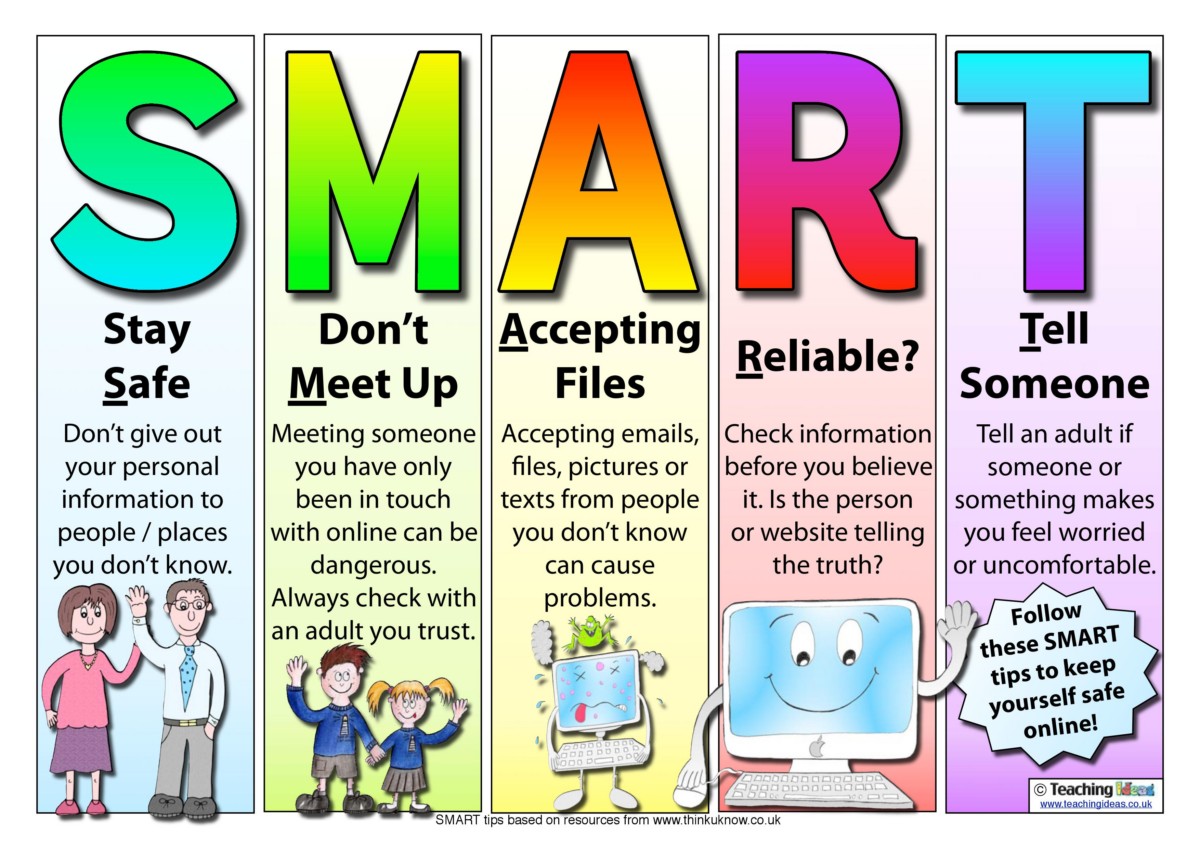
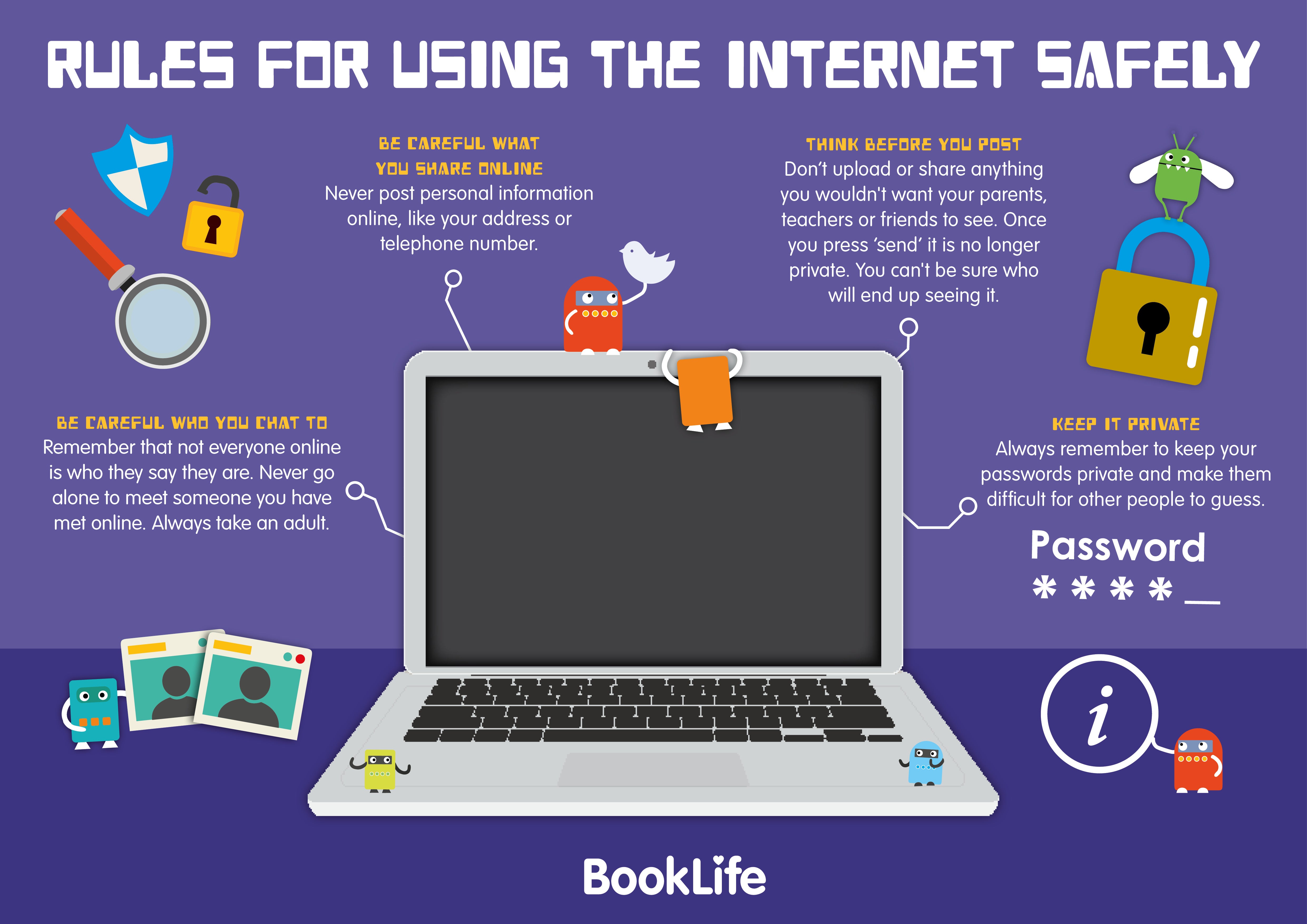
Targeting the developmental needs of ten- and eleven-year-olds, this structured activity moves beyond basic rules into critical thinking. Students face scenarios that mirror their actual online lives, from managing password security to recognizing deceptive links. The worksheet emphasizes the specific skill practiced: pausing before sharing personal information online. Fifth graders learn to evaluate digital footprints and understand that text, images, and comments remain visible long after posting. Discussion prompts embedded within the activity encourage children to articulate why certain choices protect their privacy. This approach transforms abstract internet rules into concrete, actionable daily habits. Exploring the broader Internet and Digital Safety hub reveals complementary resources for reinforcing these concepts.
Key Learning Outcomes
Completing this printable helps students identify trusted adults both at home and at school. Children internalize the golden rule of digital citizenship: never feeling in trouble for reporting something uncomfortable or confusing online. Technical concepts like strong passwords and privacy settings become memorable through engaging exercises. Fifth graders also examine the difference between public forums and private messaging, learning how tone shifts across platforms. According to the Federal Trade Commission, equipping children with clear boundaries regarding personal data is one of the most effective ways to prevent identity theft and online fraud.
How to Use This Printable
Flexibility defines the best educational materials. Teachers can integrate these exercises into media literacy lessons, while homeschoolers and parents can use them during family technology check-ins. Working through the prompts together encourages dialogue rather than passive completion. It sounds simple, and that’s the point. When adults approach the material with curiosity instead of interrogation, children share their actual online experiences more openly. Educators often pair this handout with broader lessons found in the Worksheets collection to sustain engagement over multiple sessions.
Practical Tips for Parents and Teachers
Begin the activity by validating the child’s digital expertise, acknowledging that video platforms and multiplayer games offer genuine connection and fun. Frame the conversation around teamwork and mutual protection rather than compliance and monitoring. Keep discussions light, focusing on what to do if a pop-up ad looks suspicious or a stranger sends an unexpected message. Reassure learners that reporting a strange interaction means they made a smart, responsible choice. Consistency across home and school environments reinforces these protective instincts naturally.
Age-Appropriate Recommendations
Fifth grade represents a transitional window where children desire independence while still needing reliable boundaries. Grounding instruction in established frameworks helps align expectations with developmental capacities. The Common Sense Education Digital Citizenship Curriculum emphasizes that children at this age benefit from exploring digital empathy, cyberbullying prevention, and privacy management. Educators find that structuring discussions around real-world peer dynamics yields the highest retention. According to Common Sense Media, the majority of children begin using social media and messaging apps by age twelve, making fifth grade the ideal time to solidify these critical thinking skills. To expand a lesson plan further, browse the Online and Digital Safety section for additional targeted materials.
The majority of children begin using social media and messaging apps by the end of elementary school, highlighting the need for proactive digital citizenship education. — Common Sense Media
Frequently Asked Questions
Explore More Free Kids Online Safety Printables
Building lasting digital habits requires continuous reinforcement through varied formats. Beyond worksheets, visual learners often benefit from creative exercises found in the Coloring Pages collection. Combining different media keeps digital citizenship lessons fresh and relevant throughout the school year.
Developmental Milestone & Activity Table
| Development Stage | Recommended Daily Duration | Primary Learning Objective |
|---|---|---|
| Preschool & Pre-K | 10 – 15 Minutes | Pencil grip development & basic pre-stroke lines |
| Kindergarten | 15 – 20 Minutes | Letter/number formation & spatial line awareness |
| Early Elementary (Grade 1–2) | 20 – 30 Minutes | Fluency, sentence construction & neatness |
Images References