Introduction
Young children navigate digital environments much earlier than previous generations, encountering unfamiliar pop-ups, messages, and links long before they fully grasp the underlying technology. Modern kids typically stumble across unwanted digital clutter while playing favorite multiplayer games, browsing video-streaming platforms on shared family tablets, or tapping through interactive learning apps. It sounds simple, and that’s the point. Unsolicited digital mail and flashy advertisements represent some of the earliest online anomalies children face. Introducing abstract computing concepts through structured educational printables transforms confusing digital annoyances into manageable lessons. Rather than relying on restrictive device blocks, teaching children what unwanted messages look like builds lifelong cognitive habits. Safety is a skill to practice, not a threat to dread, and early literacy forms the foundation of smart digital citizenship.
💡 Educational Key Takeaways:
- Core Skill: Structured What Does Spam Mean In Computing. Kids Understanding focused on developing pencil grip, stroke control, and early literacy/math confidence.
- Target Scope: Suited for homeschoolers, preschool, kindergarten, and elementary learners.
- Best Recommendation: Practice 10–15 minutes daily with ergonomic writing tools to reinforce muscle memory without hand fatigue.
What This Printable Covers
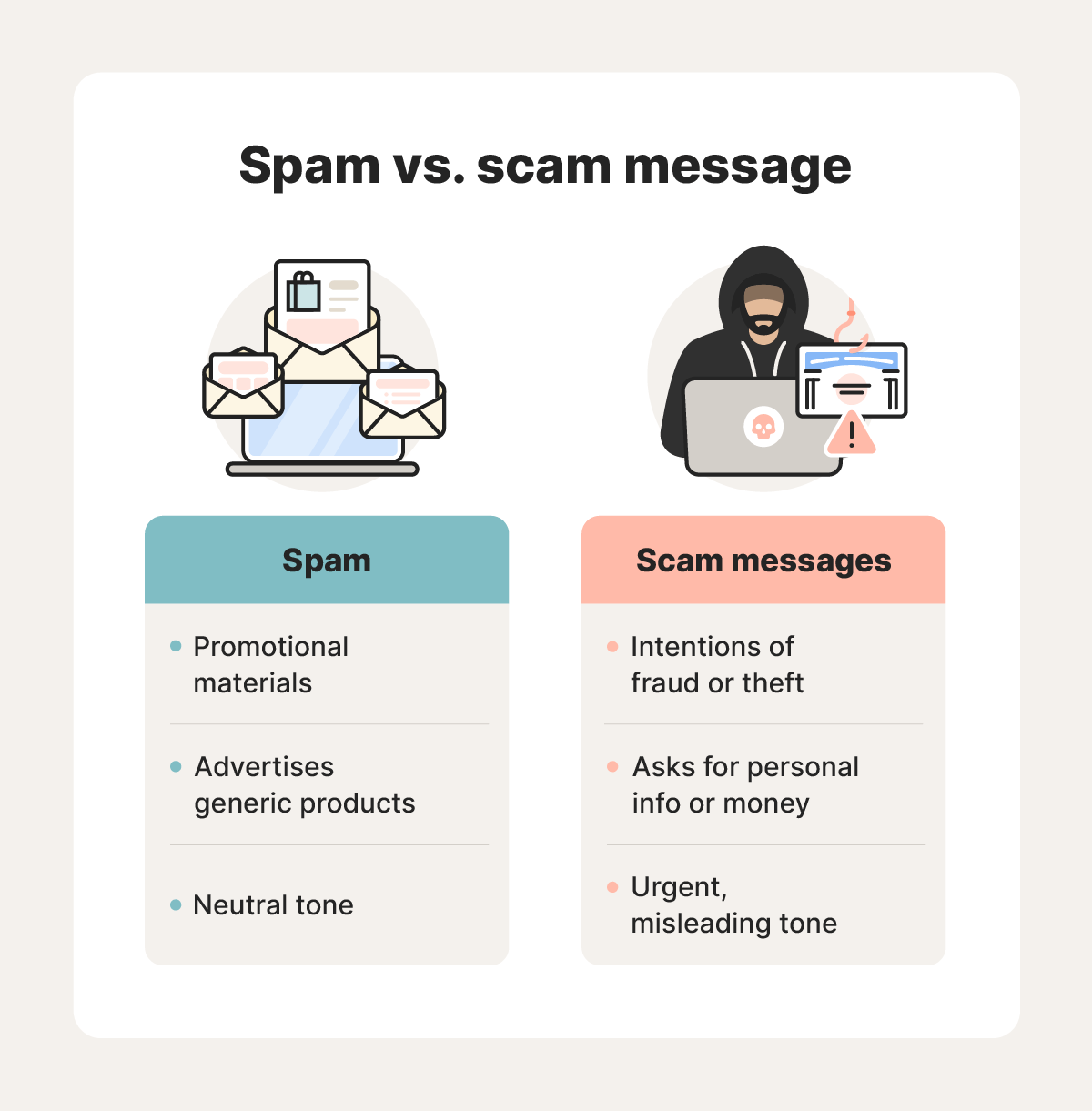
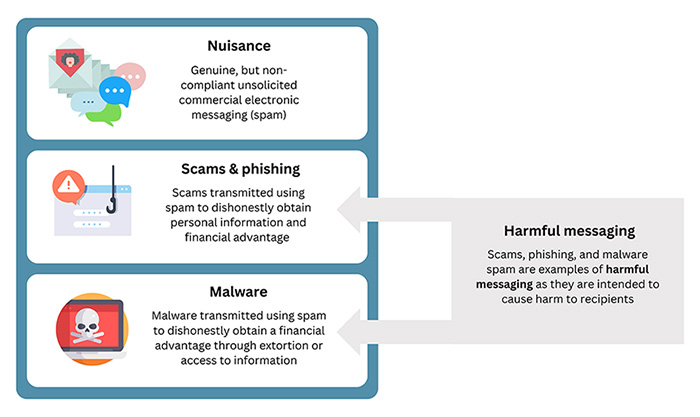
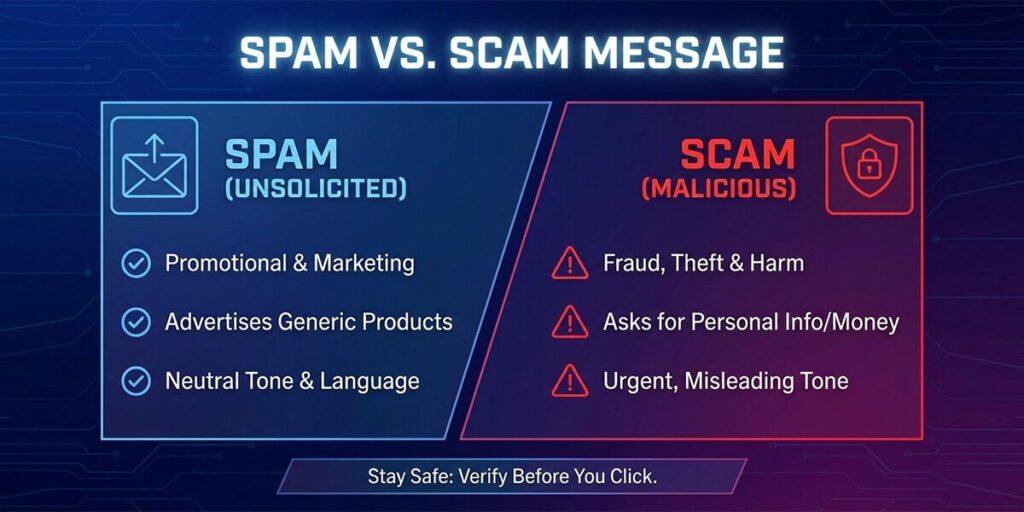
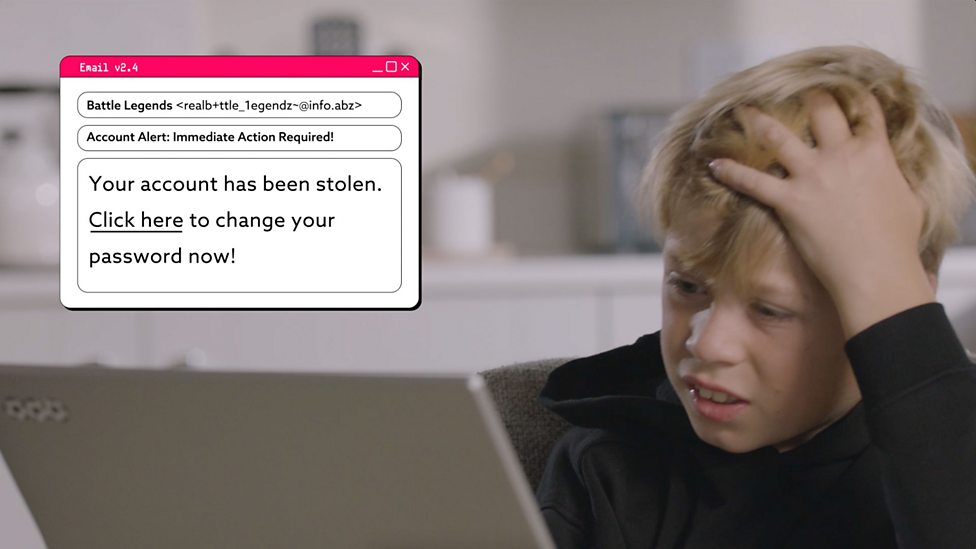
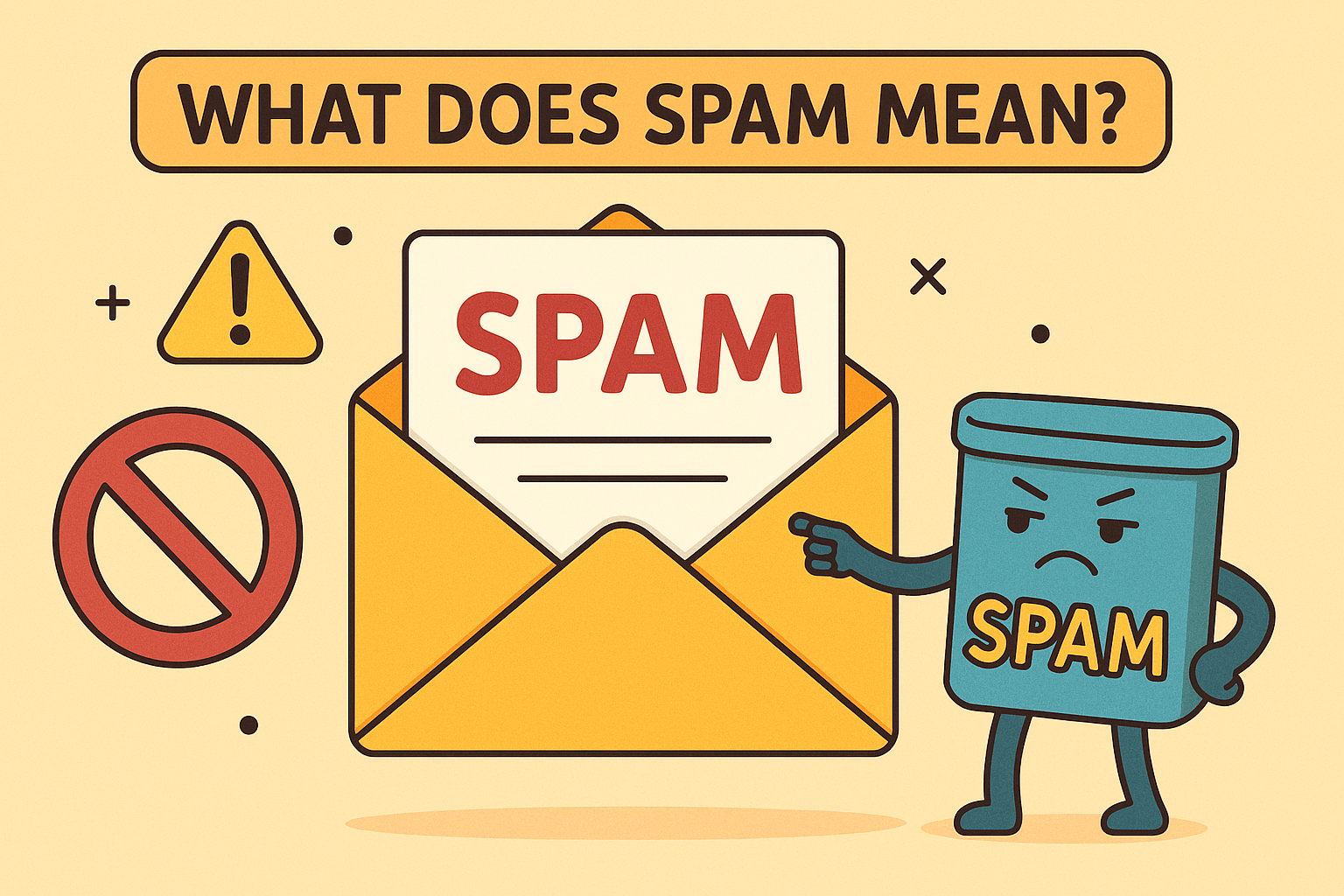
The free printable focuses on demystifying unwanted digital communication for elementary-aged learners through relatable scenarios and guided practice. Children learn that digital clutter functions much like physical junk mail delivered to a home mailbox, except it arrives inside games, apps, and browser windows. The activity helps kids identify the common hallmarks of deceptive messages, such as exaggerated promises of free virtual currency, urgent warnings about broken accounts, or links sent by unknown senders. By breaking down these concepts into accessible language, the resource empowers students to recognize digital tricks independently. It sounds simple, and that’s the point. Equipping children with the vocabulary to name what they see removes the mystery and reduces the anxiety surrounding strange pop-ups. Related guide: Digital Bullying Prevention Activities For Young Children.
Key Learning Outcomes
Working through the activity sheet cultivates specific protective habits that keep children grounded during unexpected online encounters. Students practice pausing before clicking unfamiliar buttons, verifying sender identities, and recognizing the emotional manipulation tactics often embedded in online advertisements. Another vital outcome reinforces the rule of reporting: children learn that encountering something confusing or strange never results in losing device privileges. According to the Federal Trade Commission, educating children early about digital deception significantly reduces impulsive clicks and accidental sharing of sensitive household details. When youngsters understand that strange pop-ups are simply digital static rather than emergency situations, they respond with calm curiosity instead of panic.
How to Use This Printable
Implementation requires minimal preparation, making the resource ideal for both bustling classrooms and quiet kitchen tables. Adults can introduce the sheet following a group discussion about favorite online games and the random messages that occasionally pop up during gameplay. As children complete the matching exercises and scenario prompts, adults guide the conversation by asking open-ended questions about what makes certain messages feel trustworthy or suspicious. Here’s what makes this resource different: it turns a passive screen-time moment into an active dialogue about digital boundaries. Educators often pair these activities with lessons found in comprehensive internet safety units to reinforce technical literacy across multiple subjects.
Practical Tips for Parents and Teachers
Creating a low-pressure environment ensures children feel comfortable sharing when an online encounter confuses them. Adults should model transparency by narrating their own digital decision-making process, such as vocalizing why a strange email link gets deleted without clicking. Keep discussions focused on positive decision-making rather than instilling fear about the internet. Praise children whenever they pause and ask an adult for help regarding an unfamiliar pop-up or in-game message. Consistent, gentle reinforcement transforms technical rules into instinctive habits, ensuring youngsters know they have a reliable partner in navigating the digital world.
Age-Appropriate Recommendations
Tailoring digital citizenship concepts to developmental stages ensures maximum comprehension and retention for children ages five through twelve. Younger elementary students benefit from concrete metaphors, such as comparing pop-up ads to sneaky carnival barkers handing out fake prizes. Older children can dive deeper into the mechanics of digital tracking, persuasive design, and why certain platforms display targeted advertisements. Aligning these lessons with the Common Sense Education Digital Citizenship Curriculum provides a structured pathway for progressive learning. Educators can expand these lessons by incorporating resources from specialized safety collections that address broader digital communication skills.
According to Common Sense Media research, young children frequently encounter commercial pop-ups and targeted prompts while using shared family devices for gaming and educational entertainment. — Common Sense Media
Frequently Asked Questions
Answers to common inquiries help adults maximize the educational impact of the printable activity sheet.
Explore More Free Kids Online Safety Printables
Continuing digital literacy education requires a steady supply of fresh, engaging materials that grow alongside developing learners. Exploring additional resources helps reinforce core concepts like password strength, respectful online communication, and private information protection. Educators and parents can browse comprehensive libraries offering diverse materials, including targeted creative coloring pages that make abstract security concepts approachable for young learners. Building a robust toolkit of offline activities ensures that digital citizenship remains an ongoing, positive conversation in both homes and classrooms.
Developmental Milestone & Activity Table
| Development Stage | Recommended Daily Duration | Primary Learning Objective |
|---|---|---|
| Preschool & Pre-K | 10 – 15 Minutes | Pencil grip development & basic pre-stroke lines |
| Kindergarten | 15 – 20 Minutes | Letter/number formation & spatial line awareness |
| Early Elementary (Grade 1–2) | 20 – 30 Minutes | Fluency, sentence construction & neatness |
Images References