Introduction
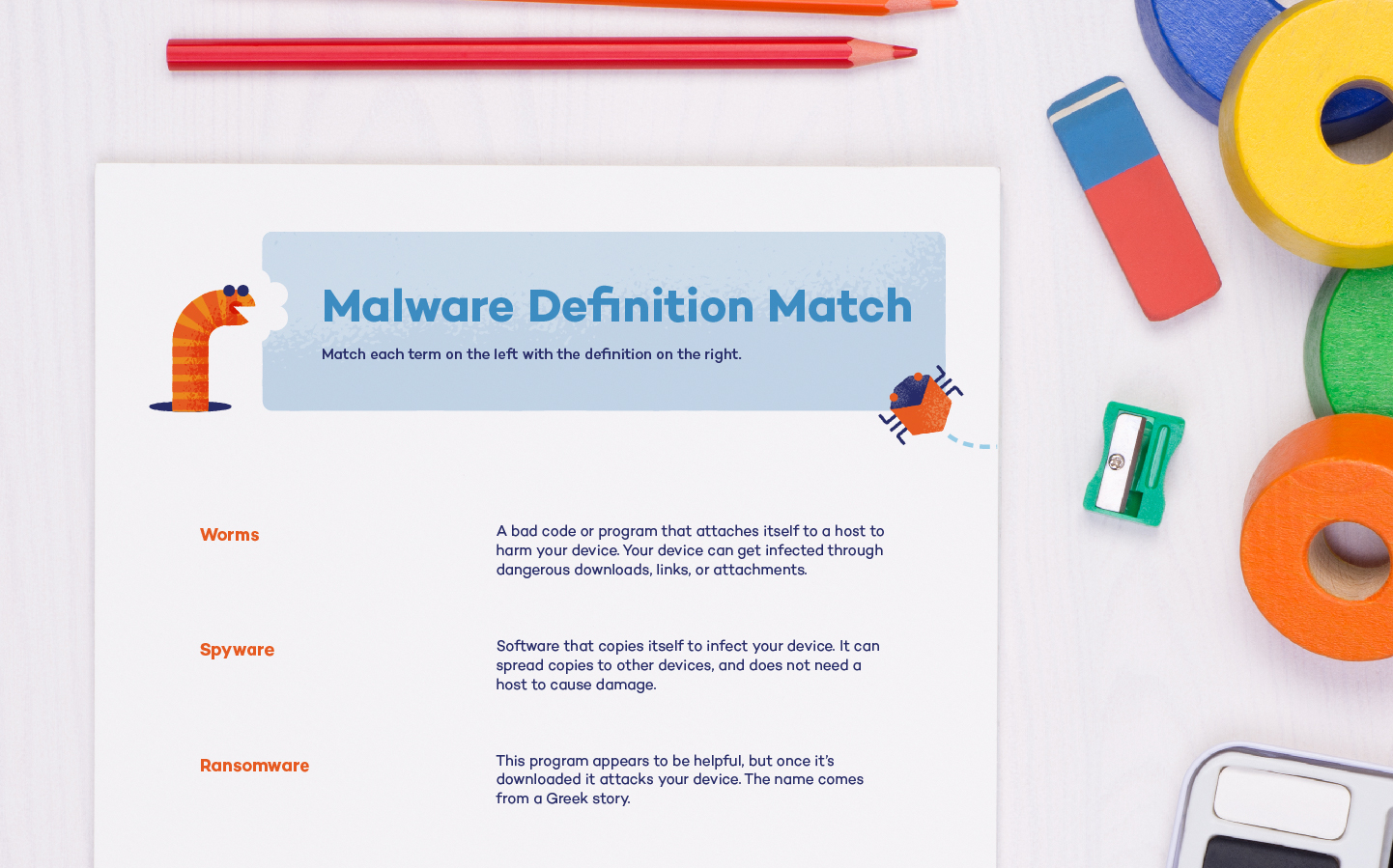
Digital devices sit on classroom desks and living room coffee tables alike, serving as gateways to endless learning and playful exploration. Children regularly navigate these virtual spaces long before mastering complex vocabulary words. Terms like malware often sound intimidating to young minds, yet understanding the foundational concepts behind software safety remains a vital part of modern digital citizenship. Educators and parents constantly seek approachable methods to introduce these abstract technical ideas without causing unnecessary anxiety. This need led to the creation of the kids deffinition malware resource, designed specifically to translate complex computer safety topics into accessible, engaging learning materials for elementary-aged learners. Rather than relying on technical jargon, the printable material breaks down digital concepts through guided activities that foster curiosity and smart decision-making habits. Building digital resilience starts early, turning confusing online moments into teachable milestones. Related guide: Teachers Of Grades 9–12 Should Expand Internet Safety Instruction To Include Which Of The Following Topics?.
💡 Educational Key Takeaways:
- Core Skill: Structured Kids Deffinition Malware focused on developing pencil grip, stroke control, and early literacy/math confidence.
- Target Scope: Suited for homeschoolers, preschool, kindergarten, and elementary learners.
- Best Recommendation: Practice 10–15 minutes daily with ergonomic writing tools to reinforce muscle memory without hand fatigue.
WhatThis Printable Covers
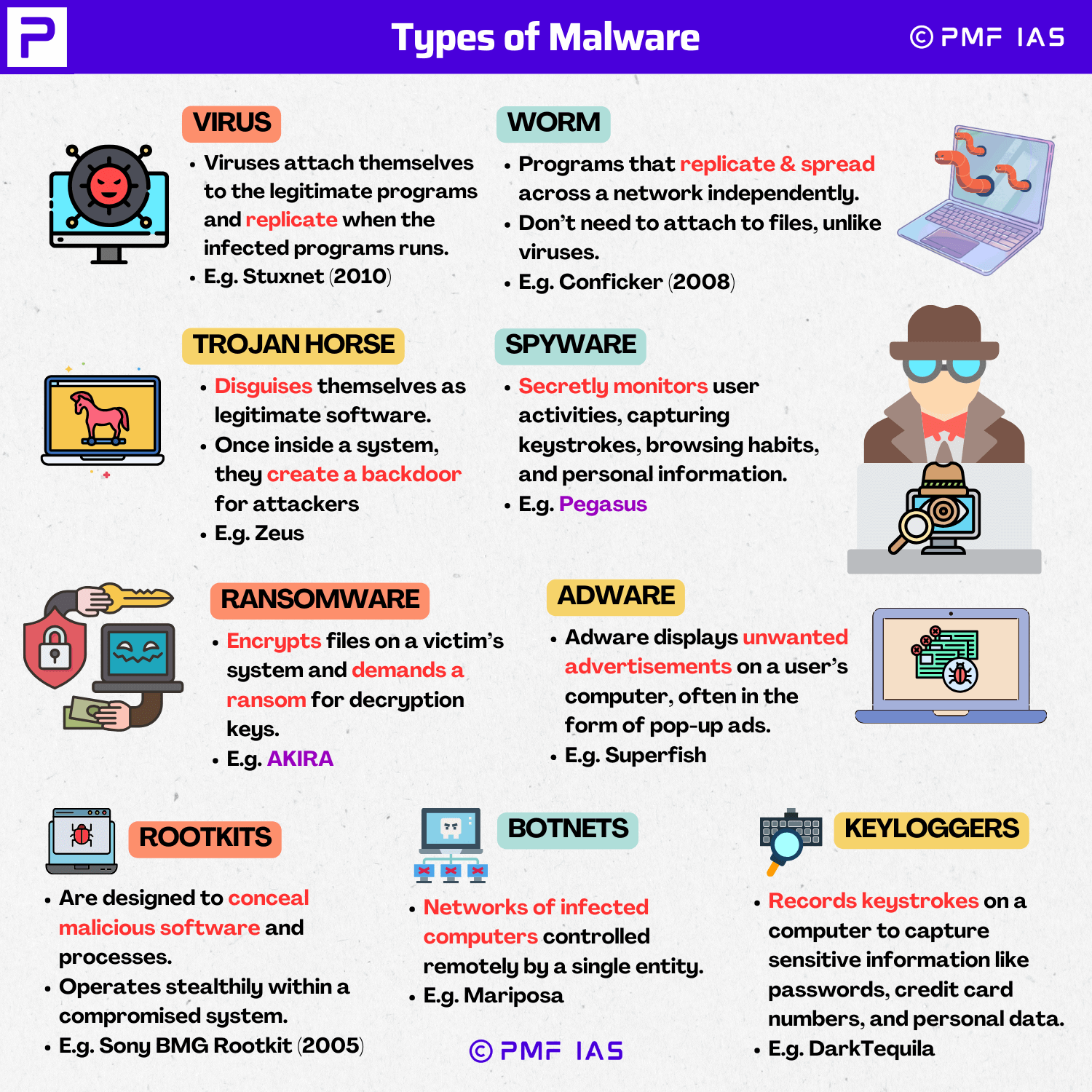
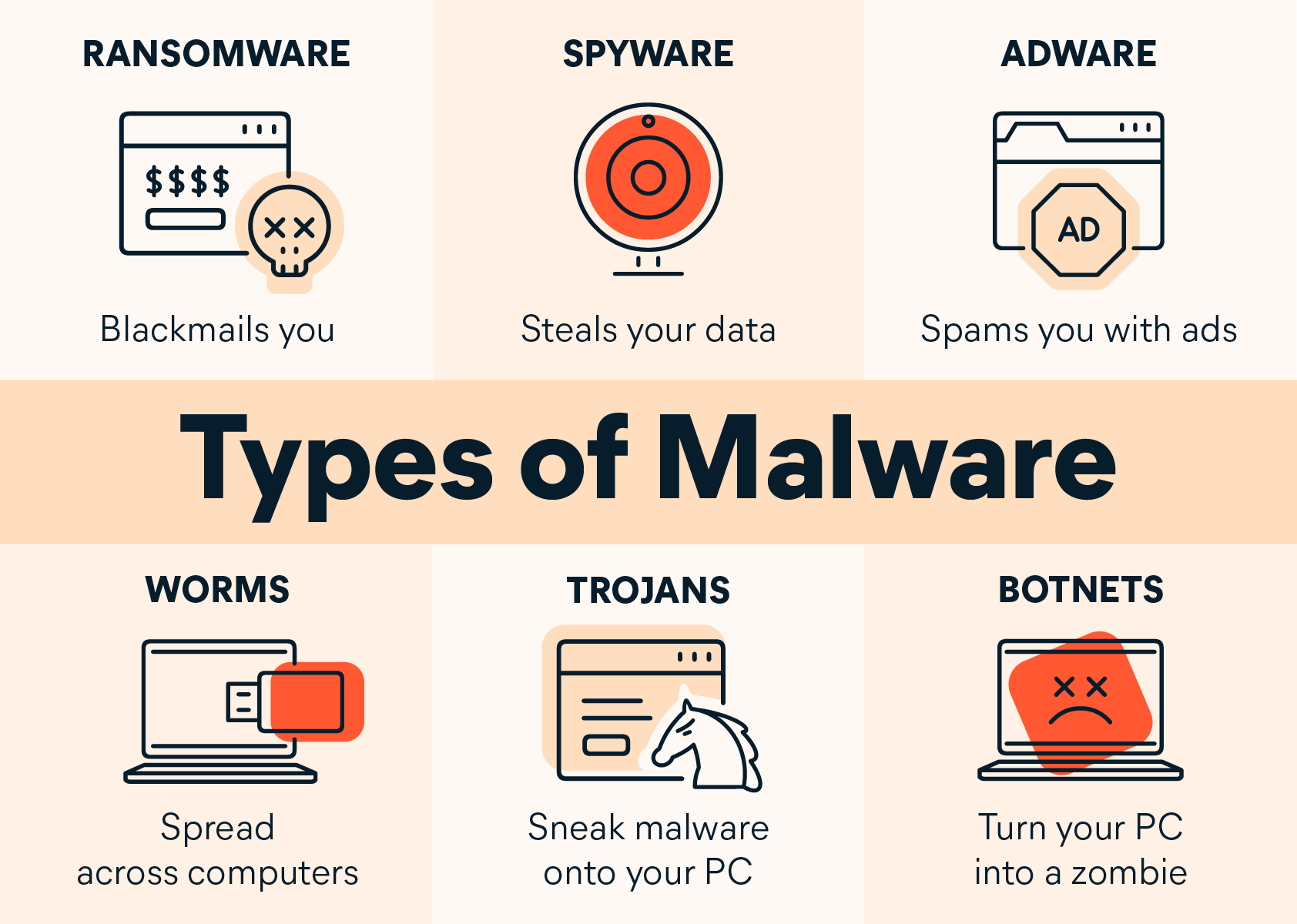
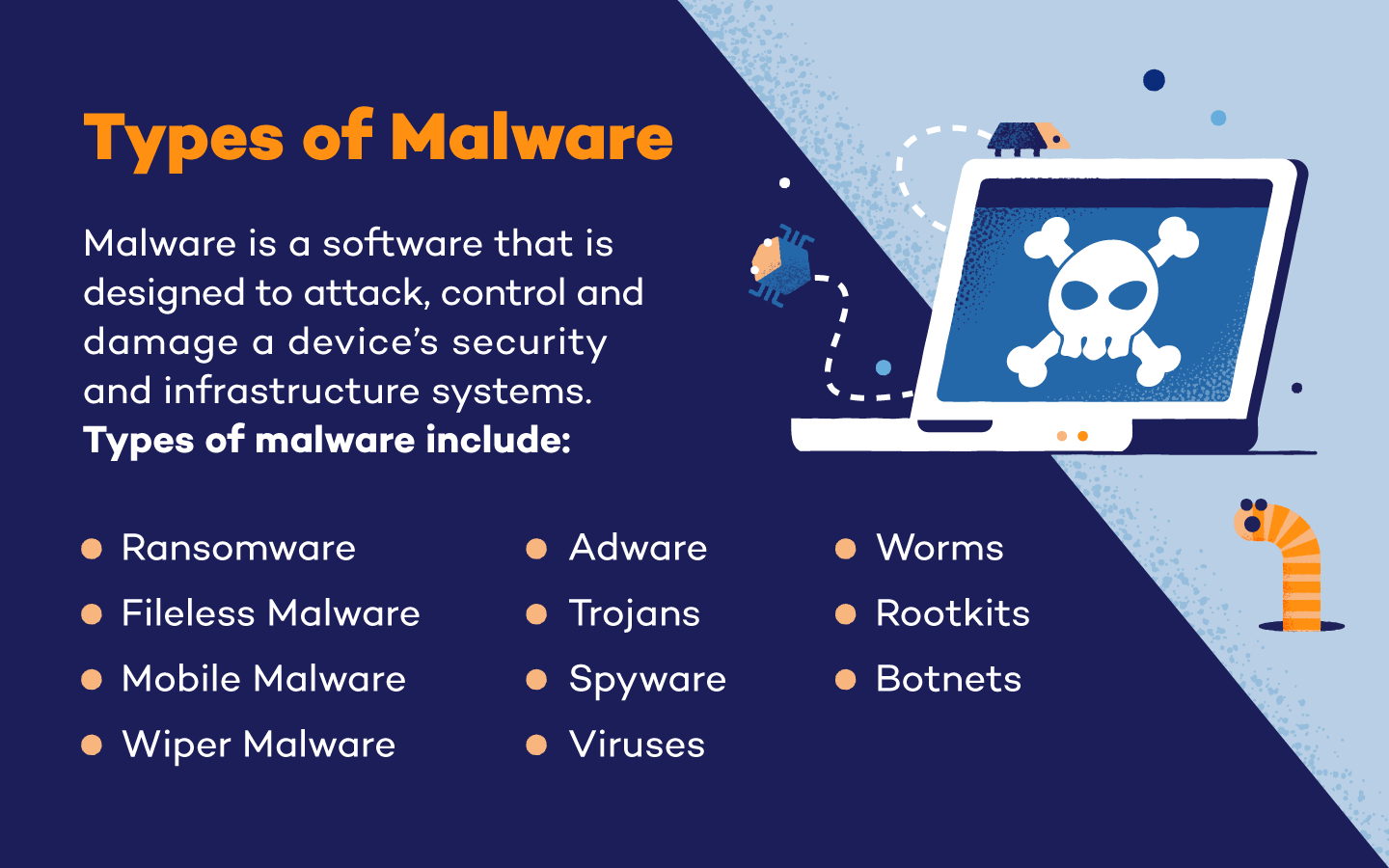
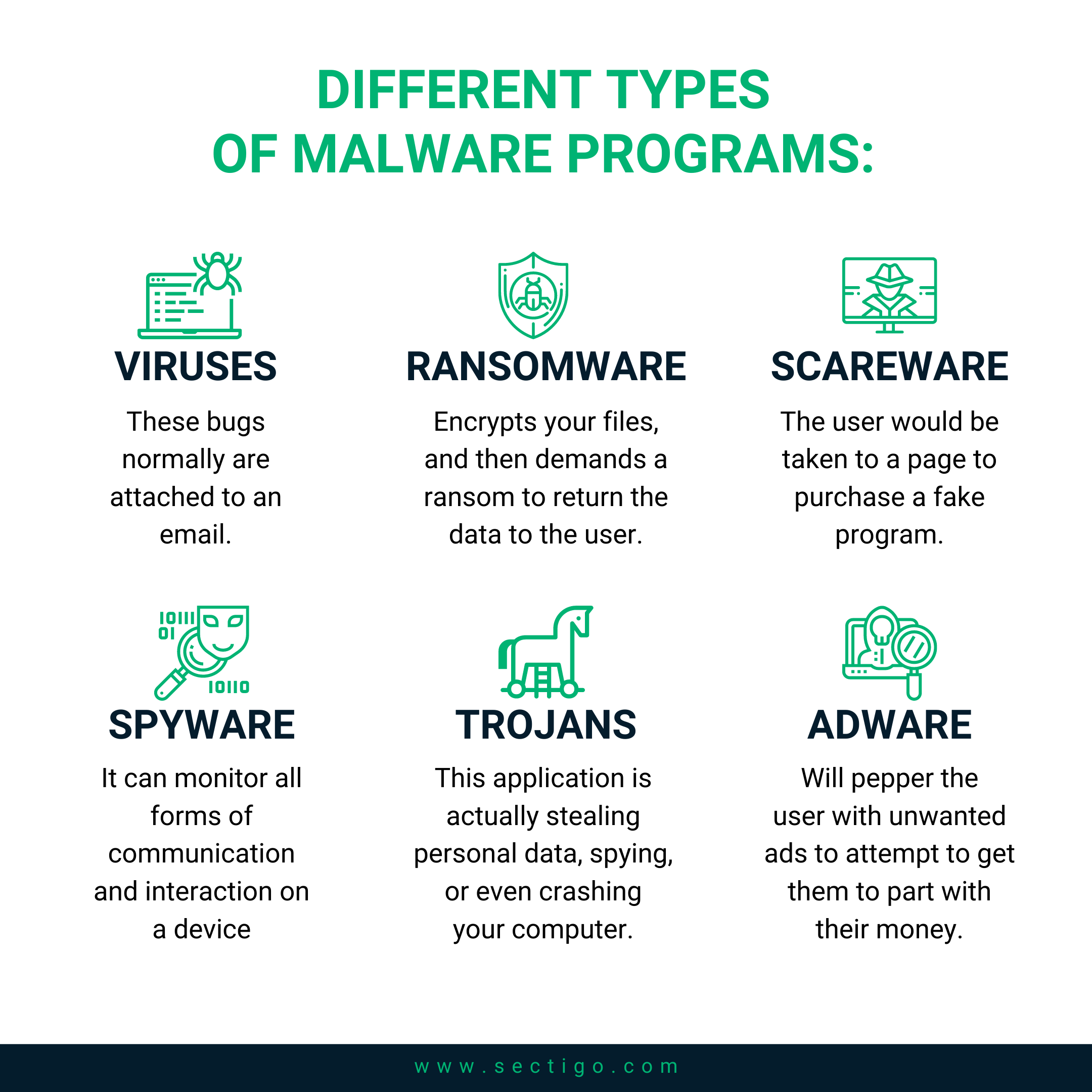
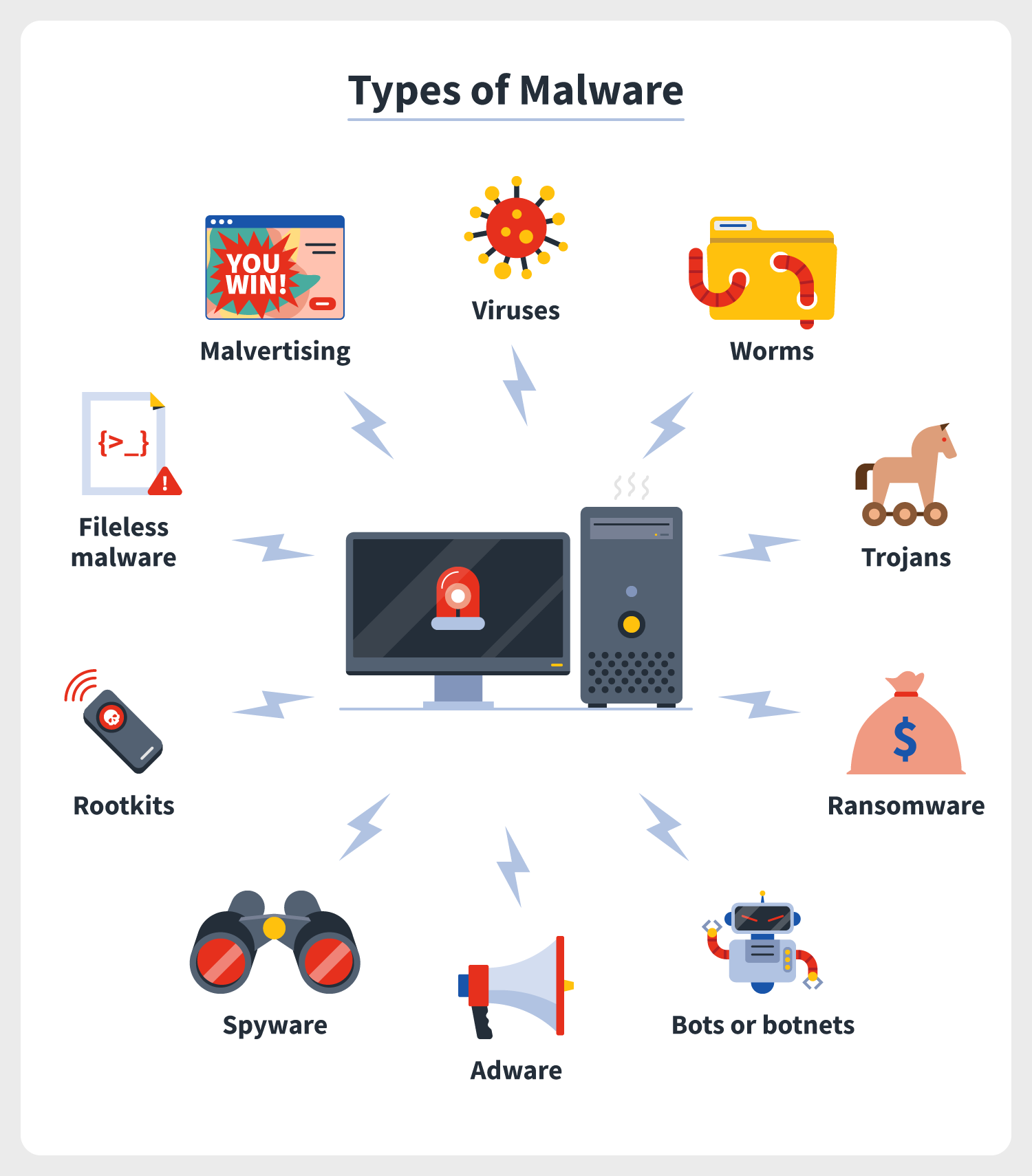
The printable resource addresses how unwanted computer programs travel across networks and onto shared family tablets or school laptops. Real-world risks rarely arrive with warning sirens; instead, they often hide inside enticing game mods, glowing banner advertisements, or free cartoon downloads found on open web browsers. Children frequently encounter these tricky prompts while playing in-game chat environments or exploring favorite video streaming platforms. The educational material defines malware in kid-friendly terms, comparing digital intruders to sneaky little gremlins that sneak past open digital windows. It emphasizes core protective behaviors such as checking with a grown-up before clicking unknown links, recognizing safe download sources, and refusing to share personal information. Through structured exercises, learners discover why asking questions before downloading keeps devices running smoothly and safely.
Key Learning Outcomes
Working through the pages builds several crucial competencies that empower young digital citizens. Participants learn to identify suspicious pop-up windows that promise free prizes or glowing game upgrades. The exercises reinforce the golden rule of online safety: stopping to think before tapping or clicking. Furthermore, children practice open communication by identifying trusted adults at home and school to notify whenever something on a screen looks confusing or strange. Crucially, the curriculum instills the reassuring message that children are never in trouble for reporting an accidental click or an uncomfortable online encounter. Reinforcing these preventive habits transforms passive screen time into an active exercise in digital responsibility and self-protection.
Howto Use This Printable
Integration into daily routines requires minimal preparation, making the material ideal for busy classrooms, afternoon homeschool sessions, or weekend family discussions. Teachers often introduce the concept during morning meetings before transitioning to independent student activity sheets that prompt writing or drawing exercises. Caregivers can print out the pages to review together at the kitchen table, using the visual prompts as conversation starters about household device rules. It sounds simple, and that’s the point. Grounded discussions remove the mystery surrounding digital threats and replace fear with clear, actionable strategies. When adults approach the topic with calm curiosity, children feel comfortable sharing their own online experiences and questions.
Practical Tips for Parents and Teachers
Facilitating a productive conversation involves listening carefully to how children describe their online worlds. Ask open-ended questions about favorite apps or games to understand where digital risks might actually appear during daily use. Keep sessions brief, positive, and focused on skill-building rather than listing frightening restrictions. Displaying completed activities near family computers or classroom device charging stations serves as a gentle visual reminder of safe digital habits. Pairing these lessons with broader internet and digital safety practices ensures consistent messaging across different environments.
Age-Appropriate Recommendations
Younger children in kindergarten through second grade benefit most from guided reading and coloring approaches that focus on basic device care and asking adults for help. Upper elementary students in third through fifth grade can engage with deeper analytical scenarios, discussing how malicious software spreads and exploring the importance of strong passwords and updates. Aligning instruction with the Common Sense Education Digital Citizenship Curriculum provides a structured pathway for developing age-appropriate media literacy. According to the Pew Research Center, a vast majority of parents express concern about their young children’s digital safety, highlighting the urgent need for collaborative resources that bridge the gap between home and school.
Parents across demographics express widespread concern regarding children’s online safety and screen exposure habits. — Pew Research Center
Frequently Asked Questions
Answers to common inquiries help adults maximize the educational value of these printable materials:
Explore More Free Kids Online Safety Printables
Expanding a digital citizenship curriculum takes more than a single lesson, requiring a steady stream of fresh, engaging materials. Educators and families can browse an extensive collection of online and digital safety resources designed to reinforce positive tech habits throughout the school year. Consistent reinforcement helps children internalize protective behaviors until making smart choices online becomes second nature.
Developmental Milestone & Activity Table
| Development Stage | Recommended Daily Duration | Primary Learning Objective |
|---|---|---|
| Preschool & Pre-K | 10 – 15 Minutes | Pencil grip development & basic pre-stroke lines |
| Kindergarten | 15 – 20 Minutes | Letter/number formation & spatial line awareness |
| Early Elementary (Grade 1–2) | 20 – 30 Minutes | Fluency, sentence construction & neatness |
Images References