Introduction
Children encounter digital environments long before they fully understand the invisible machinery operating behind the screen. Whether tapping through a favorite tablet game, watching video platforms on a shared family device, or chatting with school friends inside a virtual world, young learners cross paths with unfamiliar files and links on a daily basis. Introducing foundational technical literacy requires tools that strip away complex jargon and turn abstract concepts into tangible ideas. The free printable “what is malware kids” available on {site_name} bridges the gap between technical reality and childhood comprehension, transforming confusing terminology into memorable lessons about device health and online boundaries. Related guide: 5 Cyber Safety Tips Symbols That Can Be Read By The Grede 7 Students.
💡 Educational Key Takeaways:
- Core Skill: Structured What Is Malware Kids focused on developing pencil grip, stroke control, and early literacy/math confidence.
- Target Scope: Suited for homeschoolers, preschool, kindergarten, and elementary learners.
- Best Recommendation: Practice 10–15 minutes daily with ergonomic writing tools to reinforce muscle memory without hand fatigue.
What This Printable Covers
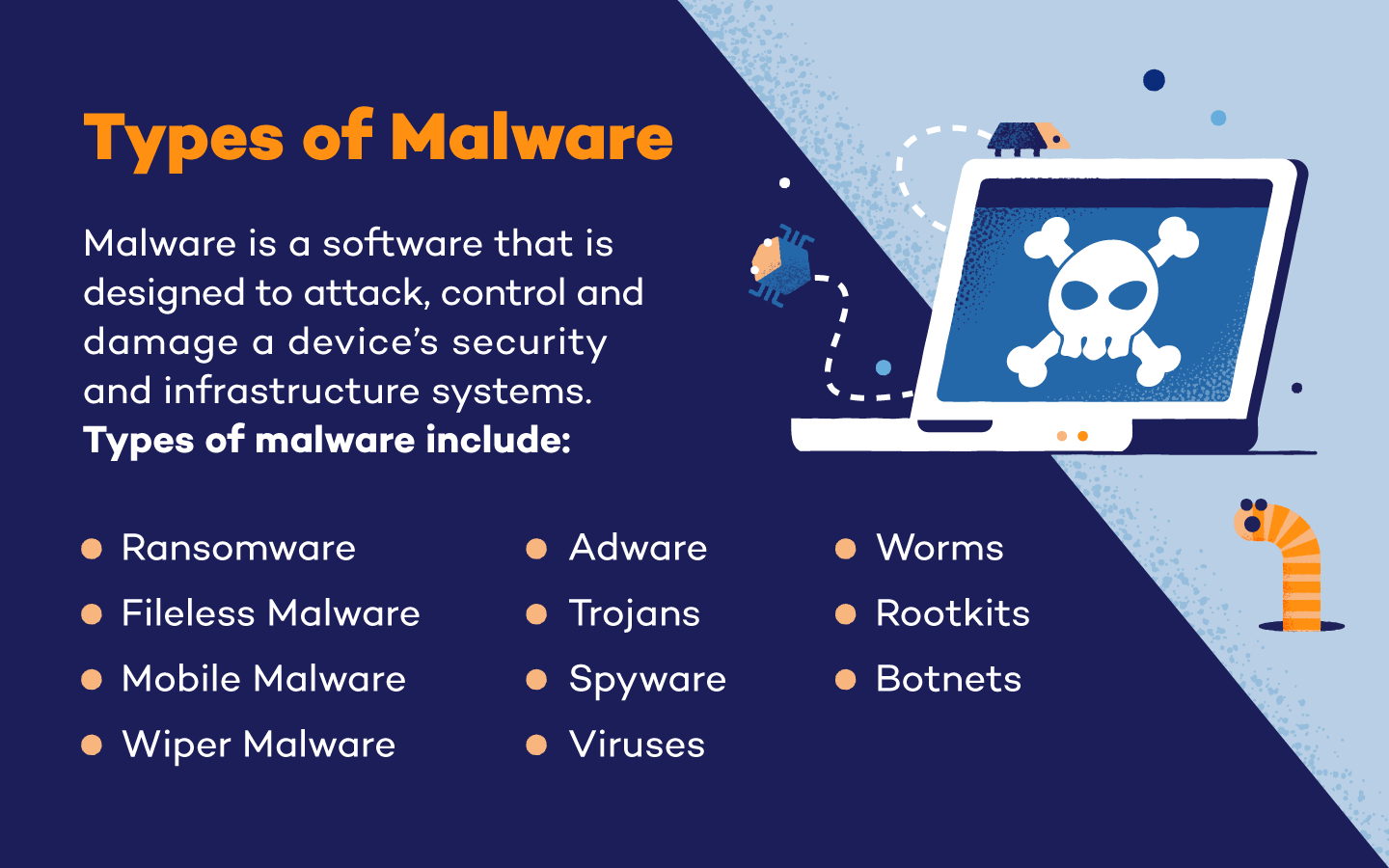
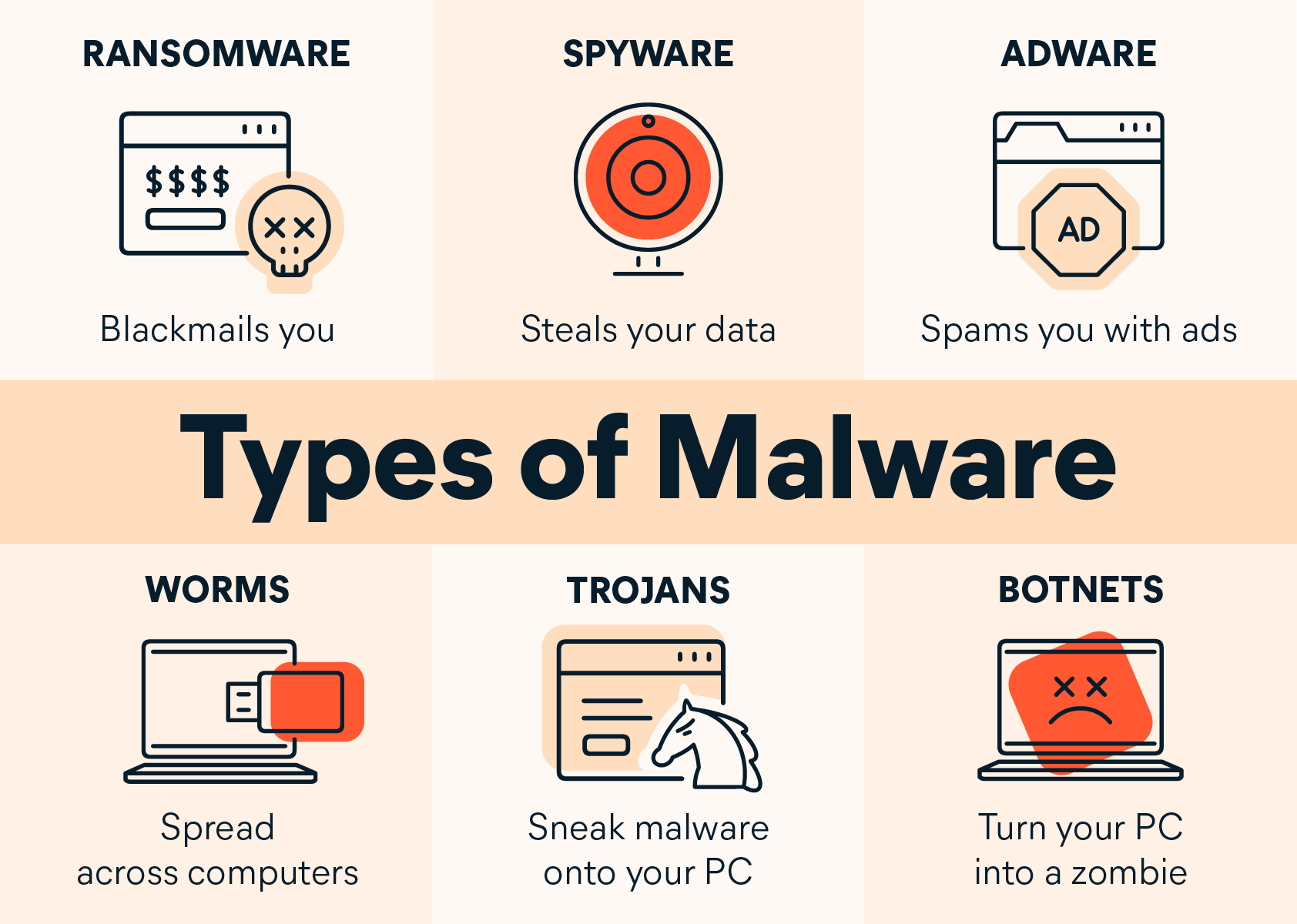
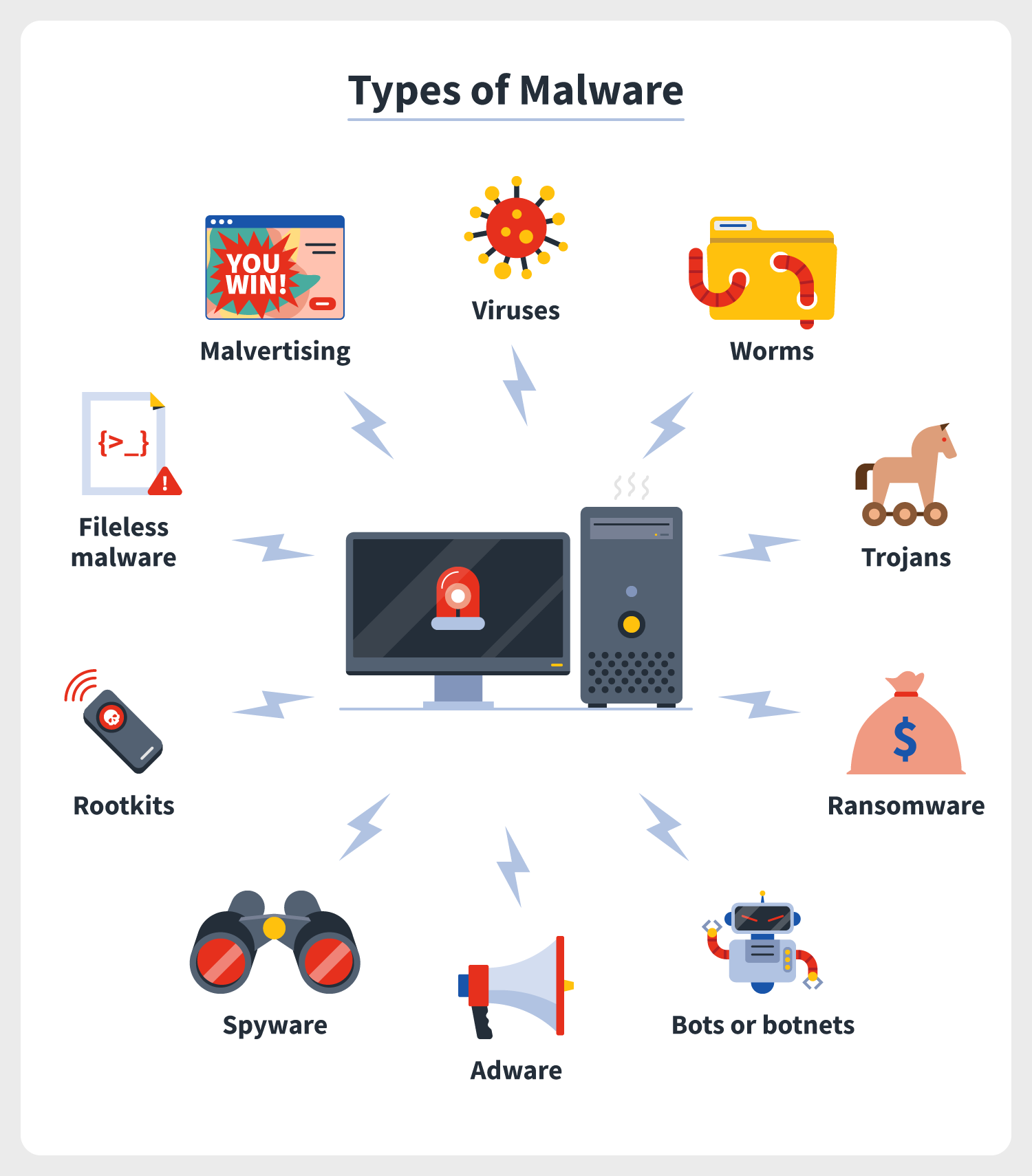
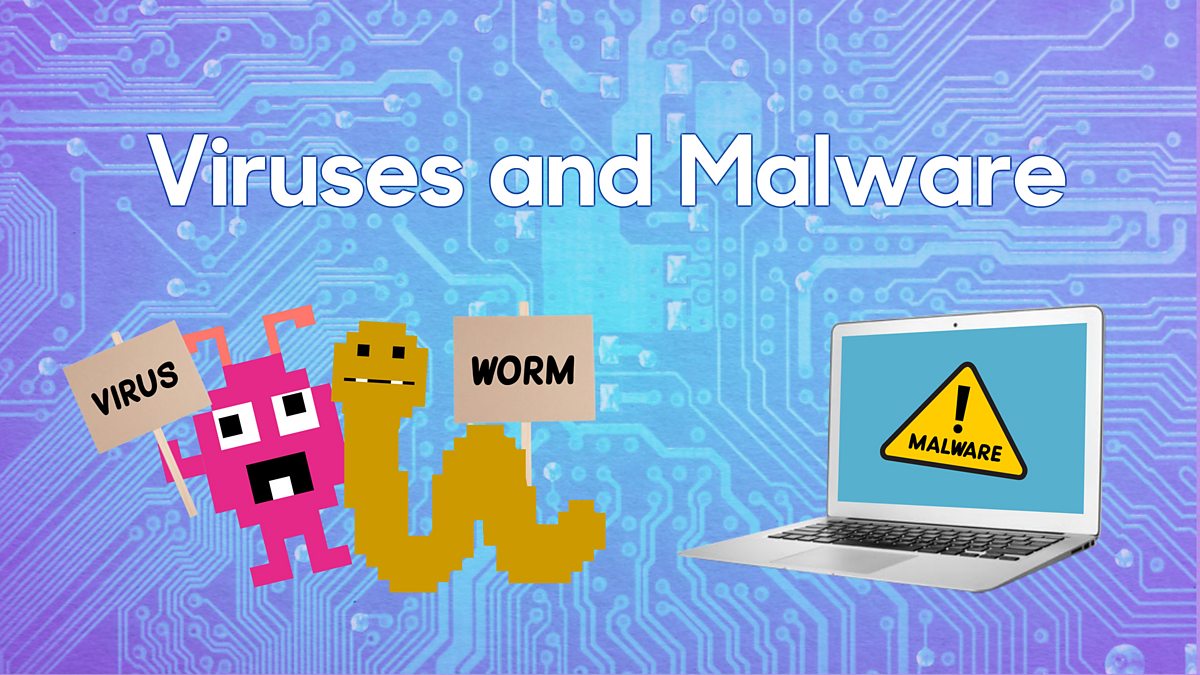
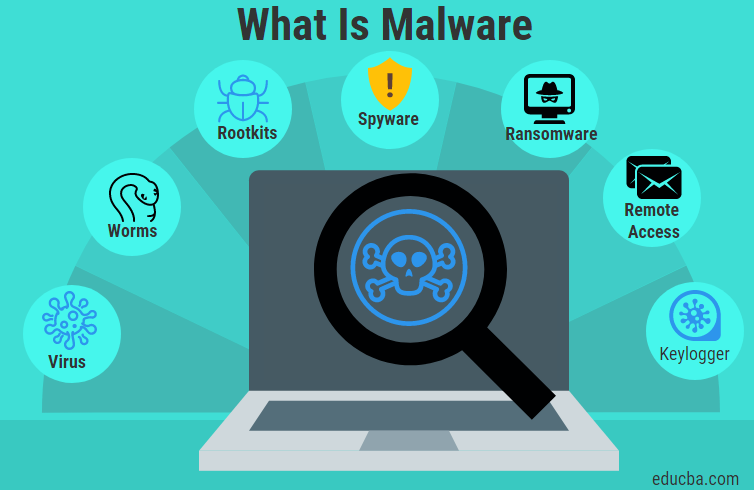
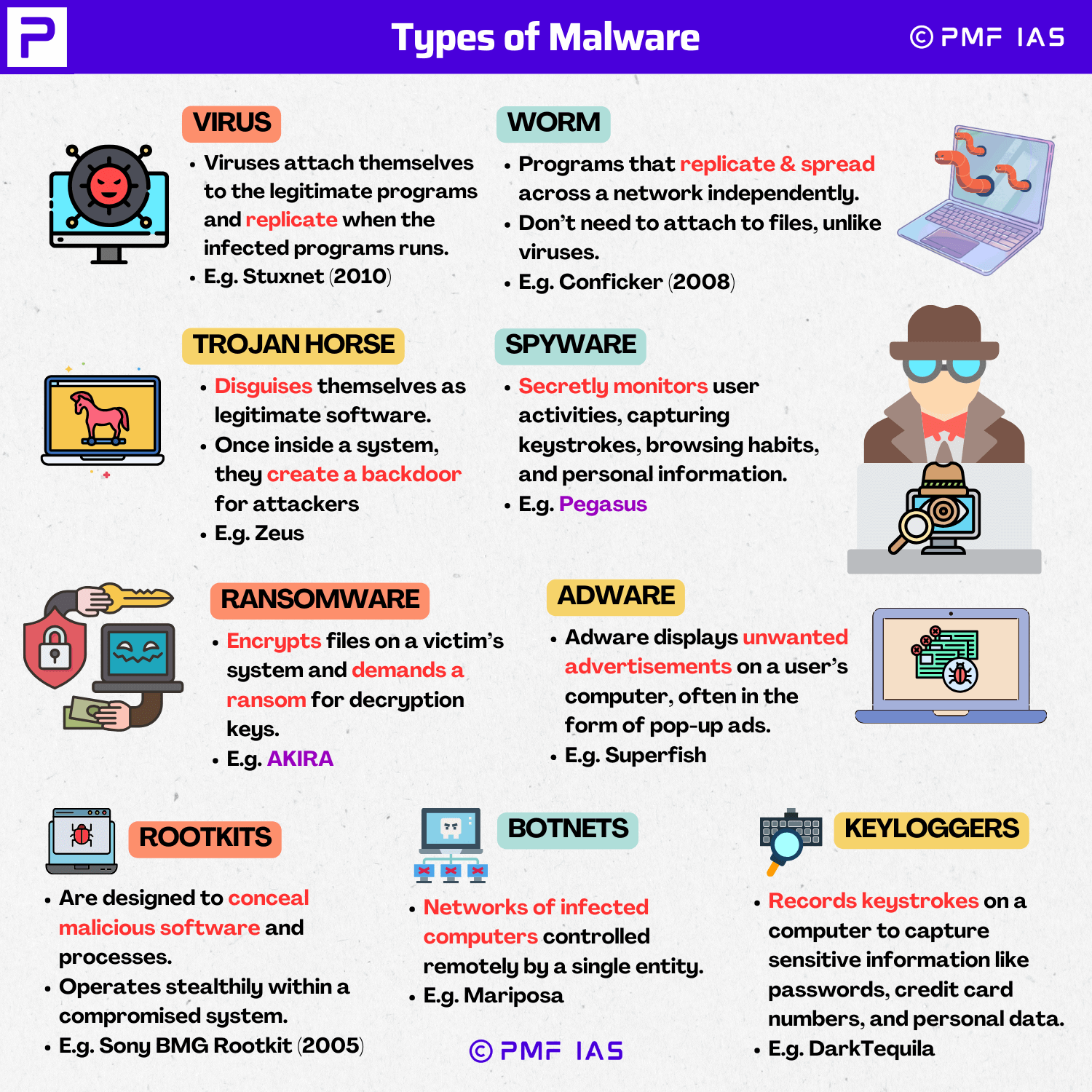
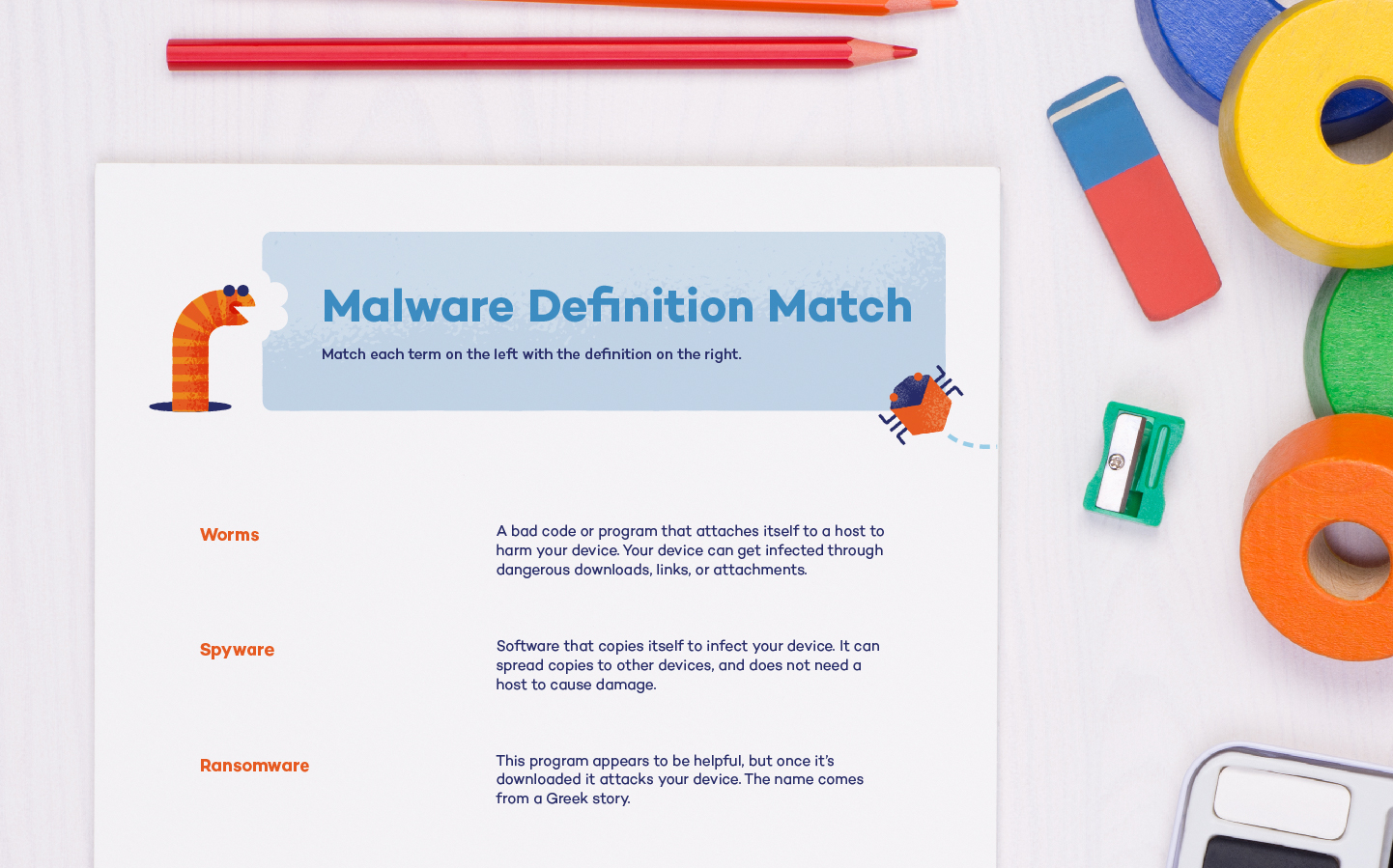
Understanding malicious software does not require a degree in computer science, especially when educators break the topic down into kid-friendly analogies like digital germs or uninvited houseguests. This resource introduces the basic concept of programs that sneak onto devices without permission, causing unexpected pop-ups, slow loading times, or altered settings. Rather than breeding fear about broken electronics, the material empowers students to view themselves as caretakers of their digital tools. It encourages children to recognize when a device is behaving strangely and teaches them the immediate steps to take, such as closing the window and alerting an adult immediately. Foundational topics like these fit naturally alongside broader lessons found within Internet and Digital Safety curriculums, ensuring children grasp why clicking random download buttons poses a risk to family hardware.
Key Learning Outcomes
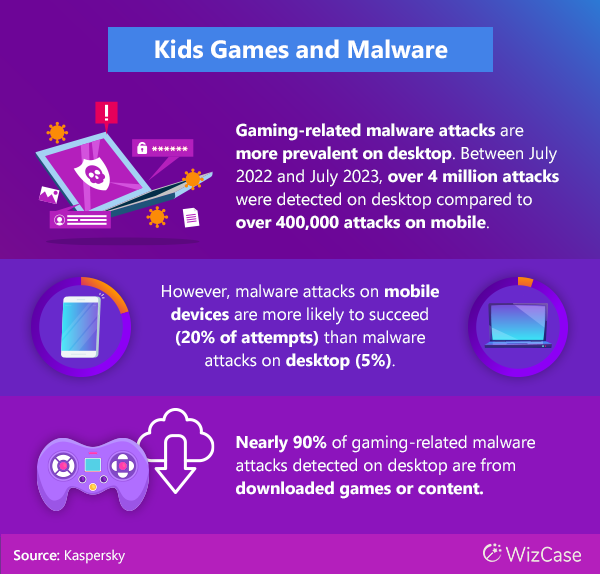
Students engaging with this educational printout develop specific competencies that protect both their equipment and their peace of mind. First, learners identify the difference between safe, intentional downloads approved by a grown-up and mysterious pop-up windows offering free prizes or games. Second, the activity reinforces the golden rule of technology use: pausing to think before tapping an unfamiliar link or button. Finally, the resource strengthens communication habits by reassuring young users that discovering a weird message or glitch on a screen never puts them in trouble. According to Pew Research Center, a vast majority of children access the internet daily via mobile devices or shared household tablets, making early digital discernment an essential everyday life skill.
How to Use This Printable
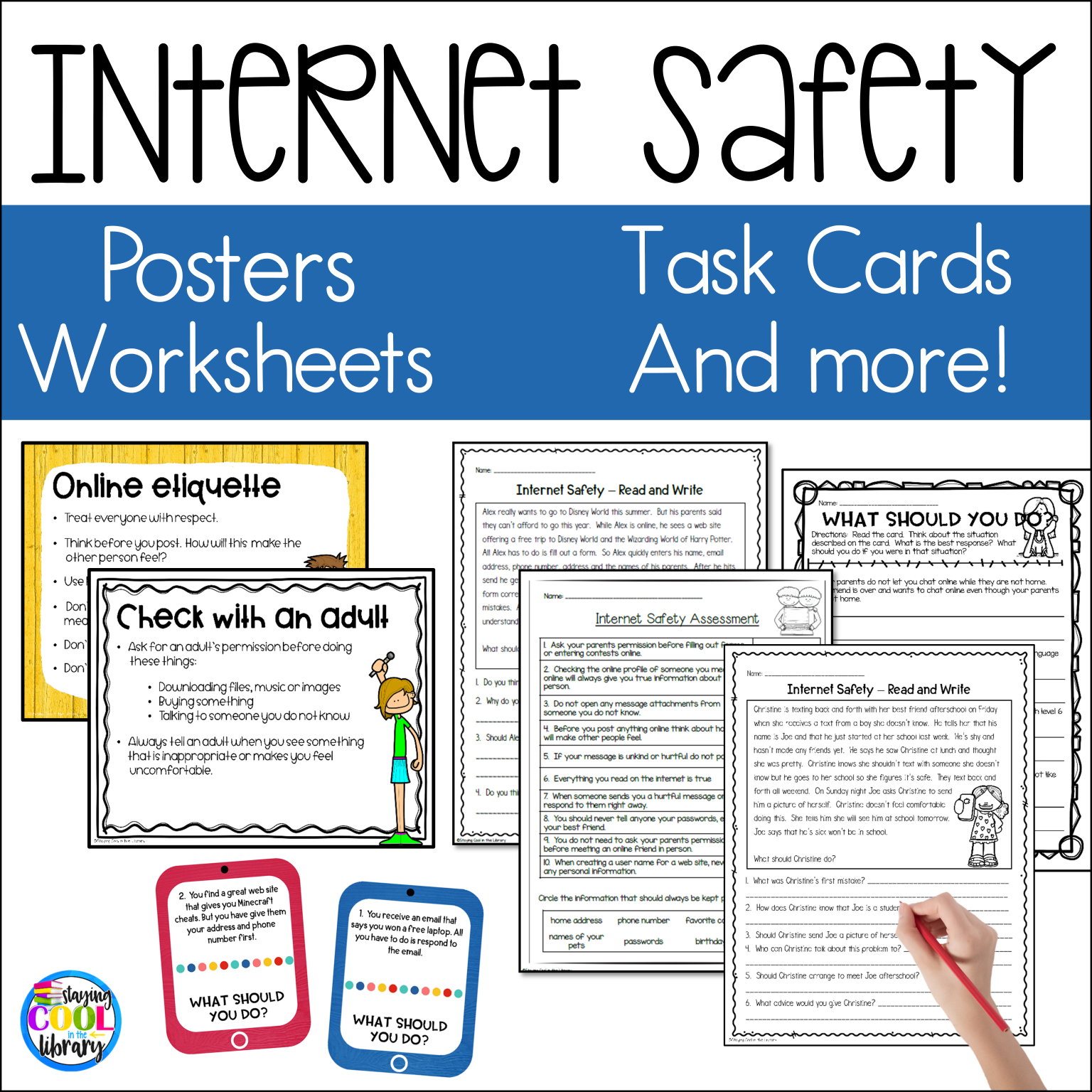
Classroom teachers and homeschooling families can integrate this activity sheet into morning meetings, media literacy centers, or technology orientation units at the start of the school year. Because active coloring and pencil work keep hands busy while brains process new information, this resource serves as an exceptional tool for reinforcing safety messages without relying on lecture-style instruction. Educators often project the sheet onto a board to model critical thinking aloud, asking children what they would do if a flashing game advertisement promised a free reward. Following the drawing or writing exercise with an open-ended conversation helps cement the concepts, aligning with lessons available in various Worksheets designed to build independent digital citizenship habits.
Practical Tips for Parents and Teachers
Creating a calm, non-judgmental environment is paramount when discussing technical missteps with elementary students. Adults should frame device glitches not as a punishable offense, but as an opportunity to practice teamwork and problem-solving. Educators recommend establishing a household or classroom rule where reporting a strange pop-up yields praise rather than restriction of screen privileges. Keeping discussions focused on protective habits—such as asking permission before installing any new app—ensures children view adults as helpful allies rather than strict monitors. Exploring further resources via Online and Digital Safety pages provides additional strategies for maintaining open communication channels as kids grow older and more autonomous online.
Age-Appropriate Recommendations
Tailoring digital safety discussions to a child’s developmental stage prevents cognitive overload while building durable skills. For kindergarteners and first graders ages five through seven, the focus remains strictly on hardware stewardship, asking permission before tapping links, and finding a trusted adult when something looks wrong. Older elementary students ages eight through twelve can explore slightly more nuanced concepts, such as why stranger danger applies to files and software just as much as it does to physical environments. This progressive scaffolding reflects the Common Sense Education Digital Citizenship Curriculum framework, which emphasizes age-appropriate milestones for media balance, privacy, and cybersecurity awareness.
Children frequently encounter digital risks through shared household devices, in-game chat features, and popular video streaming platforms. — Common Sense Media
Frequently Asked Questions
Explore More Free Kids Online Safety Printables
Building robust digital citizenship is an ongoing journey that benefits from a diverse toolkit of activities, visual aids, and discussion prompts. Caregivers and educators can expand their instructional library by browsing curated collections of Coloring Pages that make learning about digital boundaries fun, creative, and memorable for young learners.
Developmental Milestone & Activity Table
| Development Stage | Recommended Daily Duration | Primary Learning Objective |
|---|---|---|
| Preschool & Pre-K | 10 – 15 Minutes | Pencil grip development & basic pre-stroke lines |
| Kindergarten | 15 – 20 Minutes | Letter/number formation & spatial line awareness |
| Early Elementary (Grade 1–2) | 20 – 30 Minutes | Fluency, sentence construction & neatness |
Images References