Introduction
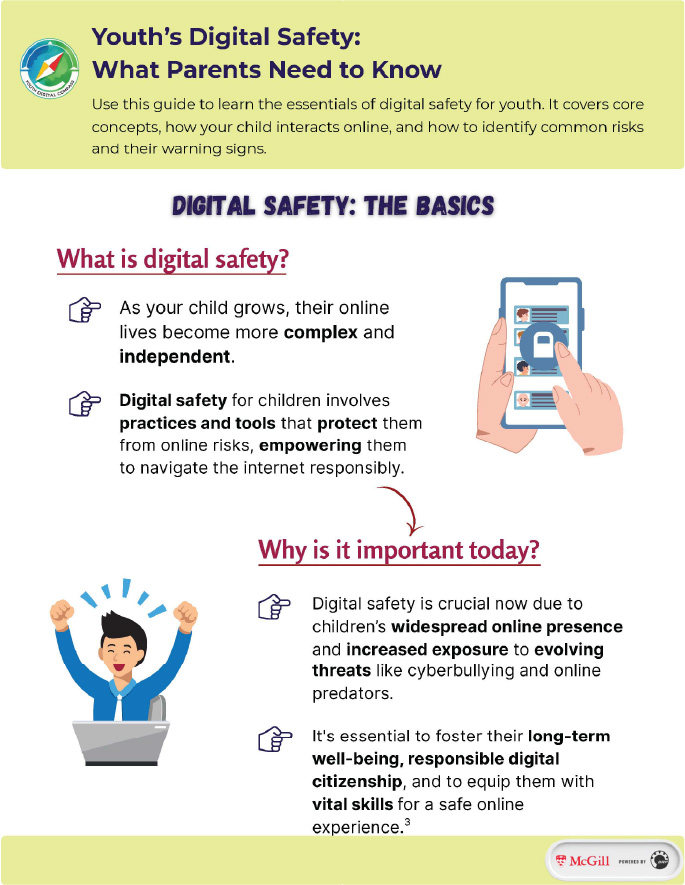
Children today navigate a vibrant digital landscape that extends far beyond traditional desktop computers. Whether trading items inside a favorite multiplayer game, watching tutorials on shared living room tablets, or chatting through video platforms with school friends, modern childhood happens online. Yet, digital spaces frequently present subtle traps designed to trick unsuspecting users into handing over sensitive information. Teaching children how to spot digital deception requires moving away from fear-based lectures and toward structured skill-building. Free educational tools bridge this gap by translating complex cybersecurity concepts into relatable terms. This approach ensures children learn to recognize suspicious messages without feeling overwhelmed or anxious about exploring technology. Related guide: Digital Safety Tips For Parents.
💡 Educational Key Takeaways:
- Core Skill: Structured What Is Phishing Protection Write Like A 9Th Grader focused on developing pencil grip, stroke control, and early literacy/math confidence.
- Target Scope: Suited for homeschoolers, preschool, kindergarten, and elementary learners.
- Best Recommendation: Practice 10–15 minutes daily with ergonomic writing tools to reinforce muscle memory without hand fatigue.
What This Printable Covers
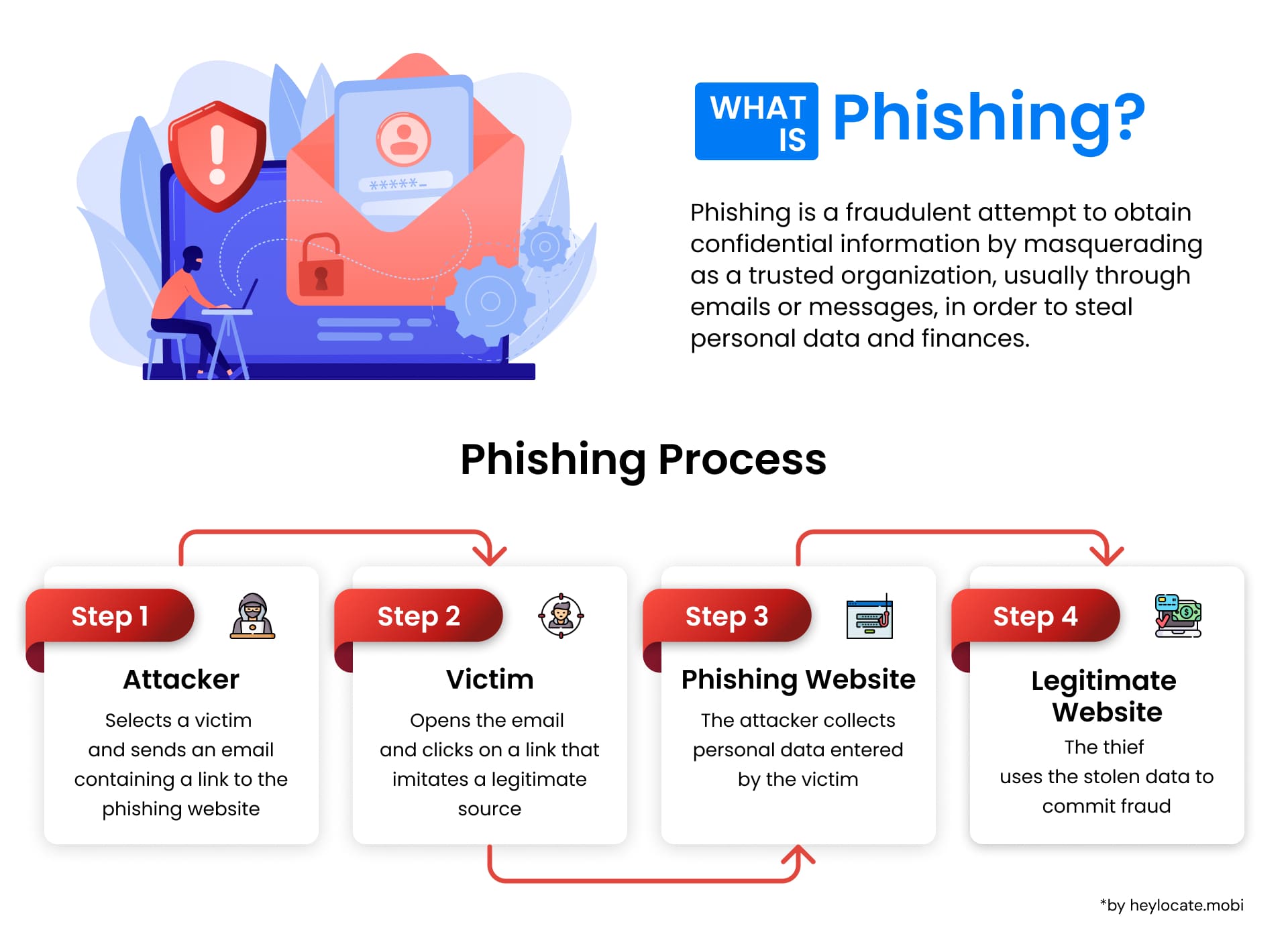
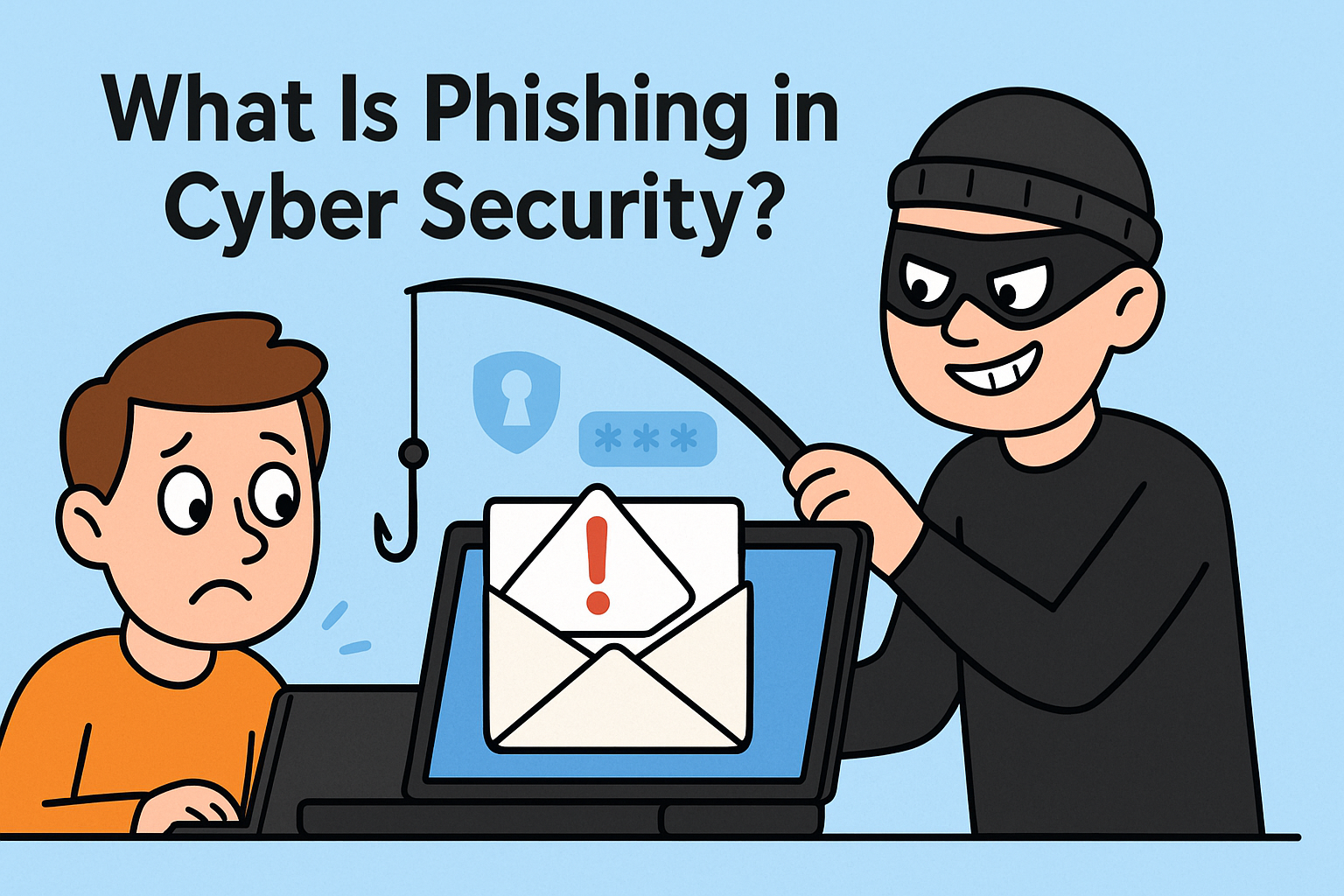
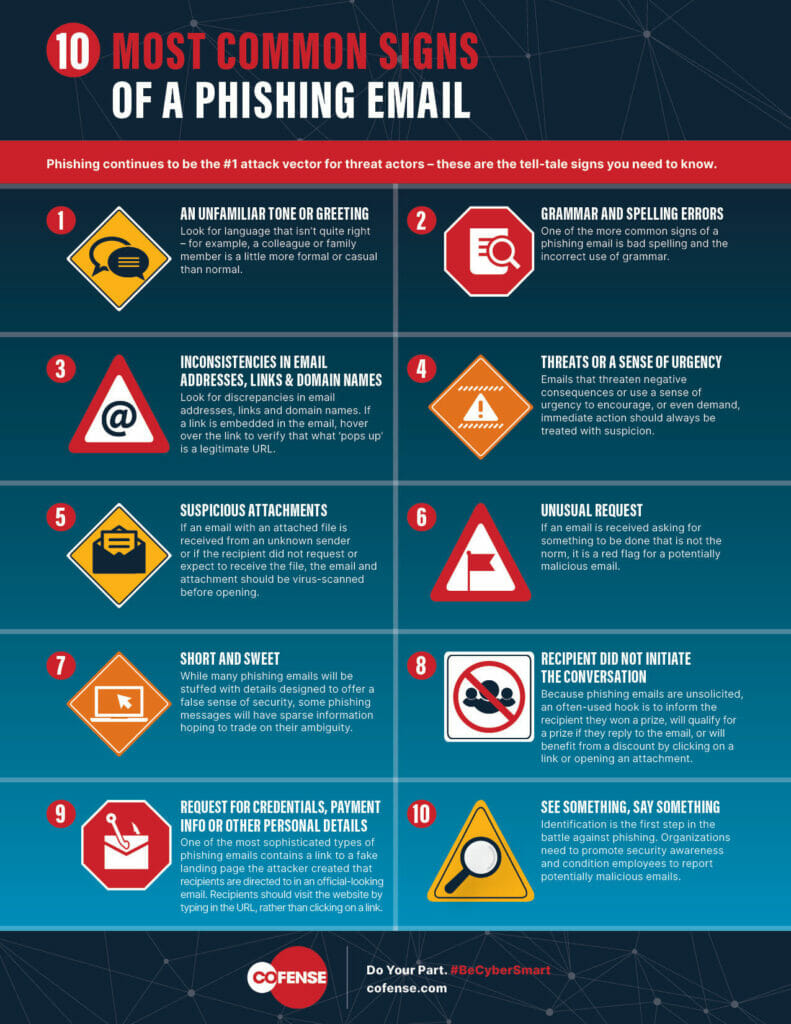
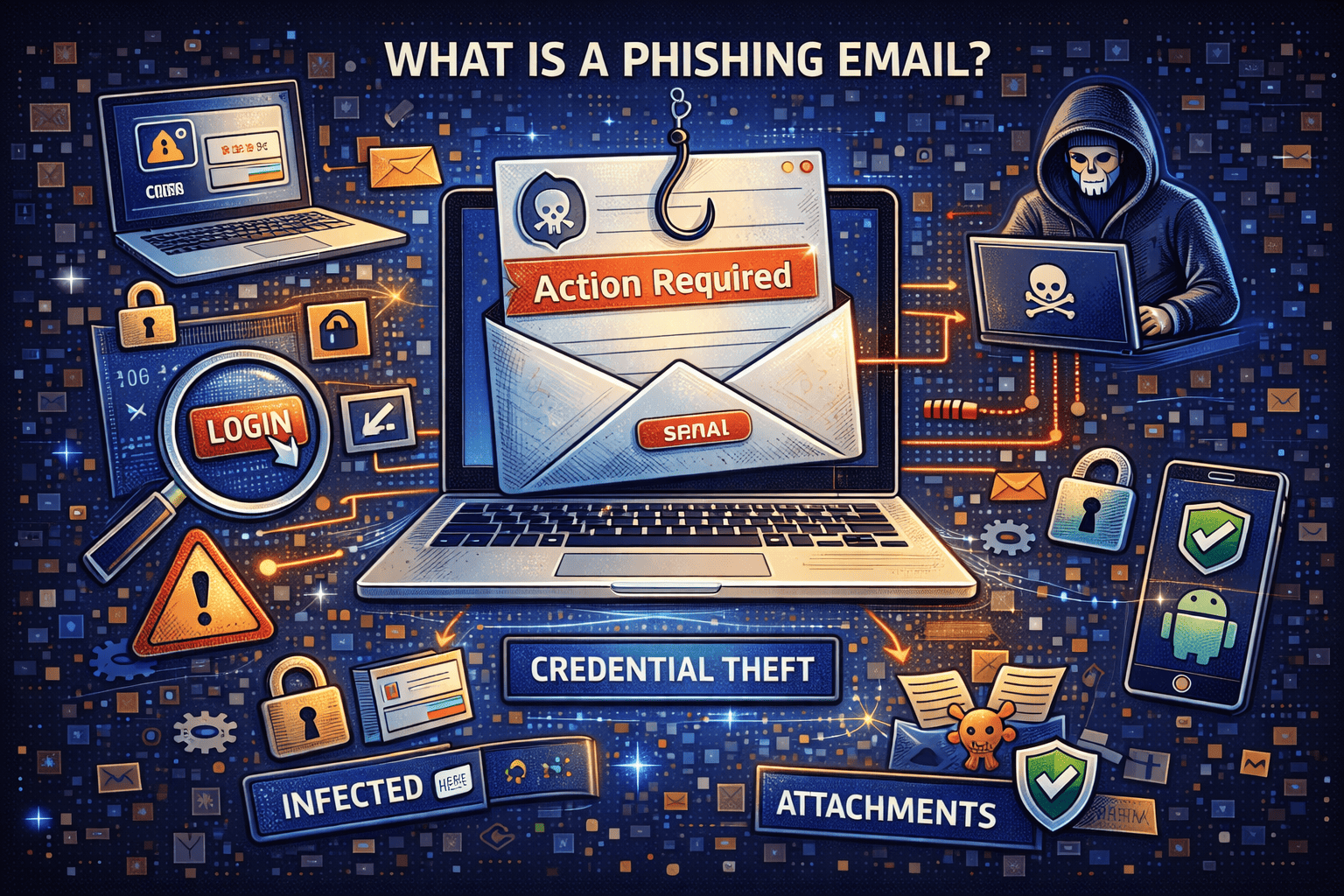
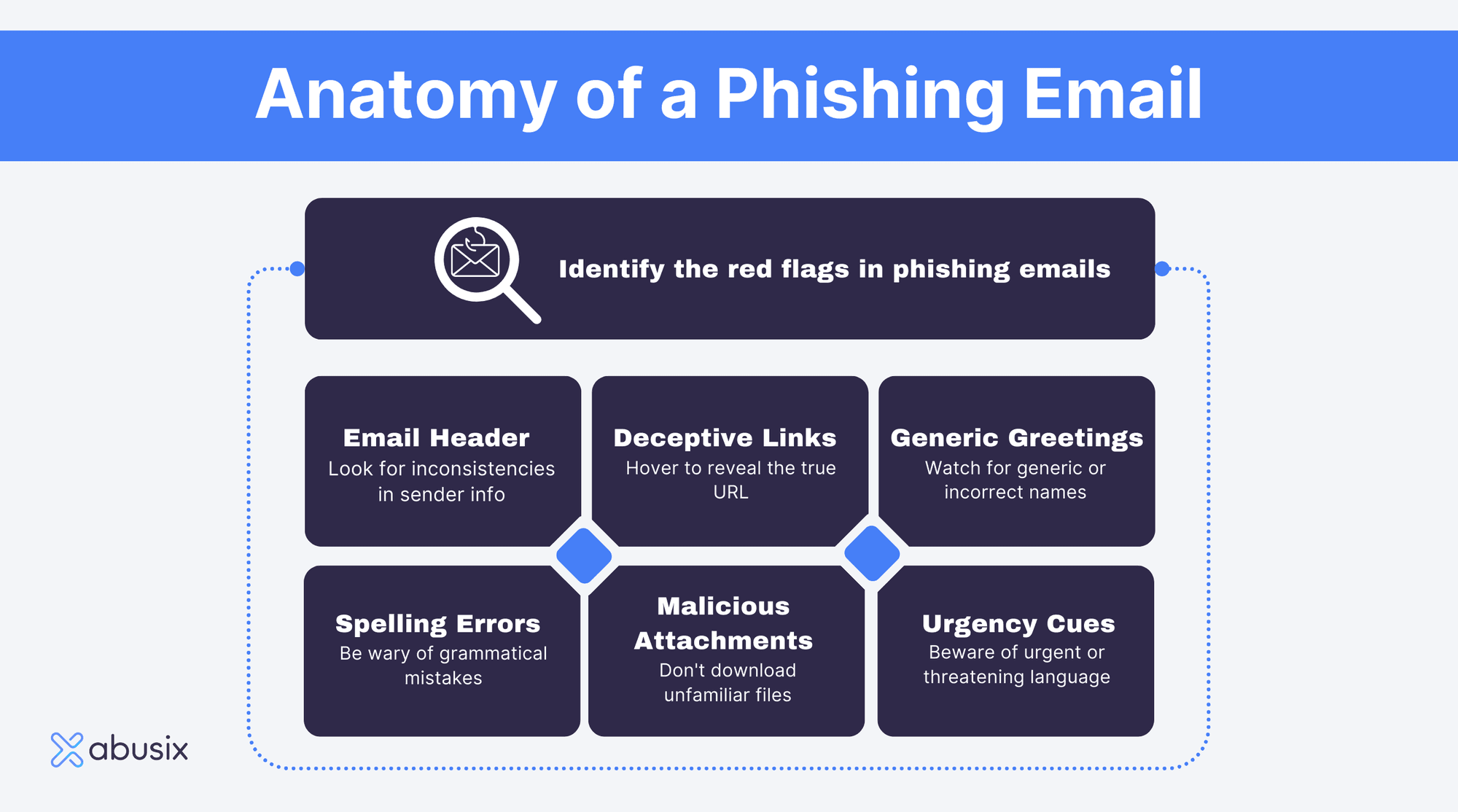
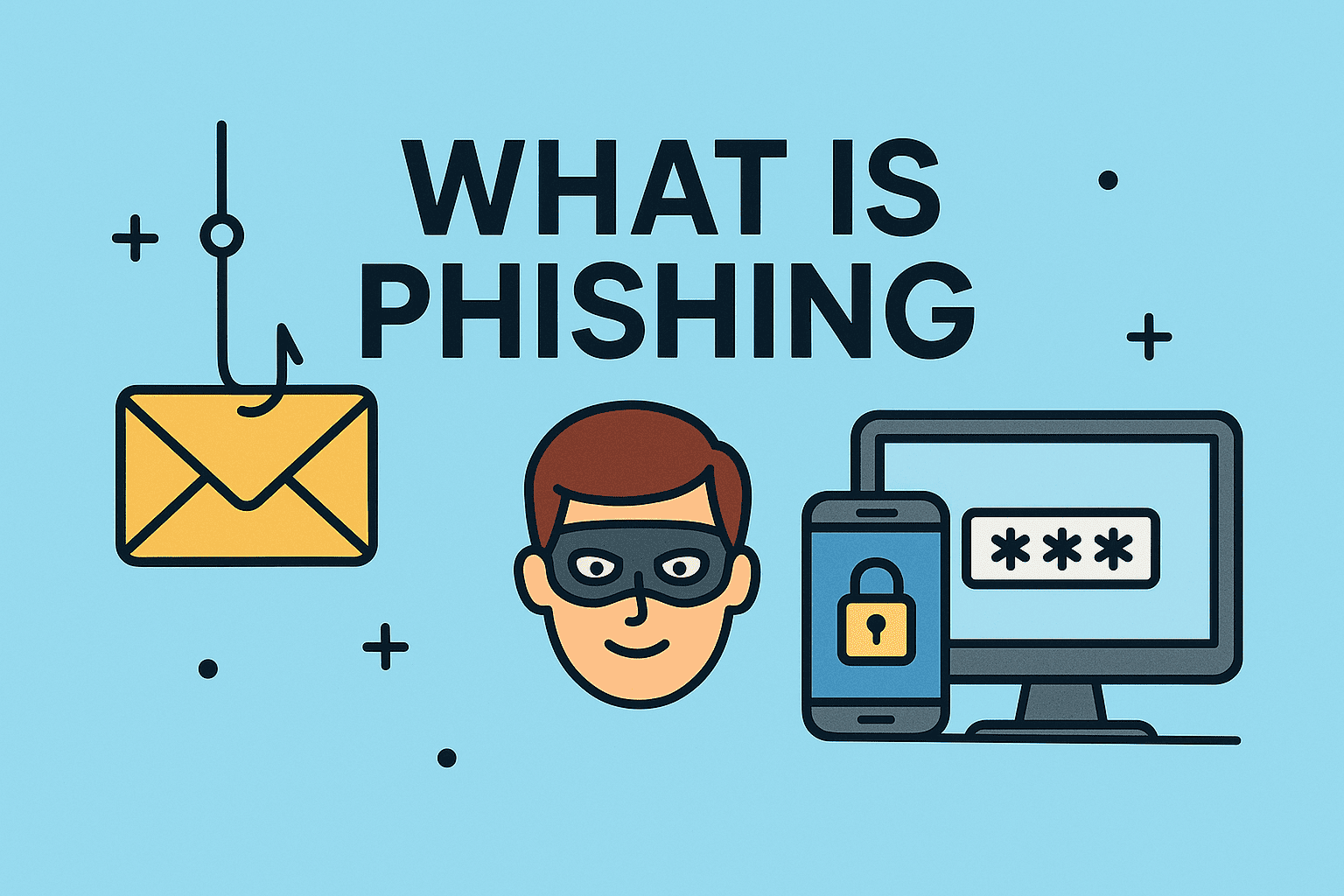
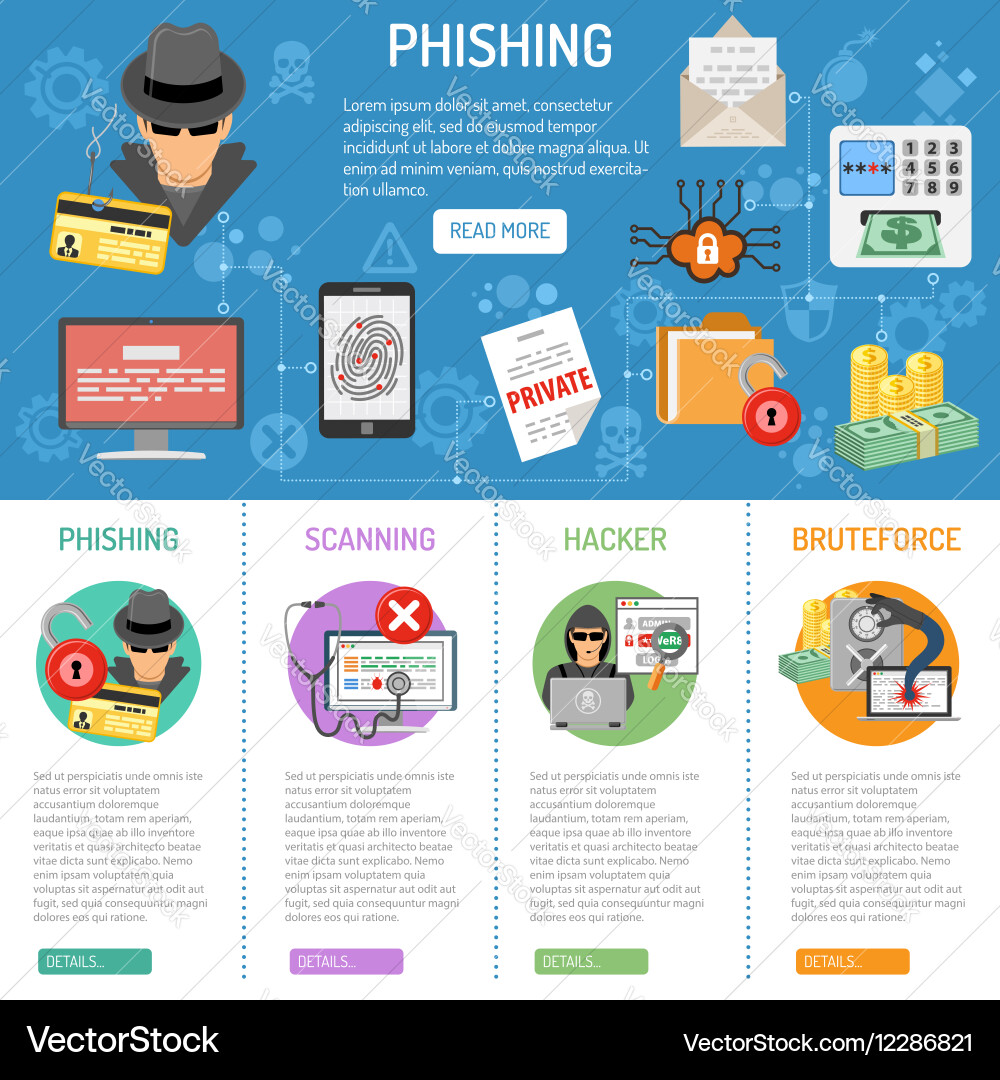
The free printable “what is phishing protection write like a 9th grader” tackles the abstract concept of online scams by breaking it down into peer-to-peer language kids understand. Instead of relying on dense industry jargon, the activity uses a relatable, near-peer narrative voice to explain how online tricksters operate. It highlights common warning signs, such as urgent demands for personal details, too-good-to-be-true prize notifications, and unfamiliar links hiding inside everyday messages. Exploring these themes through an accessible format helps students grasp that not everything seen on a screen tells the truth. The resource turns a potentially confusing topic into a clear, manageable lesson on digital awareness.
Key Learning Outcomes
Engaging with this instructional material helps young learners build specific, actionable defensive habits. Students discover why keeping personal details like home addresses, full names, and school titles private is essential for online safety. The activity reinforces the golden rule of digital citizenship: pausing to think before clicking or sharing information. Furthermore, children internalize the vital message that reporting an uncomfortable or confusing online interaction will never get them into trouble with parents or educators. Establishing this open line of communication remains the single most effective safeguard against online manipulation.
How to Use This Printable
Implementing this resource effectively involves more than simply handing over a sheet of paper. Adults can introduce the concepts during a morning meeting, a rainy indoor recess, or a quiet afternoon at the kitchen table. Reading through the material together invites natural questions and observations from children regarding their own device usage. Educators often find success by pairing independent completion with small group discussions, allowing students to share scenarios they have encountered on shared household devices or in-game chat rooms. For more ideas on integrating foundational concepts, explore related lessons found under Internet and Digital Safety.
Practical Tips for Parents and Teachers
Creating a calm, supportive environment makes all the difference when discussing cybersecurity with developing minds. Adults should frame the activity as a superpower-training exercise rather than a test of compliance. It helps to ask open-ended questions like what the character in the scenario should do next, rather than jumping straight to the correct answer. Consistency is key, so reviewing these safety habits periodically helps cement them into daily routines. Additional creative activities and practice sheets can be accessed via Worksheets to maintain engagement over time.
Age-Appropriate Recommendations
Tailoring digital citizenship instruction to developmental stages ensures maximum comprehension and retention. Aligning lessons with the Common Sense Education Digital Citizenship Curriculum provides a structured pathway for introducing online safety concepts progressively from early elementary through upper elementary grades. Younger children benefit from concrete rules about who to ask before clicking links, while older students can analyze the persuasive tactics behind online messages more critically. According to the Federal Trade Commission, educating youth early about digital scams significantly reduces vulnerability to online fraud later in life. Keeping expectations realistic for each age group prevents anxiety and builds lasting digital confidence.
Educating youth early about digital scams significantly reduces vulnerability to online fraud later in life. — Federal Trade Commission (FTC)
Frequently Asked Questions
Navigating digital literacy resources is straightforward when clear guidance is available for families and educators. Common questions often center on downloading procedures, learning outcomes, and trusted organizational guidelines. Reviewing these answers helps adults maximize the educational value of free printables in both homes and classrooms. Additional safety insights are also available through Online and Digital Safety resources.
A vast majority of teens and pre-teens encounter digital risks through shared household screens and interactive multiplayer gaming chat features. — Pew Research Center
Explore More Free Kids Online Safety Printables
Continuing the digital citizenship journey requires a diverse toolkit of engaging materials. Educators and parents can expand their curriculum by browsing complementary resources like Coloring Pages, which offer visual reinforcement for younger learners. Combining different formats keeps children interested, encourages ongoing conversations about technology use, and helps establish lifelong habits of safe, mindful digital exploration.
Developmental Milestone & Activity Table
| Development Stage | Recommended Daily Duration | Primary Learning Objective |
|---|---|---|
| Preschool & Pre-K | 10 – 15 Minutes | Pencil grip development & basic pre-stroke lines |
| Kindergarten | 15 – 20 Minutes | Letter/number formation & spatial line awareness |
| Early Elementary (Grade 1–2) | 20 – 30 Minutes | Fluency, sentence construction & neatness |
Images References