Introduction
Children navigate digital environments long before they master cursive handwriting. Tablets, shared household laptops, and gaming consoles become familiar extensions of the living room and classroom. Yet, digital citizenship education often arrives late, surfacing only after a confusing online encounter or a broken household rule. Proactive guidance transforms screen time from a source of household anxiety into a space for building genuine resilience. Educators and parents continuously seek practical, hands-on materials to introduce foundational protective habits. Utilizing targeted interactive learning sheets offers a tangible way to bridge the gap between abstract tech rules and everyday online behavior. It sounds simple, and that is precisely the point. Children grasp complex concepts best when physical tasks anchor mental milestones.
💡 Educational Key Takeaways:
- Core Skill: Structured Activities To Do With Kids And Cybersecurity focused on developing pencil grip, stroke control, and early literacy/math confidence.
- Target Scope: Suited for homeschoolers, preschool, kindergarten, and elementary learners.
- Best Recommendation: Practice 10–15 minutes daily with ergonomic writing tools to reinforce muscle memory without hand fatigue.
What This Printable Covers
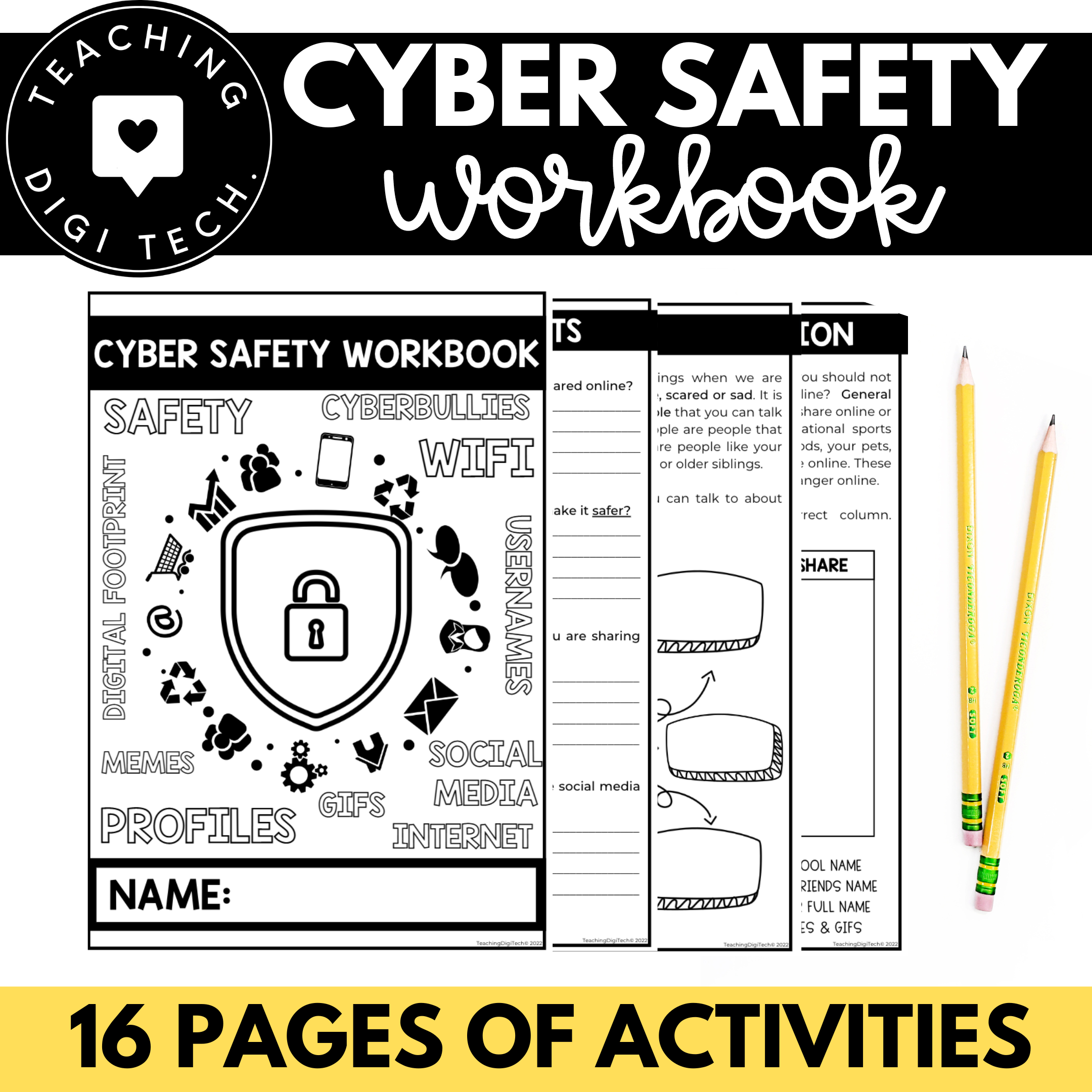
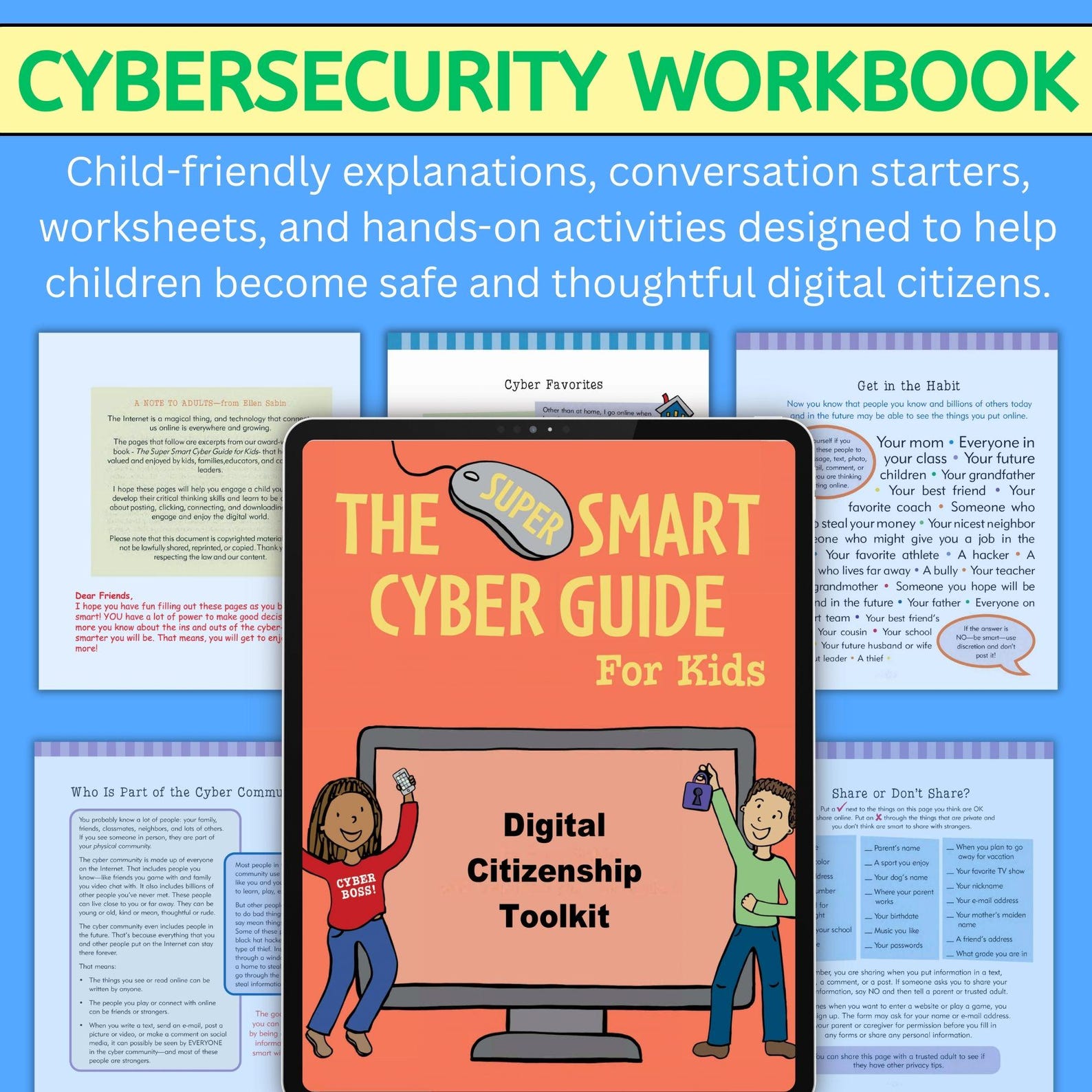
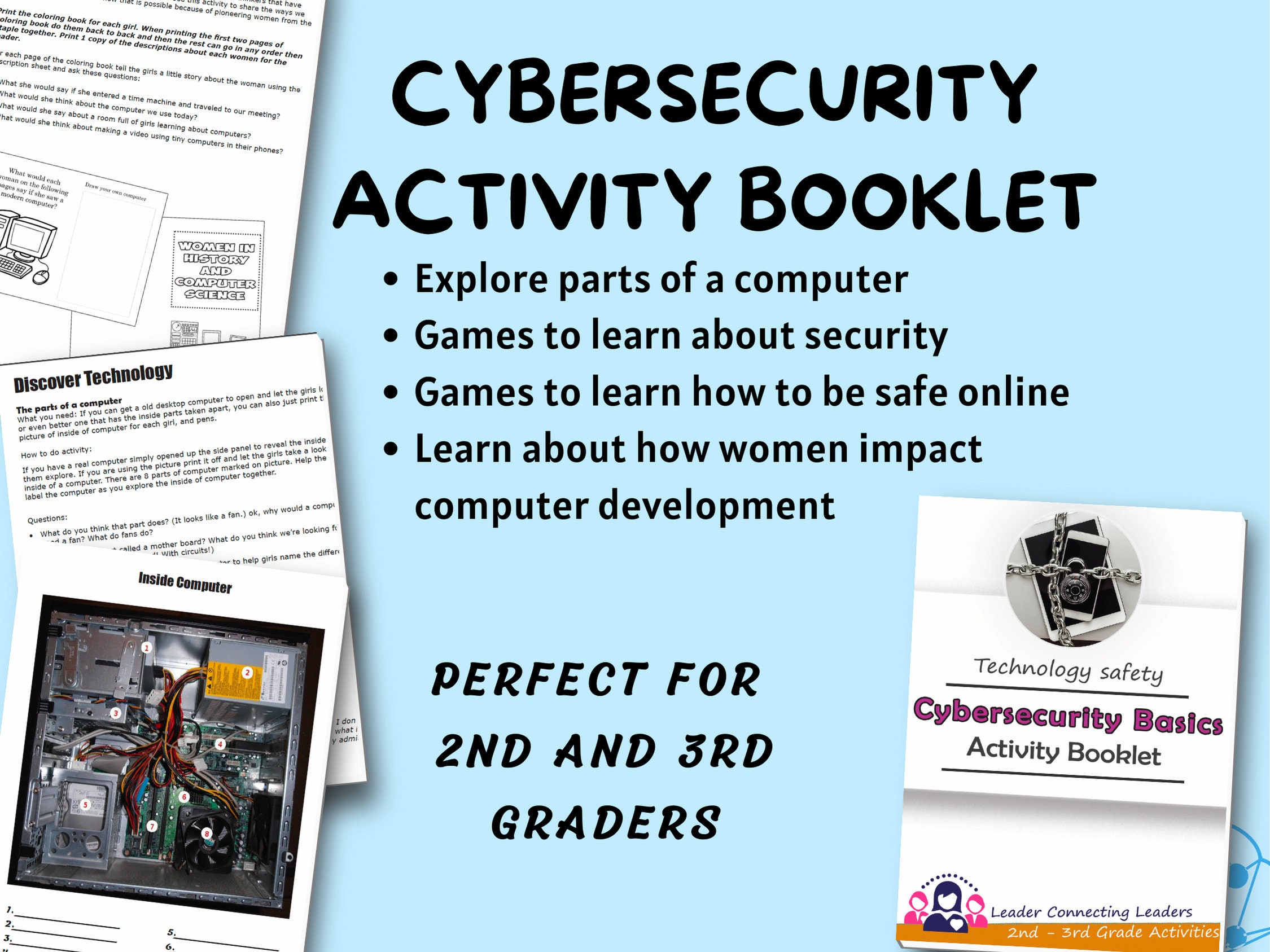
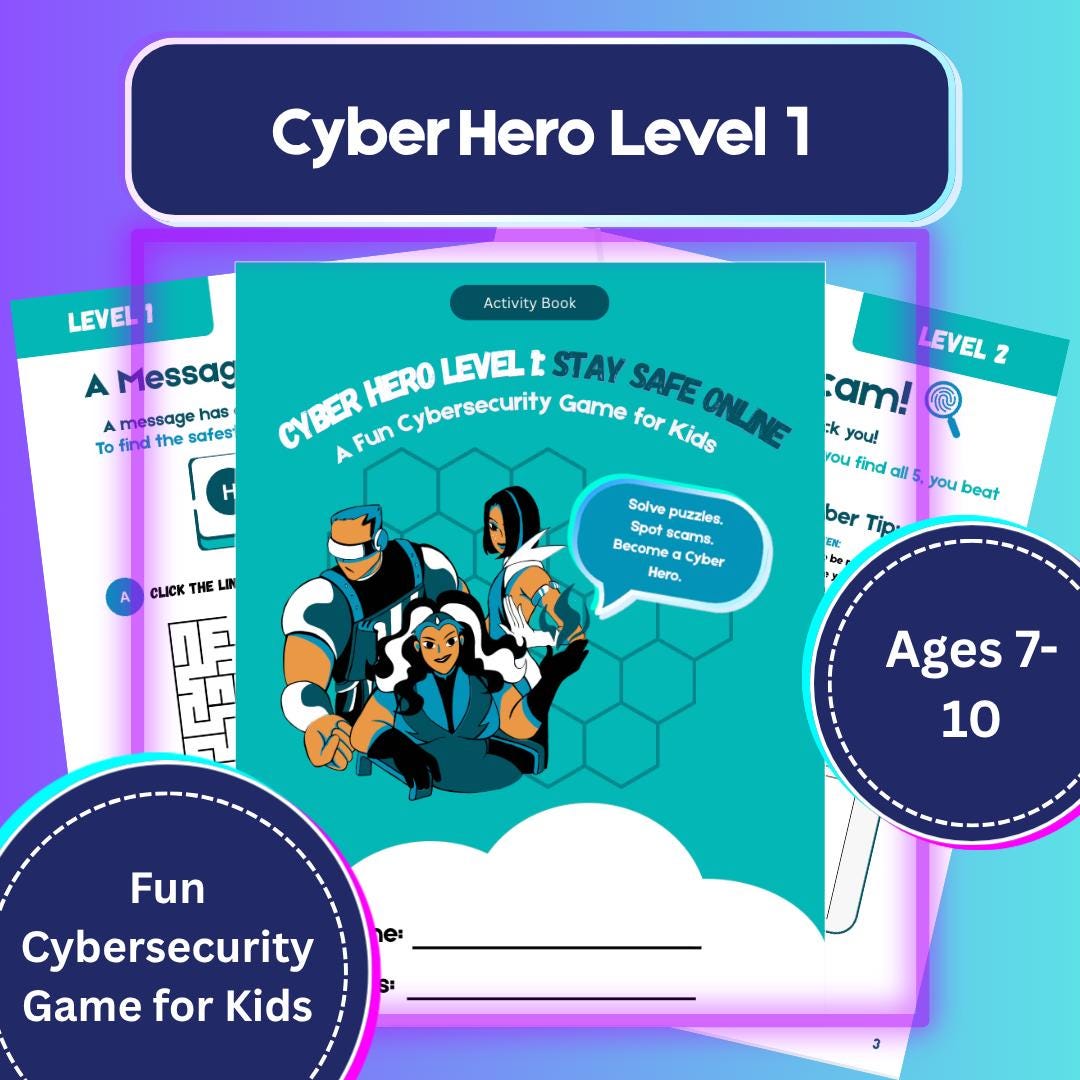
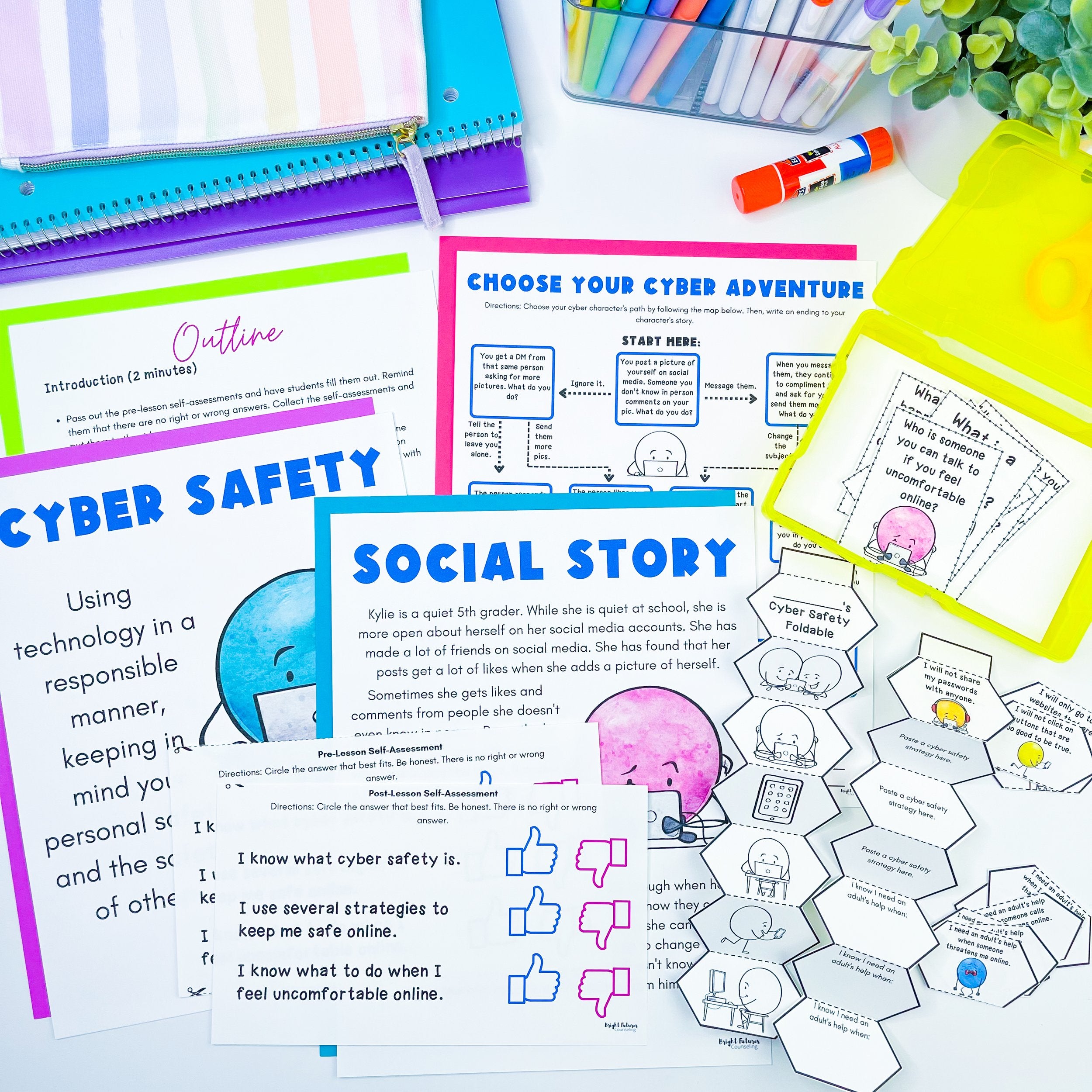
The free printable activities to do with kids and cybersecurity focus entirely on foundational protective habits rather than technical jargon. Instead of overwhelming young learners with firewall mechanics, the exercises address real scenarios children encounter daily. These scenarios include managing in-game chat features, recognizing shared family devices, and understanding what constitutes private personal information. According to Common Sense Media, young children spend significant portions of their daily media hours interacting on shared devices and video platforms, making early boundary-setting essential. The exercises prompt children to pause, think before sharing, and identify trusted adults in their support networks. Crucially, every single activity reinforces the golden rule of youth digital safety: children are never in trouble for reporting something uncomfortable. Related guide: Digital Bullying Prevention Activities For Young Children.
Key Learning Outcomes
Targeted learning objectives ensure that every completed page builds a specific, measurable skill set. Learners practice identifying strong passwords using everyday concepts like secret clubhouse codes. Another critical outcome involves distinguishing between public information, such as a favorite animal, and private data, including full names or school locations. Through guided reflection prompts, children learn to pause before clicking links or downloading unknown game expansions. Here is what makes this resource different: it relies on collaborative discussion rather than automated quizzes or fear-based warnings. Building these competencies early creates a strong foundation for future exploration in broader internet and digital safety modules.
How to Use This Printable
Implementation requires zero technical preparation or specialized supplies. Print copies for a kitchen table morning routine, a classroom center station, or a weekend homeschool planning session. Adults can introduce the sheet by reading the scenario aloud and inviting the child to share their initial thoughts. This dialogue matters more than the final written answer. When a child encounters a tricky prompt regarding chat rooms or pop-up messages, adults can guide the conversation toward safe problem-solving. Framing safety as a skill to build, never a threat to dread, keeps engagement high and anxiety low. Consistent, low-pressure conversations turn digital citizenship into a natural family habit.
Practical Tips for Parents and Teachers
Facilitators achieve the best results by maintaining a calm, curious tone during the activity. Ask open-ended questions like what the character in the scenario should do next, rather than immediately providing the correct answer. Connect the paper-based exercises to real household technology by reviewing actual privacy settings on family tablets together. Keep extra copies accessible for revisiting concepts as children grow older and encounter new platforms. Exploring these themes alongside related online and digital safety topics ensures a comprehensive, well-rounded approach to modern childhood development.
Age-Appropriate Recommendations
Tailoring digital literacy to developmental stages ensures maximum comprehension and retention. For early elementary learners aged five to eight, focus heavily on identifying trusted adults and recognizing private information through visual cues and storytelling. Upper elementary students aged nine to twelve can tackle nuanced scenarios involving digital footprints, peer pressure in multiplayer games, and the mechanics of secure passwords. This progressive structure aligns seamlessly with the ISTE Standards for Students, which emphasize empowered citizenship and digital agency. According to the Federal Trade Commission, equipping youth with concrete reporting habits significantly increases the likelihood that they will seek adult help when facing online confusion.
Equipping youth with concrete reporting habits significantly increases the likelihood that they will seek adult help when facing online confusion. — Federal Trade Commission (FTC)
Frequently Asked Questions
Finding the right approach to digital parenting and teaching often brings up common logistical and pedagogical questions. Clear answers help educators and families implement these materials with absolute confidence. Reviewing these frequently asked questions provides immediate clarity on downloading, teaching methods, and trusted educational frameworks.
Explore More Free Kids Online Safety Printables
Expanding a digital citizenship toolkit requires a diverse variety of engaging, accessible materials. Educators can pair current lessons with creative coloring pages to reinforce safety messages through artistic expression and open-ended dialogue. Combining multiple formats ensures that every unique learner finds a comfortable entry point into essential digital literacy concepts. Continuous, positive reinforcement prepares children to navigate connected spaces safely, independently, and with complete confidence.
Developmental Milestone & Activity Table
| Development Stage | Recommended Daily Duration | Primary Learning Objective |
|---|---|---|
| Preschool & Pre-K | 10 – 15 Minutes | Pencil grip development & basic pre-stroke lines |
| Kindergarten | 15 – 20 Minutes | Letter/number formation & spatial line awareness |
| Early Elementary (Grade 1–2) | 20 – 30 Minutes | Fluency, sentence construction & neatness |
Images References