Introduction
Virtual worlds hold immense appeal for young learners. Building digital architecture, collaborating on team quests, and chatting with peers form a regular part of modern childhood. Yet, these immersive environments bring distinct complexities that require thoughtful guidance from the adults in their lives. Children frequently encounter online risks in ordinary moments, such as typing in a shared living room or exploring open chat channels on a tablet. Rather than approaching technology with fear, educators and families can build protective habits through consistent practice. The free printable focused on the impact of online gaming on digital safety awareness offers a practical starting point for these essential conversations. It sounds simple, and that’s the point. Young minds grasp abstract digital concepts much better when paired with concrete, hands-on activities that foster critical thinking without inducing panic. Related guide: Digital Bullying Prevention Activities For Young Children.
💡 Educational Key Takeaways:
- Core Skill: Structured Impact Of Online Gaming On Digital Safety Awareness focused on developing pencil grip, stroke control, and early literacy/math confidence.
- Target Scope: Suited for homeschoolers, preschool, kindergarten, and elementary learners.
- Best Recommendation: Practice 10–15 minutes daily with ergonomic writing tools to reinforce muscle memory without hand fatigue.
What This Printable Covers
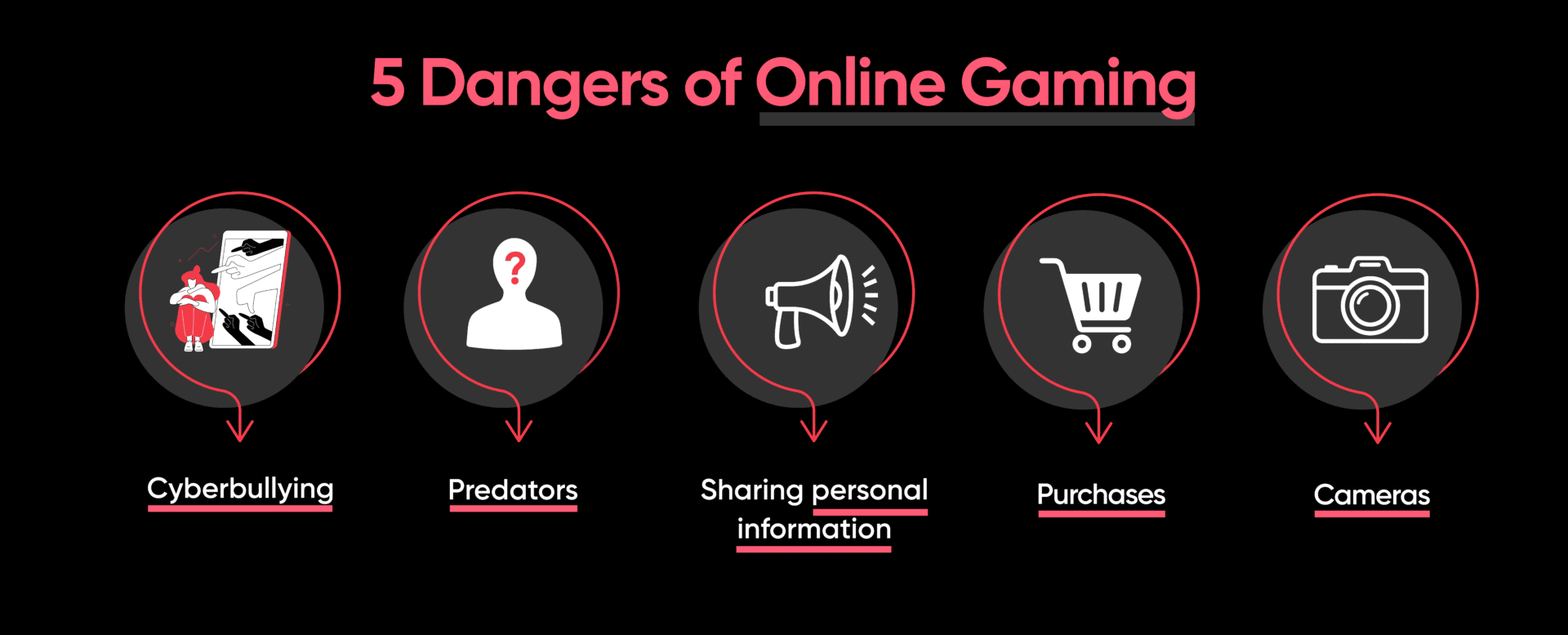
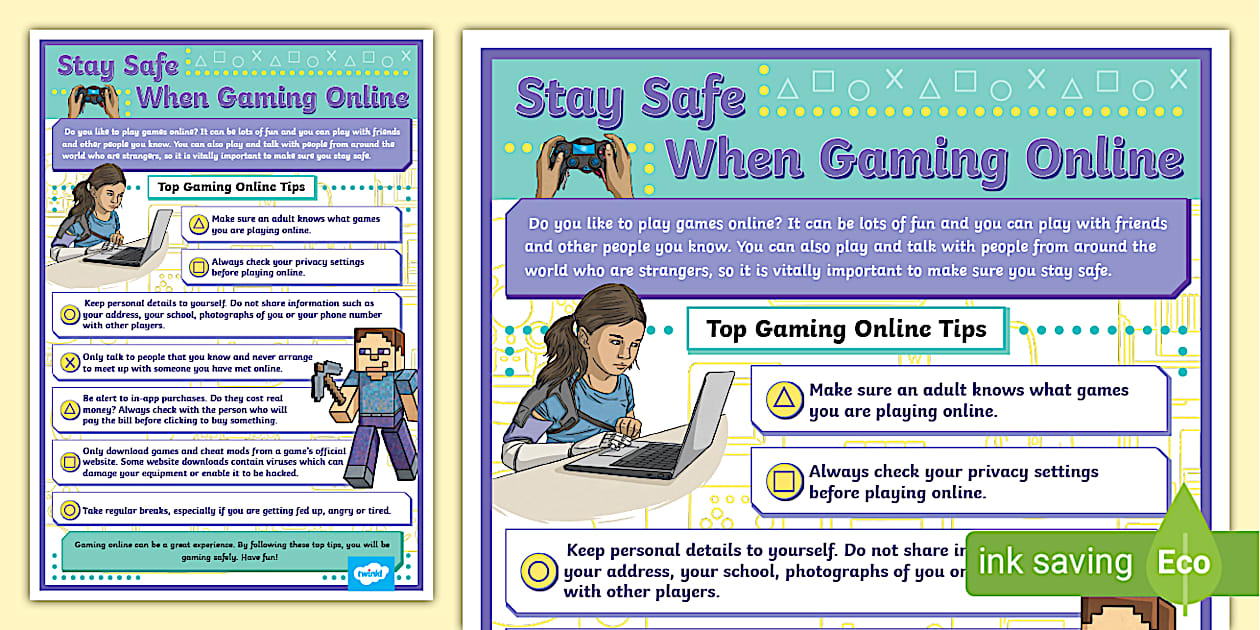
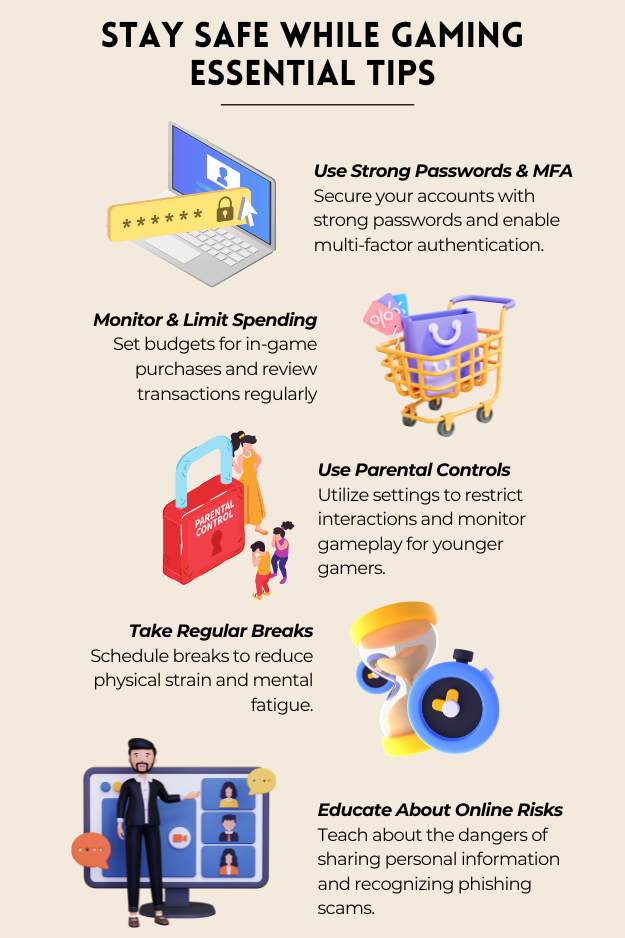
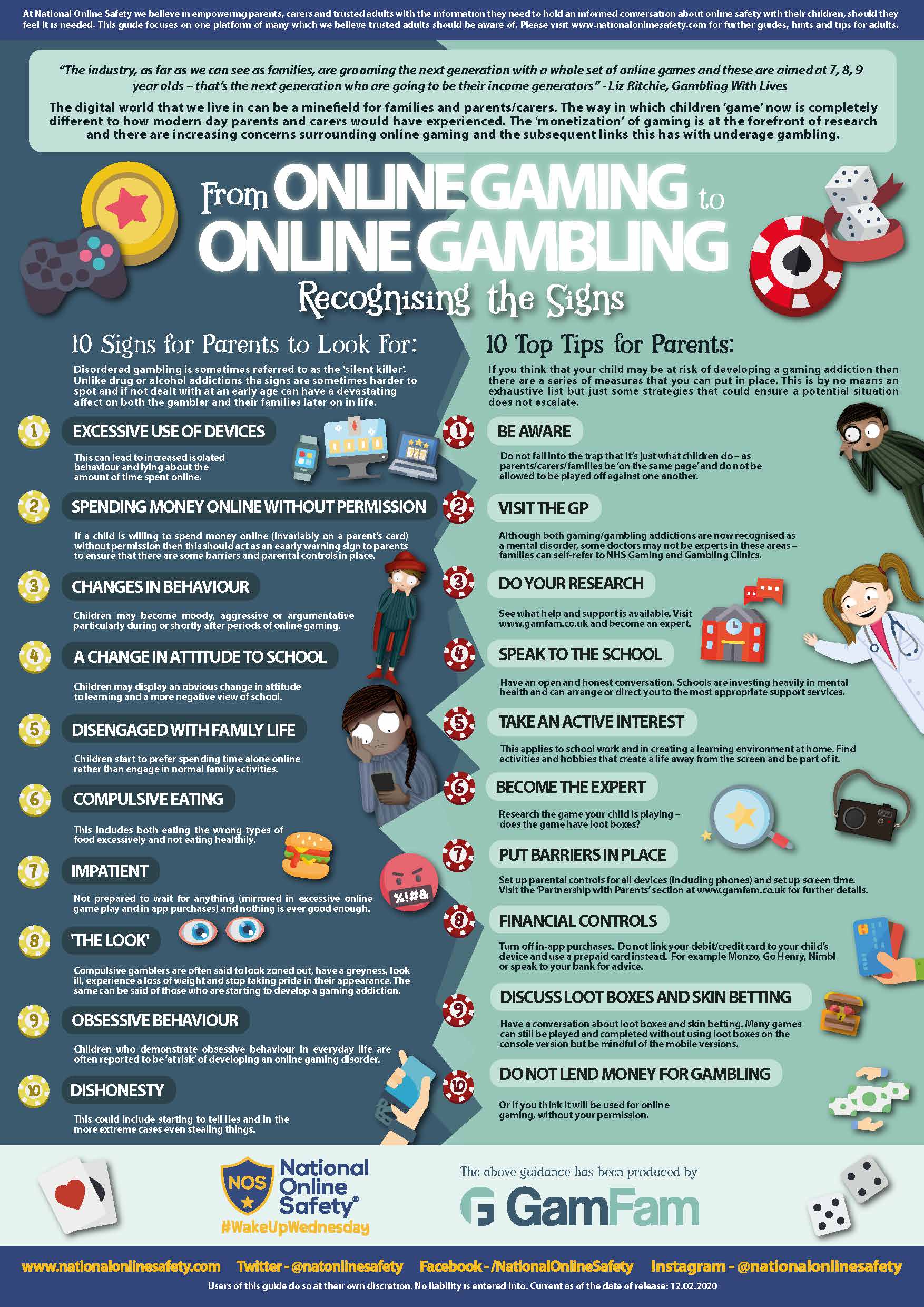
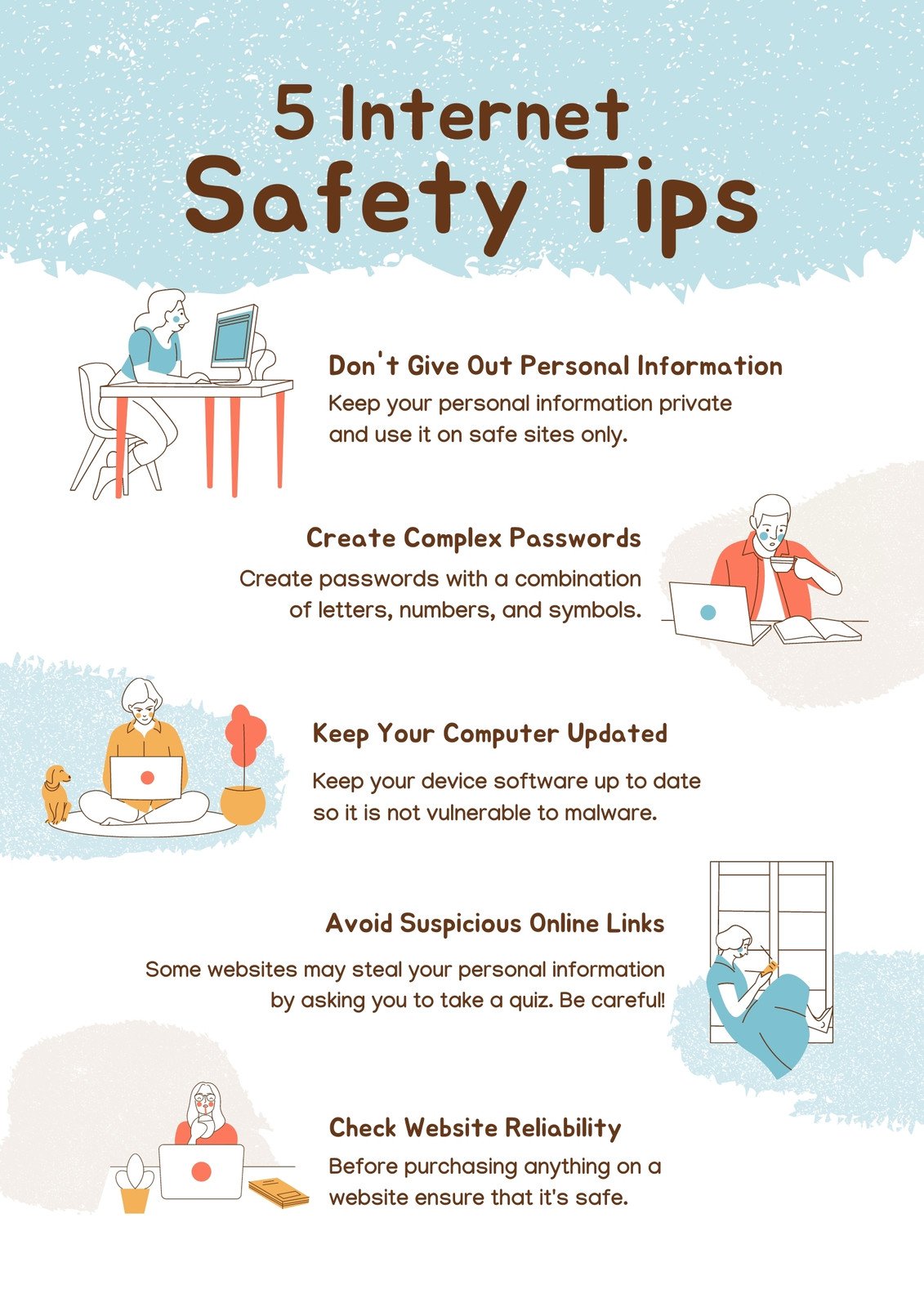
Navigating virtual spaces safely involves more than just setting screen-time boundaries. This specific worksheet guides children through recognizing everyday scenarios common in multiplayer games and video platforms. According to Pew Research Center, a vast majority of teens and younger children interact with digital gaming platforms regularly, making these spaces primary hubs for socialization and accidental oversharing. The activity addresses core protective skills, including keeping personal details private, creating strong passwords, and pausing before sharing information in chat boxes. Children learn that usernames should never reveal real names, locations, or school affiliations. Furthermore, the material reinforces the golden rule of digital citizenship: pausing to evaluate whether an interaction feels safe before proceeding. Explorations into Internet and Digital Safety principles show that structured worksheets transform passive screen time into active cognitive learning.
Key Learning Outcomes
Completing this exercise helps children identify the difference between public and private information. Participants practice evaluating fictional scenarios where characters are asked for personal data by unfamiliar players. Through guided questions, students learn to recognize the emotional cues of discomfort, such as a sudden feeling of worry or confusion when interacting with someone online. Crucially, the material instills the empowering message that children are never in trouble for reporting something uncomfortable to a trusted adult. Educators and parents notice that framing safety as an attainable skill helps learners internalize good habits much faster than strict prohibitions ever could.
How to Use This Printable
Flexibility defines the best instructional tools. This resource fits seamlessly into morning advisory meetings, school counseling sessions, or weekend family discussions around the kitchen table. Adults can begin by asking open-ended questions about favorite virtual games before introducing the worksheet. Working through the prompts together encourages dialogue rather than lecturing. Here’s what makes this resource different: it relies on guided inquiry instead of rigid rules, allowing kids to arrive at safe conclusions independently. When paired with related topics found across educational printable worksheets, children build a comprehensive understanding of how to protect their personal boundaries across various platforms.
Practical Tips for Parents and Teachers
Creating a calm, non-judgmental atmosphere changes how children respond to digital safety topics. Adults should sit side-by-side with the child during the activity, treating the prompts as an exploration rather than a test. Pausing to discuss real-world examples from shared family devices bridges the gap between paper exercises and actual screen time. If a child mentions an awkward encounter during an in-game chat, respond with curiosity and appreciation for their honesty rather than immediate device restriction. Reinforcing these positive reporting loops ensures young users feel supported when unexpected situations arise.
Age-Appropriate Recommendations
Developmental readiness dictates how digital citizenship concepts are introduced to children aged five through twelve. Younger elementary students benefit from concrete discussions focusing on secret information versus sharing information, aligning closely with the Common Sense Education Digital Citizenship Curriculum framework. Mid-elementary learners can explore the nuances of digital footprints, understanding how chat messages and player profiles persist over time. Upper elementary students are ready to tackle complex topics like peer pressure in gaming lobbies, recognizing manipulation tactics, and mastering privacy settings. Matching the depth of the conversation to the child’s age guarantees maximum comprehension and retention.
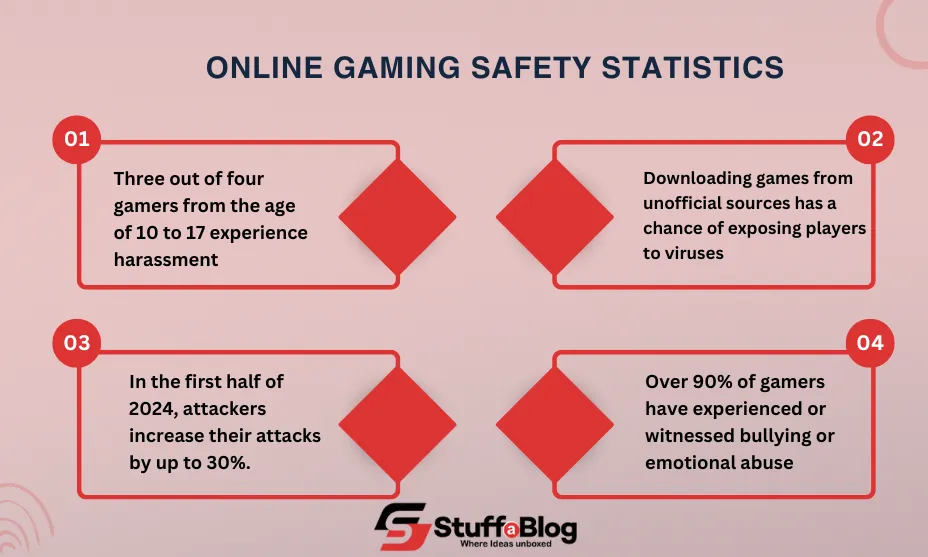
Young children frequently encounter digital safety risks through everyday channels like shared household devices and in-game chat features. — Common Sense Media
Frequently Asked Questions
How do adults access and print this material? Users can download the PDF directly from the site using any standard printer, making it instantly ready for home or classroom use. Does this resource guarantee complete online safety? While printables do not protect against threats on their own, they build crucial communication habits and critical thinking skills. What does the Federal Trade Commission recommend for kids online? According to the Federal Trade Commission, families should keep devices in common areas and establish clear household rules about privacy.
Explore More Free Kids Online Safety Printables
Expanding a child’s digital literacy toolkit requires a diverse variety of engaging formats. Adults can pair this activity with creative resources like a thematic digital citizenship coloring page to reinforce core lessons through art. Continuing the learning journey with additional materials from the broader library of online safety guides ensures children remain confident, cautious, and well-prepared for every digital adventure they undertake.
Developmental Milestone & Activity Table
| Development Stage | Recommended Daily Duration | Primary Learning Objective |
|---|---|---|
| Preschool & Pre-K | 10 – 15 Minutes | Pencil grip development & basic pre-stroke lines |
| Kindergarten | 15 – 20 Minutes | Letter/number formation & spatial line awareness |
| Early Elementary (Grade 1–2) | 20 – 30 Minutes | Fluency, sentence construction & neatness |
Images References