Introduction
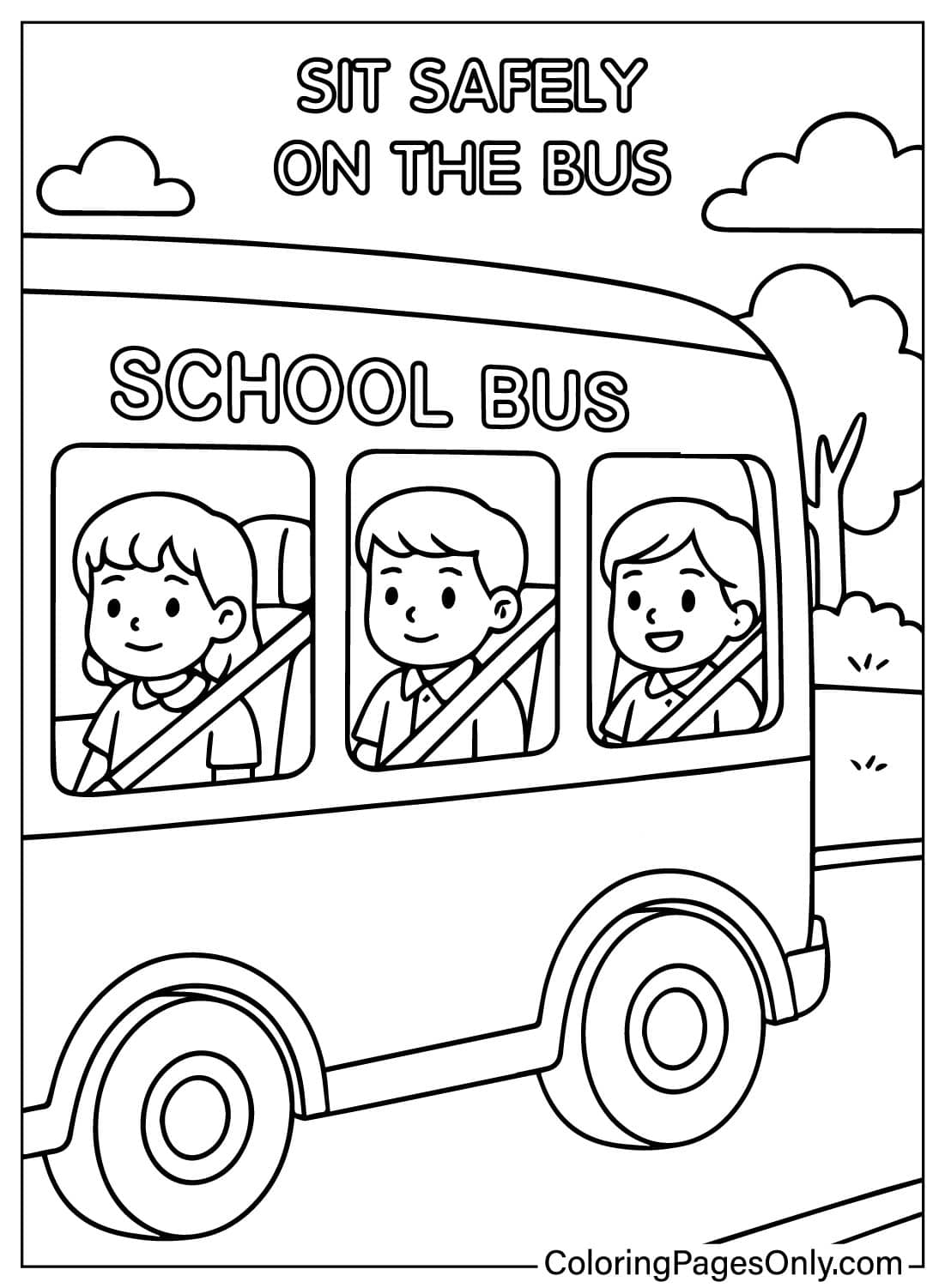
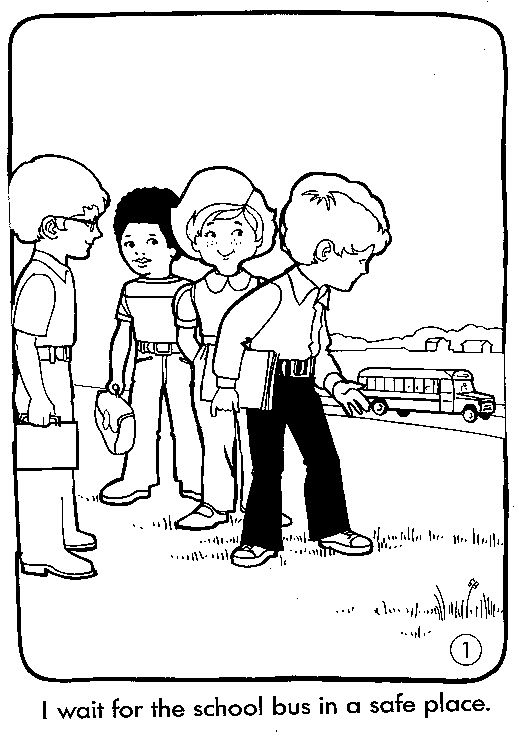
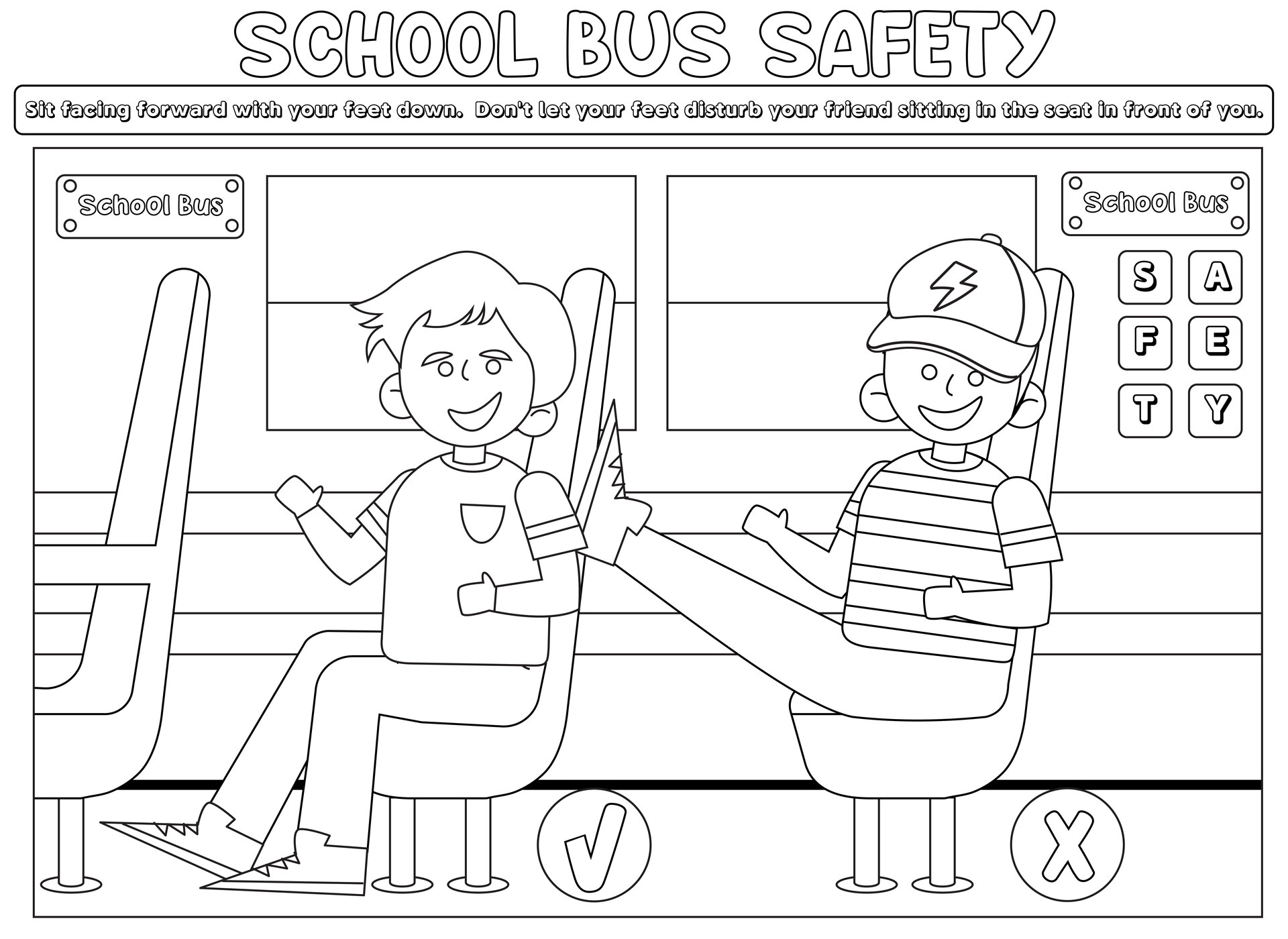
Digital safety education works best when concepts bridge physical environments with virtual spaces. Young learners navigate connected worlds through shared household tablets, casual video platforms, and in-game chat features where strangers converse freely. Children encounter online risks during moments of routine screen time, making proactive habit-building essential for early elementary grades. Transforming abstract rules into tangible concepts helps students internalize protective measures without fear. Utilizing a free printable on the bus safety rules coloring sheet offers an engaging entry point for foundational discussions about boundaries, attentiveness, and trusted guidance. Coloring reinforces safety messages through active participation, allowing adults to facilitate natural, low-pressure conversations while young learners focus on a creative task.
💡 Activity Key Takeaways:
- Core Focus: Printable On The Bus Safety Rules Coloring designed for creative expression and fine-motor coordination.
- Target Scope: Ideal for toddlers, preschool, kindergarten, and classroom art activities.
- Best Recommendation: Use standard heavy printer paper (24–28 lb) or cardstock for vibrant results with crayons, colored pencils, or washable markers.
What This Printable Covers
Visual learning tools simplify complex digital citizenship concepts into digestible takeaways for children aged five through twelve. The activity sheet outlines clear expectations for mindful behavior, mirroring the structured rules found in physical transit environments like school buses. Here is what makes this resource different: it connects familiar real-world routines, such as staying in designated seats and listening to drivers, with digital equivalents like staying on approved websites and heeding trusted adults. It sounds simple, and that’s the point. Children grasp physical safety boundaries much faster than virtual ones, so leveraging established transit rules creates an intuitive mental framework for internet navigation. Related guide: Safe Websites Meaning For Kids.
Key Learning Outcomes
Working through the page encourages children to identify trusted adults both at home and at school. Students practice recognizing signs that indicate a need to pause and seek help. The resource emphasizes that children are never in trouble for reporting something uncomfortable, establishing a crucial safety net for future online mishaps. Furthermore, discussing these principles helps build strong password habits, encourages thinking before sharing personal details, and reinforces the practice of keeping information private across all environments.
How to Use This Printable
Classrooms and living rooms transform into interactive workshop spaces when educators introduce safety concepts alongside hands-on art. Instructors can distribute the sheets during morning meetings, rainy day indoor recesses, or dedicated digital citizenship units. Parents find success utilizing the activity during weekend downtime or relaxed afternoon routines. It sounds simple, and that’s the point. Coloring occupies the hands, which often lowers cognitive anxiety and makes children more open to discussing sensitive topics like encountering strangers in online video games or chat rooms.
Practical Tips for Parents and Teachers
Guiding questions elevate the activity from a simple art project into a meaningful dialogue. Adults can ask open-ended prompts while children shade the illustrations, inquiring about who qualifies as a trusted helper or what steps to take when a pop-up appears on a shared family device. Educators frequently pair these printable activities with related lessons found in the broader Internet and Digital Safety curriculum collection. Displaying completed artwork in a prominent classroom corner or on a home refrigerator serves as an ongoing visual reminder of daily protective habits.
Age-Appropriate Recommendations
Kindergarten and first-grade students benefit from direct supervision and simple explanations focusing on keeping personal information private and asking an adult before clicking unfamiliar links. Older elementary students in fourth and fifth grades can examine nuanced scenarios involving peer interactions in multiplayer games, applying frameworks inspired by the Common Sense Education Digital Citizenship Curriculum to evaluate digital dilemmas critically. Pacing the conversation according to developmental stages ensures children absorb the material without feeling overwhelmed by adult-sized anxieties.
Young children frequently encounter digital risks on shared family devices and interactive gaming platforms where unfiltered communication occurs. — Pew Research Center
Frequently Asked Questions
Answers to common inquiries regarding implementation and design help educators and caregivers maximize the utility of these educational handouts.
A significant percentage of school-age children begin interacting with connected devices and virtual platforms before finishing elementary school. — Common Sense Media
Explore More Free Kids Online Safety Printables
Expanding a digital citizenship toolkit requires a variety of complementary resources designed for diverse learning styles. Caregivers and educators can browse additional Online and Digital Safety modules to find engaging scenarios. Pairing coloring sheets with interactive Worksheets reinforces consistent messaging across multiple formats, supporting lifelong digital literacy habits.
Key Specifications & Age-Group Overview
| Age / Grade Group | Target Skill Focus | Recommended Medium |
|---|---|---|
| Toddlers (Ages 2–4) | Hand-eye coordination & broad motor grasp | Jumbo crayons & washable finger paints |
| Early Elementary (Ages 5–7) | Line boundaries & fine pencil control | Standard colored pencils & fine-tip markers |
| Intermediate (Ages 8+) | Color blending, shading & artistic patience | Watercolor pencils, gel pens & dual-brush markers |
Images References