Blending Culinary Lessons with Digital Safety
When educators and parents introduce practical life skills, hands-on activities like cooking naturally come to mind. However, bringing tablets, laptops, or smartphones into the culinary workspace introduces unique digital safety challenges. Whether students are streaming a recipe video, looking up measurement conversions, or downloading educational printables, they navigate a connected environment that requires adult guidance. According to guidance from ConnectSafely on youth digital literacy, combining offline task instruction with proactive online safety lessons helps children build comprehensive critical thinking skills both at the kitchen counter and across various Online and Digital Safety frameworks.
💡 Educational Key Takeaways:
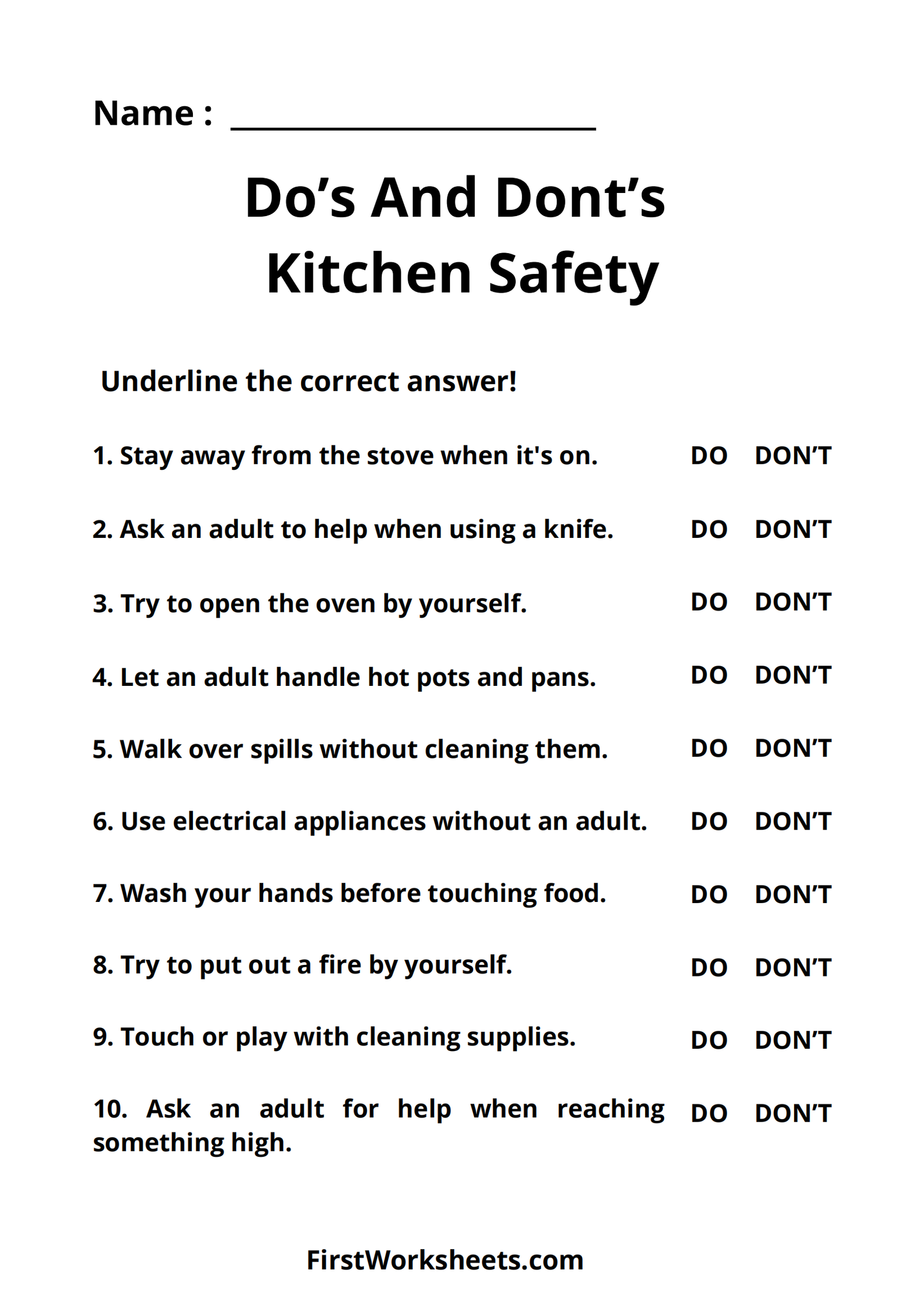
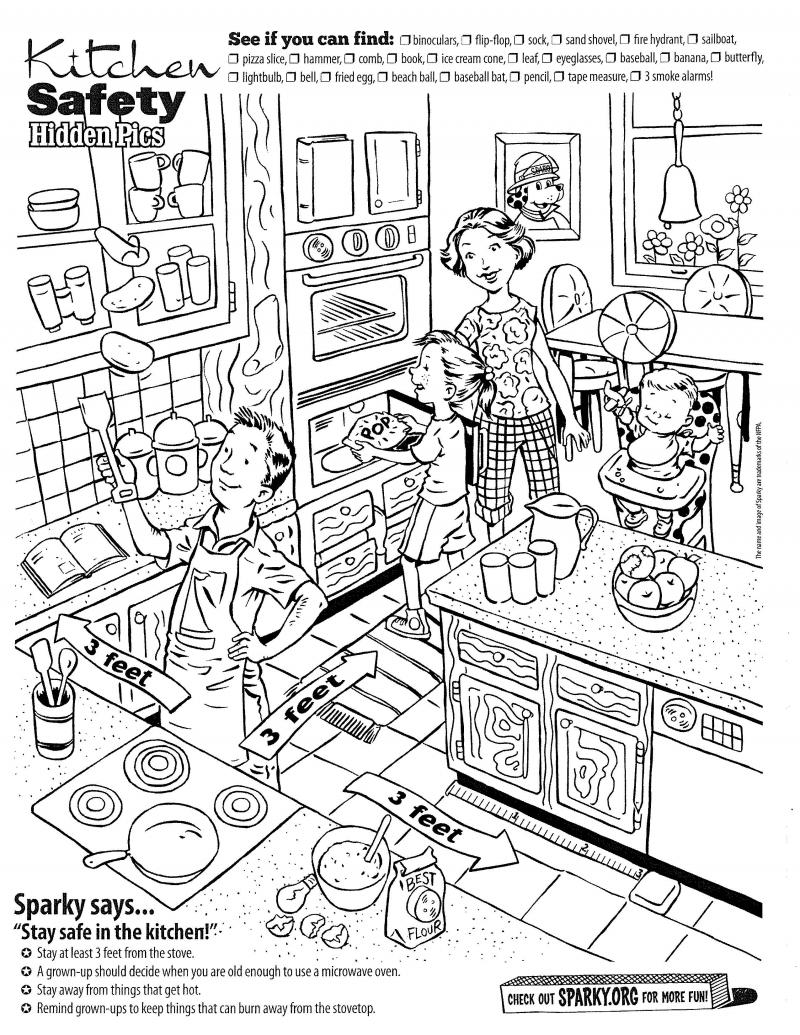
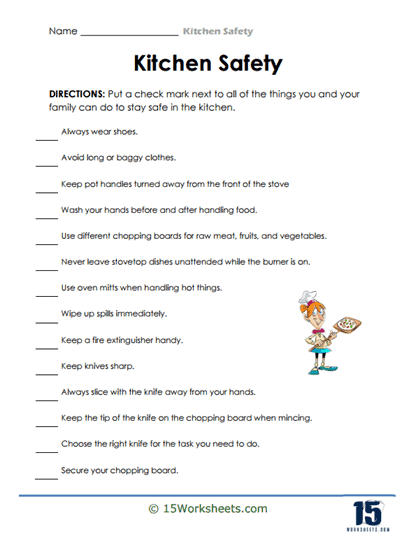
- Core Skill: Structured Health And Safety In The Kitchen Worksheets focused on developing pencil grip, stroke control, and early literacy/math confidence.
- Target Scope: Suited for homeschoolers, preschool, kindergarten, and elementary learners.
- Best Recommendation: Practice 10–15 minutes daily with ergonomic writing tools to reinforce muscle memory without hand fatigue.
Evaluating Potential Hazards and Applying Preventive Guardrails
Introducing connected devices into active environments like kitchens creates specific technical and behavioral vulnerabilities. Liquids, distracted scrolling near hot surfaces, and unvetted online recipe links can expose children to accidental device damage, inappropriate ad content, or malicious redirects. To help adults systematically manage these risks, the breakdown below outlines common vulnerabilities alongside practical safeguards for home and school environments. Related guide: Online Safety And Netiquette Lesson Plan Grade 4.
| Setting / Context | Common Vulnerability | Practical Safeguard |
|---|---|---|
| Home Kitchen Devices | Spills, food residue, and accidental drops while streaming cooking tutorials on unsecured tablets. | Keep devices on a secure stand away from active prep zones and utilize robust child-account screen locks. |
| School Chromebooks and Tablets | Accessing unvetted third-party recipe blogs containing aggressive pop-up ads or tracking cookies. | Rely on curated educational Worksheets and pre-filtered browser bookmarks managed by school IT staff. |
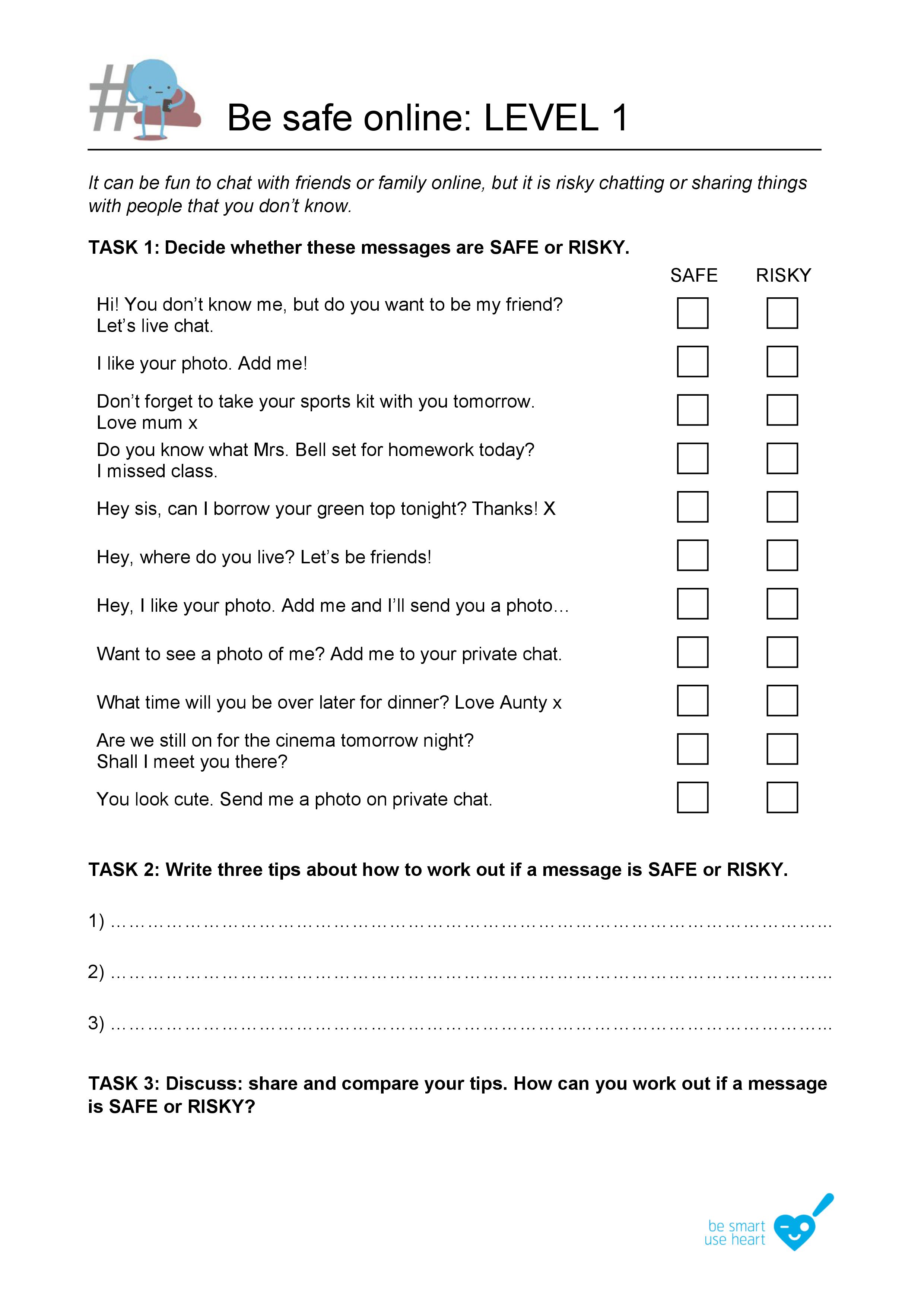
| Social Media Recipe Apps | Unmoderated comment sections and direct messaging features embedded within popular food-sharing platforms. | Disable commenting and private chat privileges on youth profiles, aligning with recommendations from the FTC on youth privacy. |
Establishing Consistent Digital Habits for Kitchen Learning
Creating a safe digital and culinary space requires clear, predictable routines. Educators and parents should establish designated device-free prep zones where screens are placed at a safe distance from heat and water sources. When students utilize printable material or digital guides, adults should encourage open communication regarding any unexpected pop-ups, broken links, or uncomfortable online interactions. Furthermore, integrating age-appropriate device controls ensures that young learners can focus entirely on their culinary tasks without stumbling into unmonitored corners of the web. Grounding these practices in structured lessons helps reinforce responsible digital citizenship across all subjects.
Children are naturally curious and quickly find workarounds when overly restrictive technical filters block access to helpful instructional videos or cooking blogs. Rather than relying solely on hard bans that drive kids to bypass security settings in secret, adults should adopt a transparent, educational approach. CISA cybersecurity awareness frameworks emphasize that open dialogue is far more effective than absolute restriction. When students understand why certain sites are blocked or why devices must stay away from stove tops, they are much more likely to cooperate and report suspicious digital encounters without fear of punishment.
Frequently Asked Questions About Kitchen Tech and Safety
How can I protect school-issued tablets from kitchen spills during cooking activities?
Always position devices on a stable counter space well away from wet ingredients, hot burners, and active mixing zones. Using a durable, waterproof sleeve or a clean plastic zip-top bag to cover the screen can also provide an extra layer of physical protection.
Are online printable resources safer than browsing recipe websites directly?
Yes, downloading pre-approved educational materials from trusted repositories or utilizing dedicated Internet and Digital Safety guidelines eliminates the risk of students encountering malicious pop-ups or predatory advertisements on unvetted third-party blogs.
How do I talk to my child if they encounter inappropriate content while searching for a recipe?
Maintain a calm, non-punitive tone that rewards honesty. Reassure the child that they did the right thing by closing the tab and notifying an adult immediately, then review safe search practices together.
Explore More Digital Citizenship Resources
Empowering children to navigate both physical and digital environments safely requires ongoing education, practical tools, and collaborative community standards. To discover more guides, lesson plans, and safety strategies for educators and families, visit SafeWiredSchools.org.
Worksheet Previews & Reference Materials