Why Visual Science Rules Matter for Both Real-World Labs and Digital Spaces
As K-12 students transition between physical chemistry experiments and virtual learning modules, keeping them safe requires a blend of traditional instruction and smart device management. When teachers search for a lab safety cartoon worksheet pdf to print or distribute via school portals, they are looking for engaging ways to teach critical thinking about potential hazards. Organizations like ConnectSafely emphasize that visual learning tools help children retain vital safety rules. However, relying solely on printed PDFs is not enough; educators and parents must also ensure that the digital channels used to access, share, and download these educational resources remain secure, malware-free, and age-appropriate.
💡 Educational Key Takeaways:
- Core Skill: Structured Lab Safety Cartoon Worksheet Pdf focused on developing pencil grip, stroke control, and early literacy/math confidence.
- Target Scope: Suited for homeschoolers, preschool, kindergarten, and elementary learners.
- Best Recommendation: Practice 10–15 minutes daily with ergonomic writing tools to reinforce muscle memory without hand fatigue.
Risk Signals & Preventive Guardrails for Digital Document Access
Downloading educational documents from unverified websites can expose student devices to unexpected pop-up ads, unwanted software bundles, or phishing links. Understanding technical vulnerabilities across home networks and school-issued Chromebooks helps families protect children from unsafe content. Review the following framework to align device controls with safe browsing habits.
| Setting / Context | Common Vulnerability | Practical Safeguard |
|---|---|---|
| Home Devices & Tablets | Accidental clicks on malicious PDF download mirrors or pop-up ads | Install reputable content filters and use browser extensions that block ads and suspicious redirects. |
| School Chromebooks | Accessing unvetted third-party worksheet repositories during independent study | Rely on district-approved portals and curated Worksheets directories managed by IT staff. |
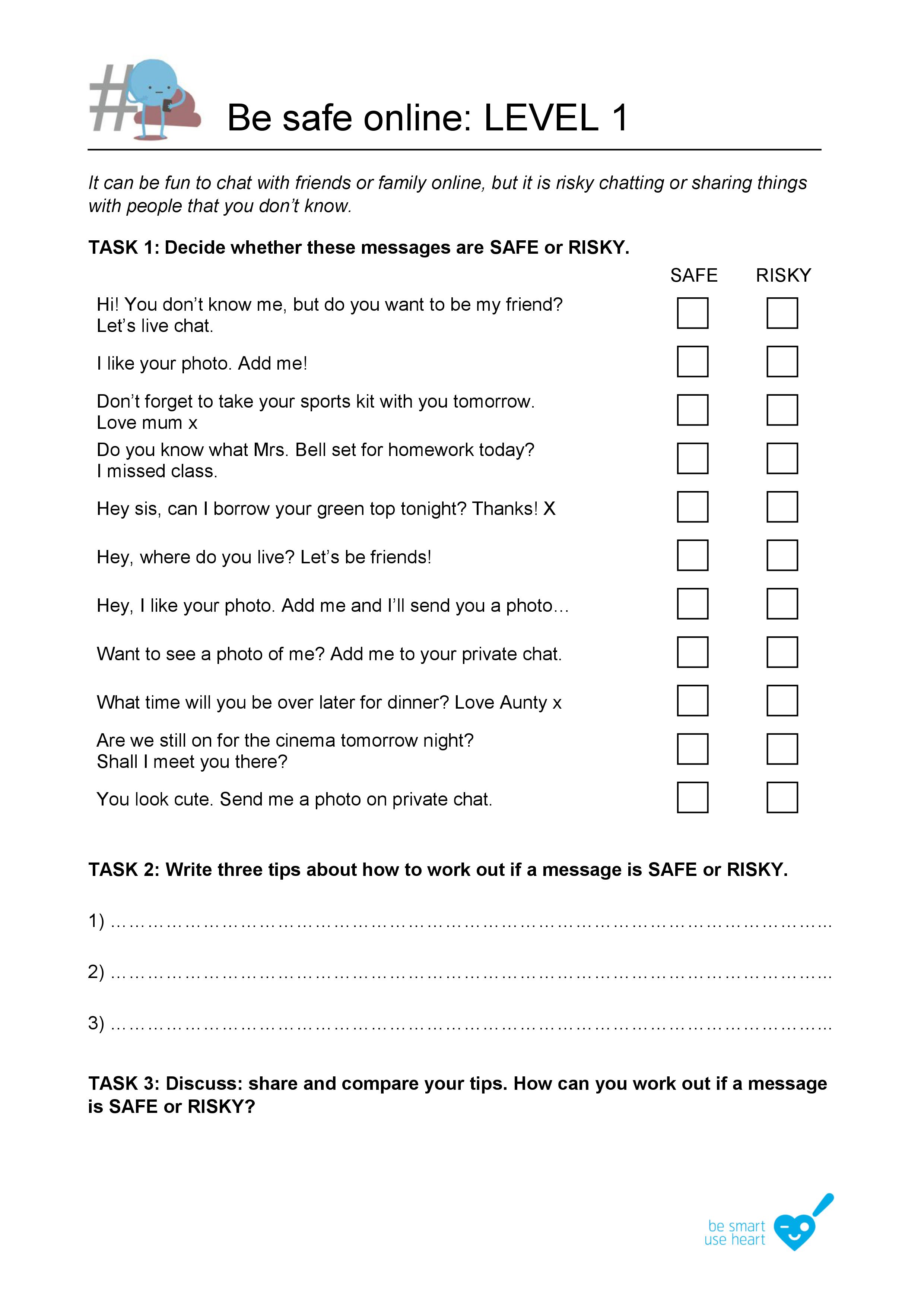
| Peer Chat & File Sharing | Students exchanging direct download links to unverified files via messaging apps | Teach children to verify links with a teacher or parent before opening files shared by peers. |
Establishing Clear Guidelines for Digital and Physical Classrooms
Integrating science safety lessons into daily routines requires clear, actionable habits that students can easily follow. Whether a child is coloring a visual guide from Coloring Pages or participating in a hands-on chemistry demonstration, consistency is key. Schools should establish safe device-use policies that outline what students should do if they encounter a broken link, a suspicious download prompt, or an inappropriate pop-up window while looking for school materials. Parents can reinforce these lessons at home by setting up shared device charging stations in common family areas, making it easier to monitor what students download and view online.
Preventing Workarounds and Addressing Student Curiosity Safely
Overly restrictive internet filtering can sometimes backfire, pushing curious students to seek out workarounds or unverified third-party websites to find science diagrams and lab safety cartoon worksheet pdf files. Instead of relying solely on heavy-handed blocks, educators and parents should maintain open dialogues about digital literacy. CISA guidelines recommend teaching children how to recognize secure web addresses and encouraging them to report broken pages or weird download prompts without fear of getting into trouble. Combining technical guardrails with a non-judgmental reporting culture builds lasting trust.
Frequently Asked Questions About Managing Digital Learning Materials
How can I verify if a worksheet download link is safe for my child?
Always check that the URL originates from a trusted educational domain or official school portal. Avoid sites that force multiple redirects or prompt you to install unrecognized browser plugins before granting access to a document.
Are visual cartoons effective for teaching older middle school students?
Yes, visual storytelling and comic-style breakdowns appeal to diverse learning styles across multiple grade levels. Pairing these resources with broader lessons found in Internet and Digital Safety ensures students stay protected while exploring educational content.
What should my school do if students encounter blocked educational resources?
IT departments should establish a streamlined review process where teachers can quickly request whitelist approvals for legitimate educational repositories, minimizing student frustration and reliance on unverified workarounds.
Explore More Digital Citizenship Resources
Keeping students secure across both science labs and digital platforms requires ongoing collaboration between educators, administrators, and families. To discover more expert guides, printable activities, and actionable advice, visit SafeWiredSchools.org today.
Worksheet Previews & Reference Materials