Why Structured Safety Tools Matter for Modern Students
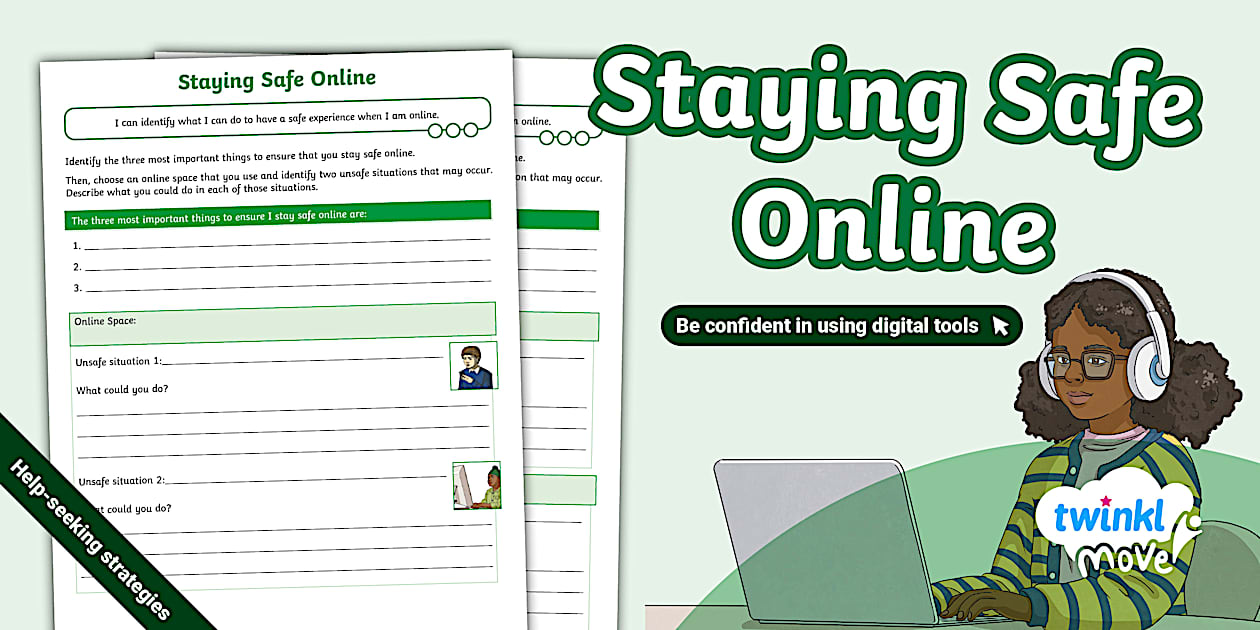
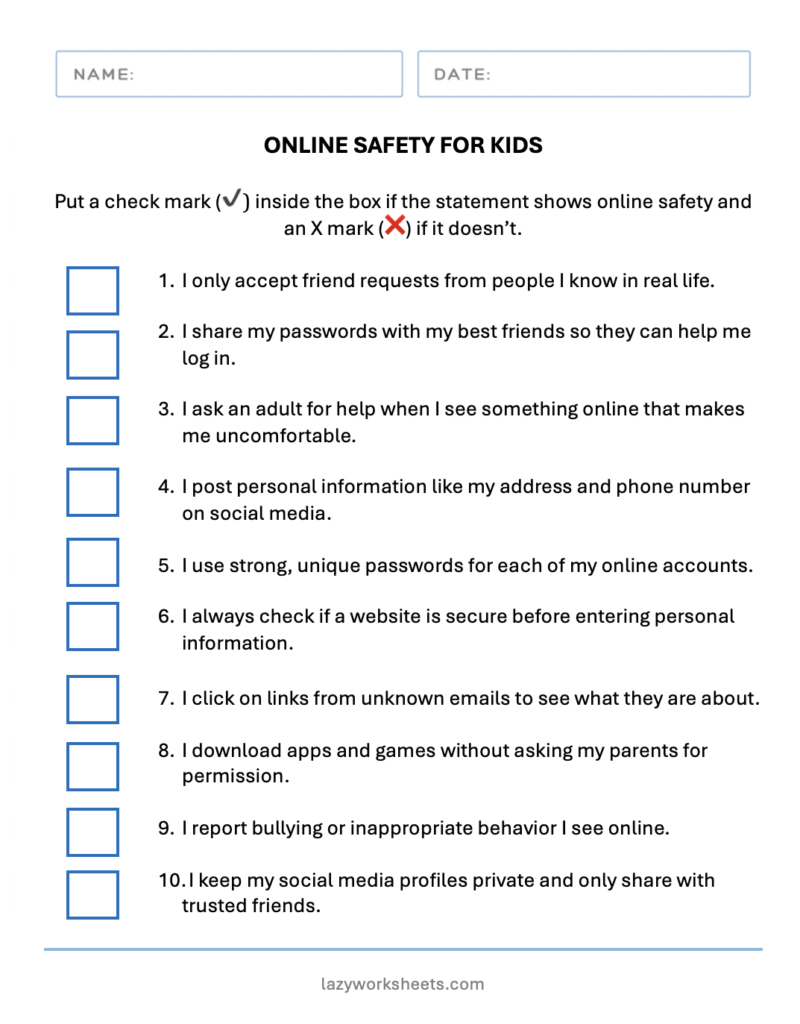
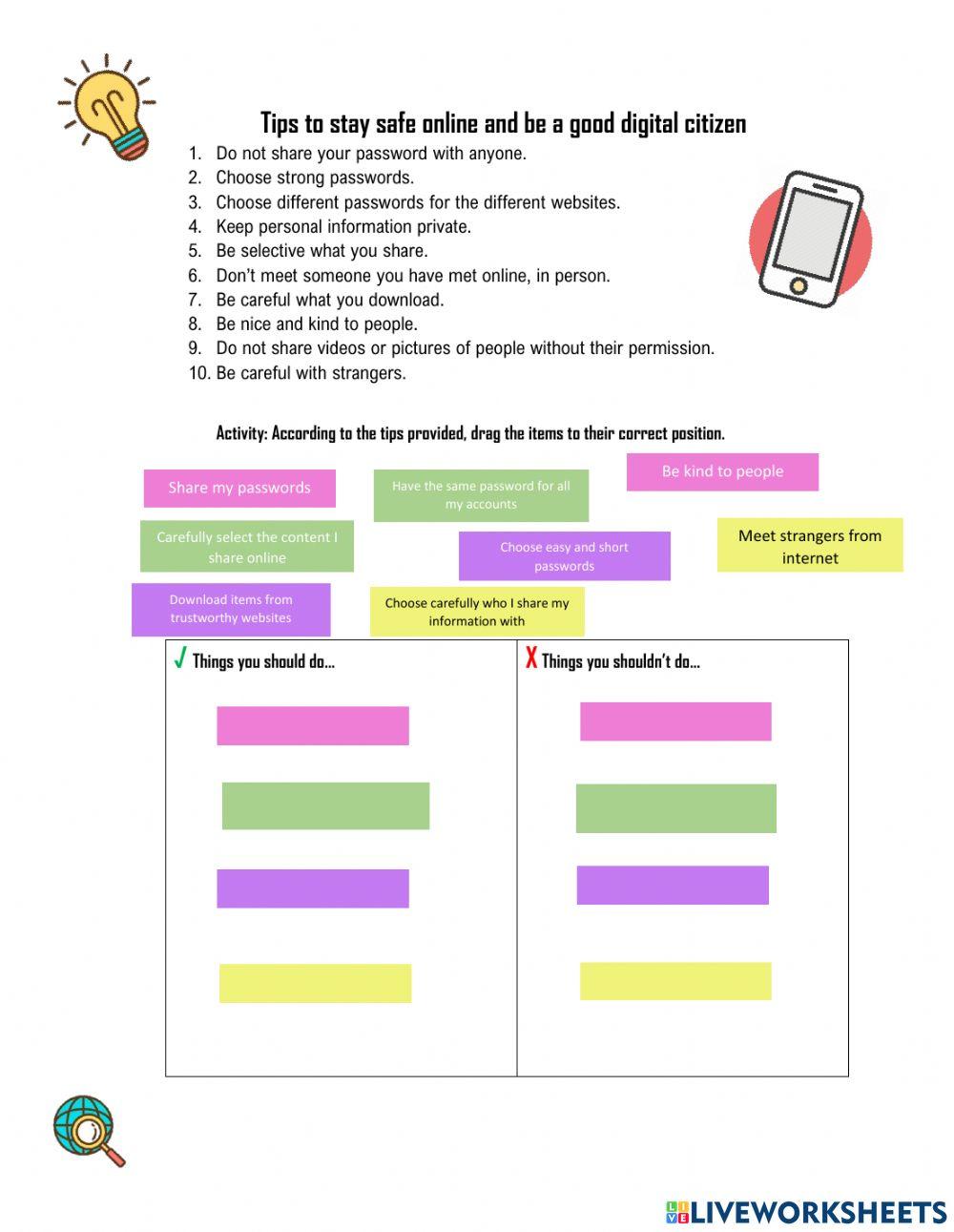
As children navigate school-issued tablets and personal smartphones daily, building resilient digital habits requires more than a casual warning. Educators and families need interactive frameworks to turn abstract concepts into everyday routines. Organizations like ConnectSafely and the Cybersecurity and Infrastructure Security Agency emphasize that proactive education works far better than reactive punishment. Integrating a dedicated staying safe online worksheet into lesson plans or family game nights gives kids concrete scenarios to analyze, helping them recognize phishing attempts, oversharing risks, and cyberbullying before incidents occur.
💡 Educational Key Takeaways:
- Core Skill: Structured Staying Safe Online Worksheet focused on developing pencil grip, stroke control, and early literacy/math confidence.
- Target Scope: Suited for homeschoolers, preschool, kindergarten, and elementary learners.
- Best Recommendation: Practice 10–15 minutes daily with ergonomic writing tools to reinforce muscle memory without hand fatigue.
Spotting Vulnerabilities Across School and Home Environments
Different environments expose children to unique online risks, ranging from unmonitored browser extensions on home laptops to public chat rooms in multiplayer video games. Adults can use the breakdown table below to identify common warning signs and deploy the right technical and behavioral safeguards across different student touchpoints. Related guide: Online Safety And Netiquette Lesson Plan Grade 4.
| Setting / Context | Common Vulnerability | Practical Safeguard |
|---|---|---|
| Home Personal Devices | Unfiltered search engines and pop-up malvertising targeting kids. | Enable safe search locks, router-level content filtering, and verify app store purchase pins. |
| School Chromebooks/Tablets | Bypassing district extensions through proxy sites or unauthorized extensions. | Coordinate with IT to audit active browser extensions and reinforce Internet and Digital Safety policies. |
| Social Apps & In-Game Chat | Direct messaging from strangers offering in-game currency or items. | Disable direct messaging features on gaming platforms and teach children to block and report immediately. |
Core Routines Families and Educators Can Implement Today
Translating safety theories into daily life takes consistent, low-stress routines. Start by establishing a centralized charging station in a common household area to keep bedrooms screen-free overnight. In classrooms, integrate a printable staying safe online worksheet as a collaborative warm-up activity where students evaluate hypothetical chat messages or password strengths. Pair these routines with strong account protection, such as enabling multi-factor authentication on school portals and personal email accounts. Most importantly, establish a clear reporting workflow that encourages children to come forward if they encounter disturbing content, ensuring they know they will not lose their device privileges simply for asking for help.
Children are remarkably resourceful when trying to bypass strict digital restrictions, often discovering hidden browser games or incognito modes within days. When adults react with immediate anger or total device confiscation, kids simply learn to hide their online behavior more effectively. According to youth privacy guidance from groups like the Family Online Safety Institute, a balanced approach yields better long-term compliance. Combine age-appropriate device controls with open-ended conversations that explain *why* certain rules exist. When students understand that filters protect them from identity theft and targeted scams rather than serving as arbitrary punishment, they are far more likely to cooperate and self-regulate.
Frequently Asked Questions About Digital Safety Worksheets
What age group benefits most from a staying safe online worksheet?
Children in upper elementary and middle school grades benefit the most, as this is when they typically gain independent access to social apps and school search engines. You can easily adapt the scenarios to match their specific developmental stage and tech usage.
How can teachers incorporate these safety lessons without losing instructional time?
Safety exercises fit smoothly into homeroom advisory periods, digital citizenship units, or computer lab rotations. Many educators pair a quick 10-minute worksheet discussion with resources found in our Worksheets archive to reinforce core curriculum standards.
What should a parent do if a child hides their online activity?
Resist the urge to lecture or punish immediately. Instead, open a calm dialogue about trust, online permanence, and why privacy settings exist to keep them safe from predatory actors.
Explore More Digital Citizenship Resources
Empowering the next generation of digital citizens requires ongoing guidance, up-to-date classroom activities, and strong school-home partnerships. Continue exploring practical lesson plans, student guides, and downloadable activity sheets by visiting SafeWiredSchools.org to support your students every step of the way.
Worksheet Previews & Reference Materials