Why Integrating Bus Safety Coloring Pages Into Daily Routines Matters
Teaching children how to navigate their physical environment safely often starts on paper, but in today’s connected classrooms, even routine activities like bus safety coloring pages intersect with digital habits. As schools blend traditional printables with interactive whiteboards and digital tablets, educators and parents must look beyond the crayons. According to guidance from organizations like ConnectSafely and the Federal Trade Commission regarding youth privacy and screen habits, children frequently encounter digital tracking, unsolicited pop-up ads, and unsecured download portals when searching for educational printables online. By guiding students through safe downloading practices and establishing calm routines around physical and online spaces, we can build robust digital citizenship foundations starting from the earliest grades.
💡 Activity Key Takeaways:
- Core Focus: Printable Bus Safety Coloring Pages designed for creative expression and fine-motor coordination.
- Target Scope: Ideal for toddlers, preschool, kindergarten, and classroom art activities.
- Best Recommendation: Use standard heavy printer paper (24–28 lb) or cardstock for vibrant results with crayons, colored pencils, or washable markers.
Balancing Creativity and Cybersecurity When Accessing Printable Activities
When teachers and parents search for transportation-themed printables, they often navigate third-party resource repositories that may expose children to behavioral tracking or inappropriate advertisements. Implementing appropriate device controls ensures that young learners interact only with vetted platforms. Reviewing safety signals, managing school-issued hardware permissions, and maintaining clear classroom policies safeguard both student privacy and focus. The table below outlines common vulnerabilities tied to downloading educational materials and the concrete safeguards adults can implement to mitigate those risks. Related guide: Please Provide Free 8.5X11″ Digital Safety Coloring Pages For K-2 Grade.
| Setting / Context | Common Vulnerability | Practical Safeguard |
|---|---|---|
| Home Devices | Malicious ads, deceptive download buttons, and trackers on unverified printable websites. | Pre-download resources yourself, use reliable educational hubs like Coloring Pages, and install reputable ad-blockers. |
| School Chromebooks and Tablets | Students accidentally navigating away from educational repositories to unrestricted web domains. | Rely on district-level web filters and enforce strict bookmarking policies for classroom web exploration. |
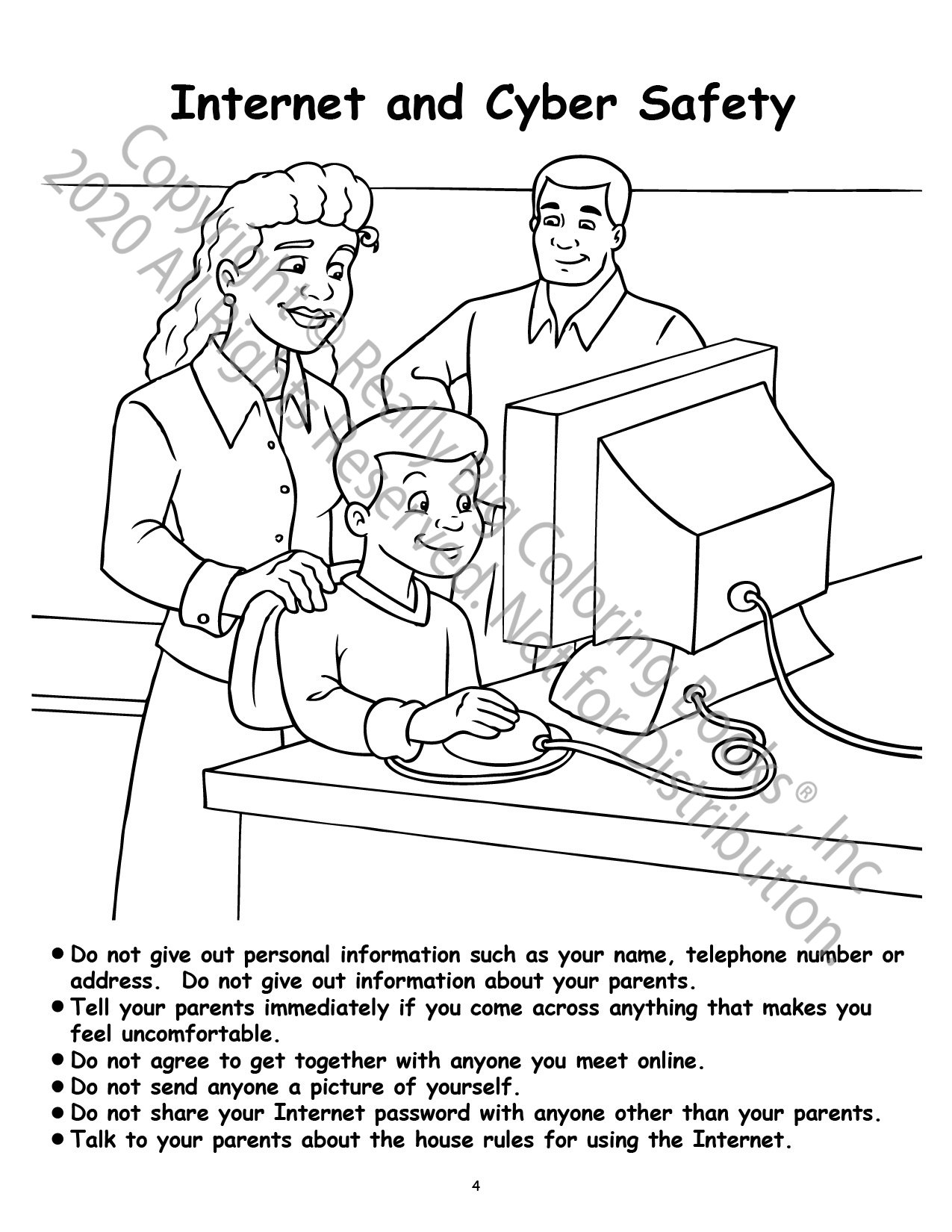
| Social and Chat Habits | Sharing geo-location data or personal schedules while discussing daily school bus routes online. | Teach children through resources found in Internet and Digital Safety modules never to post specific transit times or school names. |
Establishing Healthy Digital Habits Around Classroom Printables
Integrating creative exercises into school and home routines offers a natural opening to discuss broader rules about technology use. Instead of relying solely on heavy-handed restrictions, educators and parents can pair creative lessons with transparent guidelines. Establish a centralized family charging station to keep evening tablet use visible and prevent unsupervised web searches for printables. When introducing Worksheets or art activities, teachers should model how to safely close browser tabs and clear download folders. Creating a shame-free reporting workflow ensures that if a child clicks a suspicious link or encounters an uncomfortable pop-up while looking for pictures to color, they feel confident immediately telling an adult without fear of losing device privileges.
Overcoming Student Workarounds and Algorithmic Pitfalls
Children are naturally resourceful, and tech-savvy students quickly find ways around restricted browser environments when hunting for fun images. Overly strict, absolute bans often backfire by driving children to seek workarounds on personal devices in secret. Rather than creating a culture of fear, pair technical web filters with ongoing, calm conversations about online safety indicators, such as recognizing secure URL structures or identifying deceptive web prompts. When adults take time to explain why certain sites are blocked—such as protecting privacy rather than just spoiling fun—students develop critical thinking skills that extend far beyond the classroom coloring table.
Frequently Asked Questions From Educators and Parents
How can I ensure the websites I use for classroom printables are safe for young children?
Stick to trusted educational networks and institutional repositories rather than relying on random search engine results. Pre-screen every file before letting students interact with the device, and ensure your browser utilizes updated content filters.
What should I do if a student accidentally clicks a malicious ad while searching for activity sheets?
Remain calm and use the moment as a teachable experience rather than an occasion for punishment. Immediately close the browser window, run a quick security check on the device if necessary, and remind the child to alert an adult right away whenever an unexpected pop-up appears.
How do physical safety lessons like bus rules connect to digital safety education?
Both disciplines rely on situational awareness, recognizing red flags, and following established boundaries to stay safe. Discussing transit rules provides an intuitive framework for talking about online boundaries, such as knowing who to trust and where to share personal information.
Explore More Digital Citizenship Resources
Equipping students with the tools they need for safe navigation—both on the bus and on the browser—requires ongoing collaboration between home and school. Discover additional tips, downloadable guides, and expert recommendations by visiting us at SafeWiredSchools.org.
Printable Coloring Page Previews