Why Creative Offline Interludes Strengthen Modern Student Safety
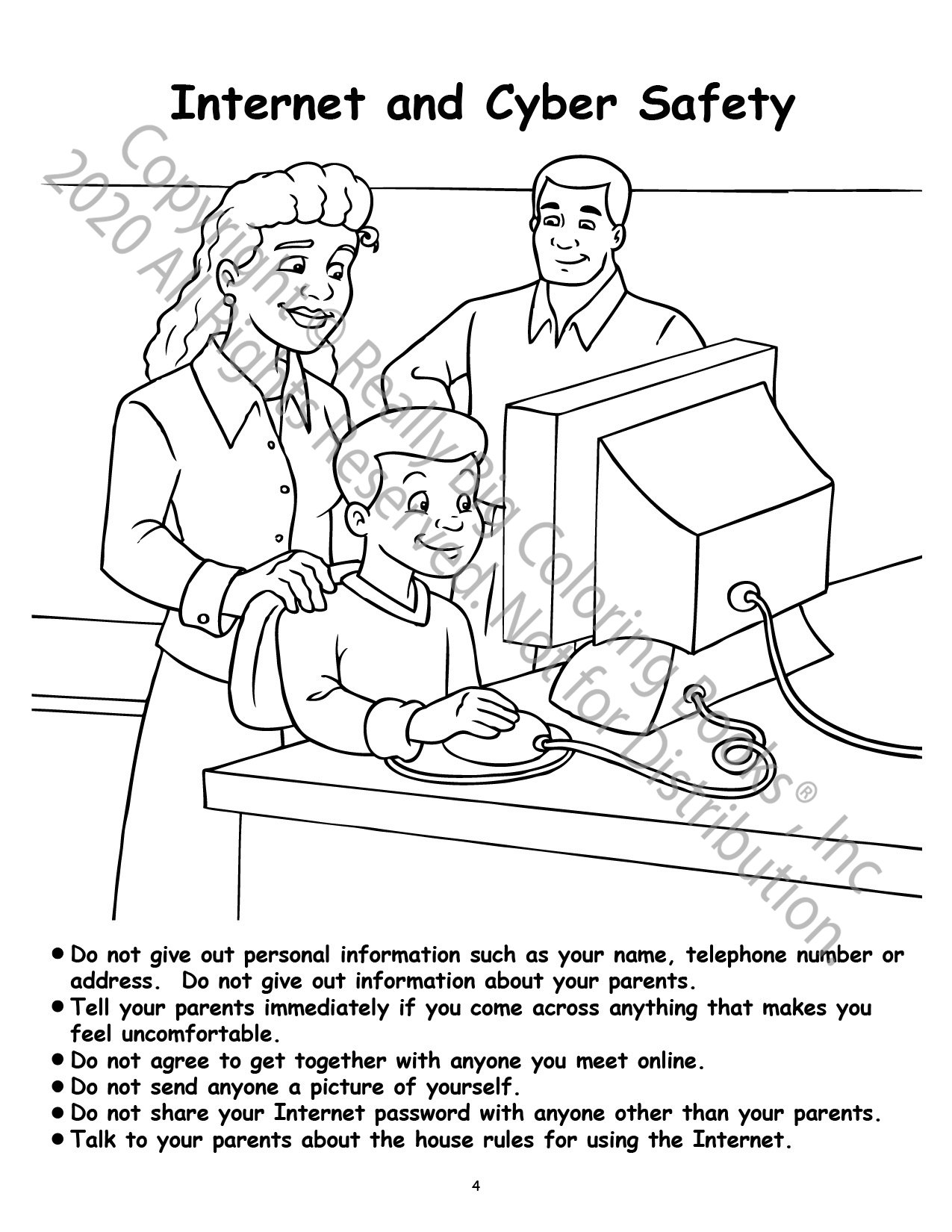
As students navigate an increasingly connected digital ecosystem, balancing screen time with tactile learning experiences has become a core priority for educators and parents alike. When introducing topics like online awareness, combining creative art time with foundational lessons creates a lasting impression on young learners. Grounded in youth privacy guidance from organizations like ConnectSafely and the Federal Trade Commission, safety coloring bridges the gap between abstract internet rules and tangible, age-appropriate understanding. By translating digital citizenship concepts into coloring sheets, kids can discuss privacy, device limits, and digital footprints in a relaxed, low-pressure environment that encourages open dialogue.
💡 Activity Key Takeaways:
- Core Focus: Printable Safety Coloring designed for creative expression and fine-motor coordination.
- Target Scope: Ideal for toddlers, preschool, kindergarten, and classroom art activities.
- Best Recommendation: Use standard heavy printer paper (24–28 lb) or cardstock for vibrant results with crayons, colored pencils, or washable markers.
Spotting Vulnerabilities Across School and Home Environments
Maintaining a secure digital footprint requires a multi-layered approach across both institutional networks and home devices. Adults must stay vigilant regarding how children interact with shared tablets, personal laptops, and interactive gaming platforms. The matrix below outlines common vulnerability points alongside practical safeguards recommended by cybersecurity frameworks to keep students protected. Related guide: Please Provide Free 8.5″X11″ Digital Safety Coloring Pages For K-2 Grade.
| Setting / Context | Common Vulnerability | Practical Safeguard |
|---|---|---|
| Home Tablets & Phones | Unrestricted app downloads and accidental in-app purchases exposing personal data. | Enable strict parental controls, require password authentication for downloads, and review privacy settings together. |
| School Chromebooks | Over-reliance on filtering tools that fail to teach critical thinking or self-regulation. | Pair CISA-aligned network filters with explicit lessons on safe browsing and digital etiquette. |
| In-Game Chat & Messaging | Oversharing real names, school locations, or schedules with unknown online players. | Establish a firm rule against sharing identifiable information and encourage turning off public chat functions. |
Establishing Balanced Habits Between Screens and Creative Outlets
Protecting children online relies just as much on consistent daily routines as it does on robust technical filters. Educators and families should collaborate to establish predictable boundaries that do not feel overly punitive. Designating centralized family charging stations ensures that bedroom devices are tucked away overnight, reducing the temptation of late-night scrolling. Furthermore, integrating Coloring Pages into classroom downtime or rainy-day schedules offers a refreshing screen break while reinforcing positive behavior concepts. When adults pair these tactile activities with printable Worksheets, children develop a well-rounded understanding of how to protect their personal information.
When young people encounter overly aggressive internet restrictions or sudden device confiscations, they often seek out workarounds, such as using proxy sites or hiding browser history. Effective digital citizenship coordinators recommend moving away from fear-based discipline and toward collaborative communication. If a student bypasses a filter, use the moment as an educational touchpoint rather than an immediate punishment. Ask open-ended questions about what they were trying to access and explain the underlying reasoning behind the security policy. Maintaining this bridge of trust ensures children feel comfortable coming forward when they encounter harmful content or suspicious online behavior.
Frequently Asked Questions About Digital Safety and Creative Learning
At what age should children start learning about online privacy?
Foundational concepts like keeping personal information private can begin as early as kindergarten. Using creative activities helps make abstract rules concrete for young minds.
How can teachers incorporate digital citizenship without adding to academic pressure?
Educators can weave safety lessons into art periods, homeroom discussions, or independent work blocks by utilizing interactive printables and guided group conversations.
Are technical filters enough to keep my child completely safe online?
No software is completely foolproof. Technical controls must be paired with ongoing, calm conversations about online behavior and digital empathy.
Explore More Digital Citizenship Resources
Empowering the next generation of digital citizens requires continuous learning, practical tools, and community collaboration between home and school. To discover additional guides, lesson plans, and strategies for protecting youth online, visit SafeWiredSchools.org and explore our comprehensive Online and Digital Safety hub.
Printable Coloring Page Previews