Introduction
Young children interact with screens long before they learn formal typing skills, frequently encountering shared household tablets, family gaming consoles, and streaming video platforms. Meeting these virtual spaces requires foundational digital habits, just as crossing a busy street requires learning traffic rules. Adults often struggle to introduce these abstract concepts to five-to-eight-year-olds without causing unnecessary anxiety or confusion. Traditional lectures rarely capture attention or drive behavior change in early elementary classrooms. Integrating creative mediums transforms complex cyber safety concepts into tangible, approachable lessons that resonate with developing minds. Exploring resources like printable creative sheets offers a low-stakes entry point for building essential digital literacy from an early age.
💡 Activity Key Takeaways:
- Core Focus: Printable Please Provide Free 8.5X11″ Digital Safety Coloring Pages For K-2 Grade designed for creative expression and fine-motor coordination.
- Target Scope: Ideal for toddlers, preschool, kindergarten, and classroom art activities.
- Best Recommendation: Use standard heavy printer paper (24–28 lb) or cardstock for vibrant results with crayons, colored pencils, or washable markers.
What This Printable Covers
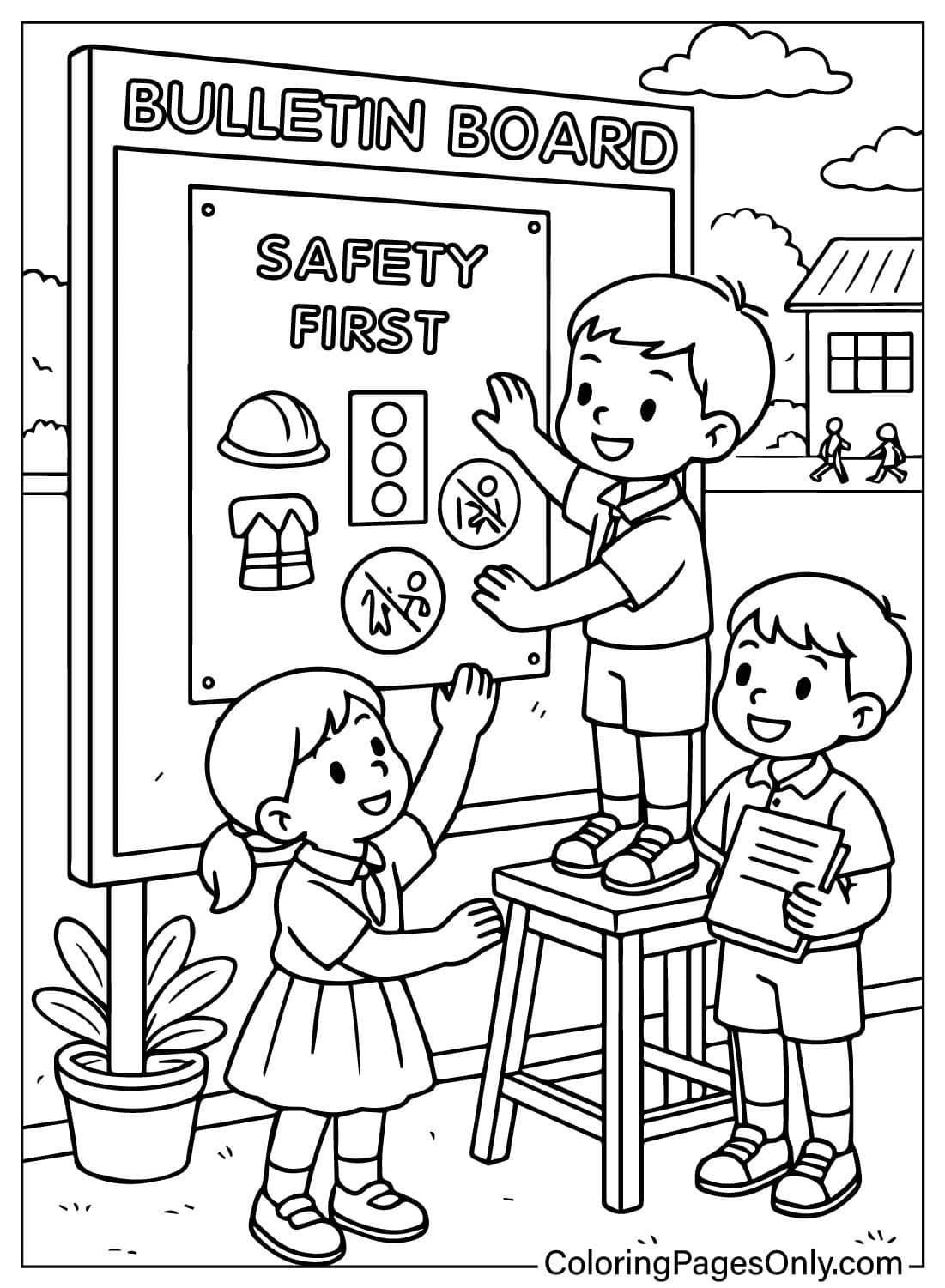
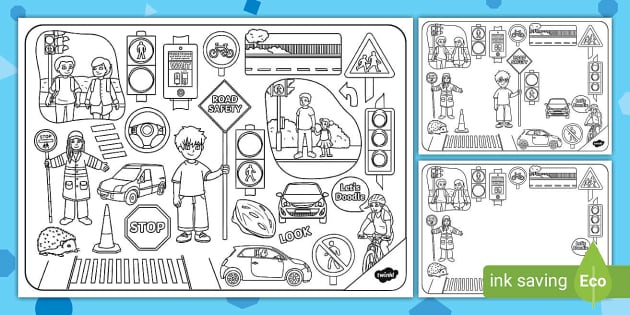
The free printable please provide free 8.5×11 digital safety coloring pages for k-2 grade materials address foundational protective habits tailored specifically to early childhood learners. Imagery features friendly characters navigating everyday digital dilemmas, such as distinguishing between public and private information, recognizing secure device boundaries, and identifying trusted adults to approach when something feels wrong on a screen. Every sheet reinforces the absolute rule that children remain safe and blameless when reporting uncomfortable online moments. It sounds simple, and that’s the point. Repetition through artistic expression helps cement these vital protocols in memory without relying on fear-based messaging. Children absorb protective strategies best when they view technology as an exciting tool that requires mindful stewardship rather than a dangerous minefield.
Key Learning Outcomes
Working through these illustrations allows children to practice critical cognitive and social-emotional skills related to media use. According to the Common Sense Education Digital Citizenship Curriculum, early learners benefit immensely from practicing self-regulation and empathy in virtual environments alongside physical ones. Students learn to pause before clicking unknown buttons or sharing favorite items. They identify the boundaries of personal data, including full names, home addresses, and school locations. Furthermore, the activities normalize open communication between children and their designated caregivers. Educators frequently pair these designs with hands-on early learning activities to reinforce offline processing of online experiences.
How to Use This Printable
Implementing these standard letter-sized sheets requires minimal preparation for busy classrooms, homeschool environments, and counseling offices. Educators distribute the pages during morning meeting times, quiet reading intervals, or art centers to prompt organic group discussions. Parents can place the printables on the kitchen table alongside crayons while preparing dinner, inviting relaxed conversation about tablet time boundaries. Here’s what makes this resource different: coloring physically engages both hemispheres of the brain, lowering cortisol levels and keeping young learners calm while processing sensitive topics. Adults guide the dialogue by asking open-ended questions about the characters’ choices rather than delivering strict rules. Fostering this collaborative atmosphere empowers children to voice their own digital boundaries.
Practical Tips for Parents and Teachers
Maximizing the educational impact of these resources involves intentional pacing and positive reinforcement. Adults should avoid rushing through the imagery, instead pausing to let children describe what the characters are doing on the page. Linking the fictional scenarios to real family device routines helps bridge the gap between abstract instruction and daily life. For instance, connecting a coloring page about secure passwords to the family tablet login screen makes the lesson immediately practical. According to the Pew Research Center, a vast majority of parents worry about young children’s screen exposure, making proactive, conversation-starting tools essential for household peace of mind. Keeping the tone encouraging ensures children view safety habits as empowering superpowers rather than restrictive punishments.
Age-Appropriate Recommendations
Kindergarten through second-grade children process information through concrete examples and sensory engagement. The Common Sense Education Digital Citizenship framework emphasizes developmentally appropriate milestones, encouraging educators to focus digital instruction on three pillars: privacy, kindness, and trusted reporting. Five-year-olds benefit from focusing on physical device care and asking permission before launching new apps. Second graders, who may use school-issued laptops for independent assignments, can explore deeper concepts like password confidentiality and recognizing pop-up advertisements. Aligning expectations with these developmental stages prevents cognitive overload and fosters steady confidence as children grow older and encounter more complex digital landscapes. Comprehensive topics continue across broader virtual wellness programs designed for developing student populations.
The vast majority of parents express concern over young children’s media consumption, highlighting the need for proactive, conversation-based safety education in early grades. — Pew Research Center
Frequently Asked Questions
Explore More Free Kids Online Safety Printables
Expanding a child’s digital literacy toolkit requires ongoing reinforcement across multiple formats and learning environments. Adults looking for additional resources can explore curated collections of foundational cyber safety materials that bridge home and school instruction seamlessly. Consistent reinforcement turns abstract internet safety rules into lifelong habits of mindful digital citizenship.
Key Specifications & Age-Group Overview
| Age / Grade Group | Target Skill Focus | Recommended Medium |
|---|---|---|
| Toddlers (Ages 2–4) | Hand-eye coordination & broad motor grasp | Jumbo crayons & washable finger paints |
| Early Elementary (Ages 5–7) | Line boundaries & fine pencil control | Standard colored pencils & fine-tip markers |
| Intermediate (Ages 8+) | Color blending, shading & artistic patience | Watercolor pencils, gel pens & dual-brush markers |
Images References