Introduction
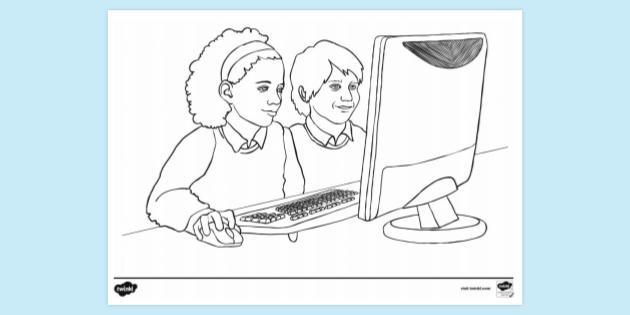
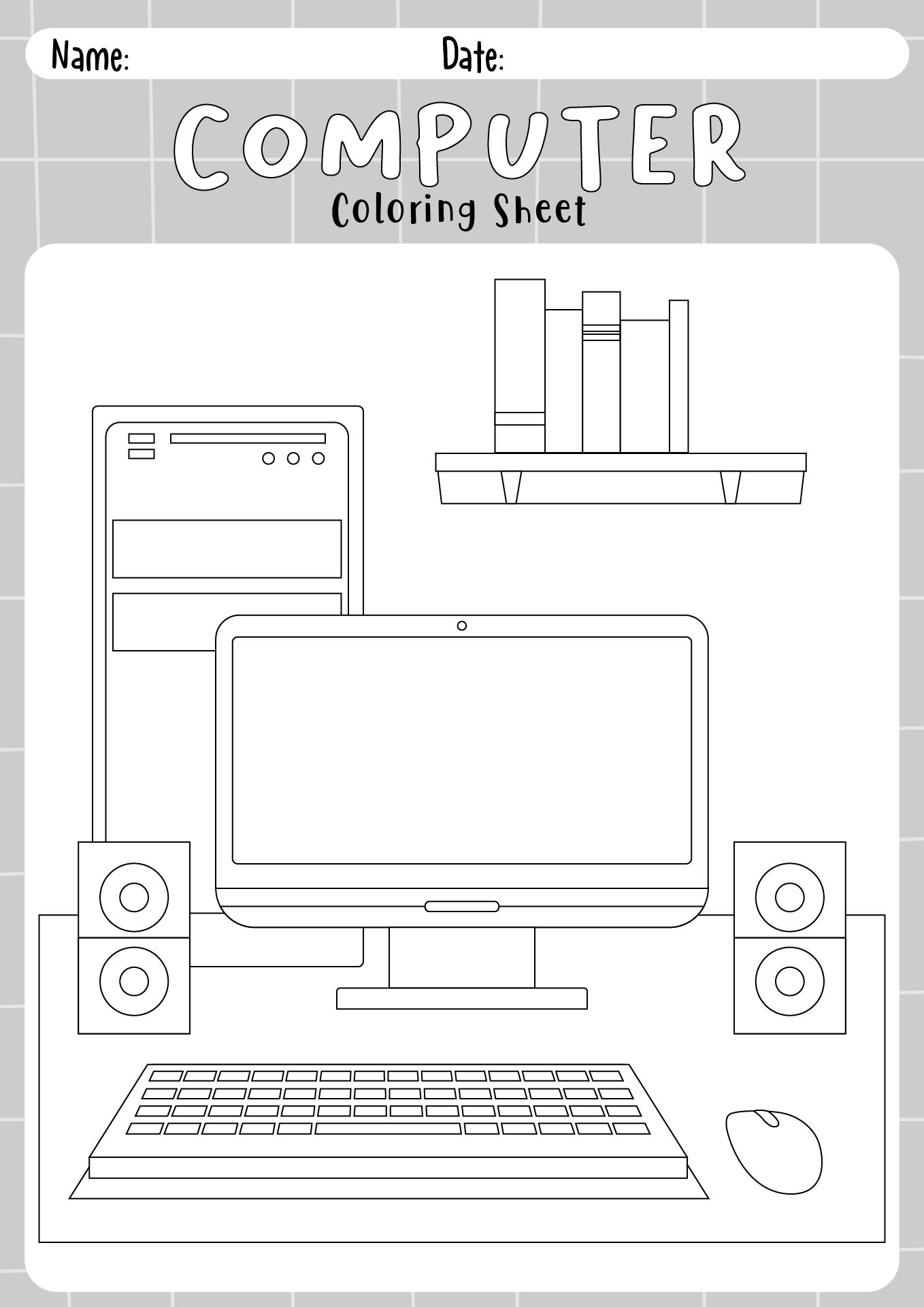
Digital devices sit in nearly every modern classroom and family room, often introduced long before children master the art of tying shoes. Young learners dive into educational apps, shared family tablets, and multiplayer gaming platforms with boundless enthusiasm. That digital curiosity brings wonderful opportunities for learning, yet it also exposes children to unexpected pop-ups, chat box requests from strangers, and accidental clicks on inappropriate links. Building foundational protective habits early matters immensely. Adults often struggle to start conversations about internet boundaries without sounding overly alarmist or restrictive. This is where creative tools make all the difference, transforming abstract rules into tangible concepts. A free printable coloring page for kids computer rules provides a gentle, pressure-free entry point for discussing device habits without sparking fear or anxiety. Related guide: Two Factor Authentication Coloring Page Kids.
💡 Activity Key Takeaways:
- Core Focus: Printable Coloring Page For Kids Computer Rules designed for creative expression and fine-motor coordination.
- Target Scope: Ideal for toddlers, preschool, kindergarten, and classroom art activities.
- Best Recommendation: Use standard heavy printer paper (24–28 lb) or cardstock for vibrant results with crayons, colored pencils, or washable markers.
What This Printable Covers
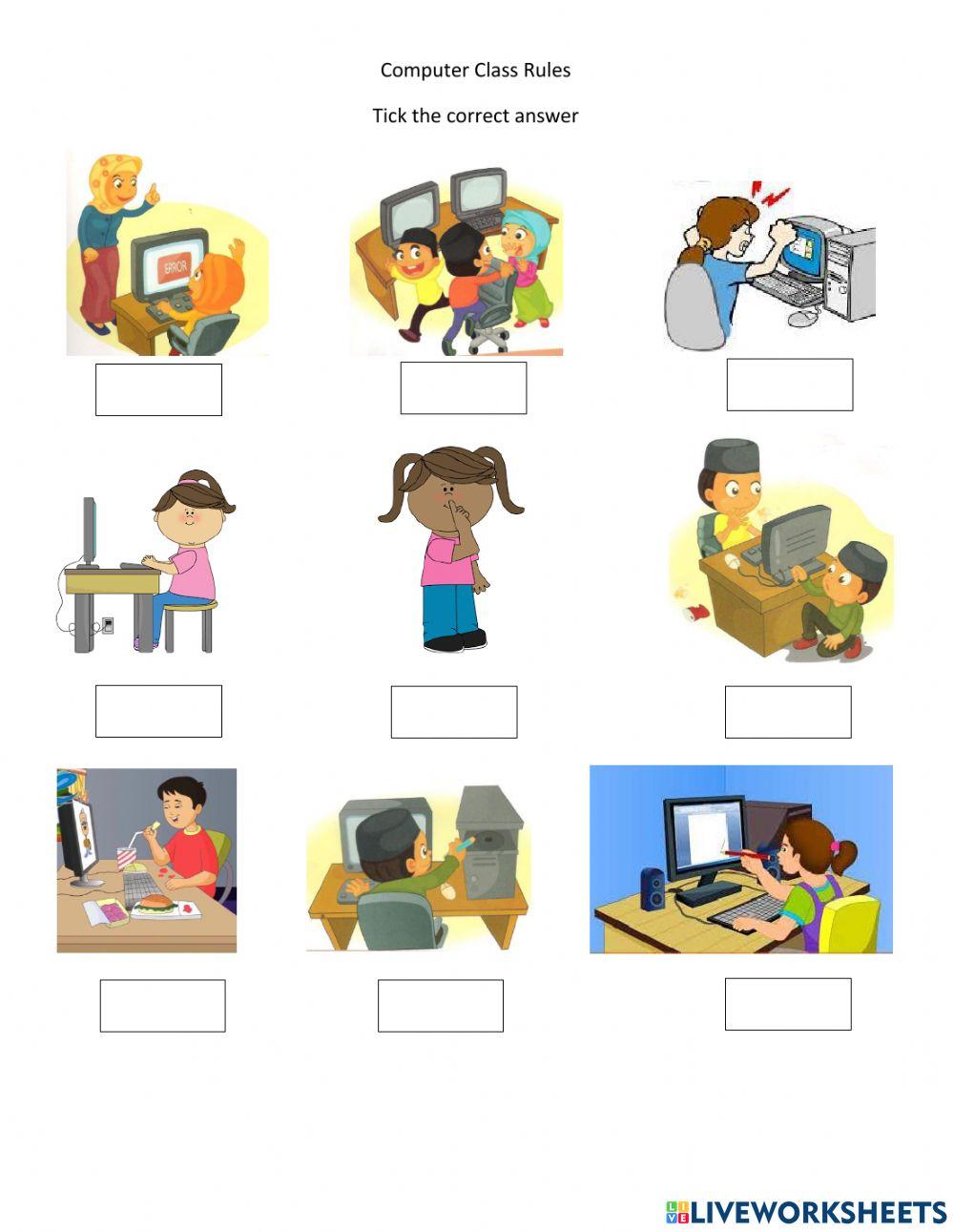
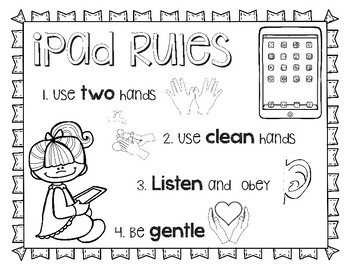
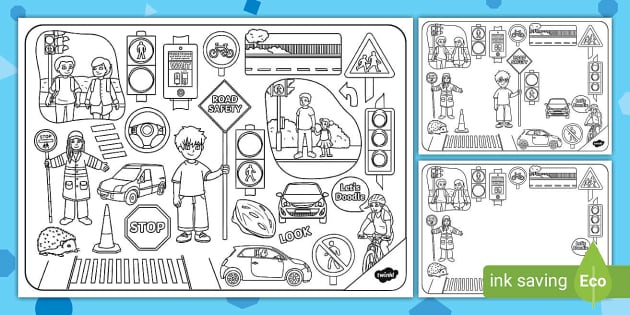
Visual learning aids bridge the gap between abstract safety concepts and concrete actions for elementary-aged minds. The coloring sheet highlights fundamental digital citizenship pillars through friendly illustrations and simple captions. Children encounter reminders about keeping personal information private, such as full names, home addresses, and school names. Another panel illustrates the golden rule of online communication: treating peers with kindness in chat rooms and virtual game spaces. The design also emphasizes physical boundaries, like asking permission before downloading new applications or visiting unfamiliar websites. It sounds simple, and that is precisely the point. Coloring engages the motor cortex while freeing the mind for relaxed dialogue, allowing adults to ask open-ended questions while crayons move across the paper.
Key Learning Outcomes
Working through this creative activity reinforces several critical protective behaviors for young device users. First, learners identify trusted adults in their support network whom they can approach when something feels uncomfortable or confusing online. Crucially, the resource reinforces the vital message that children are never in trouble for reporting an unsettling digital encounter. Second, students practice the habit of pausing before clicking, a vital skill when navigating fast-paced video platforms and shared household computers. According to the Federal Trade Commission, children frequently encounter deceptive marketing, inappropriate content, and privacy traps while exploring popular online spaces. Equipping them with a pause-and-think mentality creates a mental speed bump against impulsive clicks.
How to Use This Printable
Facilitating this activity requires nothing more than a box of crayons and a willingness to listen. Educators can slide the sheet into morning work rotations or integrate it into a broader Internet and Digital Safety curriculum unit. Parents find success using the page at the kitchen table while making dinner, turning a routine craft session into a meaningful check-in about what games or videos the child currently enjoys. Here is what makes this resource different: it frames online safety as a skill to build rather than a list of terrifying prohibitions. Adults should point to specific sections of the artwork and invite observations. Asking what the character on the page should do next sparks natural problem-solving without placing the child on the defensive.
Practical Tips for Parents and Teachers
Maximizing the educational value of a coloring session involves keeping the atmosphere light and encouraging. Avoid lecturing about hackers or dangers; instead, focus on empowerment, smart choices, and teamwork. Establish device rules that apply to the whole household, modeling healthy tech habits alongside the children. When exploring Worksheets and creative printables, let the child lead the conversation by explaining their color choices and interpretations of the safety rules. Praise proactive reporting whenever a child mentions a strange pop-up or an accidental click on a locked link, reinforcing trust and open communication channels.
Age-Appropriate Recommendations
Tailoring digital citizenship lessons to developmental stages ensures the message resonates without overwhelming young minds. For kindergarteners and first graders, focus heavily on the basics: asking a grown-up before clicking anything new and keeping personal details secret. As children progress to third through fifth grade, expand the discussions to cover strong passwords, respectful communication in in-game chat, and recognizing tricky online situations. Aligning these lessons with the Common Sense Education Digital Citizenship Curriculum provides a structured pathway that grows alongside the learners. Educators and caregivers can supplement these artistic exercises with targeted Online and Digital Safety modules as children gain independent device access.
According to Common Sense Media research, a significant percentage of children under age twelve use mobile devices daily, often encountering interactive digital media before fully grasping online privacy concepts. — Common Sense Media
Frequently Asked Questions
Clear answers help adults integrate digital literacy tools smoothly into daily routines at home and in school environments. The following questions address common inquiries regarding accessibility, learning objectives, and institutional guidelines for online safety education.
According to the National Center for Missing & Exploited Children, teaching children clear communication channels with trusted adults remains one of the most effective ways to protect youth from digital risks. — NCMEC
Explore More Free Kids Online Safety Printables
Expanding a child’s digital literacy toolkit requires a variety of engaging, multimodal resources. Beyond basic coloring sheets, adults can utilize related Coloring Pages to reinforce different facets of responsible technology use. Combining visual art with guided discussions transforms passive screen time into active, empowering learning experiences that benefit both classrooms and living rooms alike.
Key Specifications & Age-Group Overview
| Age / Grade Group | Target Skill Focus | Recommended Medium |
|---|---|---|
| Toddlers (Ages 2–4) | Hand-eye coordination & broad motor grasp | Jumbo crayons & washable finger paints |
| Early Elementary (Ages 5–7) | Line boundaries & fine pencil control | Standard colored pencils & fine-tip markers |
| Intermediate (Ages 8+) | Color blending, shading & artistic patience | Watercolor pencils, gel pens & dual-brush markers |
Images References