Why Blending Physical and Digital Foundations Matters Early
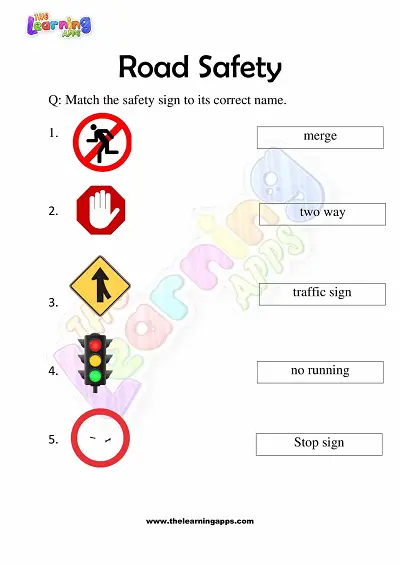
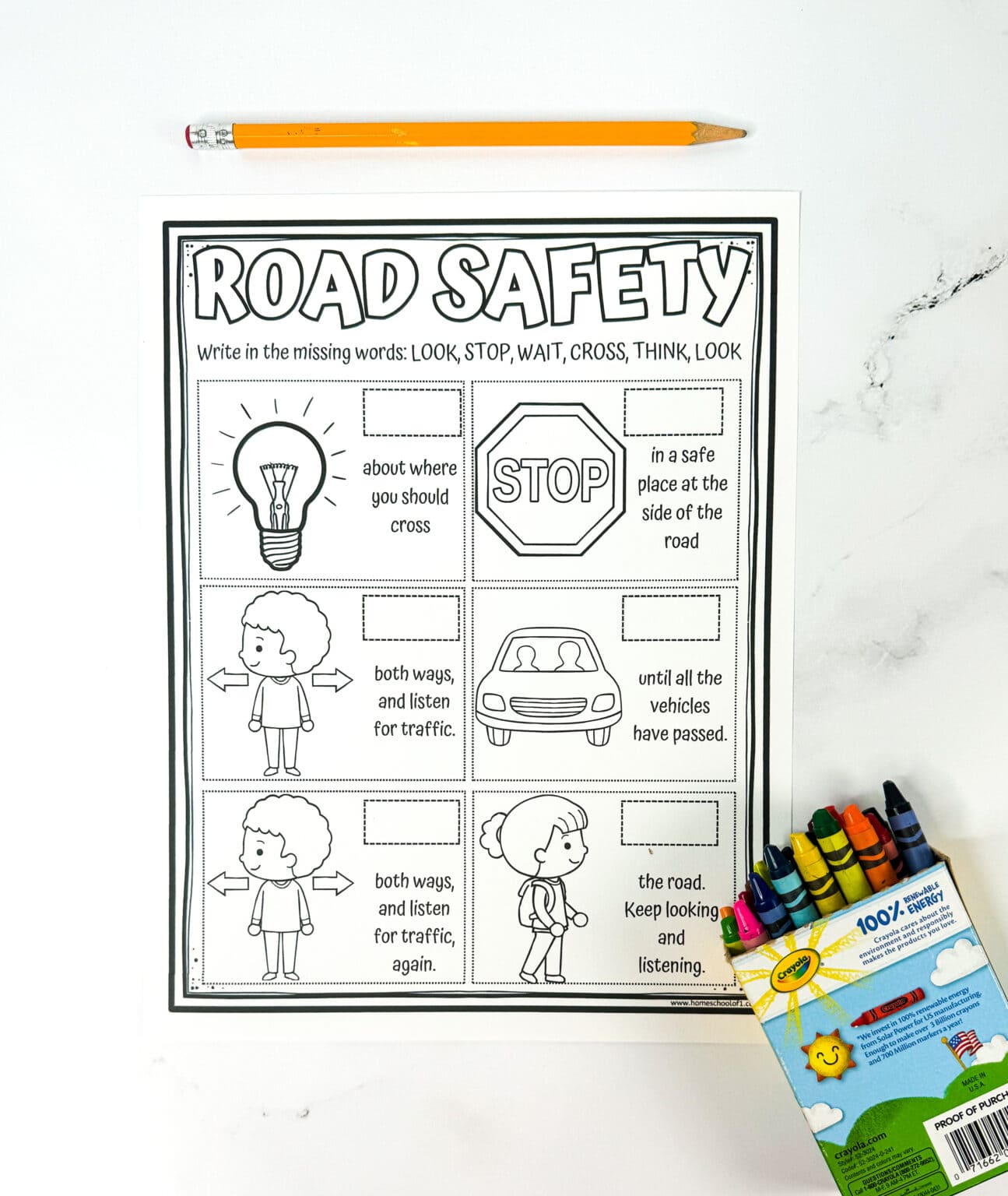
Teaching young children how to navigate the physical world safely creates a critical cognitive baseline that carries over into their digital lives. When educators and parents utilize road safety worksheets for kindergarten, they do more than teach students how to cross a street; they establish core concepts of situational awareness, hazard recognition, and rule-following. Aligning with guidance from organizations like ConnectSafely on youth digital habits, building early mindfulness helps children translate real-world caution into safe choices when browsing educational apps, viewing online videos, or engaging with interactive school portals on tablets.
💡 Educational Key Takeaways:
- Core Skill: Structured Road Safety Worksheets For Kindergarten focused on developing pencil grip, stroke control, and early literacy/math confidence.
- Target Scope: Suited for homeschoolers, preschool, kindergarten, and elementary learners.
- Best Recommendation: Practice 10–15 minutes daily with ergonomic writing tools to reinforce muscle memory without hand fatigue.
Balancing Digital Tools and Safety Guardrails
As classrooms and homes increasingly incorporate digital learning aids alongside traditional paper printouts, adults must manage both physical learning environments and connected devices. Understanding technical vulnerabilities and behavioral warning signs helps protect young learners from accidental exposure or over-reliance on unsupervised screen time. The table below outlines key settings, potential risks, and concrete safeguards for young children. Related guide: Safety Related Online Activities For Kids Worksheets.
| Setting / Context | Common Vulnerability | Practical Safeguard |
|---|---|---|
| Home Tablets & Phones | Accidental in-app purchases or redirection to unvetted external video platforms. | Enable strict parental controls, lock down app store downloads, and use child-safe browsers. |
| School Chromebooks & iPads | Unfiltered search results or opening unexpected pop-ups during independent tasks. | Ensure district-level web filters are active and bookmark only pre-approved educational links. |
| Interactive Printouts & QR Codes | Scanning unverified QR codes on physical worksheets that lead to external sites. | Pre-screen any scanned codes in class and utilize resources from trusted repositories like our Worksheets category. |
Establishing Consistent Safety Routines at Home and School
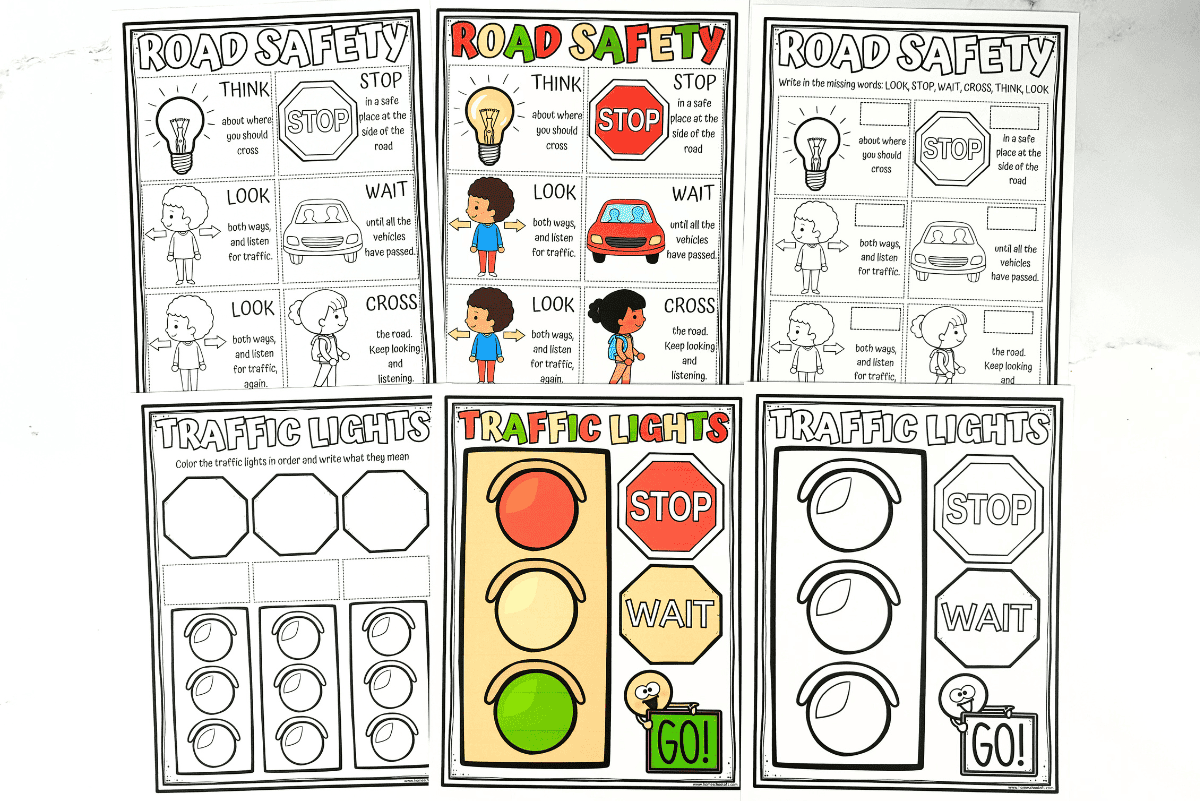
Consistency is key when shaping young minds. Whether children are completing coloring activities about traffic lights or logging onto a classroom computer, clear and predictable routines reduce anxiety and confusion. Educators and families should establish designated digital zones, such as keeping shared devices in common living areas rather than bedrooms. Pairing these physical habits with printable resources found in our Coloring Pages collection allows children to reinforce safety rules through creative, tactile engagement.
Overcoming Overly Restrictive Bans and Student Workarounds
A common pitfall in both traffic safety education and digital citizenship is relying entirely on fear-based restrictions or absolute bans. Telling a kindergartener never to cross a street without explaining why, or locking down a tablet so heavily that curiosity turns into secret workarounds, fails to build genuine understanding. Drawing from cybersecurity frameworks promoted by agencies like CISA, resilience comes from education rather than isolation. Adults should pair technical filters with calm, open-ended conversations that explain the reasoning behind safety boundaries.
Frequently Asked Questions About Early Safety Education
How do physical safety lessons support digital citizenship?
Both disciplines rely on recognizing warning signs, pausing before acting, and understanding that actions have consequences. Practicing caution on the sidewalk builds the mental muscle needed to pause before clicking an unknown link online.
At what age should children start learning digital safety basics?
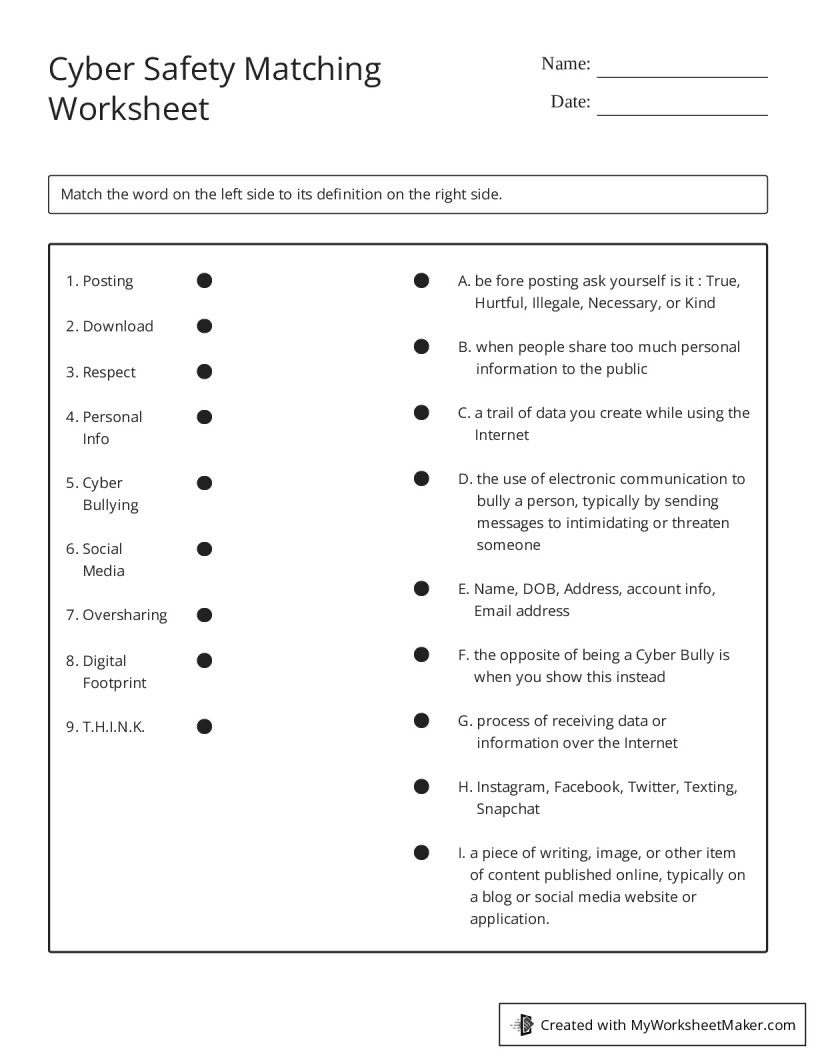
Digital safety education should begin the moment a child starts interacting with screens, usually in preschool or kindergarten. Concepts like keeping personal information private and asking an adult before downloading something can be taught using simple language.
How can teachers incorporate digital safety without adding screen time?
Educators can use offline activities, interactive games, group discussions, and guided printouts to teach internet literacy concepts. This keeps screen time balanced while still addressing essential modern safety skills.
Explore More Digital Citizenship Resources
Equipping the next generation with strong safety foundations requires continuous learning, collaboration, and the right tools for both home and the classroom. Discover more guides, printable activities, and expert advice by visiting SafeWiredSchools.org.
Worksheet Previews & Reference Materials