Why Visual Literacy and Screen Time Dos And Donts Coloring Page Matter for K-12 Learners
Helping students develop healthy digital habits starts long before they log into their first unsupervised social media account or school portal. At SafeWiredSchools.org, we recognize that younger students process complex behavioral rules much better when abstract concepts are paired with hands-on, creative activities. Utilizing a screen time dos and donts coloring page bridges the gap between digital safety theory and daily practice. Organizations like ConnectSafely and the Family Online Safety Institute emphasize that early, positive reinforcement builds lifelong digital resilience. By combining creative art time with structured discussions about device boundaries, parents and teachers can introduce essential internet safety lessons in a non-threatening, engaging format that resonates with elementary and middle school students.
💡 Activity Key Takeaways:
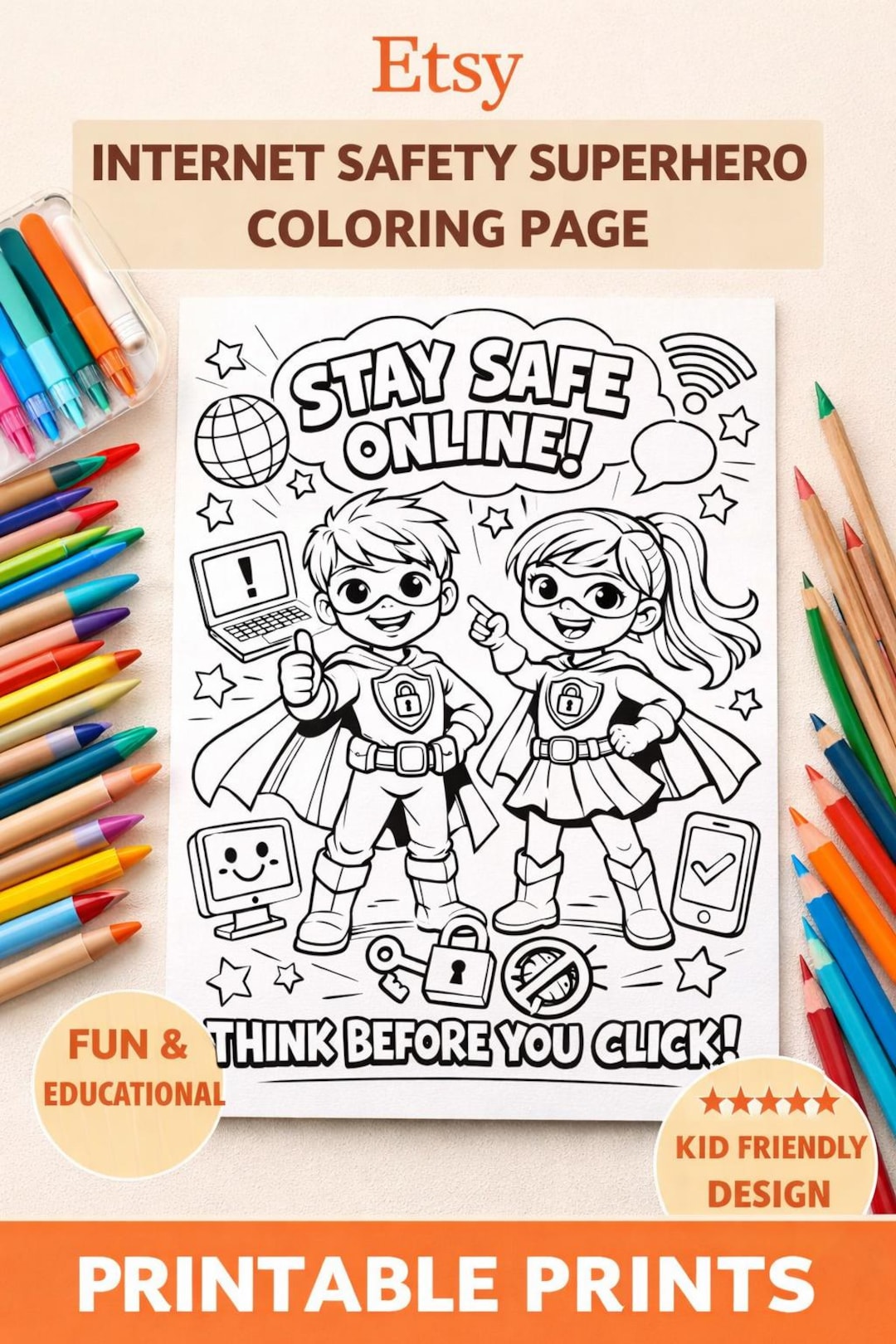
- Core Focus: Printable Screen Time Dos And Donts Coloring Page designed for creative expression and fine-motor coordination.
- Target Scope: Ideal for toddlers, preschool, kindergarten, and classroom art activities.
- Best Recommendation: Use standard heavy printer paper (24–28 lb) or cardstock for vibrant results with crayons, colored pencils, or washable markers.
Balancing Digital Habits: Identifying Risk Signals and Guardrails
Technical filters and classroom monitoring software provide a crucial baseline of protection, but they cannot replace mindful human oversight. Adults must remain vigilant for behavioral shifts, such as intense irritability when devices are powered down or secretive app usage on school-issued Chromebooks. Understanding the intersection of device settings and student behavior helps families and school staff apply appropriate age-appropriate device controls. To assist you in spotting potential vulnerabilities across different environments, review the quick-reference breakdown table below. Related guide: Please Provide Free 8.5″X11″ Digital Safety Coloring Pages For K-2 Grade.
| Setting / Context | Common Vulnerability | Practical Safeguard |
|---|---|---|
| Home Devices & Tablets | Unmonitored late-night app scrolling and hidden web browsers. | Designate a central family charging station in the kitchen for all overnight device parking. |
| School Chromebooks & Laptops | Bypassing web filters or downloading unauthorized browser extensions. | Regularly audit classroom devices and reinforce standard Internet and Digital Safety policies. |
| Messaging & Chat Apps | Accidental data sharing or interacting with unknown users in game lobbies. | Disable in-app chat permissions and review privacy settings together using interactive Coloring Pages as a discussion prompt. |
Actionable Steps for Establishing Healthy Screen Routines at Home and School
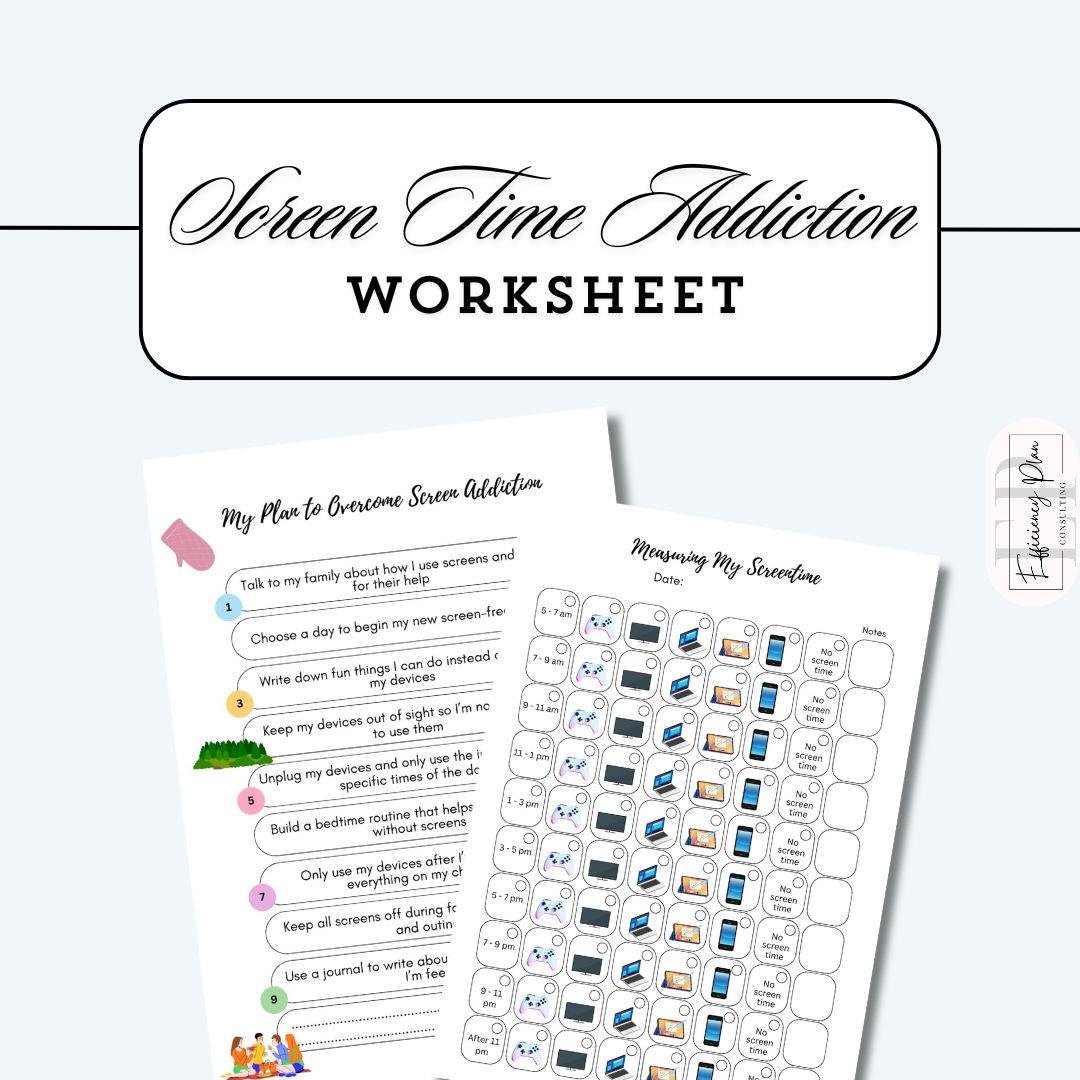
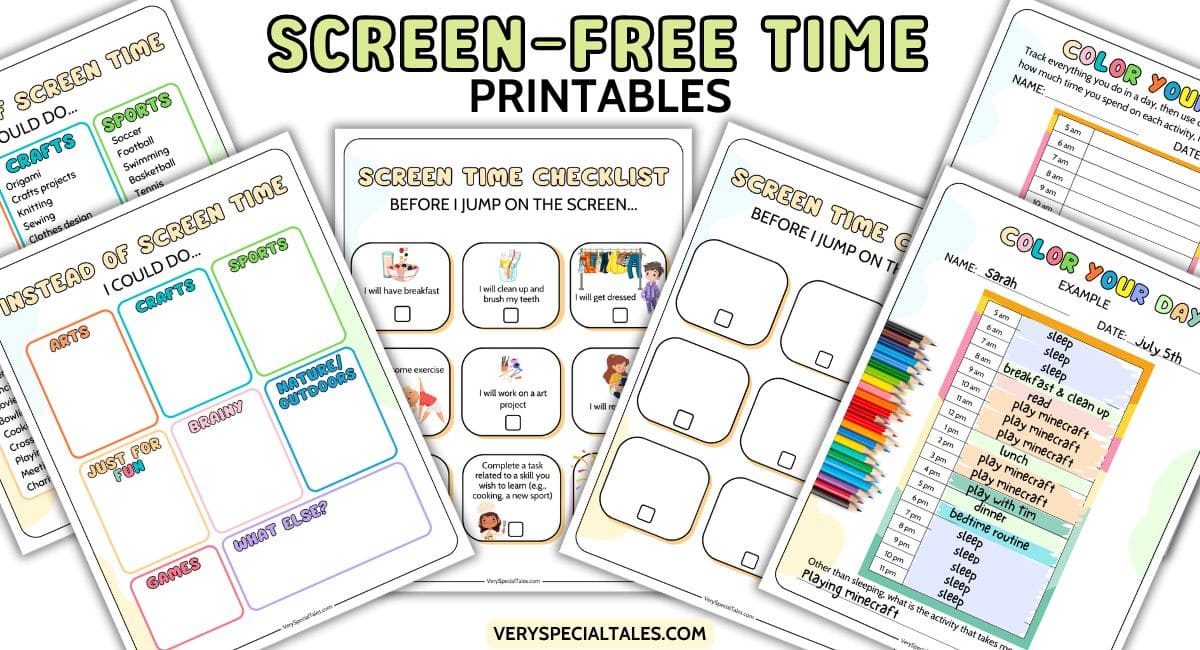
Consistency between the classroom and the living room is vital for reinforcing good digital citizenship. When educators and parents speak the same language regarding device usage, children understand that digital boundaries exist for their safety and well-being. Start by integrating interactive learning tools such as a screen time dos and donts coloring page during morning meetings or rainy-day indoor recesses. Use the artwork as a conversational anchor to establish concrete routines, such as screen-free dinner hours and mandatory outdoor play blocks. Furthermore, ensure that children know who to talk to if they encounter cyberbullying or age-inappropriate content. Implementing printable visual aids and structured Worksheets gives students tangible reminders of what healthy digital participation looks like.
Overcoming Pushback and Addressing Common Student Workarounds
Children are remarkably resourceful when it comes to finding loopholes around digital restrictions, whether that means resetting browser histories or using gaming consoles to access web browsers. When adults rely solely on heavy-handed bans without explanation, students often feel misunderstood and are less likely to report online distress. Instead of viewing technical pushback as a disciplinary failure, treat it as a teachable moment about cybersecurity and privacy. Pair your technical router controls and device lockouts with calm, compassionate check-ins. Asking open-ended questions about their favorite online games and apps fosters a culture of trust, ensuring that kids feel safe coming to you when a digital interaction goes wrong.
Frequently Asked Questions About Managing Student Screen Time
What age is appropriate to introduce a screen time dos and donts coloring page?
These creative resources are ideally suited for children in kindergarten through third grade. At this developmental stage, visual prompts help solidify basic concepts like balancing offline hobbies with online learning.
How can teachers effectively integrate digital safety lessons into a busy academic schedule?
Educators can seamlessly weave these topics into art classes, homeroom advisory periods, or language arts blocks. Using coloring activities allows students to digest important safety rules without feeling overwhelmed by technical lectures.
What should I do if a student admits to bypassing school web filters?
Avoid immediate panic or harsh punitive measures, which often drive secretive behavior underground. Instead, calmly explain why those network guards are in place to protect school devices from malware and ensure a focused learning environment.
Explore More Digital Citizenship Resources
Empowering the next generation of digital citizens requires ongoing education, practical tools, and collaborative community standards. To discover additional guides, printable activities, and expert advice for keeping students secure in an interconnected world, visit SafeWiredSchools.org.
Printable Coloring Page Previews