Why Creative Safety Lessons Belong in Every K-12 Classroom
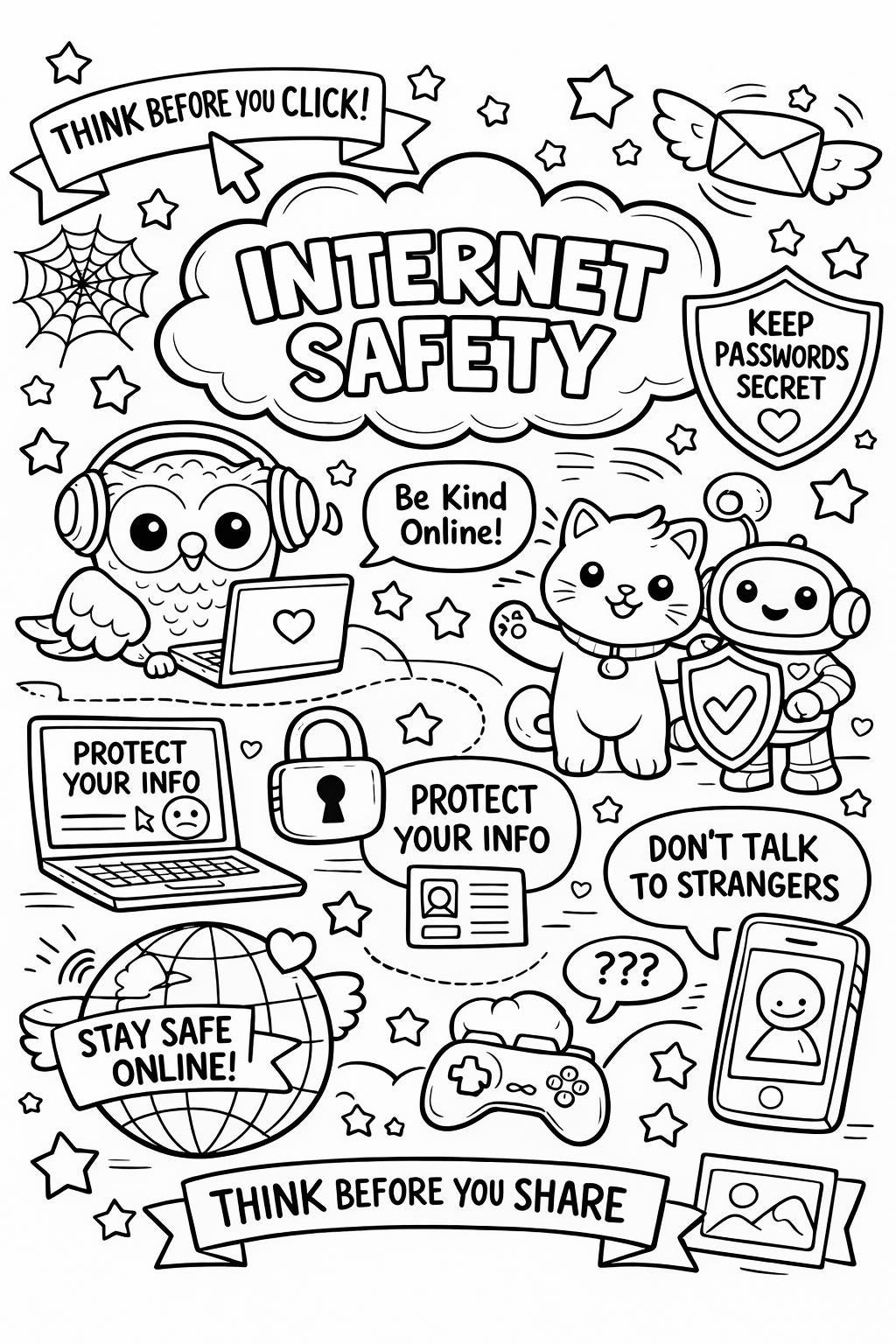
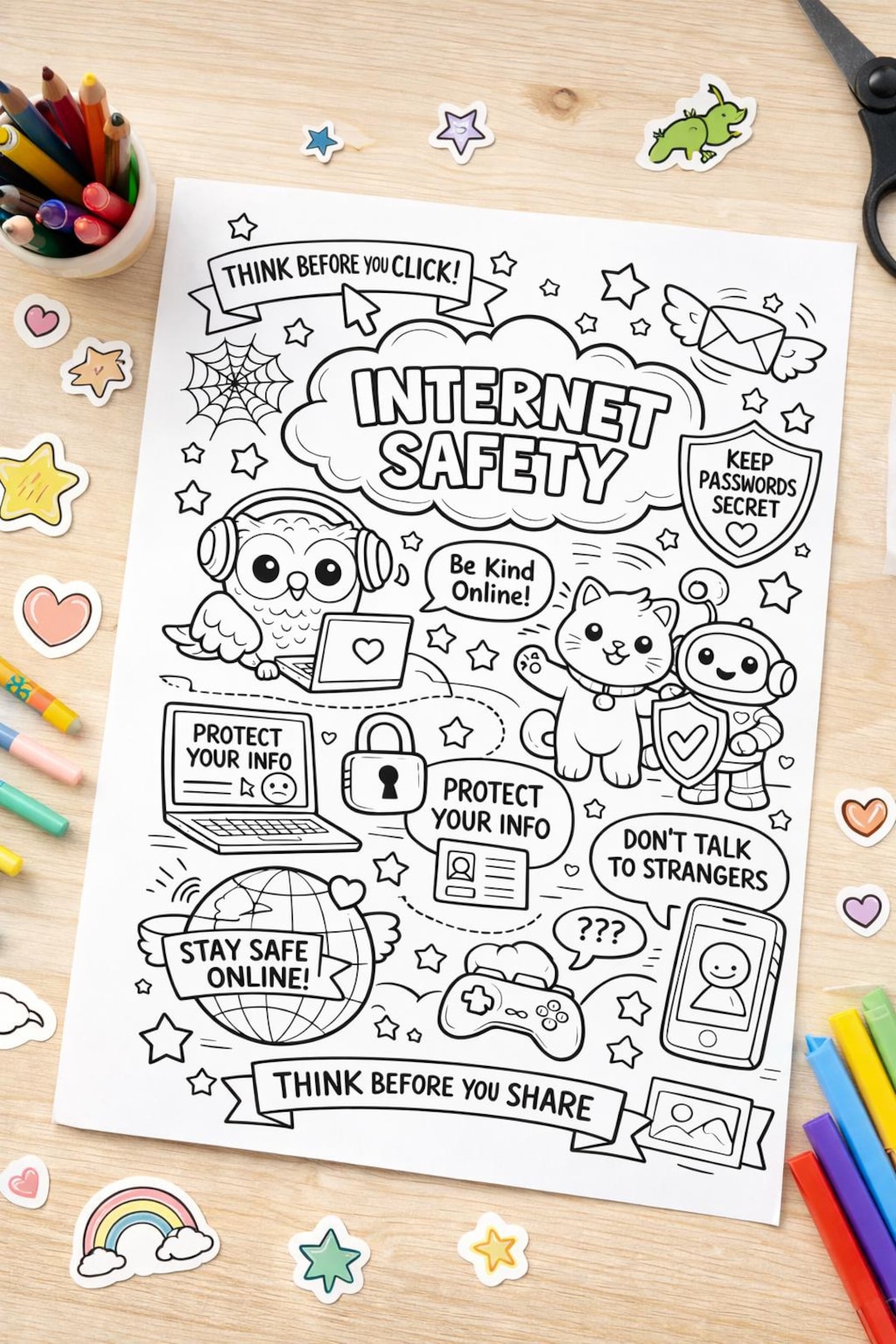
Teaching cybersecurity to young children requires strategies that match their developmental stages. Incorporating Safe Internet Day Coloring Pages into your lesson plans allows educators and parents to introduce vital concepts like personal data privacy, strong passwords, and respectful digital communication without inducing anxiety. According to guidelines from organizations like ConnectSafely and the Federal Trade Commission, early digital citizenship education builds a resilient foundation before children gain independent access to chat rooms, gaming servers, and social media platforms.
💡 Activity Key Takeaways:
- Core Focus: Printable Safe Internet Day Coloring Pages designed for creative expression and fine-motor coordination.
- Target Scope: Ideal for toddlers, preschool, kindergarten, and classroom art activities.
- Best Recommendation: Use standard heavy printer paper (24–28 lb) or cardstock for vibrant results with crayons, colored pencils, or washable markers.
Technical Risk Signals and Preventive Guardrails
While creative activities open the door to conversations about online safety, adults must pair them with robust technical safeguards. Understanding how children interact with school-issued Chromebooks, personal tablets, and household Wi-Fi helps adults intercept vulnerabilities early. The following breakdown outlines key technical settings, common digital pitfalls, and practical steps to secure student devices across environments. Related guide: Safe Websites Meaning For Kids.
| Setting / Context | Common Vulnerability | Practical Safeguard |
|---|---|---|
| Home Wi-Fi & Tablets | Unfiltered search engines exposing kids to inappropriate imagery or malicious downloads. | Enable strict safe search toggles, router-level content filtering, and disable unmonitored guest networks. |
| School Chromebooks | Students bypassing web extensions or sharing login credentials with peers during class. | Enforce automated district monitoring tools and mandate password secrecy routines through regular Internet and Digital Safety modules. |
| Chat & Gaming Apps | Unvetted direct messaging enabling contact from unidentified strangers. | Turn off global chat functions, lock down privacy settings to friends-only, and review contact lists together. |
Establishing Healthy Digital Habits at Home and School
Translating digital safety concepts from paper to practice requires consistent, low-stress routines. Start by pairing your creative lessons with tangible rules, such as establishing a central charging station in the kitchen or living room to keep screens out of bedrooms overnight. When integrating structured learning materials like our Coloring Pages collection, ask students to narrate what the safety symbols on the page represent. Emphasize that reporting a strange pop-up or uncomfortable message to an adult will never result in losing device privileges. Furthermore, supplement your curriculum with targeted Worksheets that prompt children to brainstorm secure passwords using phrases rather than easily guessable pet names or birthdays.
Children naturally test boundaries when adults implement digital restrictions. Heavy-handed approaches—such as completely banning internet access or confiscating devices without explanation—often backfire, driving tech use underground where kids hide mistakes out of fear. Cybersecurity guidance from CISA emphasizes that open communication yields better security outcomes than pure restriction. When students push back against device limits or web filters, validate their frustration while calmly explaining the underlying privacy risks. Frame digital rules as tools that protect their autonomy and personal information rather than arbitrary punishments.
Frequently Asked Questions About Creative Safety Tools
At what age should children start learning about internet safety?
Children can begin learning foundational concepts like device boundaries and private versus public information as early as kindergarten. Using visual aids makes these abstract digital principles concrete and digestible for young minds.
How can teachers use safety artwork effectively in a mixed-ability classroom?
Educators can pair coloring activities with brief, guided discussions where students explain their artwork. This allows tactile learners to grasp concepts like cyberbullying prevention and password security while practicing fine motor skills.
What should I do if a child discloses an uncomfortable online interaction?
Stay calm, thank the child for being honest, and reassure them that they are not in trouble. Document the interaction if necessary, report abusive behavior to the platform provider, and review privacy settings together.
Explore More Digital Citizenship Resources
Empowering the next generation of digital citizens takes a collaborative community effort between educators, caregivers, and school staff. To access additional lesson plans, printable activities, and expert guidance on keeping kids secure online, visit SafeWiredSchools.org today.
Printable Coloring Page Previews