Why Fourth Graders Need Visual Learning Tools for Online Safety
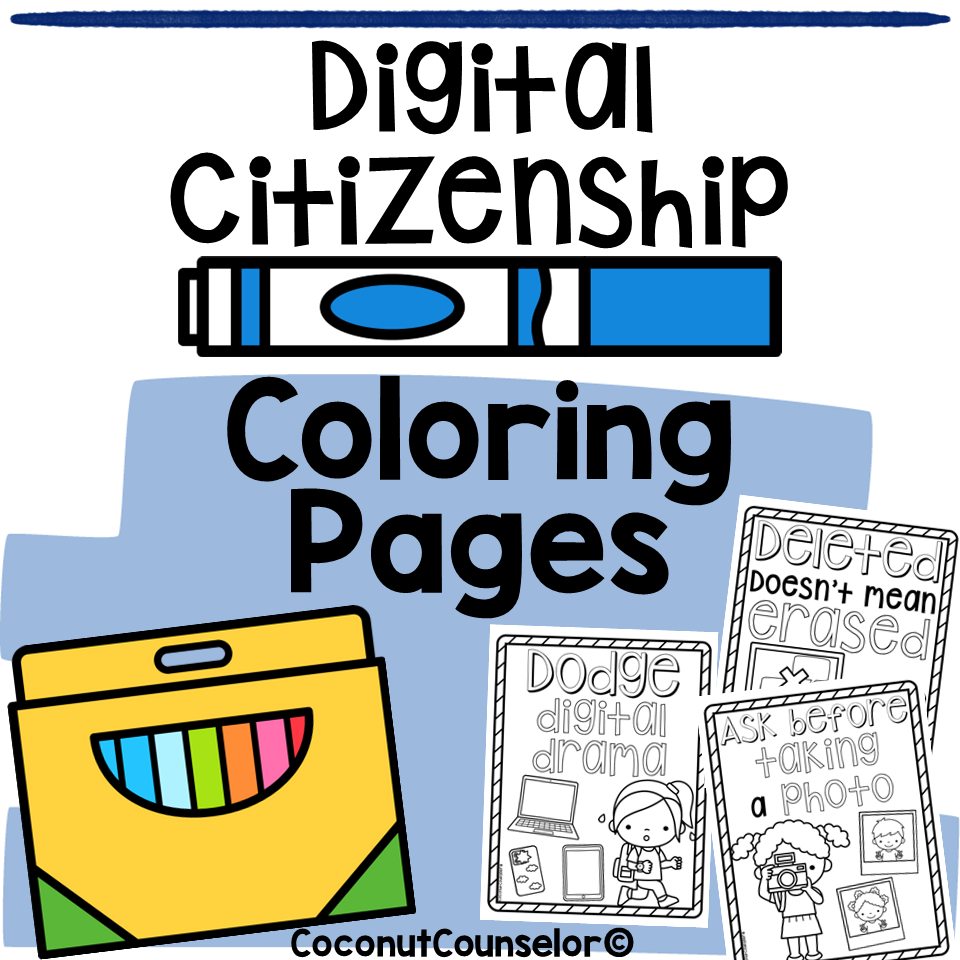
Fourth-grade students are navigating a digital world filled with shared school tablets, multiplayer gaming chats, and evolving device permissions. At nine and ten years old, children process abstract concepts much better when paired with tactile, creative activities. Integrating a digital citizenship coloring page grade 4 allows educators and parents to introduce complex online safety ideas—such as password privacy, digital footprints, and respectful communication—through a low-stress artistic medium. According to guidance from organizations like ConnectSafely, early intervention helps build critical thinking habits before children encounter advanced online risks. By combining creative downtime with intentional discussions, adults can lay a strong foundation for responsible tech use across both home and classroom environments. Related guide: Please Provide Free 8.5″X11″ Digital Safety Coloring Pages For K-2 Grade.
💡 Activity Key Takeaways:
- Core Focus: Printable Digital Citizenship Coloring Page Grade 4 designed for creative expression and fine-motor coordination.
- Target Scope: Ideal for toddlers, preschool, kindergarten, and classroom art activities.
- Best Recommendation: Use standard heavy printer paper (24–28 lb) or cardstock for vibrant results with crayons, colored pencils, or washable markers.
Spotting Early Tech Risks and Applying Preventive Guardrails
As children transition from simple educational apps to open web browsers and chat features, adults must monitor both device settings and behavioral cues. The breakdown below outlines common vulnerabilities observed in nine-year-old students alongside actionable safeguards you can implement today to protect young learners.
| Setting / Context | Common Vulnerability | Practical Safeguard |
|---|---|---|
| Home Devices | Unsupervised browsing and unauthorized app downloads without parental PINs. | Enable strict app store restrictions and review family browsing histories weekly. |
| School Chromebooks | Leaving student accounts logged in on shared household surfaces or common areas. | Teach students to explicitly sign out of all profiles and browser sessions after homework completion. |
| Social and Chat Habits | Sharing identifying information like school names, birthdays, or locations in game lobbies. | Use resources from our Internet and Digital Safety section to model safe avatar naming conventions. |
Establishing Healthy Screen Routines Between School and Home
Consistency between teachers and parents is vital for reinforcing healthy digital habits. When fourth graders see the same rules applied at their desk and at the kitchen table, online safety becomes second nature. Start by designating a central, public charging station in your home where all tablets and smartphones must rest overnight, keeping bedrooms free from late-night screen exposure. Pair these hardware boundaries with calm, regular conversations about what students experience online. Whenever a child completes a digital citizenship coloring page grade 4 exercise, use the artwork as a conversational springboard to ask open-ended questions like, “What does your digital footprint mean to you?” or “Who can you talk to if a game message makes you feel uncomfortable?” Fostering an atmosphere of trust ensures that students will report accidental exposure to inappropriate content without fear of losing their device privileges.
Overcoming Common Workarounds and Student Resistance
Fourth graders are remarkably tech-savvy and quick to find workarounds for overly restrictive web filters or parent-control software. When adults rely entirely on draconian blocks without explaining the reasoning behind them, children often feel driven to bypass security measures in secret. Instead of relying solely on technical restrictions, pair your filtering tools with age-appropriate Worksheets that explain *why* certain sites or messaging apps are restricted for children under thirteen. If a student attempts to circumvent a rule, approach the situation as a teachable moment rather than an immediate disciplinary crisis. Explore the motivation behind the workaround together, reinforce the safety guidelines outlined by cybersecurity experts at CISA, and adjust device permissions collaboratively so the child understands that guardrails are designed to protect their privacy and well-being.
Frequently Asked Questions About Fourth-Grade Digital Literacy
How do coloring sheets effectively teach digital citizenship to nine-year-olds?
Coloring activities engage visual and tactile learning pathways, allowing fourth graders to process abstract cybersecurity and privacy rules at their own pace. They provide a relaxed opening for adults to introduce vocabulary like passwords, cyberbullying, and personal information without causing anxiety.
What topics should be prioritized when teaching online safety in grade four?
Core priorities include distinguishing between public and private information, recognizing the permanence of a digital footprint, understanding safe gaming communication, and establishing trusted adult reporting channels. Exploring these topics through creative modules found in our Coloring Pages collection makes abstract lessons concrete.
How can teachers and parents coordinate digital citizenship rules effectively?
Communication is key through weekly classroom newsletters, parent-teacher conferences, and shared digital safety pledges. Aligning expectations ensures children receive consistent messaging whether they are using technology at their school desk or on their home tablet.
Explore More Digital Citizenship Resources
Empowering children to become safe, responsible digital citizens requires ongoing education, creative classroom tools, and collaborative family communication. Discover additional expert guides, printable activities, and actionable safety strategies by visiting SafeWiredSchools.org today.
Printable Coloring Page Previews