Why Fourth Graders Need Engaging Digital Safety Lessons
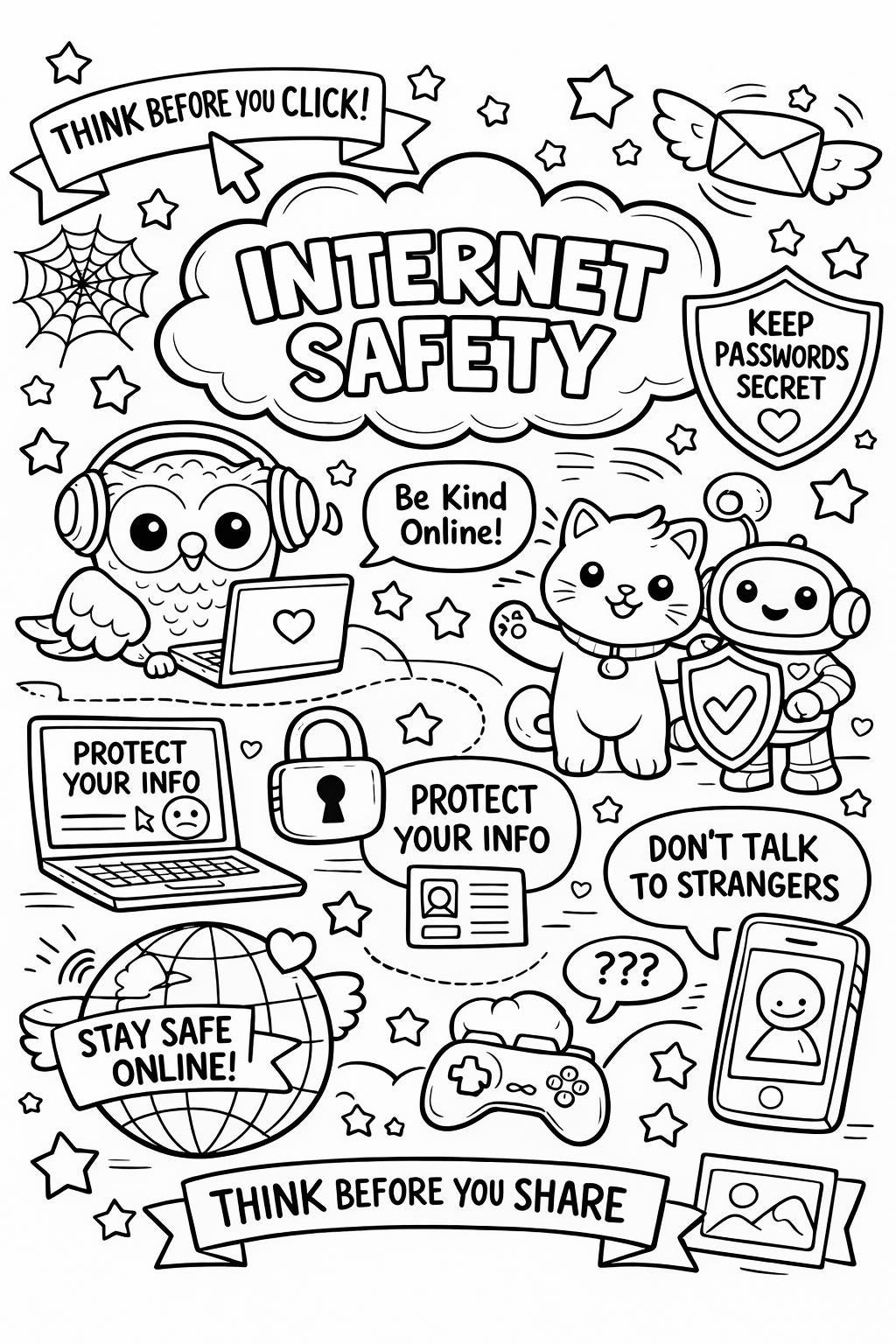
Fourth-grade students stand at a crucial developmental crossroads regarding technology. At nine and ten years old, children frequently transition from tightly supervised tablet games to independent web searches, multiplayer gaming chats, and school-issued Chromebooks. Organizations like ConnectSafely and the Cybersecurity and Infrastructure Security Agency emphasize that early digital literacy must be visual, accessible, and interactive. Integrating an internet safety coloring page grade 4 activity into lesson plans or family routines helps bridge the gap between abstract internet rules and concrete, memorable behaviors. Related guide: Two Factor Authentication Coloring Page Kids.
💡 Activity Key Takeaways:
- Core Focus: Printable Internet Safety Coloring Page Grade 4 designed for creative expression and fine-motor coordination.
- Target Scope: Ideal for toddlers, preschool, kindergarten, and classroom art activities.
- Best Recommendation: Use standard heavy printer paper (24–28 lb) or cardstock for vibrant results with crayons, colored pencils, or washable markers.
Balancing Creativity with Cyber Risk Awareness
While coloring sheets provide a relaxing, low-pressure medium for young learners, they also offer a powerful pedagogical tool to introduce fundamental digital hygiene. Educators and parents can pair creative exercises with discussions about privacy settings, strong passwords, and respectful online communication. Reviewing technical settings alongside creative tasks ensures that children understand both the theoretical rules of the road and the mechanical safeguards protecting their devices.
| Setting / Context | Common Vulnerability | Practical Safeguard |
|---|---|---|
| Home Tablets & Phones | Unrestricted app store downloads and accidental in-app purchases. | Enable parental controls requiring adult PIN verification for new downloads and link browsing to child accounts. |
| School Chromebooks | Students sharing logins or leaving unattended sessions open in common areas. | Establish clear routines for locking screens when stepping away and reinforce unique password habits. |
| Multiplayer Chat Features | Interacting with strangers in game lobbies or sharing personal school details. | Disable text and voice chat features in casual games or restrict communication to pre-approved friend lists only. |
Establishing Reliable Habits at Home and School
Effective digital citizenship requires consistency across environments. Schools and families should collaborate to establish predictable routines that remove the stigma from digital mistakes. Educators can weave creative resources into broader units found within Internet and Digital Safety modules. At home, families can set up a central charging station in a common living area to discourage late-night device use. Furthermore, teaching children a simple zero-shame reporting workflow ensures that if a fourth grader encounters an upsetting pop-up, inappropriate image, or stranger message, they feel comfortable telling an adult immediately instead of hiding the incident out of fear.
Overcoming Student Pushback and Managing Workarounds
Fourth graders are remarkably resourceful and quickly figure out how to bypass basic content filters or game blocks. When adults rely exclusively on heavy-handed restrictions without explanation, students often view digital safety rules as arbitrary barriers to challenge rather than protections to embrace. Pairing a colorful activity sheet with an honest conversation about why security measures exist fosters genuine understanding. When children grasp that privacy settings act like digital seatbelts, they are far more likely to cooperate with device limits and alert adults to suspicious online behavior.
Frequently Asked Questions About Fourth Grade Cyber Safety
Are coloring pages appropriate for teaching internet safety to nine-year-olds?
Yes, visual learning aids help solidify abstract concepts for upper-elementary students. Coloring pages keep hands busy and lower anxiety, making children more receptive to discussions about passwords and online privacy.
How can teachers integrate digital citizenship into traditional art or quiet time?
Teachers can utilize resources from our Coloring Pages library during morning work, indoor recess, or transition periods. Instructors can prompt students to discuss what the safety symbols on their sheets mean before collecting them.
What is the most critical rule to teach fourth graders about personal information?
Children must understand that their full name, school name, home address, and telephone number should never be shared with strangers online, whether in chat boxes, gaming profiles, or sign-up forms.
Continue Building Strong Digital Citizens Today
Promoting safe technology habits is an ongoing partnership between educators and families. To discover more printable resources, lesson plans, and guidance sheets tailored to your students or children, visit SafeWiredSchools.org today and explore our extensive catalog of educational tools.
Printable Coloring Page Previews